游戏预览

配置要求
最低配置
- 系统
- *: Windows 7/8/10
- CPU
- Intel® Core™ 2 Duo E6600 or AMD Phenom™ X3 8750 processor or better
- 内存
- 4 GB RAM
- 显卡
- GTX 560 and up
- 存储
- 12 GB available space
推荐配置
- 系统
- *: Windows 7/8/10
- CPU
- Intel® Core™ 2 Duo E6600 or AMD Phenom™ X3 8750 processor or better
- 内存
- 4 GB RAM
- 显卡
- GTX 560 and up
- 存储
- 20 GB available space
在线人数趋势(最近 7 天)
在线人数(7 天)
价格历史(90天)
游戏简介
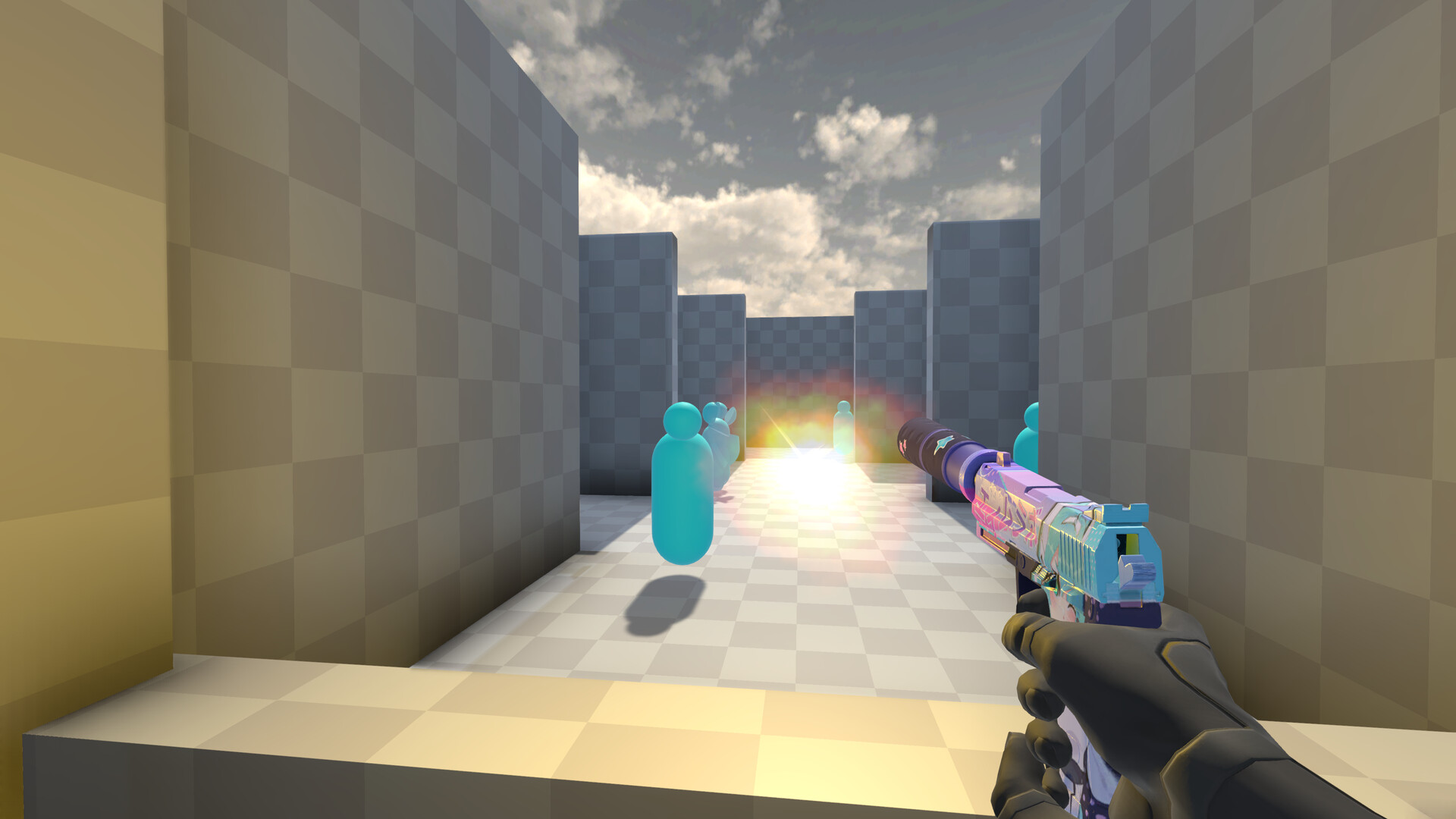
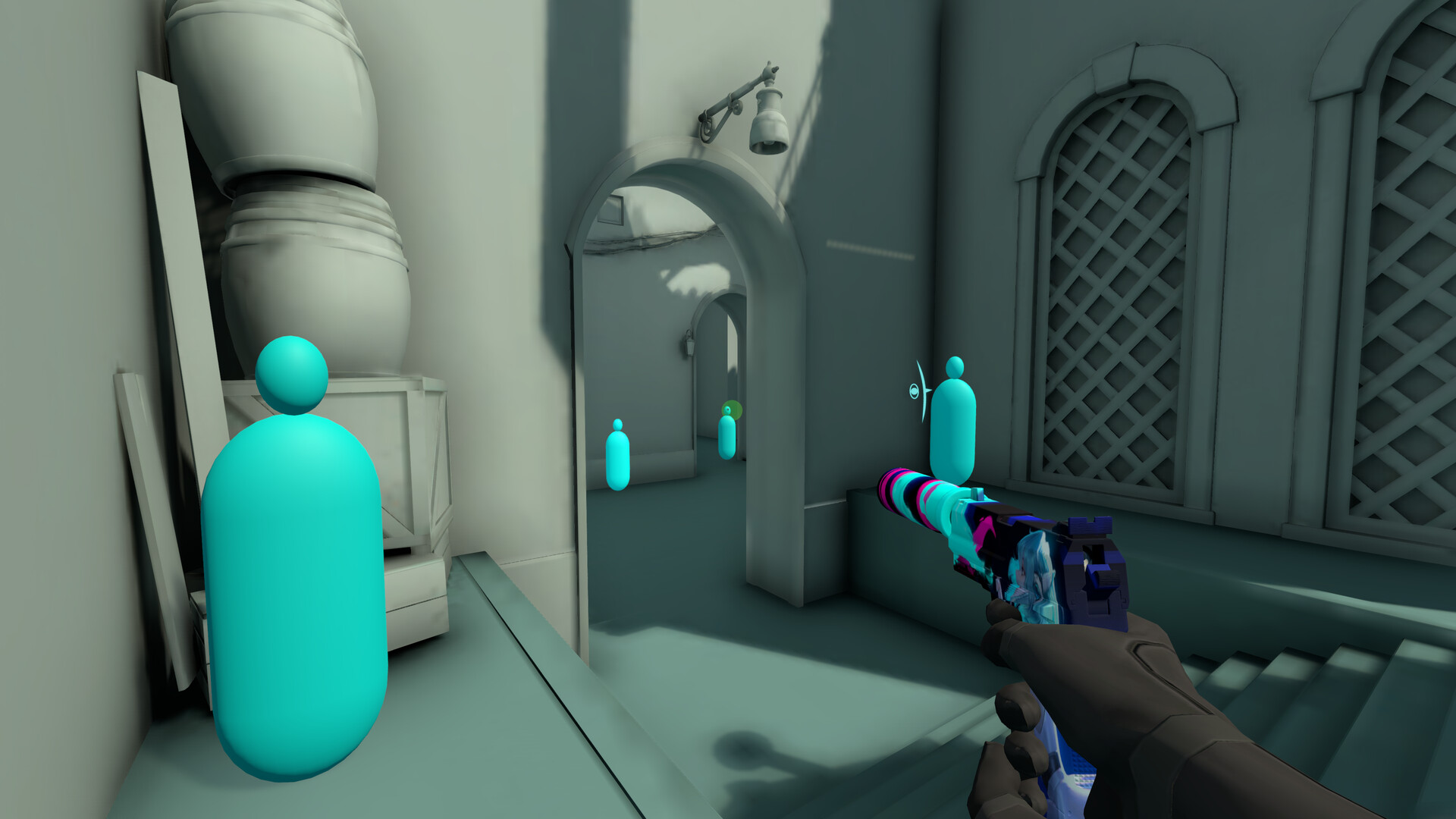
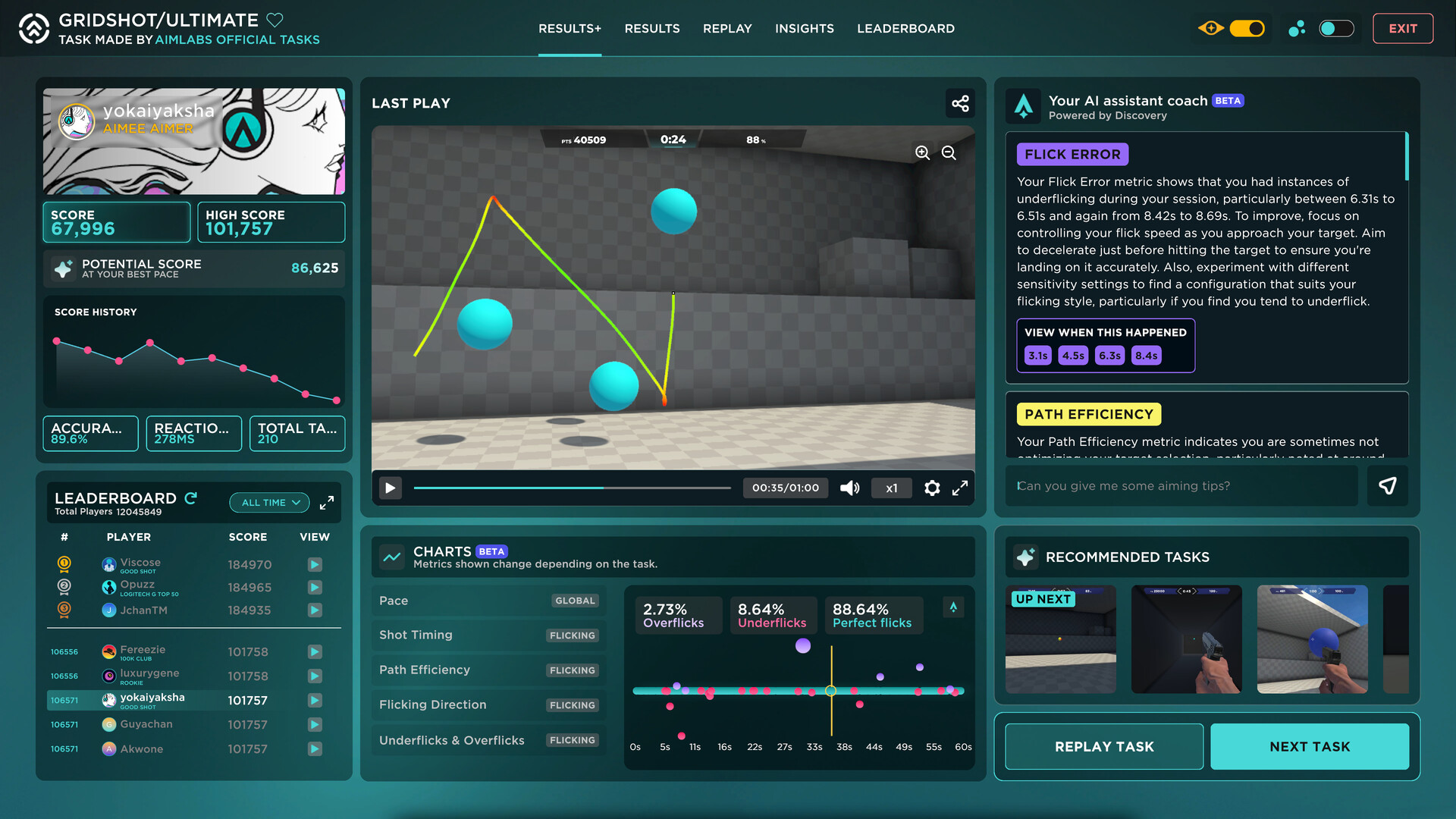
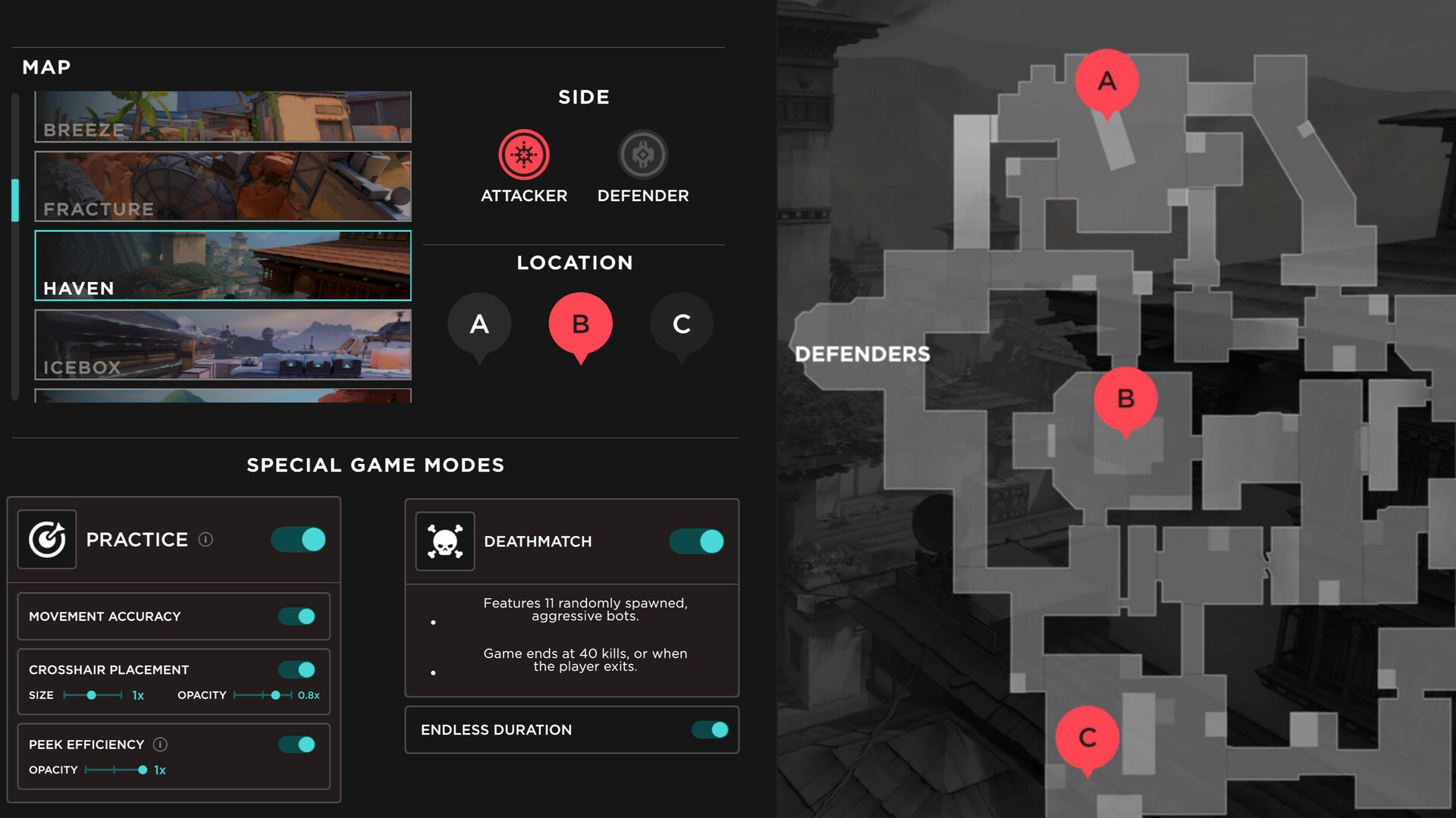
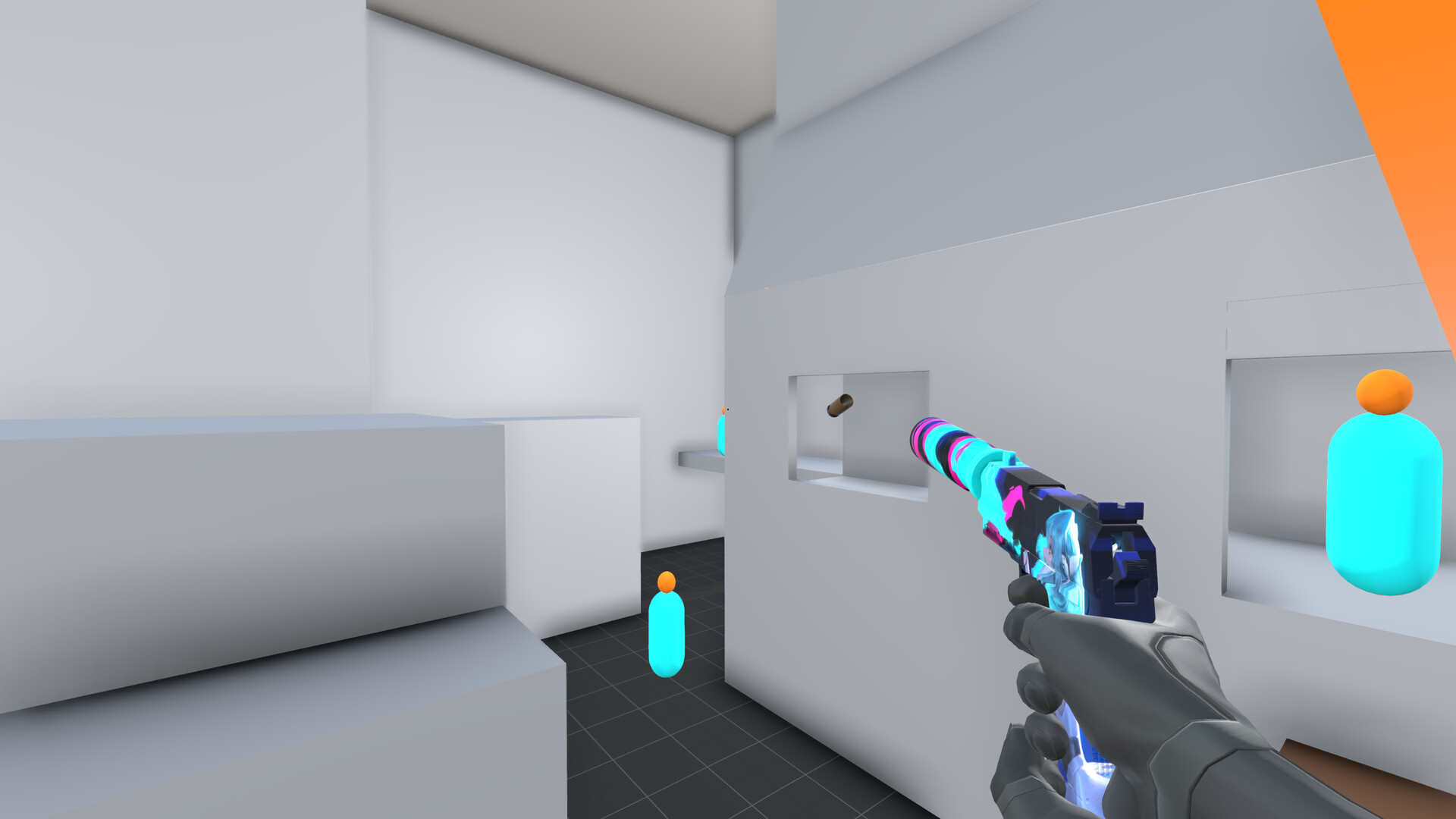
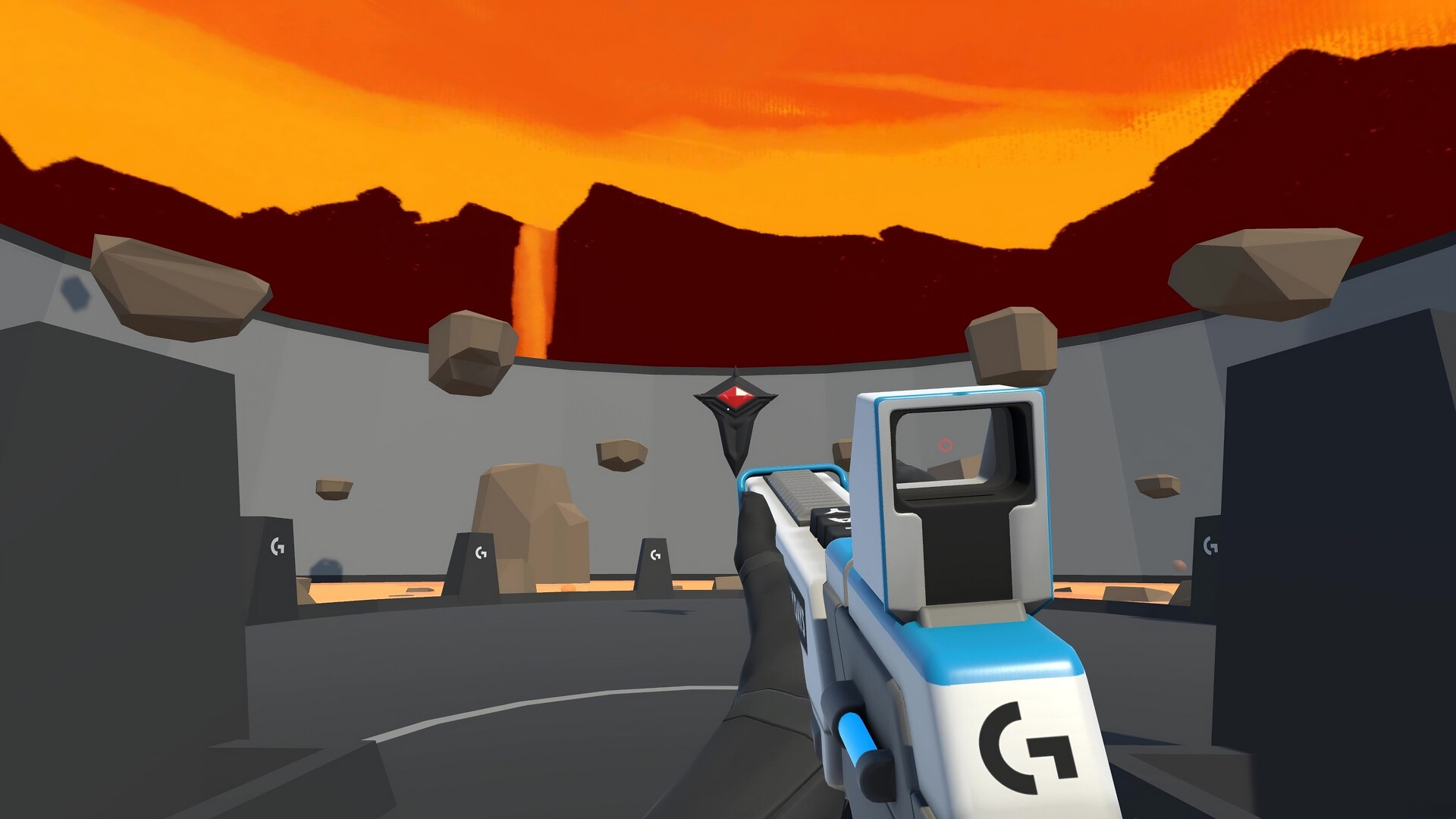
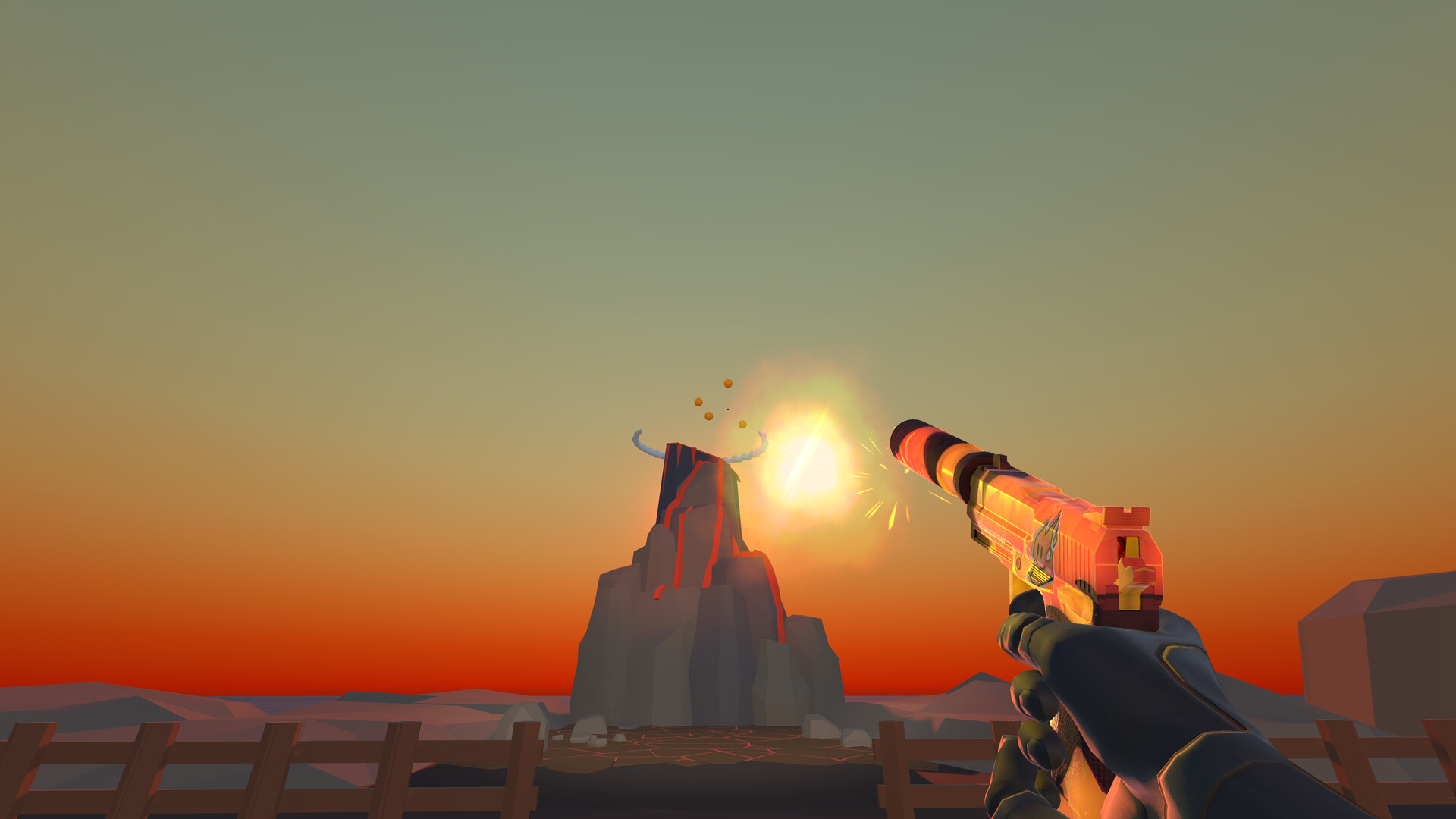
Aimlabs 是全球超过 4,500 万玩家首选的免费练枪工具,无论新手还是职业电竞选手都在使用。我们的独特瞄准分析系统能找出你的弱点,帮助强化你的游戏表现,并让你熟练各种 FPS 游戏所需的技巧。还有排位赛和数不尽的训练模式等你来练!现在就開始热身、提升实力吧!
更新记录
Logitech G PLAYDAYS x Aimlabs - Summer '26
🔹Summer '26
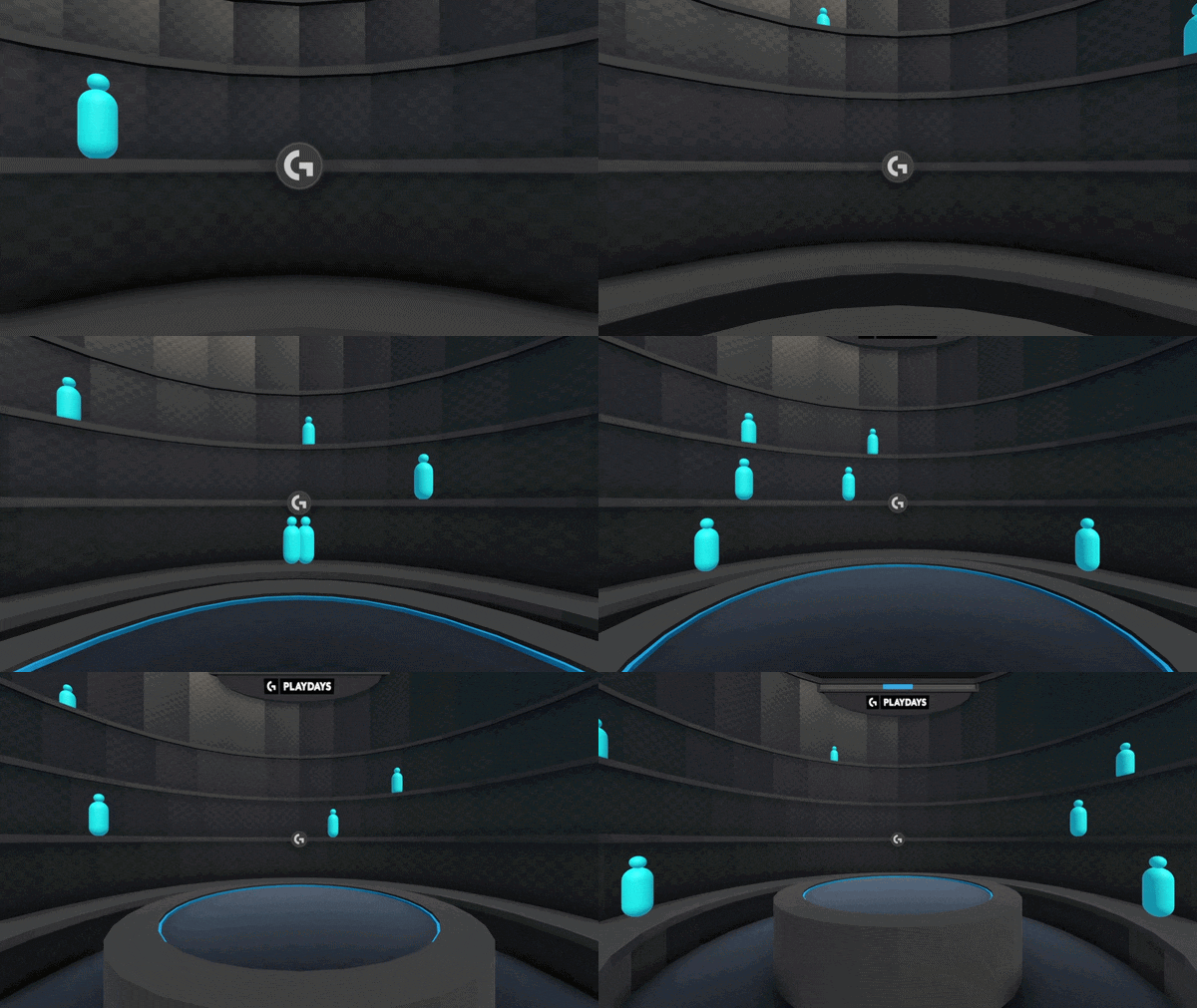
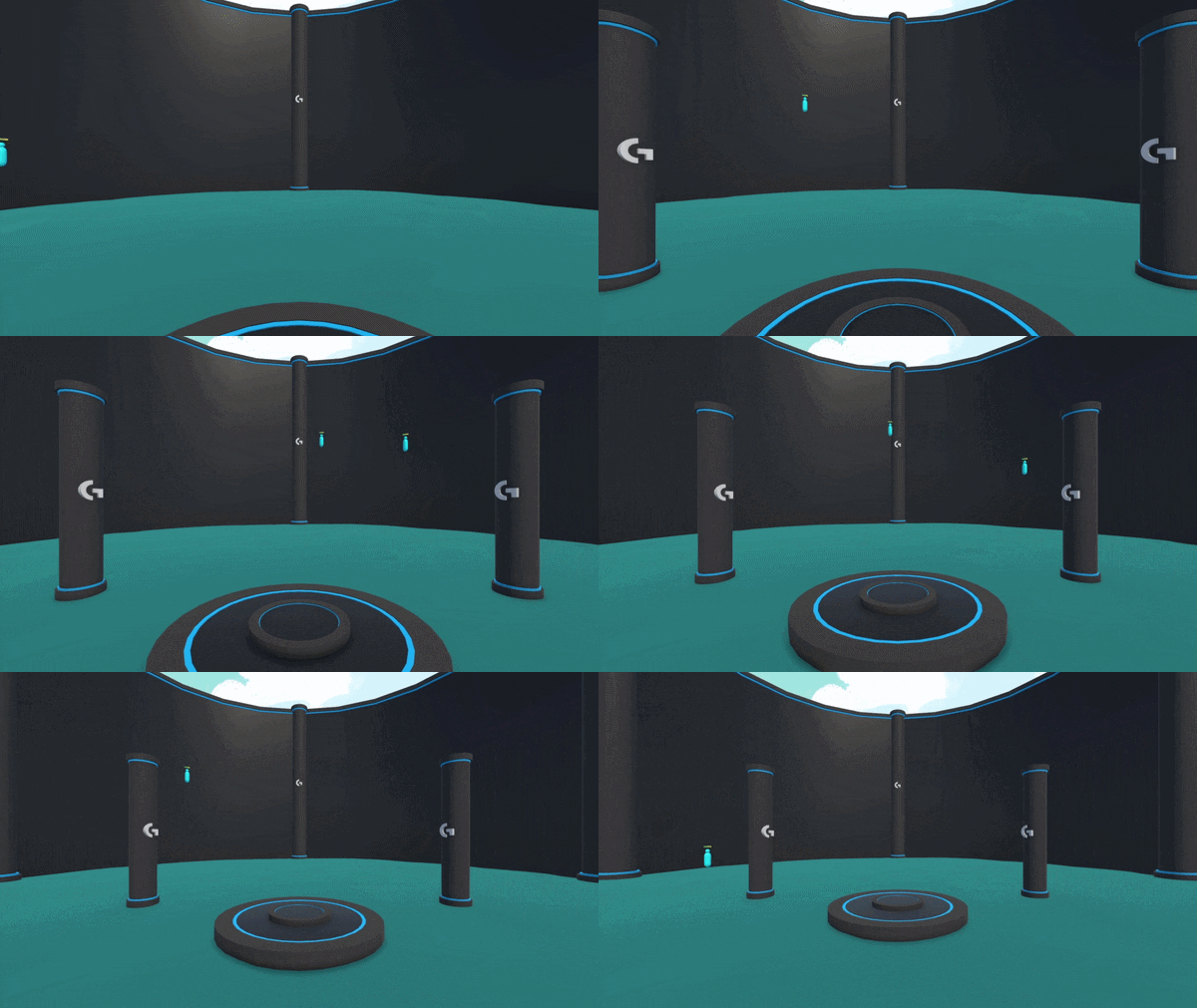
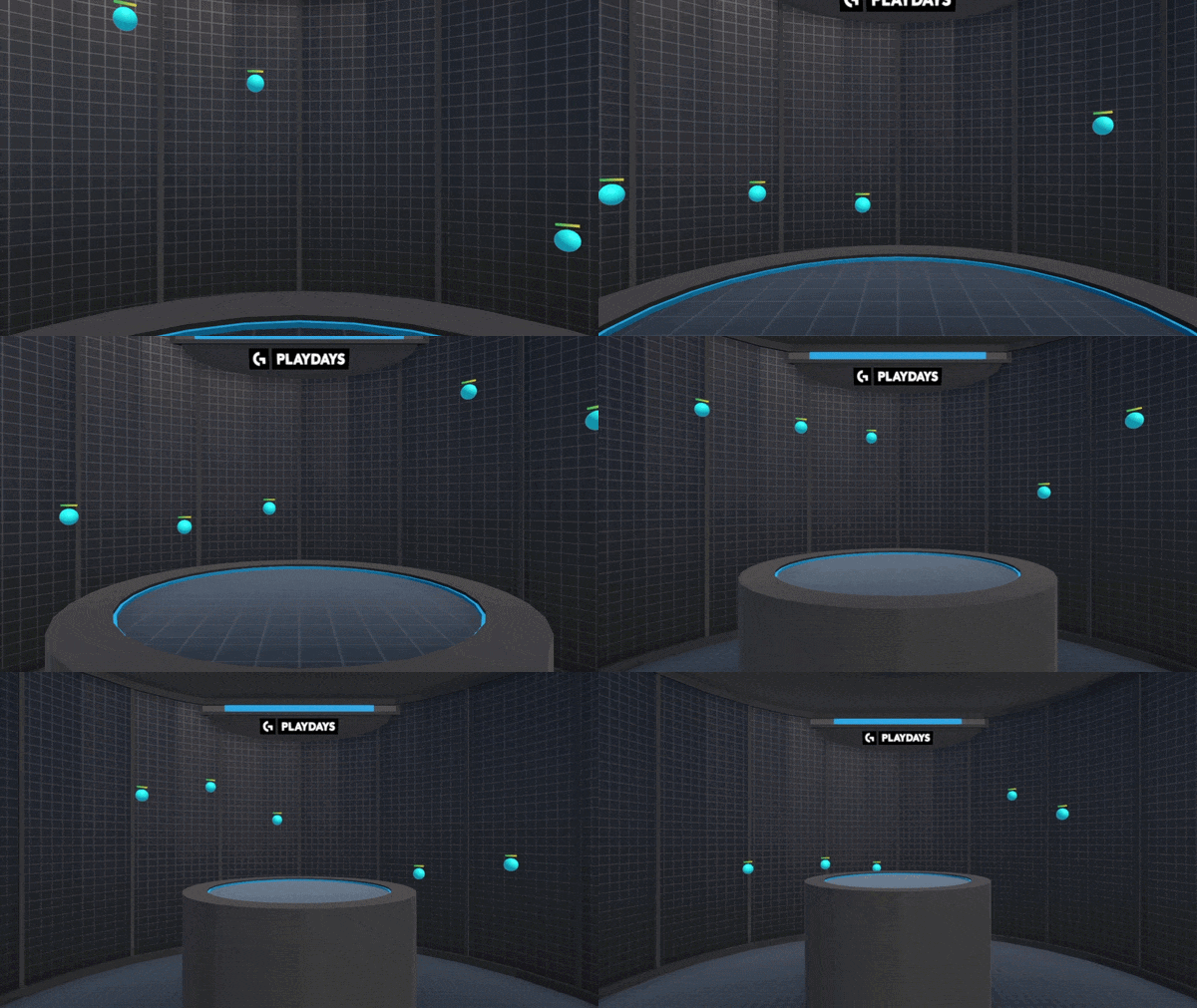
Logitech G PLAYDAYS x Aimlabs are back with Summer '26 - our latest aim training competition, with over $15K in prizes!
Summer '26 is all about raw aim. This season introduces 3 brand new challenges - with aim intensive gameplay that will push your flicking, tracking, and switching skills to their limits!
Master all 3 challenges to claim your spot on the new leaderboards:
🔹Place top 50 on PC to win the PRO X2 SUPERSTRIKE
🔹Place top 25 on Console to win the ASTRO A20 X
Summer '26 starts now and ends August 17'th!
🔹3 New Challenges
Superflick - 4 phases designed to put your click timing on moving targets to the test!
Supertrack - Train all the extremes of tracking - reactivity, control, and smoothness!
Superswitch - Practice room clearing, evasive switching, and strafe reading all at once!
🔹$15,000+ In Prizes & Giveaways + New In-Game Rewards
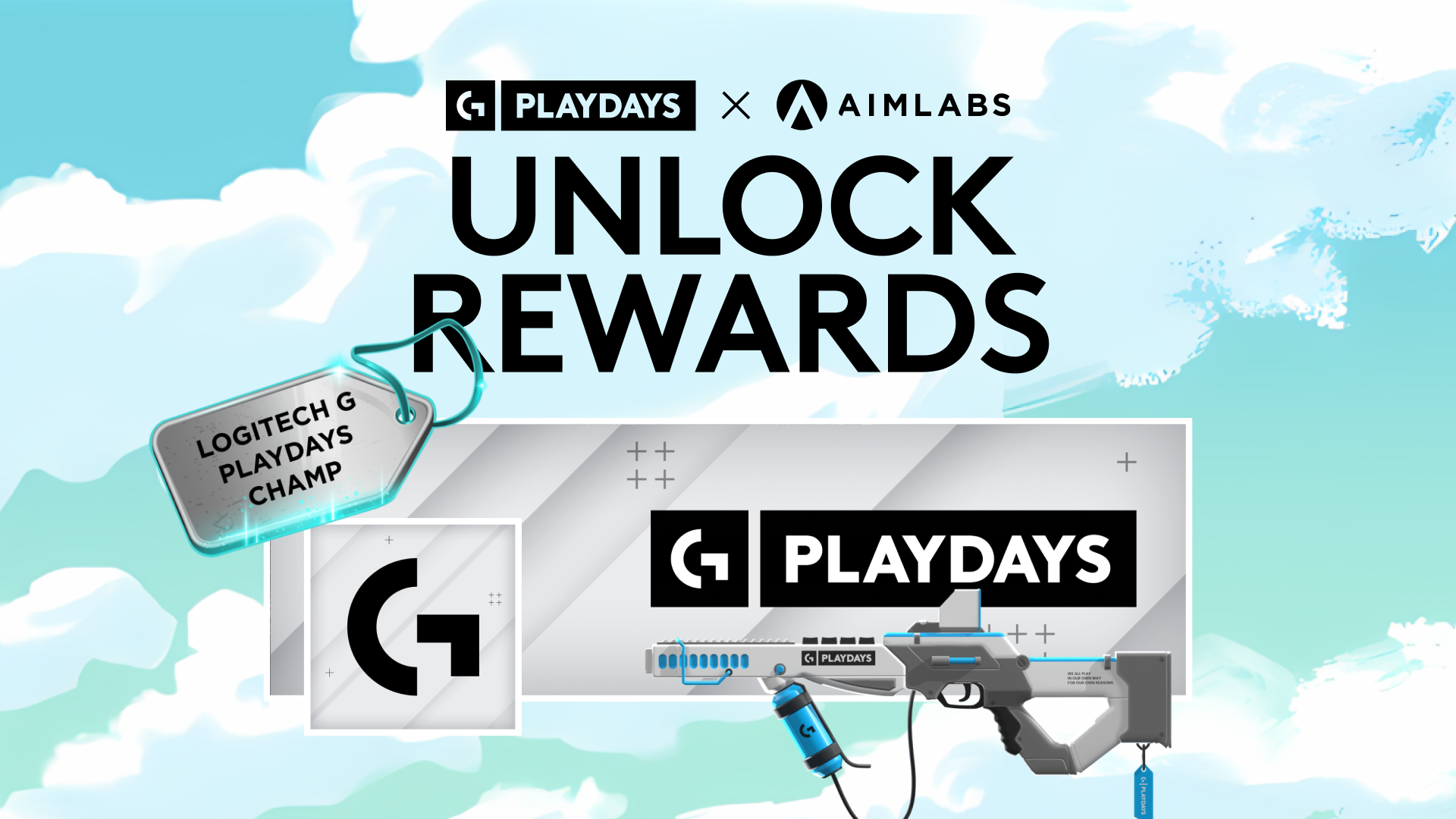
Top 50 players on PC win the PRO X2 SUPERSTRIKE, + 5 random giveaways! Top 25 players on Console win the ASTRO A20 X, + 5 random giveaways!
All participants also earn in-game rewards - like Placement Titles, Weapon Skins, and Avatars & Banners!
Logitech G PLAYDAYS x Aimlabs - Summer '26 is live now, on PC + Console!
Play now from the G PLAYDAYS Tab in Aimlabs!
Join the Logitech G Discord to learn more + register to play!
Logitech G PLAYDAYS x Aimlabs are back with Summer '26 - our latest aim training competition, with over $15K in prizes!
Summer '26 is all about raw aim. This season introduces 3 brand new challenges - with aim intensive gameplay that will push your flicking, tracking, and switching skills to their limits!
Master all 3 challenges to claim your spot on the new leaderboards:
🔹Place top 50 on PC to win the PRO X2 SUPERSTRIKE
🔹Place top 25 on Console to win the ASTRO A20 X
Summer '26 starts now and ends August 17'th!
🔹3 New Challenges
Superflick - 4 phases designed to put your click timing on moving targets to the test!
Supertrack - Train all the extremes of tracking - reactivity, control, and smoothness!
Superswitch - Practice room clearing, evasive switching, and strafe reading all at once!
🔹$15,000+ In Prizes & Giveaways + New In-Game Rewards
Top 50 players on PC win the PRO X2 SUPERSTRIKE, + 5 random giveaways! Top 25 players on Console win the ASTRO A20 X, + 5 random giveaways!
All participants also earn in-game rewards - like Placement Titles, Weapon Skins, and Avatars & Banners!
Logitech G PLAYDAYS x Aimlabs - Summer '26 is live now, on PC + Console!
Play now from the G PLAYDAYS Tab in Aimlabs!
Join the Logitech G Discord to learn more + register to play!


THIS is how to aim train based on your weaknesses...
You played the Aimlabs Benchmarks and found your weak spots. Now what?
This video turns your Benchmarks results into an actual training plan with specific tasks for every subskill, structured routines, and progressive overload principles that actually work.
Stop random grinding. Learn how to build a real aim training routine using isolation, specificity, and progressive overload - the same principles that make gym training effective.
We break down exactly which tasks to play for each Tap, Track, and Switch subskill, how to structure your sessions, and when to increase difficulty.
This complete Benchmarks guide breaks down all 3 main categories, every subskill, what each challenge tests, how the scoring system works, and what your rank actually means.
Learn how to read your results and build a real training plan instead of randomly grinding tasks.
TAP (Clicking) Training Tasks:
•
General: Adjustshot 4 Targets
•
Time: Strafeshot 2 Click, Leapshot
•
Flick: Pulseshot Precision, Deepflick Pokeball
•
Anticipate: VT Frogshot S3, Twoshot Vertical Narrow
•
Micros: VT Adjustshot Micro Reflex, Amare Dynamic Micros
TRACK (Staying On Target) Training Tasks:
•
General: Controlsphere
•
Precise: VT Verttrack S3, Smoothsphere
•
Reactive: Fartrack OW, VT UFO
•
Control: Controlsphere, VT Arctrack
•
Strafe: VT Anti-centering (I, II, III, IV variations)
SWITCH (Target Transfer) Training Tasks:
•
General: VT Angleswitch Novice S3
•
Speed: Skyswitch EVO BF6, Dotswitch BF6
•
Transition: Jumptrack, VT Evasive Micro Switch
•
Stability: VT Angleshot Micro VALORANT, Skatetrack
•
Acquisition: Speedswitch 90 BF6, Multi Bounce Tracking
Aimlabs Benchmarks + this training routine are free.
Stop wasting time. Train your weaknesses with purpose!
This video turns your Benchmarks results into an actual training plan with specific tasks for every subskill, structured routines, and progressive overload principles that actually work.
Stop random grinding. Learn how to build a real aim training routine using isolation, specificity, and progressive overload - the same principles that make gym training effective.
We break down exactly which tasks to play for each Tap, Track, and Switch subskill, how to structure your sessions, and when to increase difficulty.
This complete Benchmarks guide breaks down all 3 main categories, every subskill, what each challenge tests, how the scoring system works, and what your rank actually means.
Learn how to read your results and build a real training plan instead of randomly grinding tasks.
TAP (Clicking) Training Tasks:
•
General: Adjustshot 4 Targets
•
Time: Strafeshot 2 Click, Leapshot
•
Flick: Pulseshot Precision, Deepflick Pokeball
•
Anticipate: VT Frogshot S3, Twoshot Vertical Narrow
•
Micros: VT Adjustshot Micro Reflex, Amare Dynamic Micros
TRACK (Staying On Target) Training Tasks:
•
General: Controlsphere
•
Precise: VT Verttrack S3, Smoothsphere
•
Reactive: Fartrack OW, VT UFO
•
Control: Controlsphere, VT Arctrack
•
Strafe: VT Anti-centering (I, II, III, IV variations)
SWITCH (Target Transfer) Training Tasks:
•
General: VT Angleswitch Novice S3
•
Speed: Skyswitch EVO BF6, Dotswitch BF6
•
Transition: Jumptrack, VT Evasive Micro Switch
•
Stability: VT Angleshot Micro VALORANT, Skatetrack
•
Acquisition: Speedswitch 90 BF6, Multi Bounce Tracking
Aimlabs Benchmarks + this training routine are free.
Stop wasting time. Train your weaknesses with purpose!
Aimlabs x GameSir just released your next controller...
Finally, a controller BUILT FOR AIM
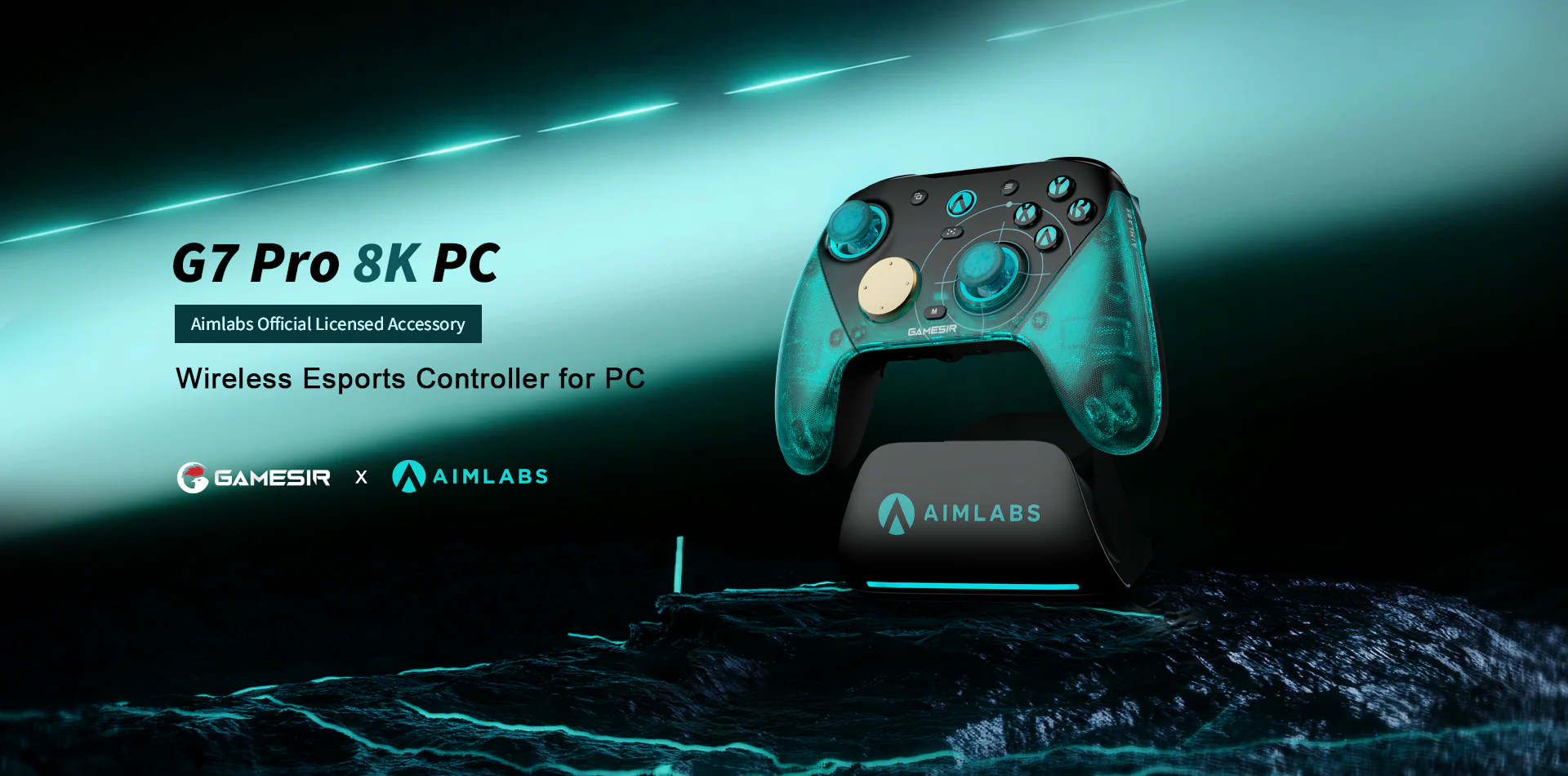
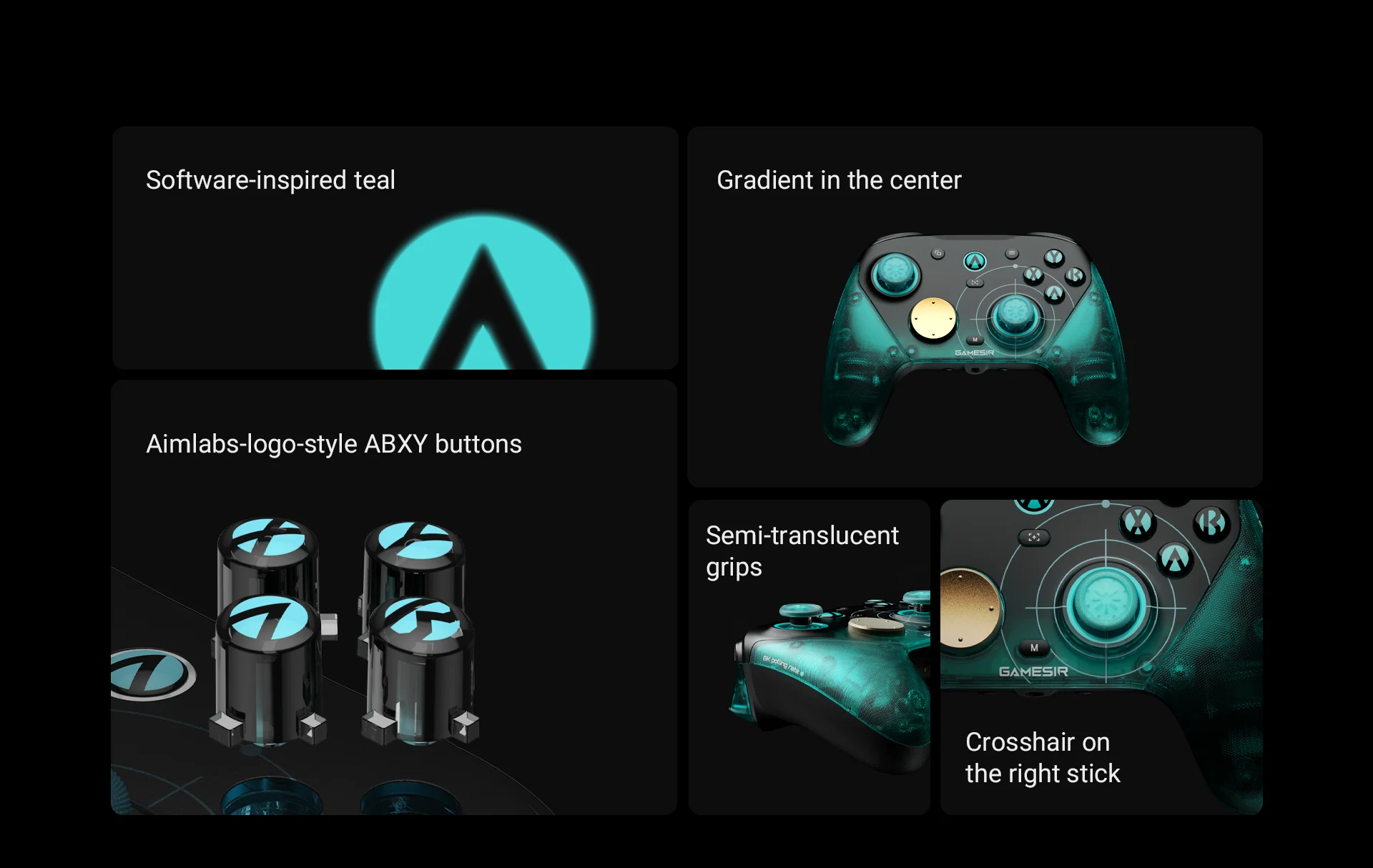
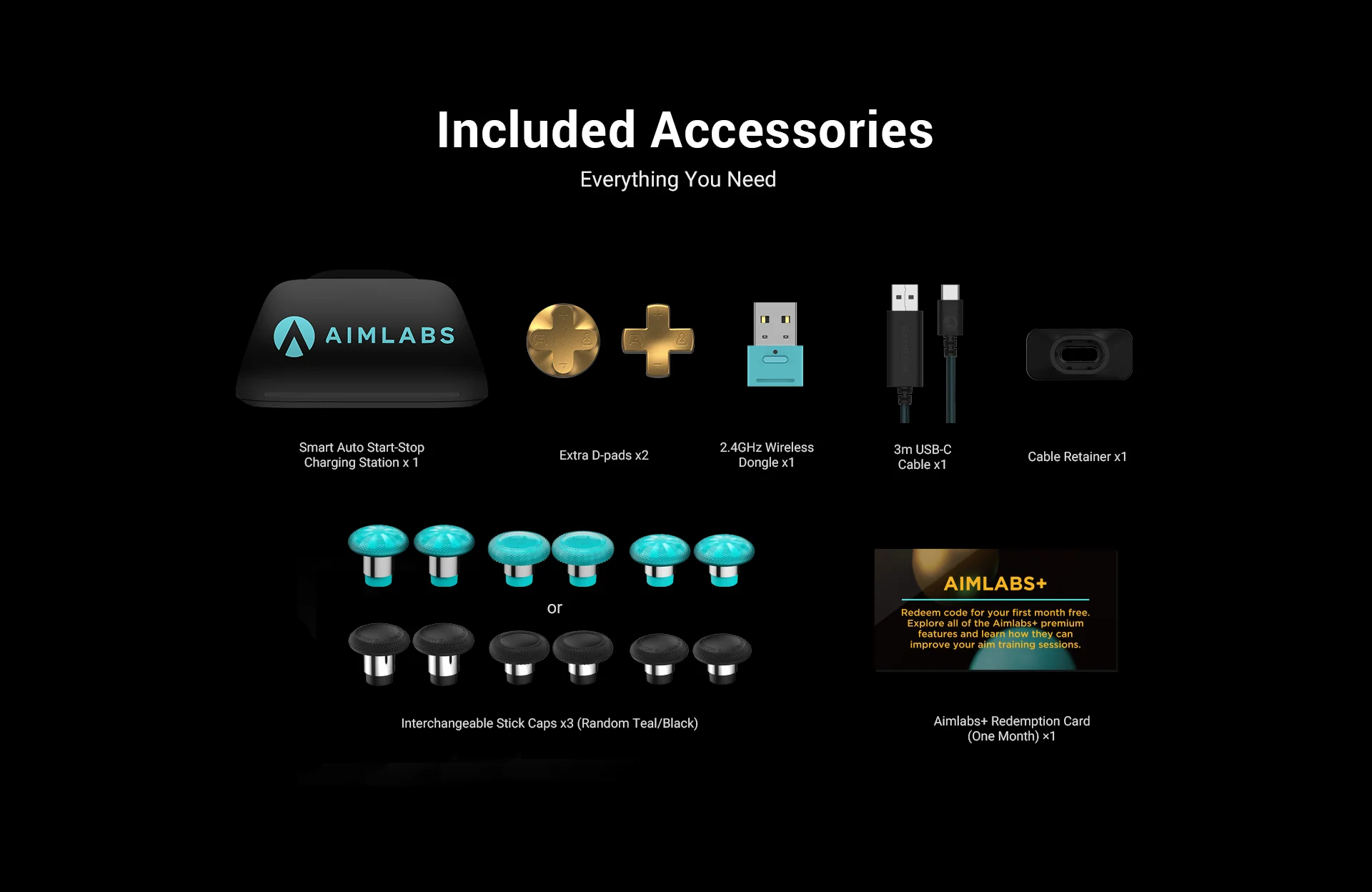
The GameSir x Aimlabs G7 Pro 8K Aimlabs Edition is here! Watch as we unbox everything that comes in the box and get a first look at the officially licensed Aimlabs controller built for competitive PC gaming.
Key Features
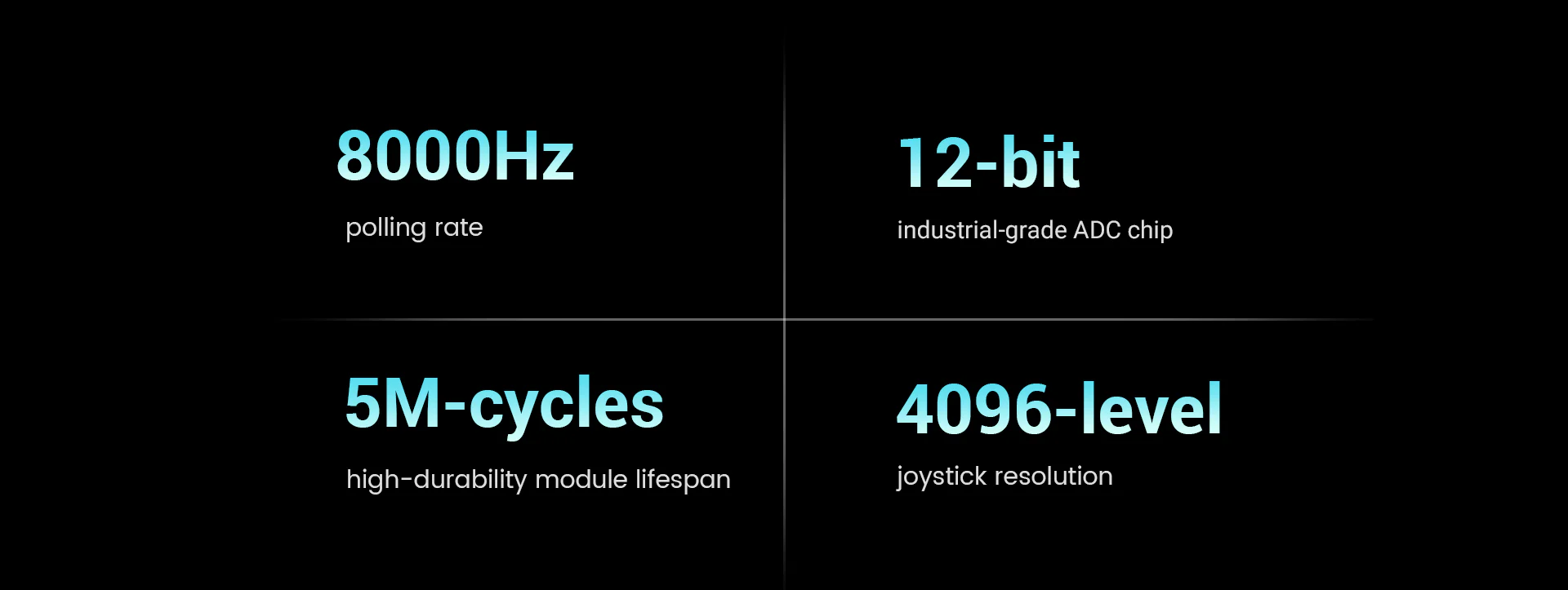
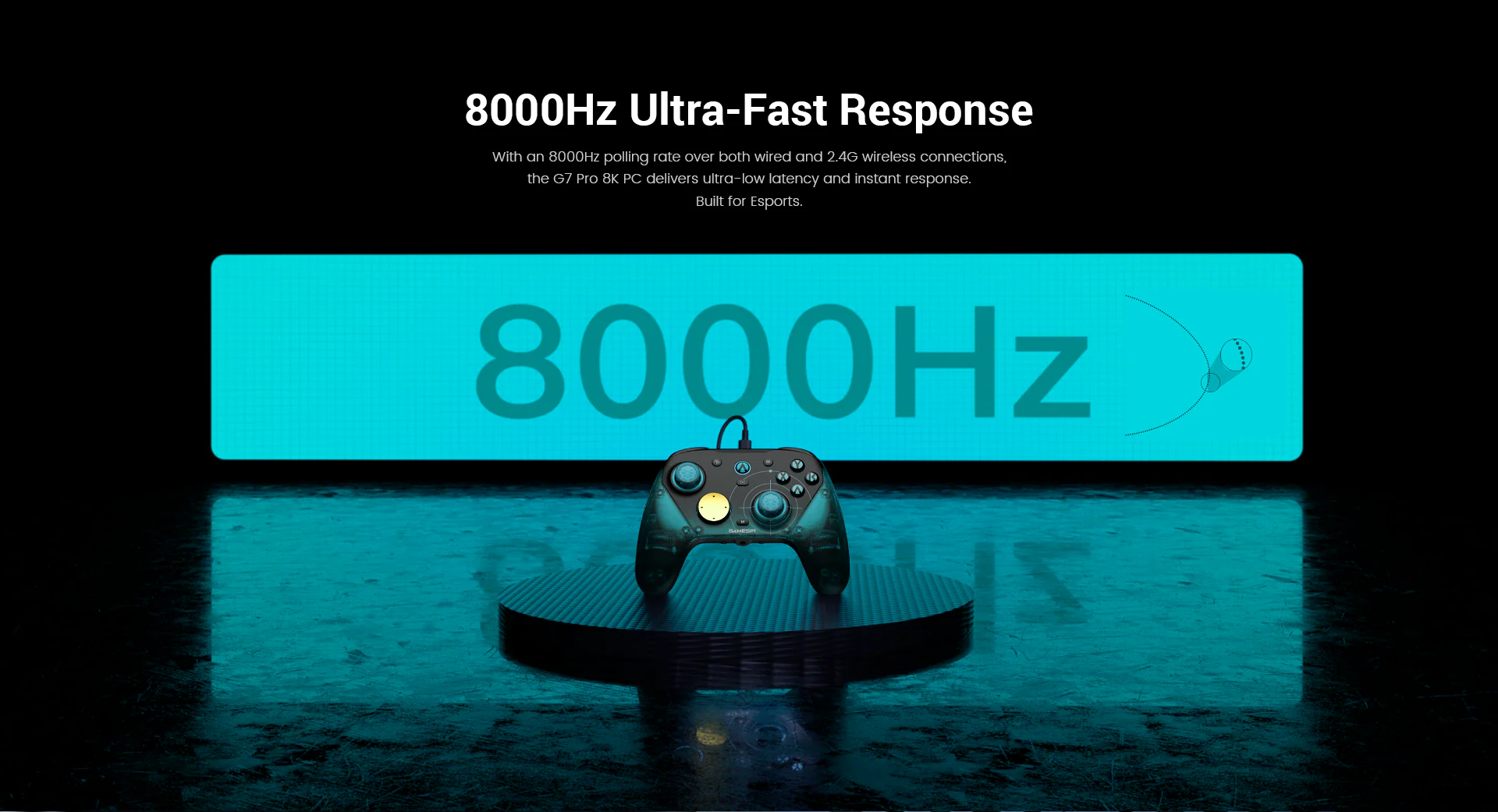
Ultra-Fast 8000Hz Polling Rate. The G7 Pro 8K delivers an 8000Hz polling rate over both wired and 2.4G wireless connections, cutting input lag to near zero on PC for the fastest possible response time.
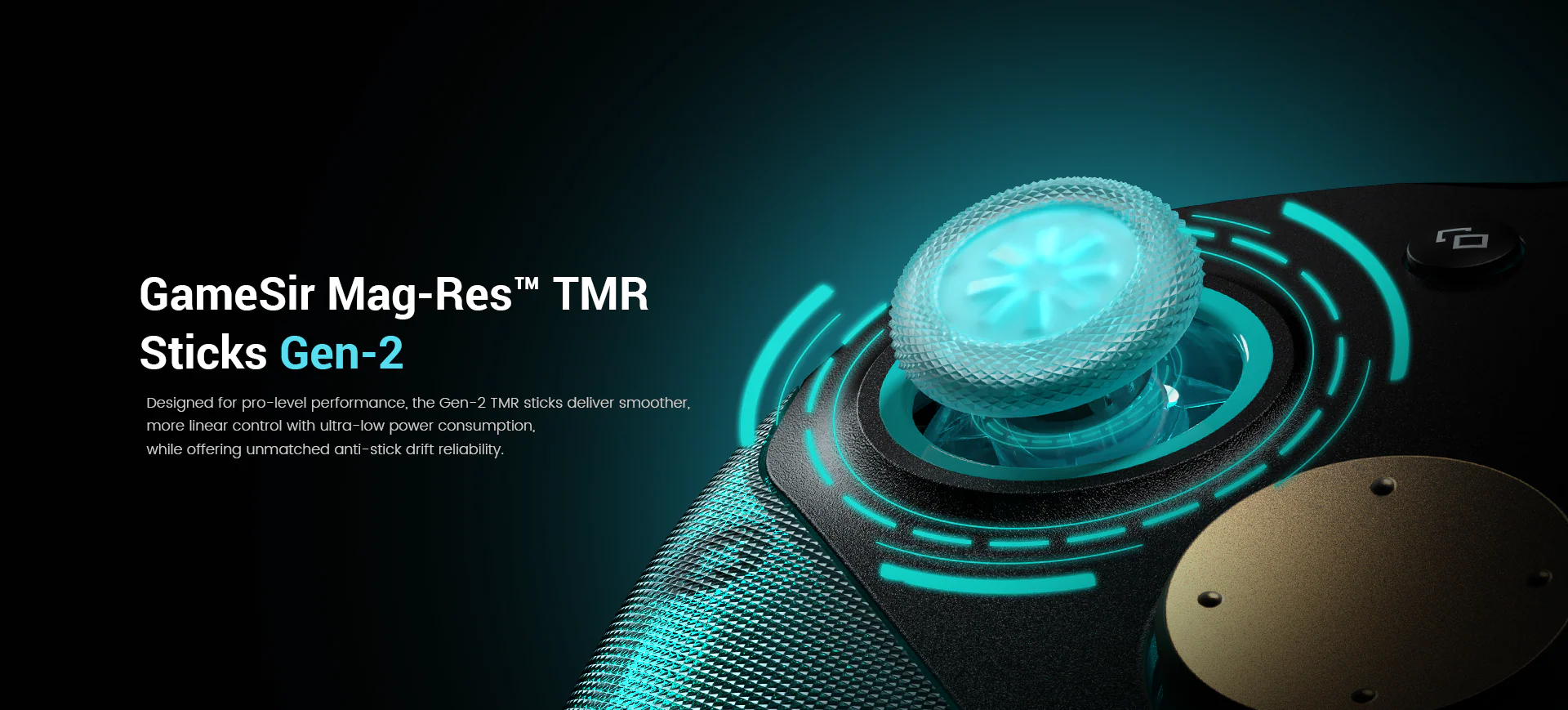
Next-Gen Mag-Res TMR Sticks. GameSir's second-generation Mag-Res TMR sticks deliver drift-free precision with smoother, more linear control than the previous generation, giving you accurate aim that lasts.
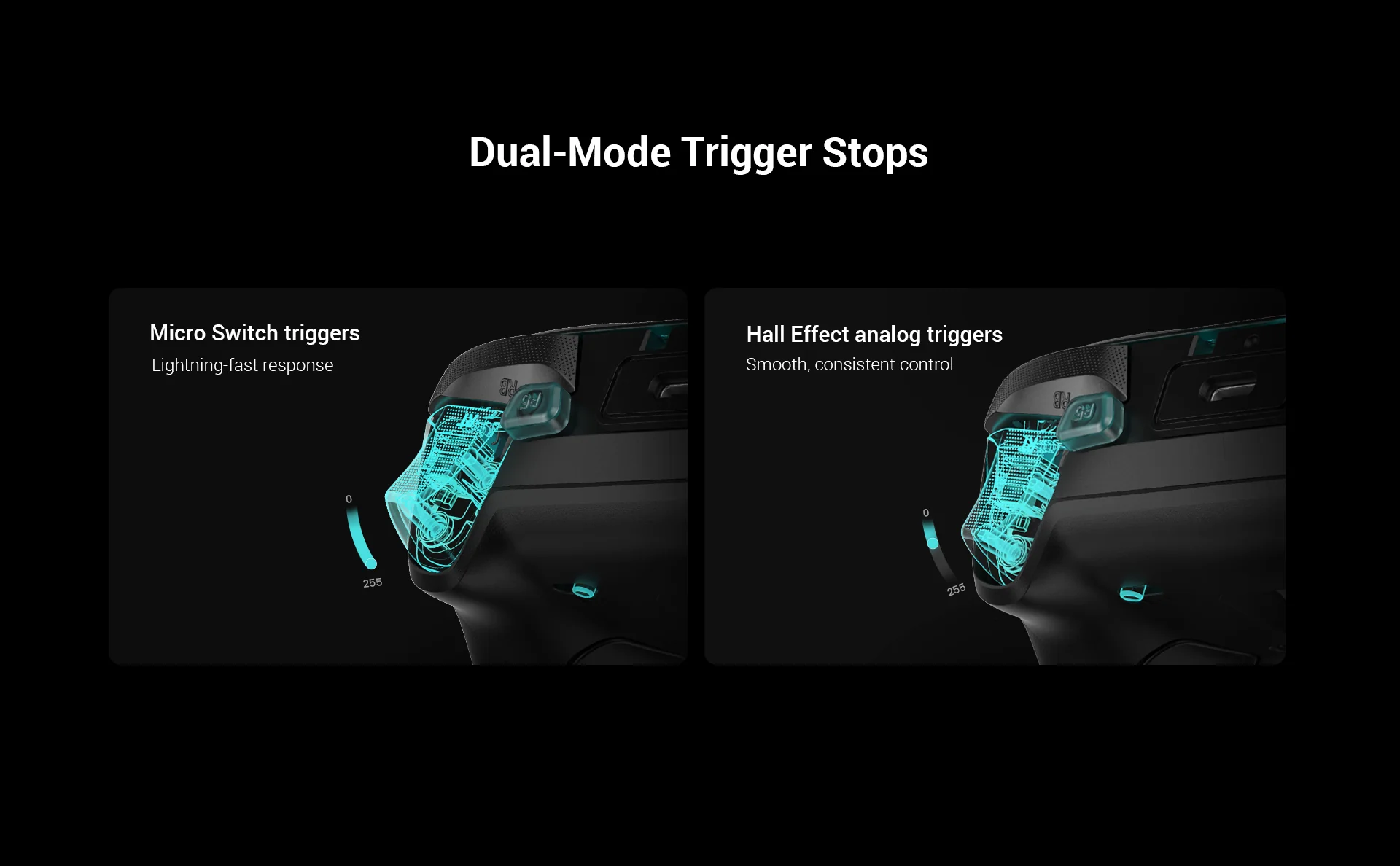
Hall Effect Analog Triggers with Dual-Mode Stops. Hall Effect analog triggers feature dual-mode trigger stops that let you switch between a clicky micro switch feel and a full analog pull, so you can customize how YOU want to play.
Built for Competitive Gaming
•
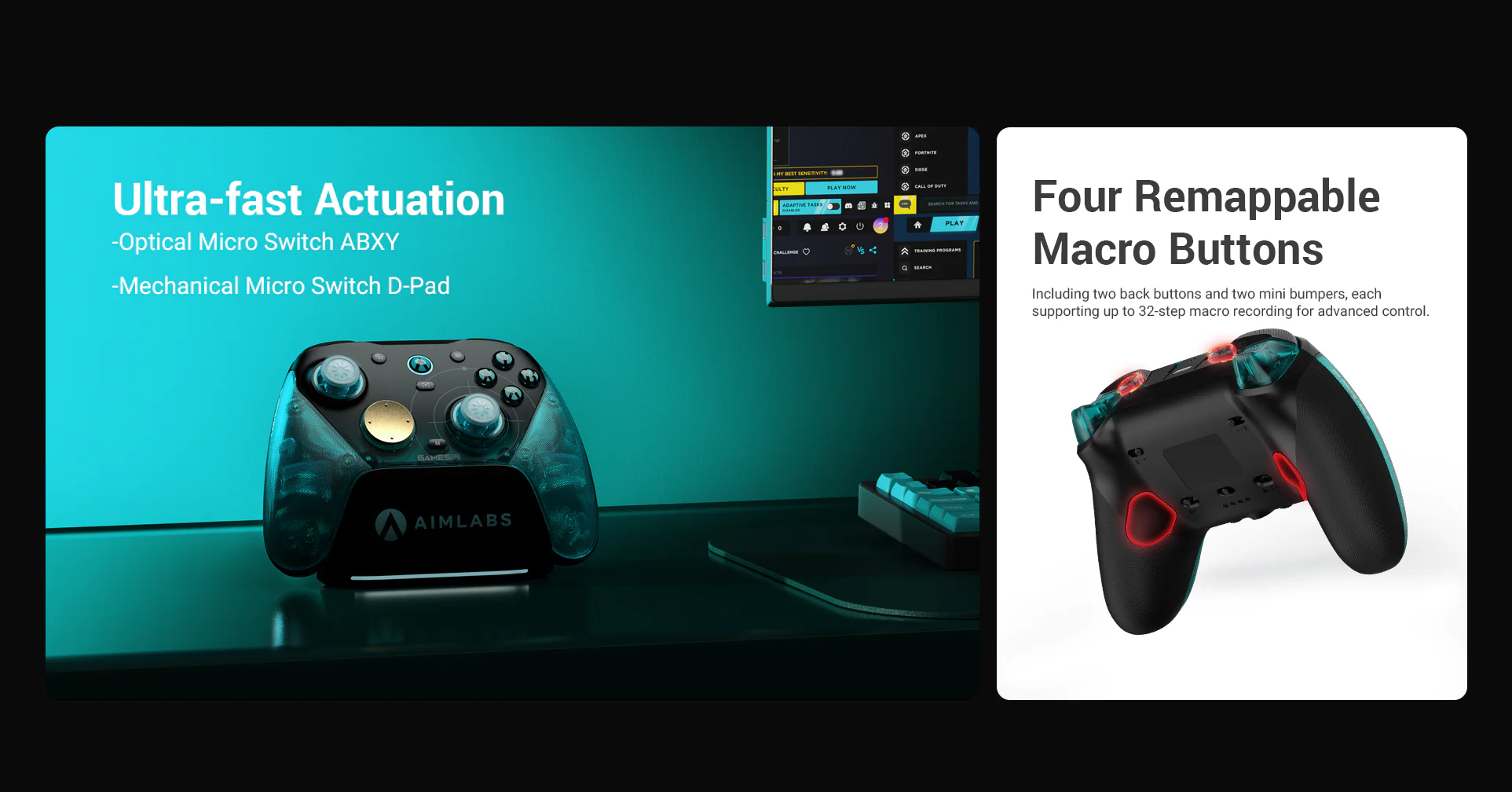
Optical micro switch ABXY buttons for instant response
•
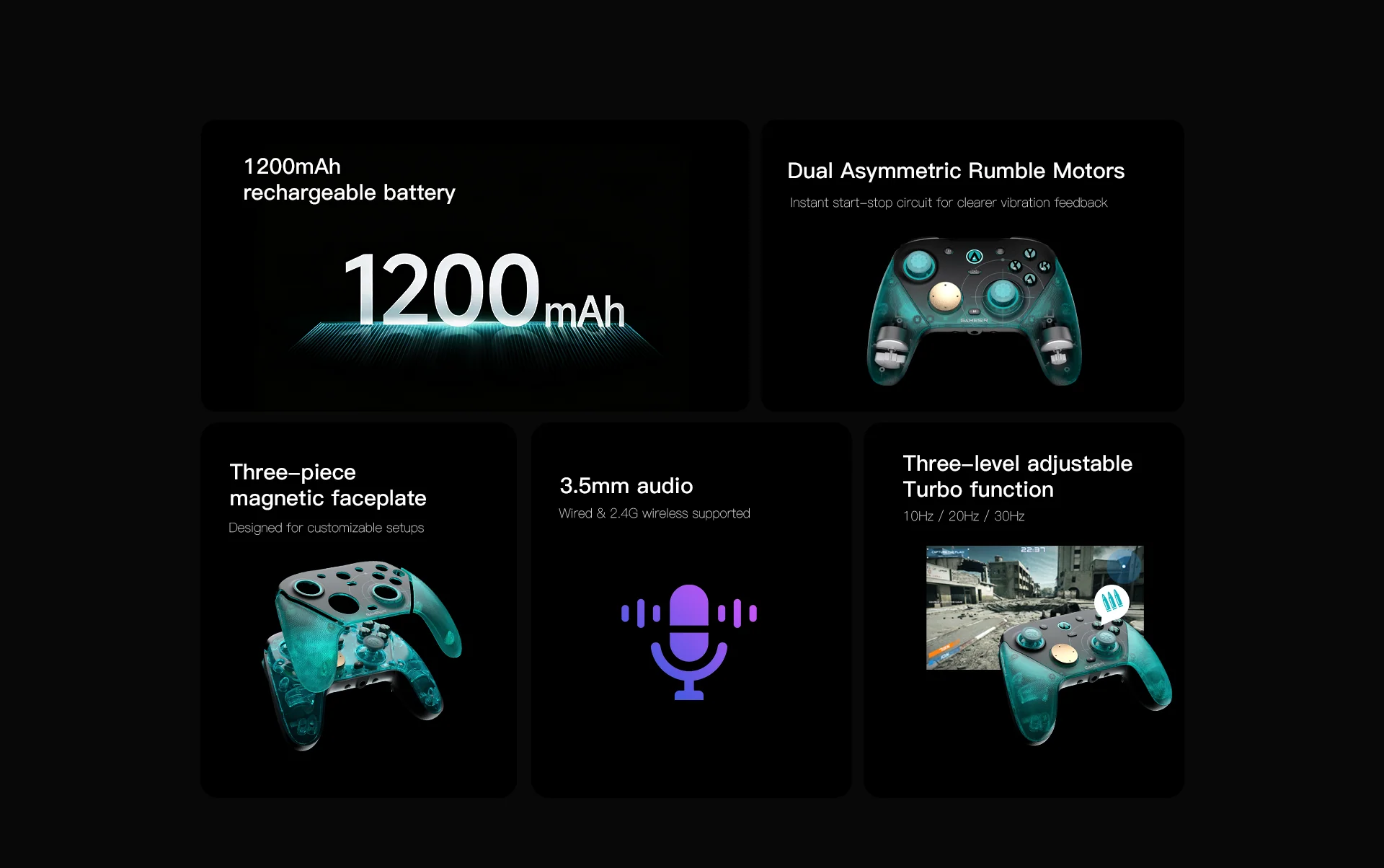
Dual asymmetric rumble motors
•
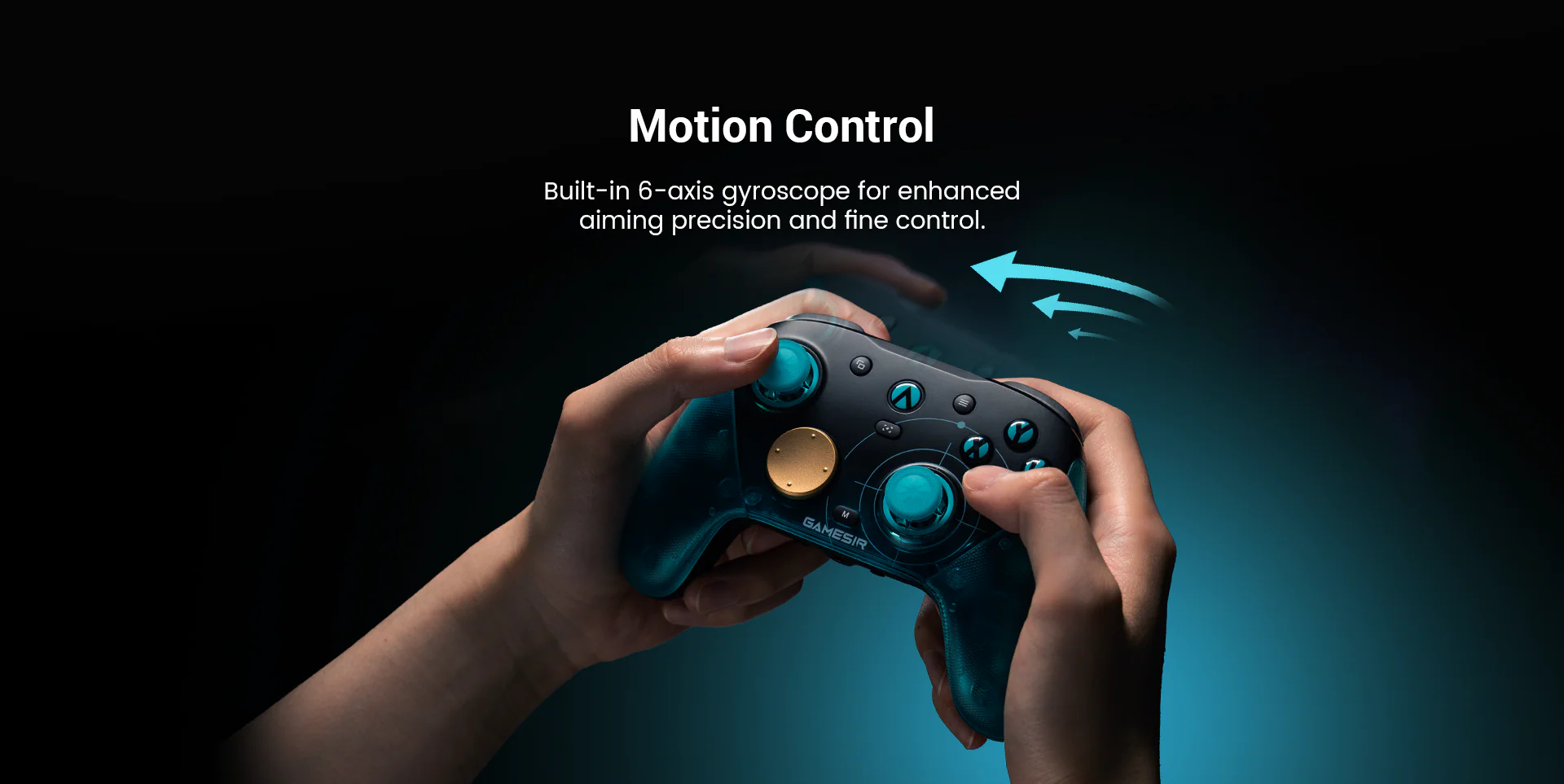
Built-in 6-axis gyroscope for enhanced control
•
Four remappable macro buttons (two back buttons + two mini bumpers)
•
Each macro button supports up to 32-step macro recording
Full Software Control
GameSir Connect software lets you tune dead zones, adjust stick curves, remap buttons, and dial in vibration strength to perfectly suit your setup and playstyle.
The GameSir x Aimlabs G7 Pro 8K Aimlabs Edition is here! Watch as we unbox everything that comes in the box and get a first look at the officially licensed Aimlabs controller built for competitive PC gaming.
Key Features
Ultra-Fast 8000Hz Polling Rate. The G7 Pro 8K delivers an 8000Hz polling rate over both wired and 2.4G wireless connections, cutting input lag to near zero on PC for the fastest possible response time.
Next-Gen Mag-Res TMR Sticks. GameSir's second-generation Mag-Res TMR sticks deliver drift-free precision with smoother, more linear control than the previous generation, giving you accurate aim that lasts.
Hall Effect Analog Triggers with Dual-Mode Stops. Hall Effect analog triggers feature dual-mode trigger stops that let you switch between a clicky micro switch feel and a full analog pull, so you can customize how YOU want to play.
Built for Competitive Gaming
•
Optical micro switch ABXY buttons for instant response
•
Dual asymmetric rumble motors
•
Built-in 6-axis gyroscope for enhanced control
•
Four remappable macro buttons (two back buttons + two mini bumpers)
•
Each macro button supports up to 32-step macro recording
Full Software Control
GameSir Connect software lets you tune dead zones, adjust stick curves, remap buttons, and dial in vibration strength to perfectly suit your setup and playstyle.
If your aim isn't improving, you NEED to watch this video...
The days of mindlessly grinding random Tasks over and over and seeing no improvement in your aim are over.
The Aimlabs Benchmarks diagnose exactly where your aim is weak across Tap, Track, and Switch categories, so you stop wasting time and start training what actually matters.
Watch this video to learn how to train the right skills for you with the Aimlabs Benchmarks, for free!
This complete Benchmarks guide breaks down all 3 main categories, every subskill, what each challenge tests, how the scoring system works, and what your rank actually means.
Learn how to read your results and build a real training plan instead of randomly grinding tasks.
Skills You'll Learn:
TAP (Clicking + Flicking)
•
Time: Click-timing on moving targets
•
Flick: Crosshair landing accuracy
•
Anticipate: Pre-aiming predictable movement
•
Micros: Tiny precision adjustments
TRACK (Staying On Target)
•
Precise: Linear tracking accuracy
•
Reactive: Unpredictable movement tracking
•
Control: Smooth adjustments without overcorrecting
•
Strafe: Tracking while both players move
SWITCH (Target Transfer)
•
Speed: Pacing between targets
•
Transition: Switch into tracking
•
Stability: Consistency across switches
•
Acquisition: Lock-on speed
Aimlabs Benchmarks are free.
Stop grinding random tasks and start training with purpose today!
The Aimlabs Benchmarks diagnose exactly where your aim is weak across Tap, Track, and Switch categories, so you stop wasting time and start training what actually matters.
Watch this video to learn how to train the right skills for you with the Aimlabs Benchmarks, for free!
This complete Benchmarks guide breaks down all 3 main categories, every subskill, what each challenge tests, how the scoring system works, and what your rank actually means.
Learn how to read your results and build a real training plan instead of randomly grinding tasks.
Skills You'll Learn:
TAP (Clicking + Flicking)
•
Time: Click-timing on moving targets
•
Flick: Crosshair landing accuracy
•
Anticipate: Pre-aiming predictable movement
•
Micros: Tiny precision adjustments
TRACK (Staying On Target)
•
Precise: Linear tracking accuracy
•
Reactive: Unpredictable movement tracking
•
Control: Smooth adjustments without overcorrecting
•
Strafe: Tracking while both players move
SWITCH (Target Transfer)
•
Speed: Pacing between targets
•
Transition: Switch into tracking
•
Stability: Consistency across switches
•
Acquisition: Lock-on speed
Aimlabs Benchmarks are free.
Stop grinding random tasks and start training with purpose today!
THIS is the best Aimlabs routine for Counter-Strike 2
Grinding Aimlabs but still missing shots in Counter-Strike 2?
You might just be playing the wrong Tasks that don't translate to CS2.
But don't worry, this guide breaks down the best Aimlabs scenarios for every aim skill you actually use in CS2, from timing and micro-adjustments, to flicking and tracking moving targets.
Click here to play the Counter-Strike 2 Aim Basics Routine in Aimlabs!
Micros
Micro 2 Sphere CS2 – This task features 2 small static targets in a very small space, providing core micro training, while also serving as an in-playlist warmup inside the routine. Fun, easy to play, and a good isolation exercise for doing small flick motions.
Microshot CS2 – In the next task, players will shoot at 2 targets in a long corridor with readable and predictable strafes. It’s good for learning how to chain micros and kill multiple evasive targets in a row, which is a very common scenario in CS. It teaches microcorrections and also the ability to focus on more than one target on screen without being overwhelmed.
Flicking Technique
Adjustshot CS2 – Kicking off the flicking section, shoot at 2 targets on a wide wall with no variance in target depth. Targets are not static, and they have slight, gentle movement. This scenario is useful to train proper flicking technique, as it requires an initial flick and the microrrection needed due to the small target movements. Adjustshot is a very popular flicking task.
Headshot CS2 – The second flicking task features 4 moving targets in a wide playing area that only move horizontally until they hit the side walls. The task also has target depth, meaning targets can appear closer or farther away. This replicates situations where you catch multiple enemies rotating who are unaware of your presence and need to eliminate them quickly. It’s similar to the previous task in that it emphasizes fighting several targets, but on a much larger scale. It also trains micros, but this task made it into the flicking section on account of the requirement for wide flicks.
Smoothness and Stability
Strafe Track CS2 – This task features a single invincible tracking target that moves horizontally, with slight back and forth movements, mimicking a CS2 player who is constantly strafing. It trains target reading and tension control, especially while tracking the target’s direction changes.
Angle Track CS2 – The next task in this section features on-rails movement, where the player moves side to side in a half-circle area while tracking a static target that despawns and respawns every 6 seconds. This is excellent for stability, teaching players to use the full range of motion of their arm to track their target. It also reliably replicates CS2 gameplay as it mimics holding and adjusting along an angle while maintaining proper crosshair placement. Some players debate that Counter-Strike players don’t use their tracking ability much, if you’re utilizing proper crosshair placement and angle control, you are absolutely using your tracking ability as you move.
Game Specific
Strafeshot CS2 – This is a dynamic scenario with 4 targets that appear at different heights. The targets constantly strafe horizontally, stopping frequently. This task replicates the battles players experience in CS2, since erratic movement and “ADAD spamming” is the number one way to avoid getting killed in CS2. This creates the hardest aiming situation in the game, so training it in isolation is critical. This task trains flicking technique, micros, and target reading, all in one.
Peekshot CS2 – Rounding out the playlist is this simple scenario that replicates holding a corridor where an enemy can peek from either side. It’s great for training reactions, micros, and an extremely common situation in CS2, and really, all Tactical FPS games.
You might just be playing the wrong Tasks that don't translate to CS2.
But don't worry, this guide breaks down the best Aimlabs scenarios for every aim skill you actually use in CS2, from timing and micro-adjustments, to flicking and tracking moving targets.
Click here to play the Counter-Strike 2 Aim Basics Routine in Aimlabs!
Micros
Micro 2 Sphere CS2 – This task features 2 small static targets in a very small space, providing core micro training, while also serving as an in-playlist warmup inside the routine. Fun, easy to play, and a good isolation exercise for doing small flick motions.
Microshot CS2 – In the next task, players will shoot at 2 targets in a long corridor with readable and predictable strafes. It’s good for learning how to chain micros and kill multiple evasive targets in a row, which is a very common scenario in CS. It teaches microcorrections and also the ability to focus on more than one target on screen without being overwhelmed.
Flicking Technique
Adjustshot CS2 – Kicking off the flicking section, shoot at 2 targets on a wide wall with no variance in target depth. Targets are not static, and they have slight, gentle movement. This scenario is useful to train proper flicking technique, as it requires an initial flick and the microrrection needed due to the small target movements. Adjustshot is a very popular flicking task.
Headshot CS2 – The second flicking task features 4 moving targets in a wide playing area that only move horizontally until they hit the side walls. The task also has target depth, meaning targets can appear closer or farther away. This replicates situations where you catch multiple enemies rotating who are unaware of your presence and need to eliminate them quickly. It’s similar to the previous task in that it emphasizes fighting several targets, but on a much larger scale. It also trains micros, but this task made it into the flicking section on account of the requirement for wide flicks.
Smoothness and Stability
Strafe Track CS2 – This task features a single invincible tracking target that moves horizontally, with slight back and forth movements, mimicking a CS2 player who is constantly strafing. It trains target reading and tension control, especially while tracking the target’s direction changes.
Angle Track CS2 – The next task in this section features on-rails movement, where the player moves side to side in a half-circle area while tracking a static target that despawns and respawns every 6 seconds. This is excellent for stability, teaching players to use the full range of motion of their arm to track their target. It also reliably replicates CS2 gameplay as it mimics holding and adjusting along an angle while maintaining proper crosshair placement. Some players debate that Counter-Strike players don’t use their tracking ability much, if you’re utilizing proper crosshair placement and angle control, you are absolutely using your tracking ability as you move.
Game Specific
Strafeshot CS2 – This is a dynamic scenario with 4 targets that appear at different heights. The targets constantly strafe horizontally, stopping frequently. This task replicates the battles players experience in CS2, since erratic movement and “ADAD spamming” is the number one way to avoid getting killed in CS2. This creates the hardest aiming situation in the game, so training it in isolation is critical. This task trains flicking technique, micros, and target reading, all in one.
Peekshot CS2 – Rounding out the playlist is this simple scenario that replicates holding a corridor where an enemy can peek from either side. It’s great for training reactions, micros, and an extremely common situation in CS2, and really, all Tactical FPS games.
This is the only sensitivity guide you'll ever need...
Playing inconsistently? Your sensitivity might be holding you back.
This complete sensitivity guide helps you find your optimal sens for VALORANT, CS2, Apex Legends, Overwatch 2, Marvel Rivals, Fortnite, Rainbow Six Siege, Warzone, and every FPS game.
We break down a 3-step process to find your perfect sensitivity: starting with your game's ideal range, narrowing it based on your playstyle and role, then testing and locking in your exact sens using Aimlabs. No more guessing or copying pro settings that don't work for you.
This guide uses cm/360 (centimeters per 360) so your sens translates perfectly across different games, mice, DPI settings, and FOVs.
Whether you play tactical shooters like VALORANT and CS2, hero shooters like Overwatch 2 and Marvel Rivals, battle royales like Apex and Fortnite, or fast-paced games like Warzone and COD, you'll learn exactly how to dial in your sensitivity.
What You'll Learn:
•
Why cm/360 is the universal sensitivity measurement
•
Optimal sensitivity ranges for every major FPS game
•
How to adjust sens based on your role, range, and weapon choice
•
The difference between tracking-based and click-based sensitivity needs
•
How to use Aimlabs tasks to test and refine your sens
•
How to analyze your replay paths to identify over-flicking vs under-flicking
•
How Aimlabs Sensitivity Finder removes all the guesswork (Aimlabs+ feature)
Game-Specific Sens Ranges Covered:
•
VALORANT/CS2: 35-75 cm/360
•
Rainbow Six Siege: 30-60 cm/360
•
Fortnite: 25-50 cm/360
•
Apex Legends: 20-60 cm/360
•
Warzone/COD/Battlefield: 20-50 cm/360
•
Overwatch 2/Marvel Rivals: 20-60 cm/360
Stop copying pro settings. Find YOUR optimal sensitivity in Aimlabs today that actually matches your game, your playstyle, and your mechanics.
This complete sensitivity guide helps you find your optimal sens for VALORANT, CS2, Apex Legends, Overwatch 2, Marvel Rivals, Fortnite, Rainbow Six Siege, Warzone, and every FPS game.
We break down a 3-step process to find your perfect sensitivity: starting with your game's ideal range, narrowing it based on your playstyle and role, then testing and locking in your exact sens using Aimlabs. No more guessing or copying pro settings that don't work for you.
This guide uses cm/360 (centimeters per 360) so your sens translates perfectly across different games, mice, DPI settings, and FOVs.
Whether you play tactical shooters like VALORANT and CS2, hero shooters like Overwatch 2 and Marvel Rivals, battle royales like Apex and Fortnite, or fast-paced games like Warzone and COD, you'll learn exactly how to dial in your sensitivity.
What You'll Learn:
•
Why cm/360 is the universal sensitivity measurement
•
Optimal sensitivity ranges for every major FPS game
•
How to adjust sens based on your role, range, and weapon choice
•
The difference between tracking-based and click-based sensitivity needs
•
How to use Aimlabs tasks to test and refine your sens
•
How to analyze your replay paths to identify over-flicking vs under-flicking
•
How Aimlabs Sensitivity Finder removes all the guesswork (Aimlabs+ feature)
Game-Specific Sens Ranges Covered:
•
VALORANT/CS2: 35-75 cm/360
•
Rainbow Six Siege: 30-60 cm/360
•
Fortnite: 25-50 cm/360
•
Apex Legends: 20-60 cm/360
•
Warzone/COD/Battlefield: 20-50 cm/360
•
Overwatch 2/Marvel Rivals: 20-60 cm/360
Stop copying pro settings. Find YOUR optimal sensitivity in Aimlabs today that actually matches your game, your playstyle, and your mechanics.
Aimlabs just SOLVED projectile aim - introducing Shot Vision
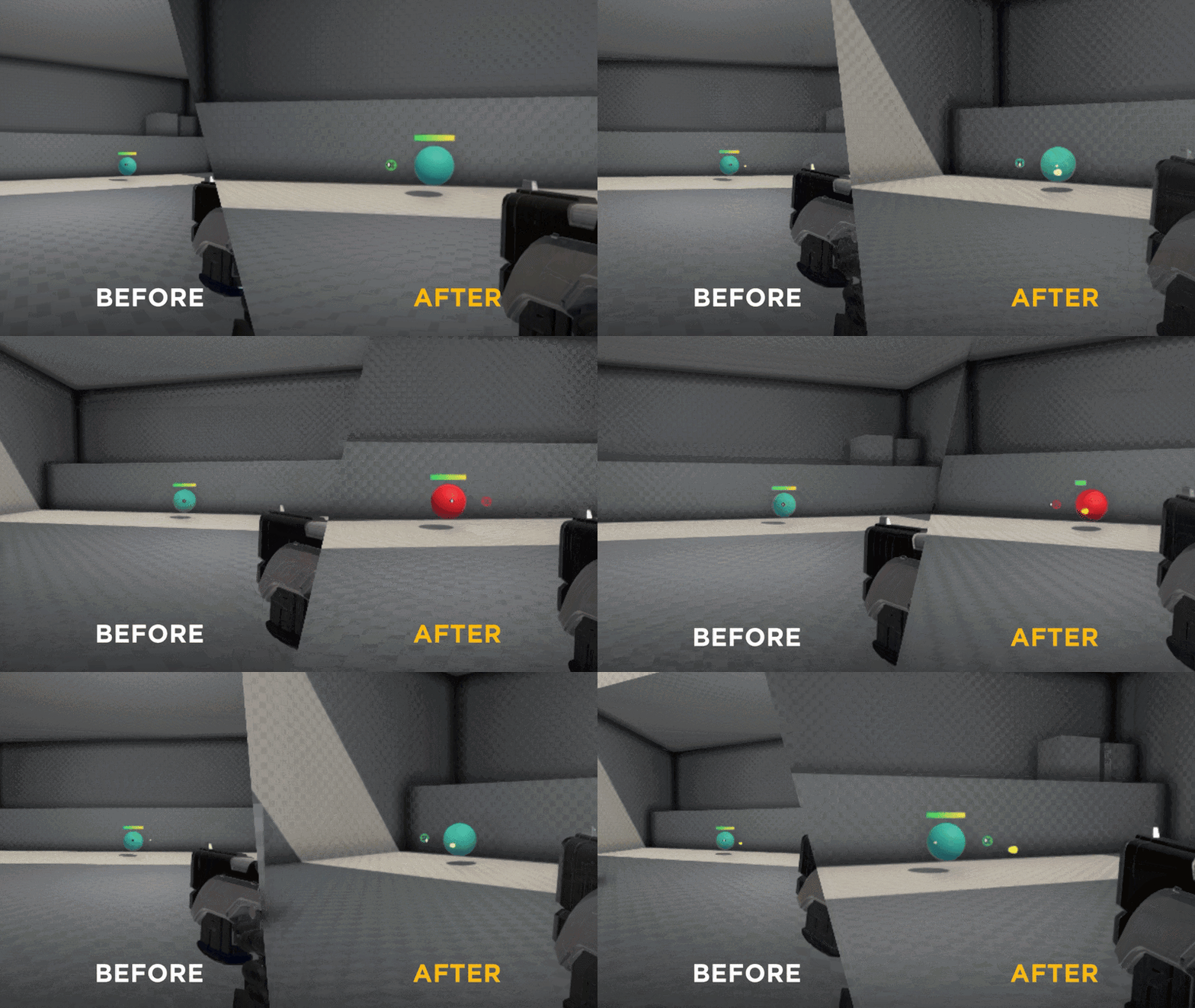
What is Shot Vision?
Shot Vision is an in-task visualizer that helps you train your projectile aim.
Check out this short video by Mr Aimlabs and the team - we breakdown this new feature and explain how to get the most out of it. Worth watching if you want to see it in action before trying it yourself!
How does Shot Vision work?
Shot Vision automatically adjusts to your weapon's projectile speed + bullet drop, your distance from the target, and the movement of the target - and in real time visually shows you how far you should lead your shots to ensure that you always land perfectly on target.
Who is Shot Vision for?
Shot Vision is designed for anyone playing games with projectile weapons: characters with arcing abilities, snipers with bullet drop, anything where your shot has travel time and doesn't land exactly where your crosshair is pointing.
Games Shot Vision directly applies to:
- Marvel Rivals (projectile characters like Winter Soldier, Mantis, Namor, Iron Man, Hawkeye, etc)
- Apex Legends (Wingman, Sniper Rifles, etc)
- Overwatch (Pharah, Junkrat, Echo, etc)
- Deadlock
- Fortnite
- PUBG (Kar98, bolt-actions at range)
- Any shooter where hitscan isn't the whole game!
Why should you use Shot Vision?
The problem Shot Vision solves: most players learn projectiles by feel. You whiff, adjust, whiff again. It works eventually but it takes a long time and there's no real feedback on why shots are landing where they are.
Shot Vision fixes that by showing you exactly where to aim for your shots to land. It accounts for bullet drop, travel time, and arc so you can see the relationship between your where your aiming and where the shot actually goes.
How do you use Shot Vision?
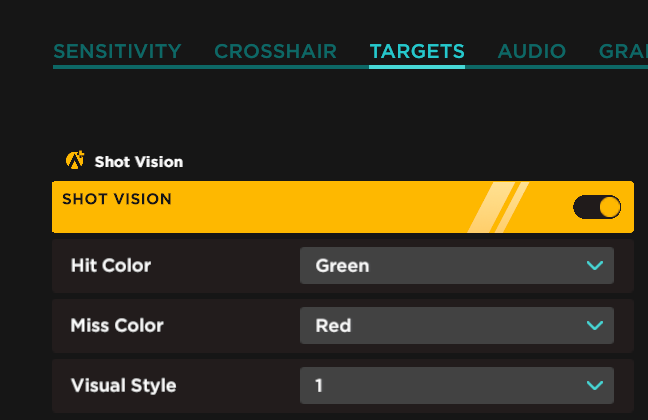
Shot Vision is an Aimlabs+ feature. It works on any Task in Aimlabs that uses a projectile weapon. To turn Shot Vision on, head into Settings, then click on the Targets tab.
Then check out this Playlist made specifically to put Shot Vision to the test! Try turning Shot Vision on/off and comparing your scores!
Shot Vision is an in-task visualizer that helps you train your projectile aim.
Check out this short video by Mr Aimlabs and the team - we breakdown this new feature and explain how to get the most out of it. Worth watching if you want to see it in action before trying it yourself!
How does Shot Vision work?
Shot Vision automatically adjusts to your weapon's projectile speed + bullet drop, your distance from the target, and the movement of the target - and in real time visually shows you how far you should lead your shots to ensure that you always land perfectly on target.
Who is Shot Vision for?
Shot Vision is designed for anyone playing games with projectile weapons: characters with arcing abilities, snipers with bullet drop, anything where your shot has travel time and doesn't land exactly where your crosshair is pointing.
Games Shot Vision directly applies to:
- Marvel Rivals (projectile characters like Winter Soldier, Mantis, Namor, Iron Man, Hawkeye, etc)
- Apex Legends (Wingman, Sniper Rifles, etc)
- Overwatch (Pharah, Junkrat, Echo, etc)
- Deadlock
- Fortnite
- PUBG (Kar98, bolt-actions at range)
- Any shooter where hitscan isn't the whole game!
Why should you use Shot Vision?
The problem Shot Vision solves: most players learn projectiles by feel. You whiff, adjust, whiff again. It works eventually but it takes a long time and there's no real feedback on why shots are landing where they are.
Shot Vision fixes that by showing you exactly where to aim for your shots to land. It accounts for bullet drop, travel time, and arc so you can see the relationship between your where your aiming and where the shot actually goes.
How do you use Shot Vision?
Shot Vision is an Aimlabs+ feature. It works on any Task in Aimlabs that uses a projectile weapon. To turn Shot Vision on, head into Settings, then click on the Targets tab.
Then check out this Playlist made specifically to put Shot Vision to the test! Try turning Shot Vision on/off and comparing your scores!
Aimlabs now supports Deadlock, Roblox Rivals, and Delta Force
New Game Sensitivity Profiles + Playlists
You can now use Aimlabs to train for Deadlock, Roblox Rivals, and Delta Force!
Match your sensitivity, then play these Playlists to start training:
•
Deadlock
•
Roblox Rivals
•
Delta Force
Fixes & Improvements
•
VALORANT: We overhauled the movement feel for VALORANT Tasks, closely matching VALORANT's player movement physics.
Try this Playlist to test out the new and improved VALORANT movement!
•
Creator Studio: Task creators rejoice, bots can now double jump!
Bugs Squashed
•
Fixed no-crosshair bug when using ADS with the Venom weapon
•
Instant restart no longer carries over mouse movement and now correctly resets crosshair position when you restart
You can now use Aimlabs to train for Deadlock, Roblox Rivals, and Delta Force!
Match your sensitivity, then play these Playlists to start training:
•
Deadlock
•
Roblox Rivals
•
Delta Force
Fixes & Improvements
•
VALORANT: We overhauled the movement feel for VALORANT Tasks, closely matching VALORANT's player movement physics.
Try this Playlist to test out the new and improved VALORANT movement!
•
Creator Studio: Task creators rejoice, bots can now double jump!
Bugs Squashed
•
Fixed no-crosshair bug when using ADS with the Venom weapon
•
Instant restart no longer carries over mouse movement and now correctly resets crosshair position when you restart
THIS is the best Aimlabs routine for VALORANT
Grinding Aimlabs but still missing shots in VALORANT?
You might just be playing the wrong Tasks that don't translate to VALORANT.
This guide breaks down the best Aimlabs scenarios for every aim skill you actually use in VALORANT, from timing and micro-adjustments, to flicking and tracking moving targets.
We analyze real VALORANT gameplay situations and match them to specific Aimlabs tasks that train exactly what you need. Stop wasting time on random drills and start training smarter.
Every task is matched to real VALORANT situations so your practice actually translates to ranked games.
You might just be playing the wrong Tasks that don't translate to VALORANT.
This guide breaks down the best Aimlabs scenarios for every aim skill you actually use in VALORANT, from timing and micro-adjustments, to flicking and tracking moving targets.
We analyze real VALORANT gameplay situations and match them to specific Aimlabs tasks that train exactly what you need. Stop wasting time on random drills and start training smarter.
Every task is matched to real VALORANT situations so your practice actually translates to ranked games.
Watch this video if you're new to aim training
Want to improve your aim and dominate in FPS games? This video is for you!
The official 2026 Aimlabs tutorial shows you exactly how to train smarter, track your progress, and level up your gameplay.
Whether you're grinding VALORANT, CS2, or any competitive shooter, this complete guide has everything you need.
We'll cover everything you need to master your aim training in Aimlabs, from essential settings and navigation, to powerful features most players don't even know exist.
The official 2026 Aimlabs tutorial shows you exactly how to train smarter, track your progress, and level up your gameplay.
Whether you're grinding VALORANT, CS2, or any competitive shooter, this complete guide has everything you need.
We'll cover everything you need to master your aim training in Aimlabs, from essential settings and navigation, to powerful features most players don't even know exist.
🌸 Spring Sale - Level Up with 50% OFF Aimlabs+
🌸 Spring is here, and it’s time to refresh your routine and sharpen your skills. To celebrate the season, we’re dropping a huge offer to help you get better at the games you love.
For a limited time, get 50% OFF a 12-month Aimlabs+ membership! Available now through March, 26, 2026!
With a full year of Aimlabs+, you’ll unlock the ultimate training suite designed to turn your potential into peak performance:
•
🖱️ Find Your Optimal Sensitivity For Any Game with the new and improved Sens Finder. No more guesswork, no more inconsistency, just faster improvement.
•
📈 Level Up Faster with our new Progression System! No matter what game you play, get personalized challenges to boost your performance and take your game to the next tier with results you can see and feel.
•
🧠 Play Every Task At Your Optimal Difficulty with Adaptive Tasks - the most efficient way to train. Adaptive Tasks adjust your difficulty in real time. You won’t waste time warming up and accelerate your improvement.
•
🛠 Quickly modify existing Aimlabs tasks to better suit your skill level with Task Tuning. Simply adjust target movement, speed, task length, and more, all with just one click. No advanced Task Creation knowledge required.
•
📊 Receive In-Depth Actionable Feedback and reveal your aim strengths and weaknesses with the Exclusive Premium Analysis.
•
and much more!
Now is the moment to commit to your aim.
Don’t let your aim stay in the winter blues. Lock in a full year of Aimlabs+ at half the price and make this your strongest season yet.
Hurry! This Spring Sale won’t last forever!
For a limited time, get 50% OFF a 12-month Aimlabs+ membership! Available now through March, 26, 2026!
With a full year of Aimlabs+, you’ll unlock the ultimate training suite designed to turn your potential into peak performance:
•
🖱️ Find Your Optimal Sensitivity For Any Game with the new and improved Sens Finder. No more guesswork, no more inconsistency, just faster improvement.
•
📈 Level Up Faster with our new Progression System! No matter what game you play, get personalized challenges to boost your performance and take your game to the next tier with results you can see and feel.
•
🧠 Play Every Task At Your Optimal Difficulty with Adaptive Tasks - the most efficient way to train. Adaptive Tasks adjust your difficulty in real time. You won’t waste time warming up and accelerate your improvement.
•
🛠 Quickly modify existing Aimlabs tasks to better suit your skill level with Task Tuning. Simply adjust target movement, speed, task length, and more, all with just one click. No advanced Task Creation knowledge required.
•
📊 Receive In-Depth Actionable Feedback and reveal your aim strengths and weaknesses with the Exclusive Premium Analysis.
•
and much more!
Now is the moment to commit to your aim.
Don’t let your aim stay in the winter blues. Lock in a full year of Aimlabs+ at half the price and make this your strongest season yet.
Hurry! This Spring Sale won’t last forever!
Logitech G PLAYDAYS x Aimlabs - Spring '26
🔹Spring '26
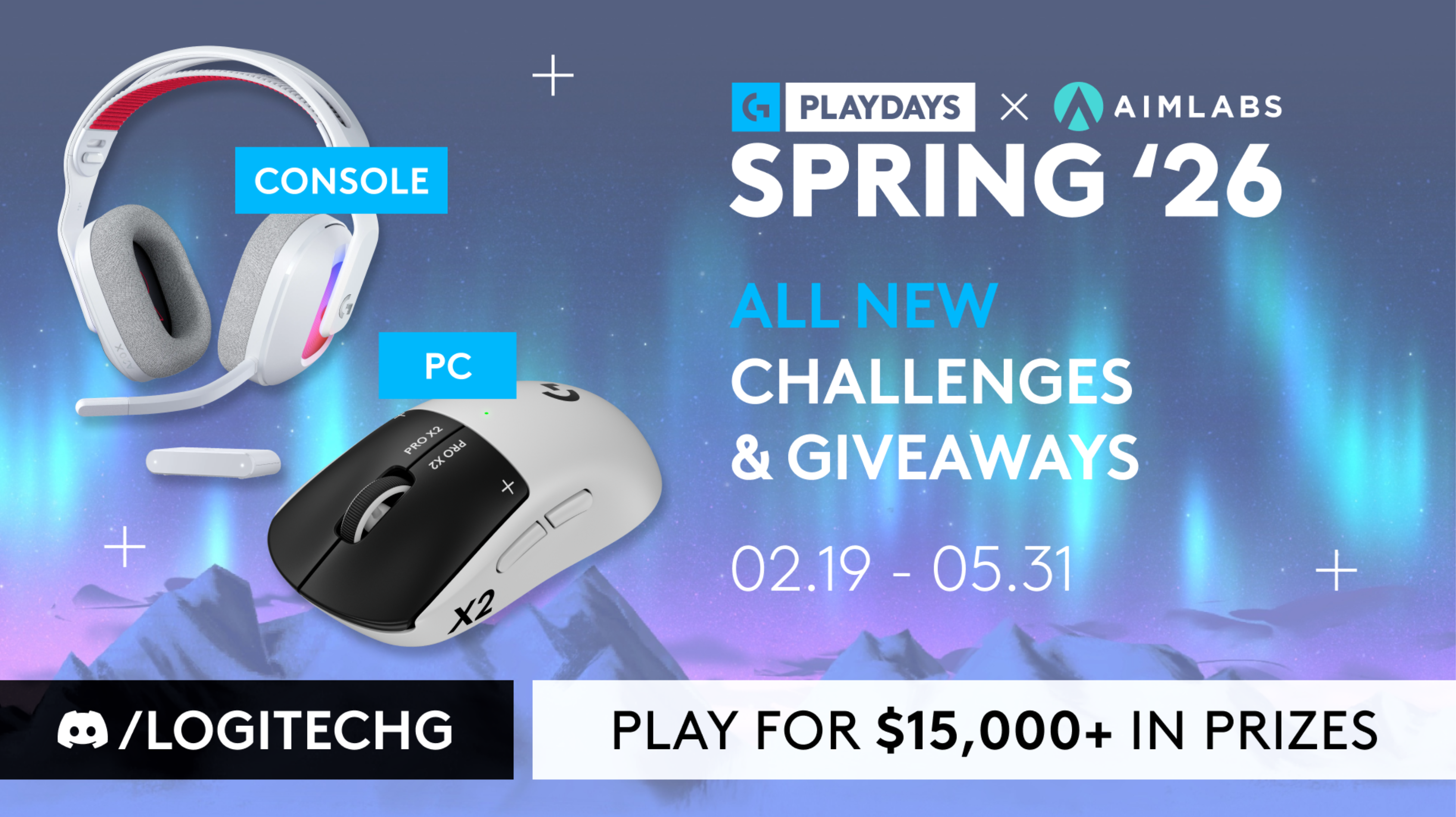
Logitech G PLAYDAYS x Aimlabs are back with Spring '26 - our latest aim training competition, with over $15K in prizes!
Spring '26 is all about speed. This season introduces 3 brand new challenges - with fresh + remixed gameplay that will push your flicking, tracking, and switching speed to their limits!
Master all 3 challenges to claim your spot on the new leaderboards:
🔹Place top 50 on PC to win the brand new PRO X2 SUPERSTRIKE
🔹Place top 25 on Console to win the ASTRO A20 X
Spring '26 starts now and ends May 31'st!
🔹3 New Challenges
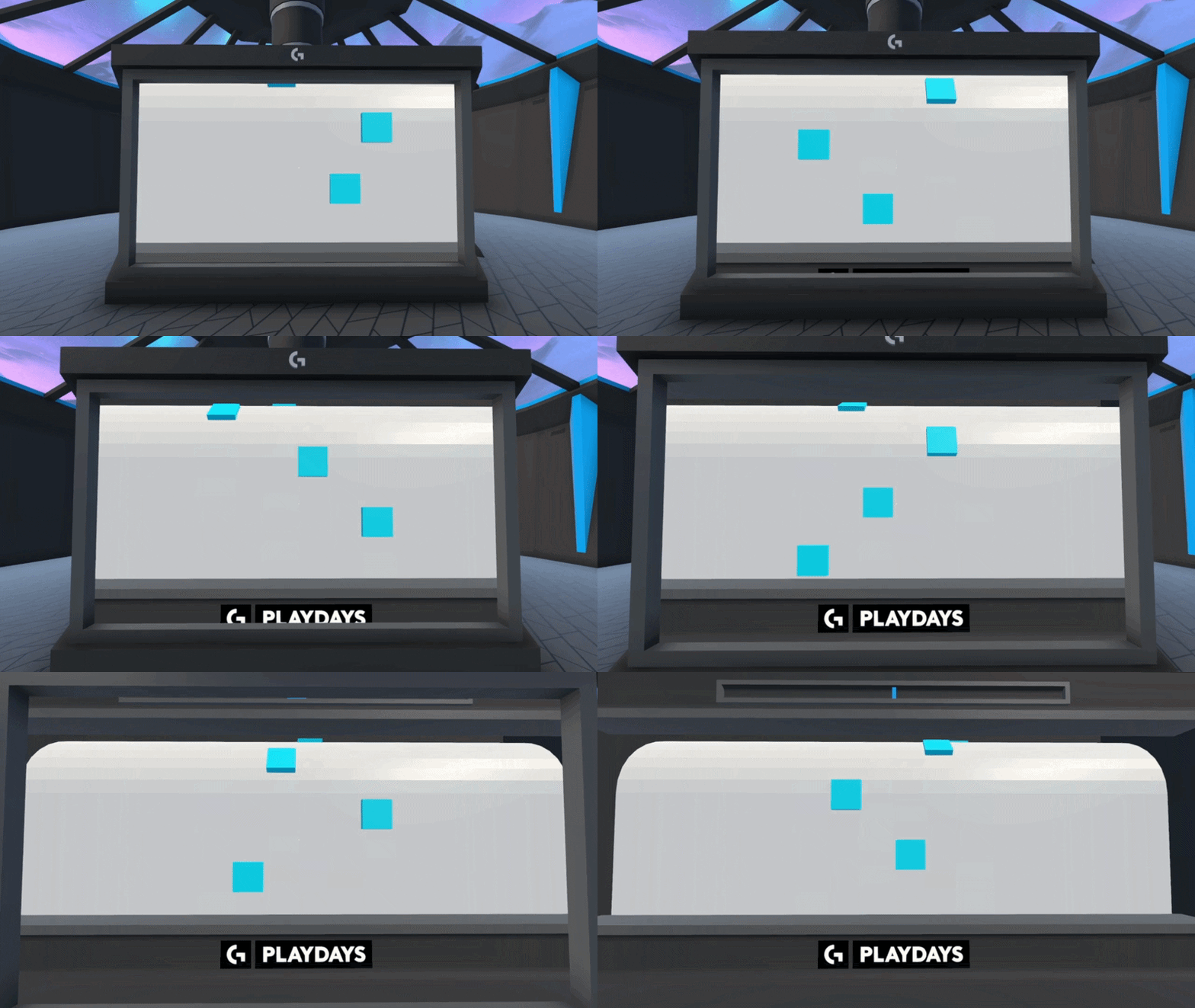
Supershot - 6 phases specifically designed to push your click + flick speed farther than ever before!
Centertrack - Train aim centering as you automove while tracking strafing + floating targets!
Vantageswitch - Speed target switching from a high ground vantage point!
🔹$15,000+ In Prizes & Giveaways + New In-Game Rewards
Top 50 players on PC win the brand new PRO X2 SUPERSTRIKE, + 5 random giveaways!
Top 25 players on Console win the ASTRO A20 X, + 5 random giveaways!
All participants also earn in-game rewards - like Placement Titles, Weapon Skins, and Avatars & Banners!
Logitech G PLAYDAYS x Aimlabs - Spring '26 is live now, on PC + Console!
Play now from the G PLAYDAYS Tab in Aimlabs!
Join the Logitech G Discord to learn more + register to play!
Logitech G PLAYDAYS x Aimlabs are back with Spring '26 - our latest aim training competition, with over $15K in prizes!
Spring '26 is all about speed. This season introduces 3 brand new challenges - with fresh + remixed gameplay that will push your flicking, tracking, and switching speed to their limits!
Master all 3 challenges to claim your spot on the new leaderboards:
🔹Place top 50 on PC to win the brand new PRO X2 SUPERSTRIKE
🔹Place top 25 on Console to win the ASTRO A20 X
Spring '26 starts now and ends May 31'st!
🔹3 New Challenges
Supershot - 6 phases specifically designed to push your click + flick speed farther than ever before!
Centertrack - Train aim centering as you automove while tracking strafing + floating targets!
Vantageswitch - Speed target switching from a high ground vantage point!
🔹$15,000+ In Prizes & Giveaways + New In-Game Rewards
Top 50 players on PC win the brand new PRO X2 SUPERSTRIKE, + 5 random giveaways!
Top 25 players on Console win the ASTRO A20 X, + 5 random giveaways!
All participants also earn in-game rewards - like Placement Titles, Weapon Skins, and Avatars & Banners!
Logitech G PLAYDAYS x Aimlabs - Spring '26 is live now, on PC + Console!
Play now from the G PLAYDAYS Tab in Aimlabs!
Join the Logitech G Discord to learn more + register to play!

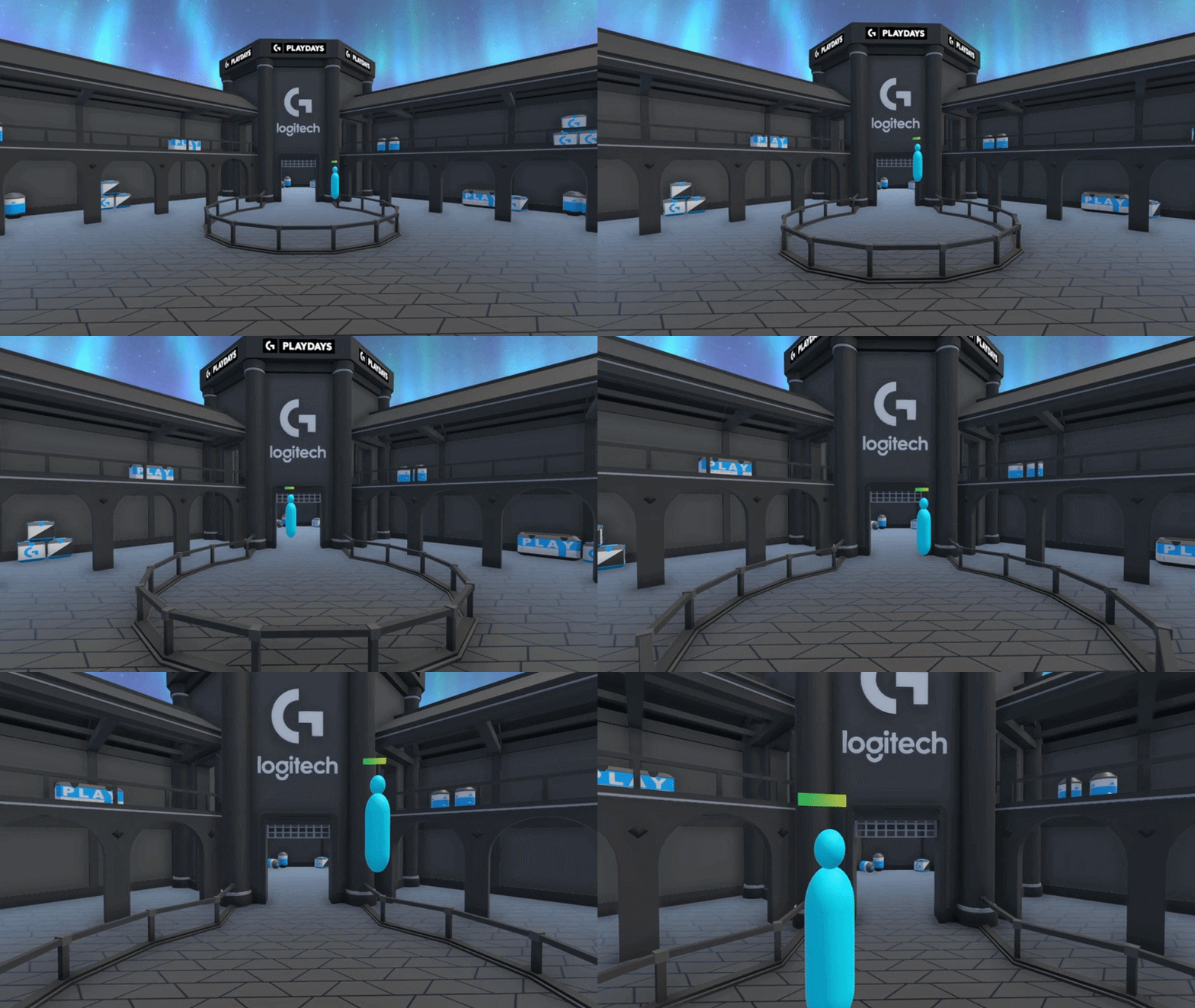
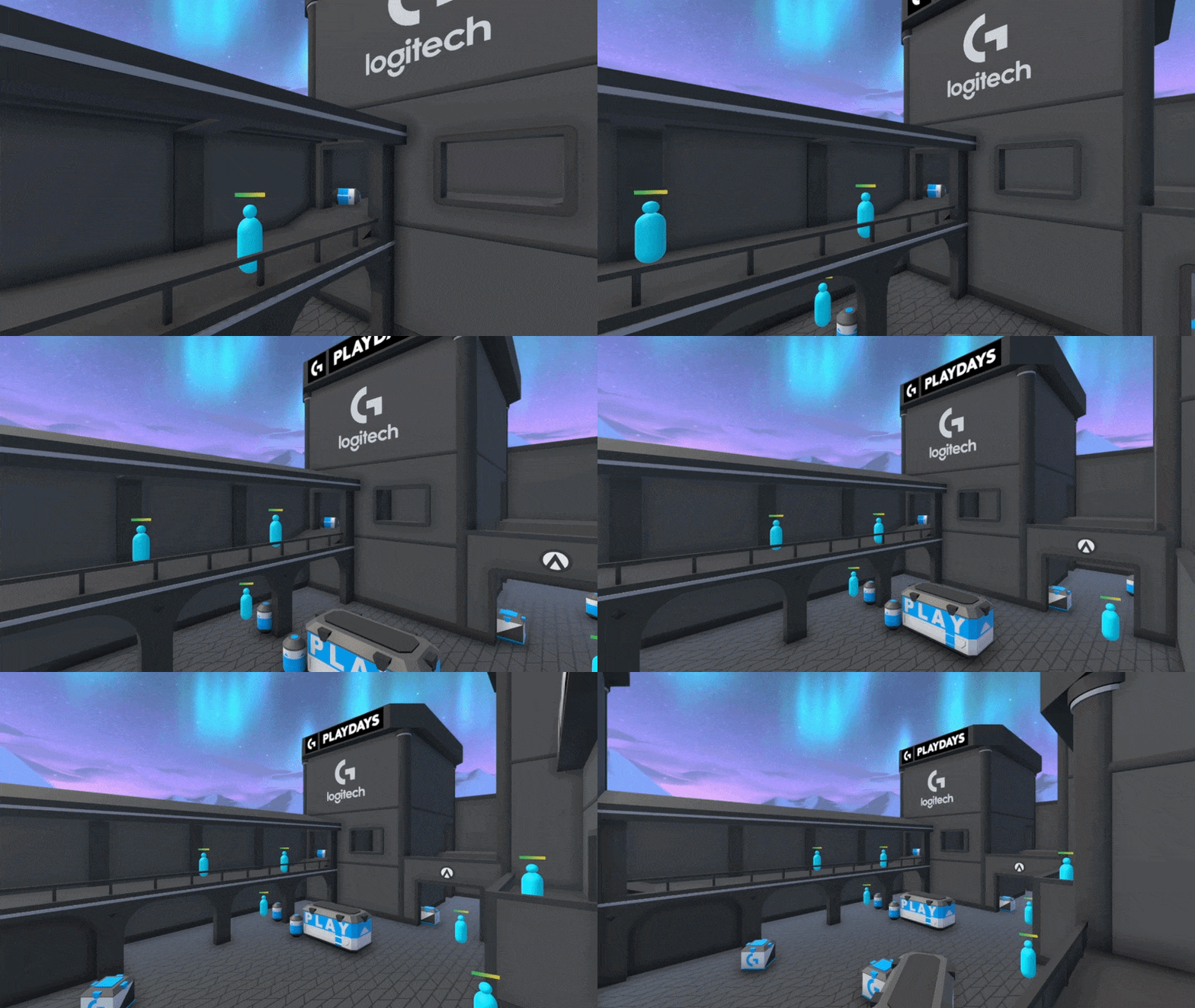
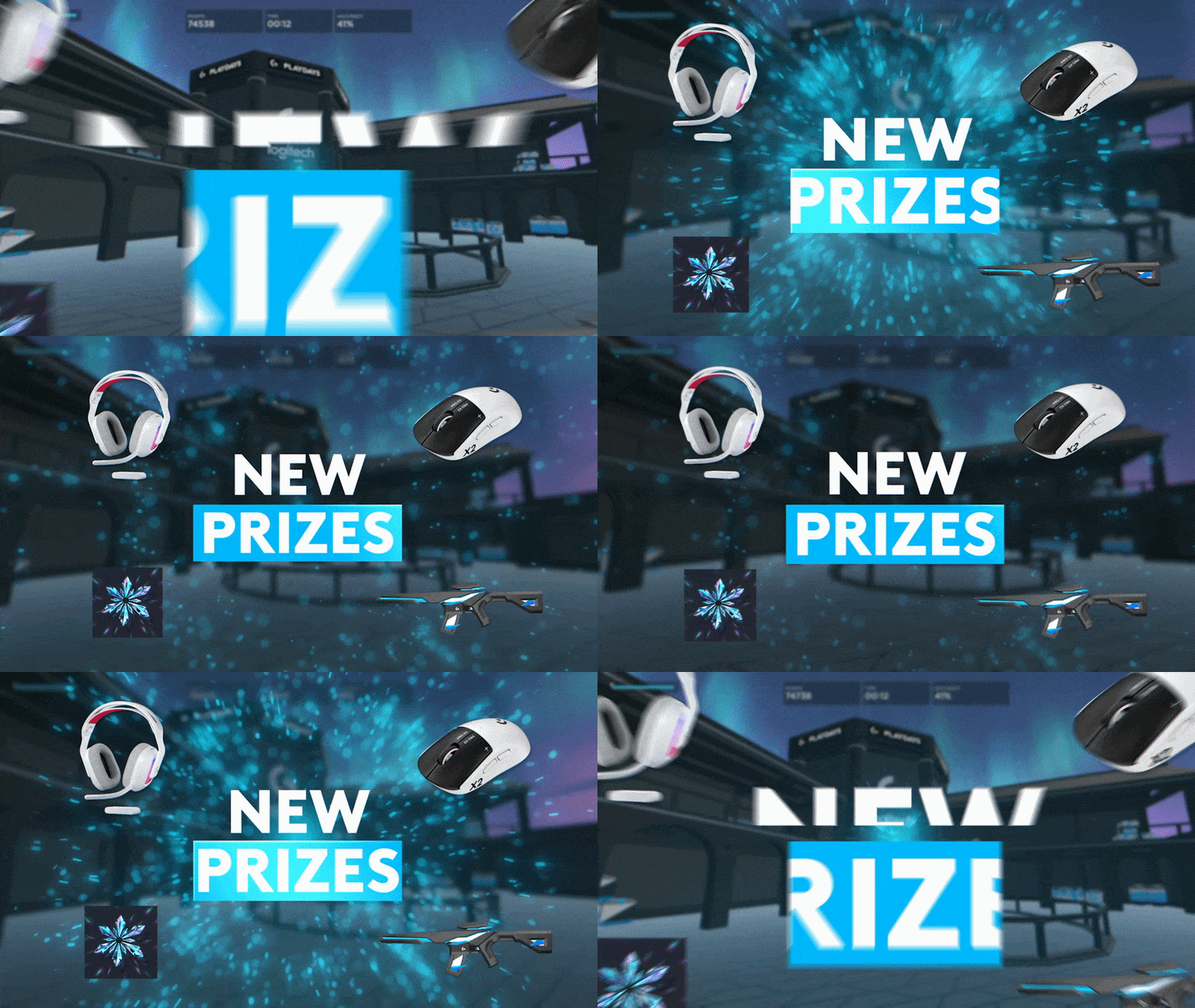
Year of the Horse Duos Event!
The Year of the Horse Duos Event is here!
Aimlabs' first ever event with MATCHMAKING is live now through March 3, 2026 6:00PM ET!
You can team up with a friend using a lobby code (just like the last multiplayer event), OR if you don't have a duo ready, queue up solo and we'll automatically pair you with another player. Either way, you're competing.
How it works
•
Open Aimlabs and find the event in the Lobby or Events tab.
•
Team up with a friend via lobby code or use the new Duo Matchmaking system
•
Complete the Year of the Horse Duos challenge together
•
Post your best performance to the leaderboard
•
Finish top 2 or complete the event for a shot at prizes
Prizing (Sponsored by MSI)
🥇Grand Prize: Two (2) MSI MPG 271QR QD-OLED X50 monitors
🥈Second Prize: Two (2) MSI MAG 272QP QD-OLED X50 monitors
🎁Participant Award: 10 players who complete the event (outside the top 2) will be randomly selected to receive a $95 USD Steam Digital Gift Card each
Good luck and have fun 🩵
Aimlabs' first ever event with MATCHMAKING is live now through March 3, 2026 6:00PM ET!
You can team up with a friend using a lobby code (just like the last multiplayer event), OR if you don't have a duo ready, queue up solo and we'll automatically pair you with another player. Either way, you're competing.
How it works
•
Open Aimlabs and find the event in the Lobby or Events tab.
•
Team up with a friend via lobby code or use the new Duo Matchmaking system
•
Complete the Year of the Horse Duos challenge together
•
Post your best performance to the leaderboard
•
Finish top 2 or complete the event for a shot at prizes
Prizing (Sponsored by MSI)
🥇Grand Prize: Two (2) MSI MPG 271QR QD-OLED X50 monitors
🥈Second Prize: Two (2) MSI MAG 272QP QD-OLED X50 monitors
🎁Participant Award: 10 players who complete the event (outside the top 2) will be randomly selected to receive a $95 USD Steam Digital Gift Card each
Good luck and have fun 🩵
Aimlabs x Logitech G Snowday Duos is HERE!
We’re excited to share something new with the community.
Today, we’re launching Aimlabs’ first-ever multiplayer/cooperative event, and we can’t wait for you to try it with a friend!
Snowday Duos is a limited-time duo leaderboard event, created in partnership with Logitech G, focused on cooperative play and shared improvement.
How Snowday Duos Works:
• Grab a duo
• Open Aimlabs on PC
• Click Play DuoShot directly from the home screen
• Compete together on the Snowday Duos leaderboard
This event is PC-only and is not available on console.
Prizes:
At the end of the event, the following prizes will be awarded:
Top 10 Teams (20 Winners)
The first eligible teams ranked 1–10 on the leaderboard will each receive:
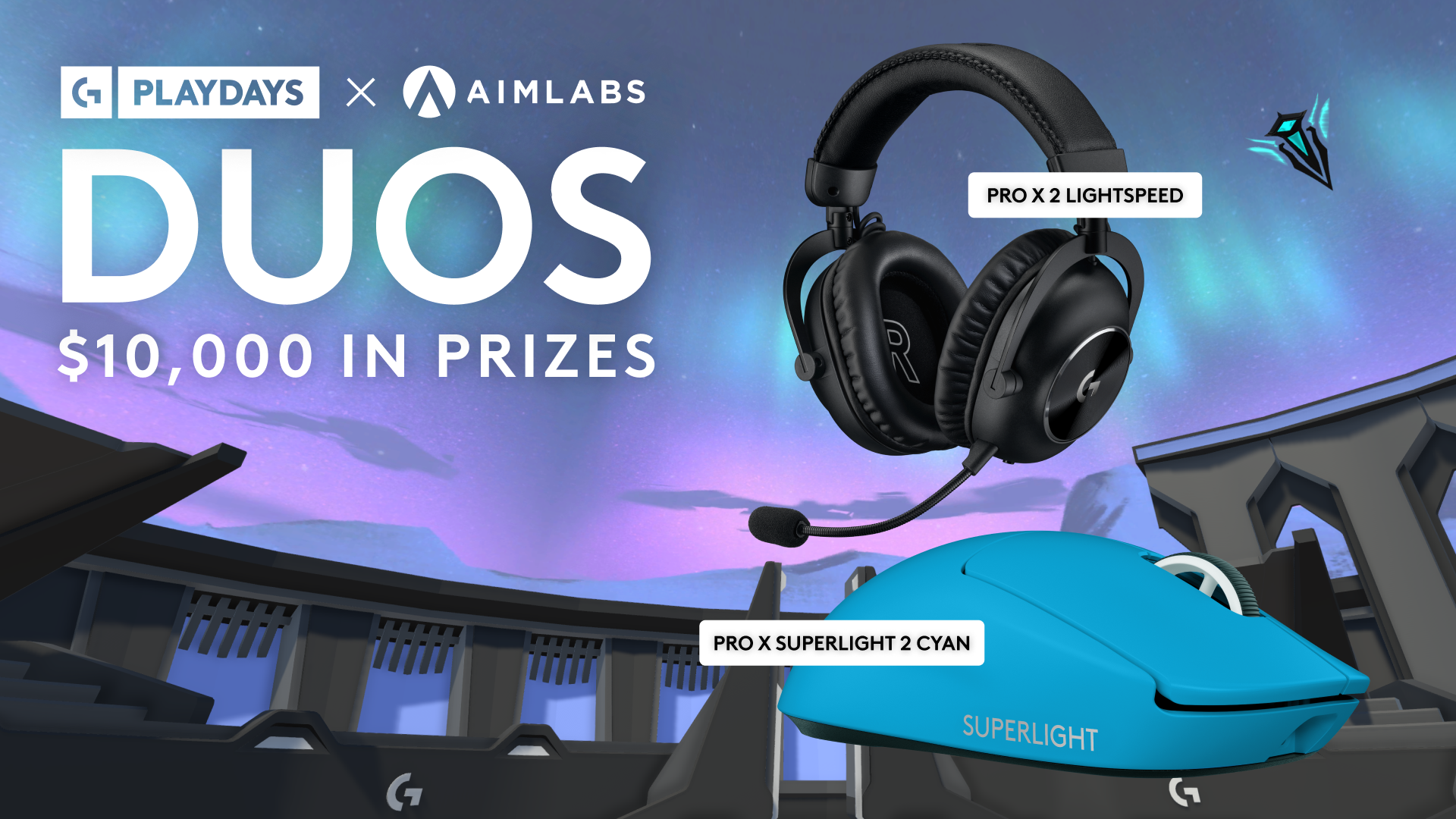
• Logitech G Pro X Superlight 2 Cyan Mouse
• Logitech G Pro X 2 LIGHTSPEED Wireless Headset
Sweepstakes Giveaway (5 Winners)
In addition, 5 eligible players who are not part of the top 10 teams will be randomly selected to receive:
• Logitech G Pro X Superlight 2 Cyan Mouse
• Logitech G Pro X 2 LIGHTSPEED Wireless Headset
You don’t need to place top 10 to have a chance to win. Just jump in and play!
Participation Rewards:
All players who complete DuoShot at least once will receive:
• A special Title
• A unique Banner
• An exclusive Gun Skin
Everyone gets something for playing, so grab a duo and dive in!
Event Dates
Snowday Duos runs from December 23rd to January 12th!
Why We’re Excited
This is our first step into multiplayer and cooperative events in Aimlabs, and we’re genuinely excited to experience it alongside the community.
Snowday Duos is meant to be competitive, social, and fun. Whether you’re pushing for the top of the leaderboard or just running games with a friend, we want this to feel welcoming and rewarding for everyone.
We’d Love Your Feedback
Grab your friends, duos, teammates, or whoever you aim best with and head in-game.
Let us know:
• Who are you running DuoShot with?
• How does cooperative aiming feel to you?
• What would you like to see from future multiplayer events?
All feedback and experiences are welcome. We’re building this with the community, and we hope you have fun with it
Today, we’re launching Aimlabs’ first-ever multiplayer/cooperative event, and we can’t wait for you to try it with a friend!
Snowday Duos is a limited-time duo leaderboard event, created in partnership with Logitech G, focused on cooperative play and shared improvement.
How Snowday Duos Works:
• Grab a duo
• Open Aimlabs on PC
• Click Play DuoShot directly from the home screen
• Compete together on the Snowday Duos leaderboard
This event is PC-only and is not available on console.
Prizes:
At the end of the event, the following prizes will be awarded:
Top 10 Teams (20 Winners)
The first eligible teams ranked 1–10 on the leaderboard will each receive:
• Logitech G Pro X Superlight 2 Cyan Mouse
• Logitech G Pro X 2 LIGHTSPEED Wireless Headset
Sweepstakes Giveaway (5 Winners)
In addition, 5 eligible players who are not part of the top 10 teams will be randomly selected to receive:
• Logitech G Pro X Superlight 2 Cyan Mouse
• Logitech G Pro X 2 LIGHTSPEED Wireless Headset
You don’t need to place top 10 to have a chance to win. Just jump in and play!
Participation Rewards:
All players who complete DuoShot at least once will receive:
• A special Title
• A unique Banner
• An exclusive Gun Skin
Everyone gets something for playing, so grab a duo and dive in!
Event Dates
Snowday Duos runs from December 23rd to January 12th!
Why We’re Excited
This is our first step into multiplayer and cooperative events in Aimlabs, and we’re genuinely excited to experience it alongside the community.
Snowday Duos is meant to be competitive, social, and fun. Whether you’re pushing for the top of the leaderboard or just running games with a friend, we want this to feel welcoming and rewarding for everyone.
We’d Love Your Feedback
Grab your friends, duos, teammates, or whoever you aim best with and head in-game.
Let us know:
• Who are you running DuoShot with?
• How does cooperative aiming feel to you?
• What would you like to see from future multiplayer events?
All feedback and experiences are welcome. We’re building this with the community, and we hope you have fun with it




AIMLABS WINTER SALE
Improve faster so you can dominate your favorite shooter games with:
•
Sens Finder to find your perfect sensitivity
•
Game specific training programs
•
Performance feedback that shows what to fix
•
Task Tuning and adaptive difficulty
•
Earn Aim Credits while you grind
•
Unlock all premium Academy content
•
And much more
Open Aimlabs and claim the offer in the carousel. This is our lowest price, so lock it in before it ends!
•
Sens Finder to find your perfect sensitivity
•
Game specific training programs
•
Performance feedback that shows what to fix
•
Task Tuning and adaptive difficulty
•
Earn Aim Credits while you grind
•
Unlock all premium Academy content
•
And much more
Open Aimlabs and claim the offer in the carousel. This is our lowest price, so lock it in before it ends!

讨论板块
游戏服务器
暂无服务器