
游戏预览
配置要求
最低配置
- 系统
- Windows 10, Windows 11
- CPU
- 1.66 GHz Intel i5 or equivalent
- 内存
- 1024 MB RAM
- 显卡
- HD Graphics 4000 or above
- 存储
- 512 MB available space
推荐配置
- 系统
- Windows 10, Windows 11
- CPU
- 2.0 GHz Intel i7 or equivalent
- 内存
- 2048 MB RAM
- 显卡
- NVIDIA GeForce GTX 660, AMD HD7870, 2 GB VRAM or above
- 存储
- 1024 MB available space
在线人数趋势(最近 7 天)
在线人数(7 天)
价格历史(90天)
游戏简介
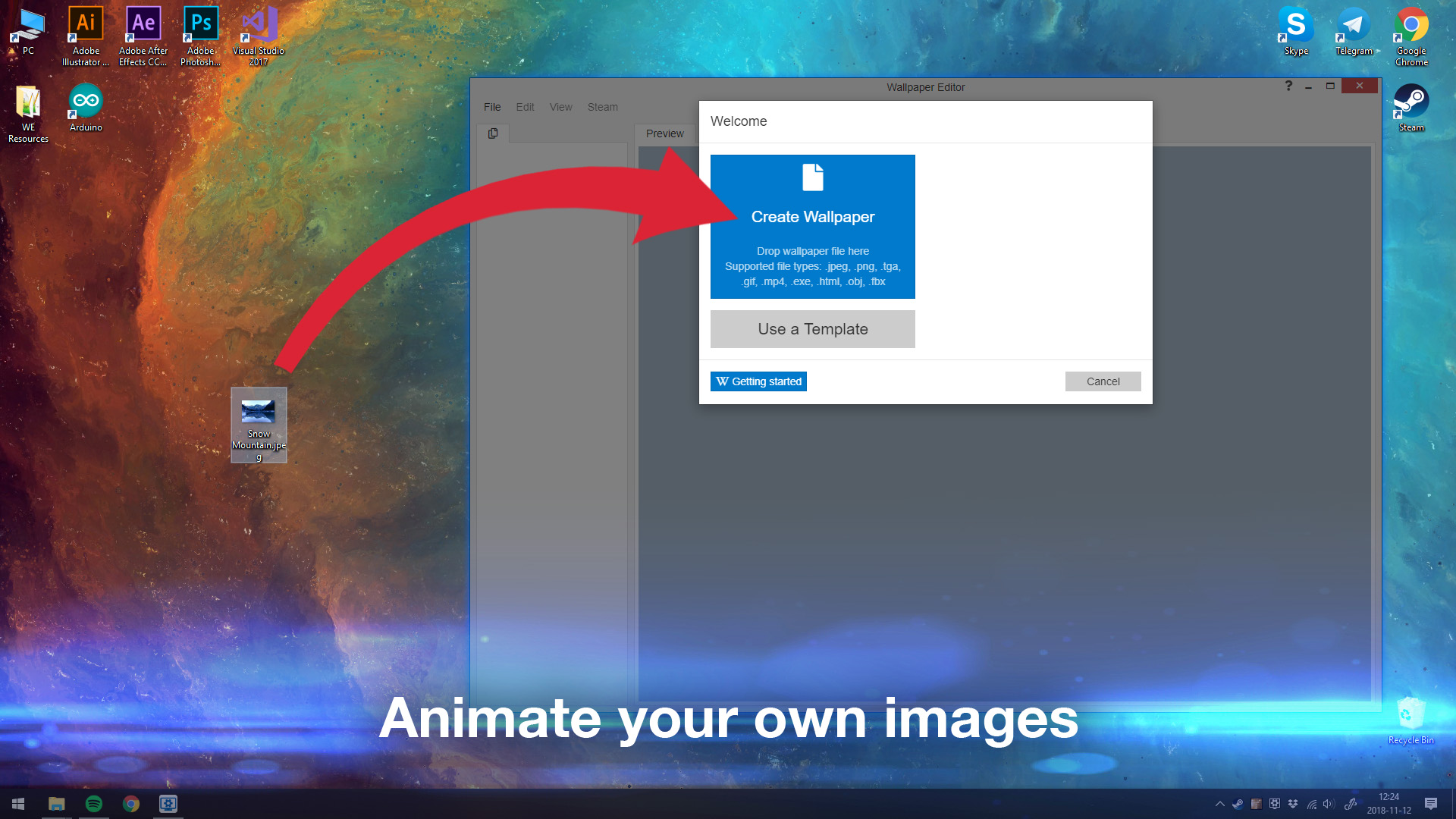
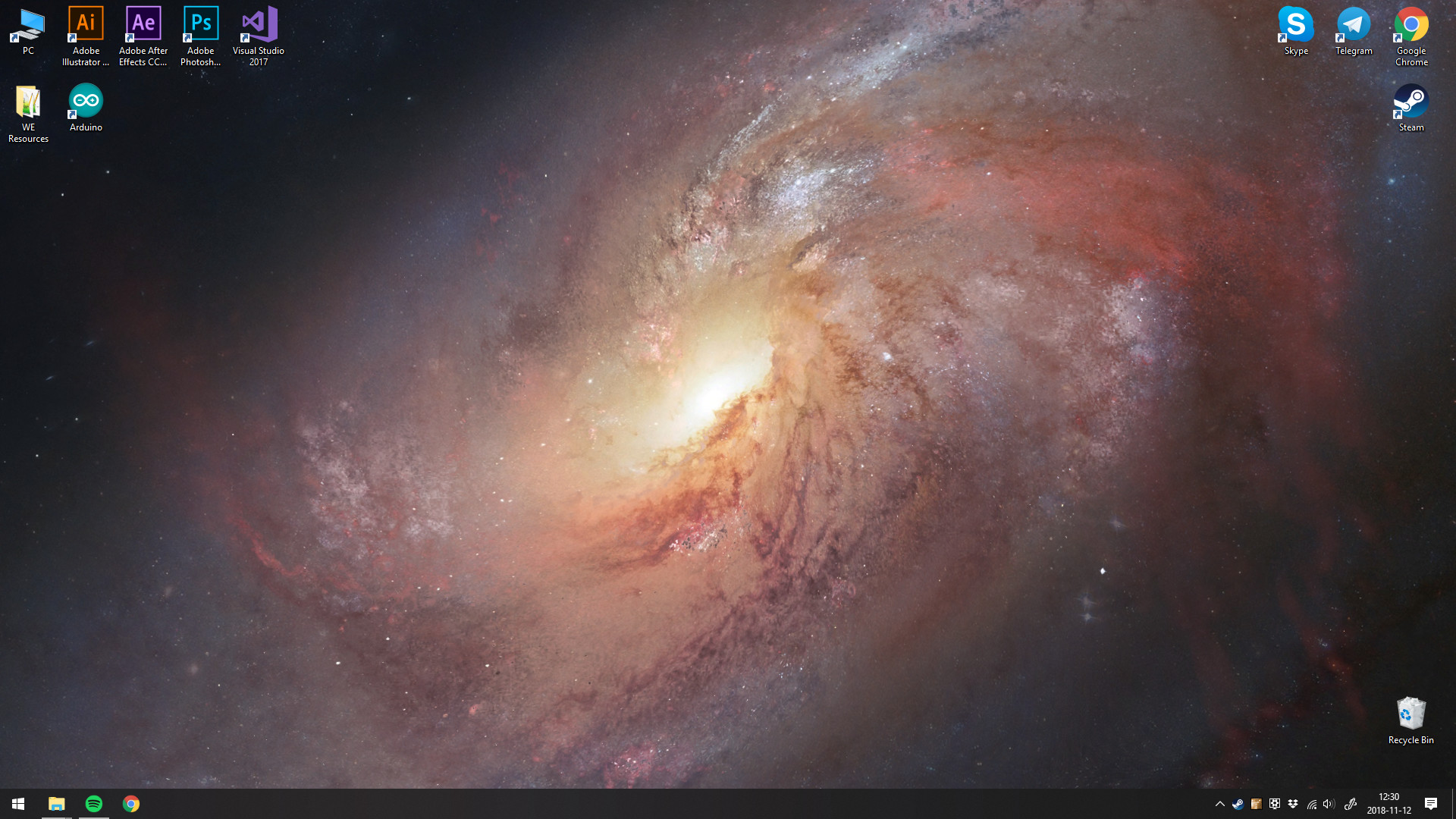
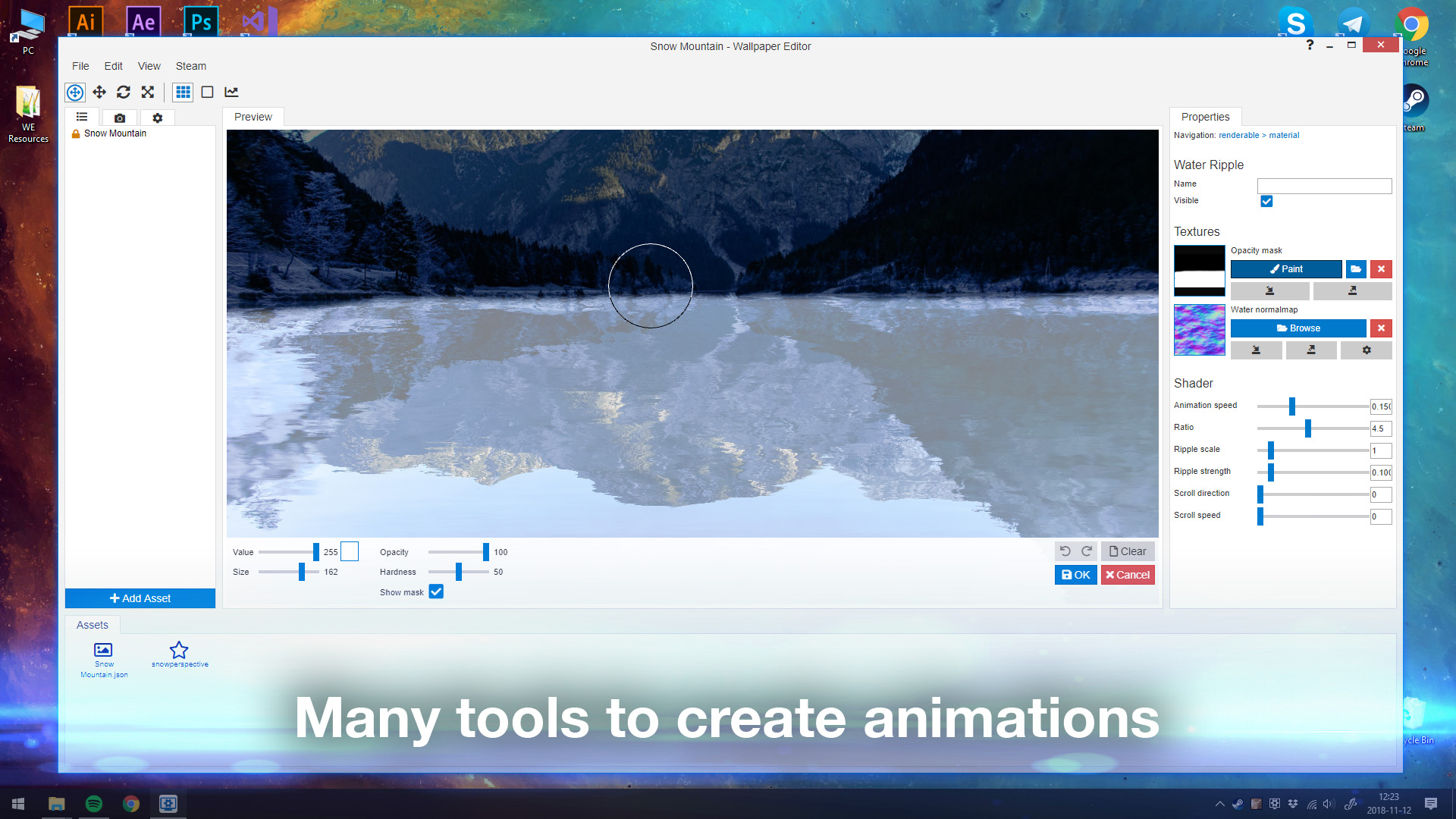
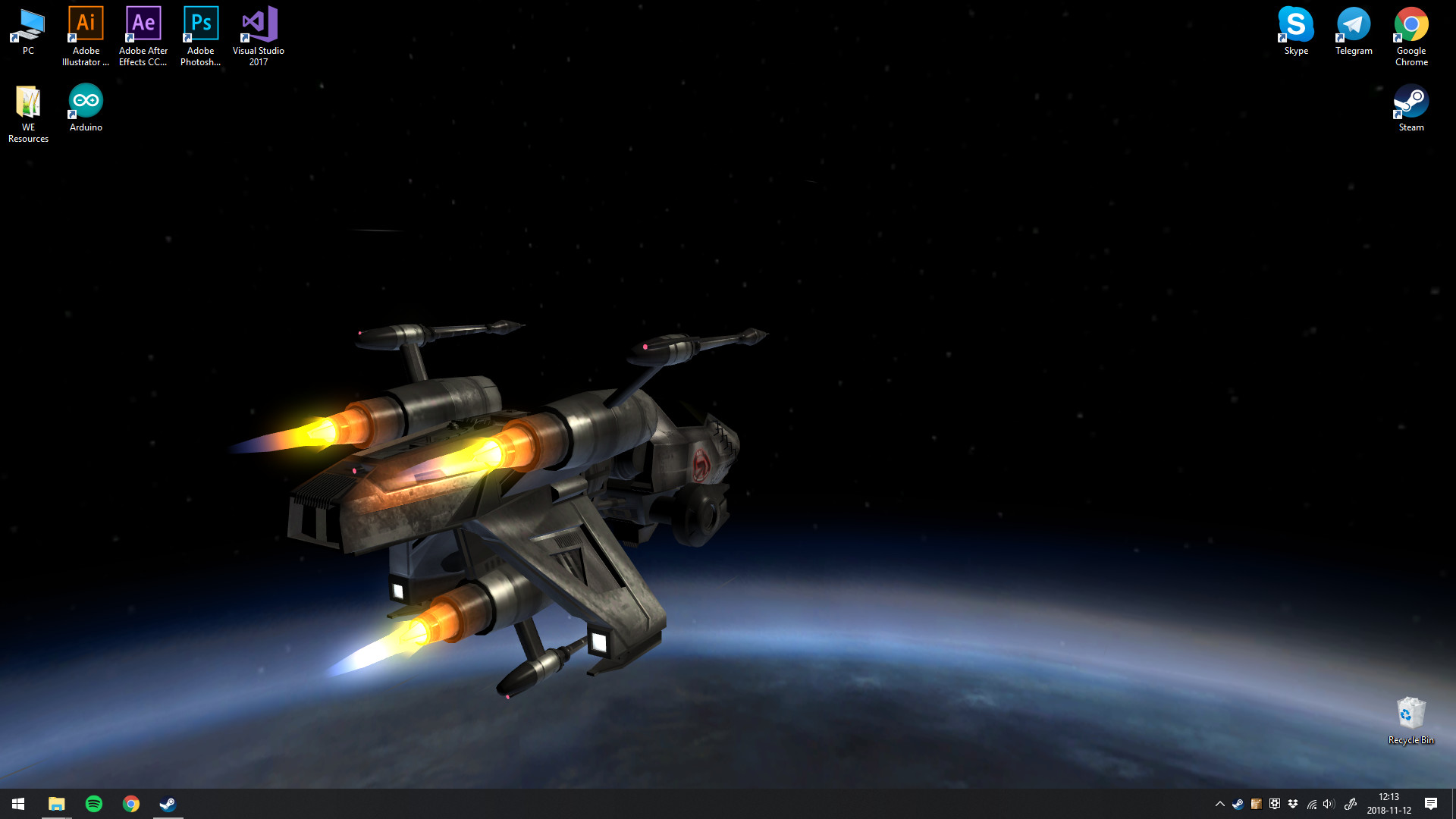
您可以在桌面上使用惊艳的动态壁纸。可以将您自己的图片制成动画以创建新壁纸,或导入视频/网站并在 Steam 创意工坊上分享!
更新记录
Wallpaper Engine 2.8.42 - Removal of Application Wallpapers from the Workshop
Hey everyone,
this update introduces a security change to Wallpaper Engine. In the next week, we will be permanently removing the "Application" wallpaper type from the public Steam Workshop. While this sounds drastic, it affects merely 0.5% of all wallpapers with actual user numbers being much lower than even that. The overwhelming majority of users never used any applications wallpapers at all, since they are hidden by default in the app.
As part of this transition, we are currently cleaning up the Workshop. Most application wallpapers will start to be set to friends-only for the transition period. If there are any Application-type wallpapers you actively use and want to keep, you have a grace period of around one week to back them up locally.
Why did Application Wallpapers exist in the first place?
We got this question a lot, so we want to answer this quickly. The "Application" wallpaper type is a legacy feature from the very earliest days of Wallpaper Engine's development.
Back then, our thought process was heavily inspired by the "sideloading" concept on platforms like Android. We wanted to give power-users maximum freedom to create truly custom solutions. The idea was that as long as we provided unskippable warnings and hid these wallpapers from default searches, users who understood and accepted the risks could run custom executables (.exe files) as their background. Looking back, the assumptions we made back then were well intended but quite naive.
Wallpaper Engine has since then evolved into a fully-fledged, highly capable rendering engine. Today, you can achieve almost anything you want to create within Wallpaper Engine itself that was previously only possible with external app wallpapers. App wallpapers are simply not necessary anymore and offer too many downsides and risks for very little benefit.
Why are we removing them now?
Application wallpapers are essentially just ordinary Windows apps that have full access to your computer. While that allows for some really cool creations, it also opens the door for people with bad intentions. The reality is that executable files cannot be reliably secured with automated systems. There will always be blind spots and ways for people to bypass them. As many of you know, we recently saw people trying to use this old feature to spread malware. At the end of the day, keeping a feature around that lets anyone easily share random .exe files on the Workshop is a risk we are no longer willing to take.
You might wonder why we do not just "freeze" the currently existing safe app wallpapers and leave them up. The simple answer is that the Steam Workshop does not have a feature to lock items from being updated. If we leave an item up, there is always a risk that the original creator gets their Steam account hacked down the line. If that happens, the hacker could easily push a malicious update to a previously safe and popular wallpaper. Even if Steam had advanced security measures like two-factor authentication for Workshop updates, complete removal is the only way to be sure a safe wallpaper does not suddenly turn into a harmful one in the future. We want to be clear that no such case has happened, it is simply a theoretical risk that we considered when making this decision.
The recent news regarding the malware outbreak actually impacted a very tiny number of people due to the safeguards we already had in place (app wallpapers were hidden by default, they required clicking through scary-looking warnings and it is an overall unpopular wallpaper type). Unfortunately, many media reports lacked this nuance, leaning into alarming headlines that misrepresented the scale of the issue. Once those headlines are out there, it becomes a losing battle for us to correct the record and calm things down. Even though the actual threat was highly contained, the panic it caused was very real, and we do not blame anyone for feeling anxious. We want everyone to feel completely safe using Wallpaper Engine, and keeping application wallpapers around is simply no longer compatible with that goal.
What this means for you
Starting with this new update, you will no longer be able to upload or download Application wallpapers to and from the Steam Workshop.
If you have an Application wallpaper you currently use, please back up the files on your PC within the next week, see this guide on how to do that:
• https://help.wallpaperengine.io/steam/backup.html
Of course, you can still continue to run custom app wallpapers locally on your own machine using the app, but public distribution through Steam is being sunsetted.
We apologize and hope that you understand.
this update introduces a security change to Wallpaper Engine. In the next week, we will be permanently removing the "Application" wallpaper type from the public Steam Workshop. While this sounds drastic, it affects merely 0.5% of all wallpapers with actual user numbers being much lower than even that. The overwhelming majority of users never used any applications wallpapers at all, since they are hidden by default in the app.
As part of this transition, we are currently cleaning up the Workshop. Most application wallpapers will start to be set to friends-only for the transition period. If there are any Application-type wallpapers you actively use and want to keep, you have a grace period of around one week to back them up locally.
Why did Application Wallpapers exist in the first place?
We got this question a lot, so we want to answer this quickly. The "Application" wallpaper type is a legacy feature from the very earliest days of Wallpaper Engine's development.
Back then, our thought process was heavily inspired by the "sideloading" concept on platforms like Android. We wanted to give power-users maximum freedom to create truly custom solutions. The idea was that as long as we provided unskippable warnings and hid these wallpapers from default searches, users who understood and accepted the risks could run custom executables (.exe files) as their background. Looking back, the assumptions we made back then were well intended but quite naive.
Wallpaper Engine has since then evolved into a fully-fledged, highly capable rendering engine. Today, you can achieve almost anything you want to create within Wallpaper Engine itself that was previously only possible with external app wallpapers. App wallpapers are simply not necessary anymore and offer too many downsides and risks for very little benefit.
Why are we removing them now?
Application wallpapers are essentially just ordinary Windows apps that have full access to your computer. While that allows for some really cool creations, it also opens the door for people with bad intentions. The reality is that executable files cannot be reliably secured with automated systems. There will always be blind spots and ways for people to bypass them. As many of you know, we recently saw people trying to use this old feature to spread malware. At the end of the day, keeping a feature around that lets anyone easily share random .exe files on the Workshop is a risk we are no longer willing to take.
You might wonder why we do not just "freeze" the currently existing safe app wallpapers and leave them up. The simple answer is that the Steam Workshop does not have a feature to lock items from being updated. If we leave an item up, there is always a risk that the original creator gets their Steam account hacked down the line. If that happens, the hacker could easily push a malicious update to a previously safe and popular wallpaper. Even if Steam had advanced security measures like two-factor authentication for Workshop updates, complete removal is the only way to be sure a safe wallpaper does not suddenly turn into a harmful one in the future. We want to be clear that no such case has happened, it is simply a theoretical risk that we considered when making this decision.
The recent news regarding the malware outbreak actually impacted a very tiny number of people due to the safeguards we already had in place (app wallpapers were hidden by default, they required clicking through scary-looking warnings and it is an overall unpopular wallpaper type). Unfortunately, many media reports lacked this nuance, leaning into alarming headlines that misrepresented the scale of the issue. Once those headlines are out there, it becomes a losing battle for us to correct the record and calm things down. Even though the actual threat was highly contained, the panic it caused was very real, and we do not blame anyone for feeling anxious. We want everyone to feel completely safe using Wallpaper Engine, and keeping application wallpapers around is simply no longer compatible with that goal.
What this means for you
Starting with this new update, you will no longer be able to upload or download Application wallpapers to and from the Steam Workshop.
If you have an Application wallpaper you currently use, please back up the files on your PC within the next week, see this guide on how to do that:
• https://help.wallpaperengine.io/steam/backup.html
Of course, you can still continue to run custom app wallpapers locally on your own machine using the app, but public distribution through Steam is being sunsetted.
We apologize and hope that you understand.
Wallpaper Engine 2.8 - Dynamic Model Generation & Text Rendering Improvements
While Wallpaper Engine 2.8 was primarily planned as a maintenance release with various bug fixes and improvements under the hood, we also found the time to add some cool new features which you should soon start seeing on new wallpapers.
Switch to 64-bit
We have been performing a lot of background maintenance recently to improve performance, fix issues and overall future-proof the app. While some Wallpaper Engine processes were already available in 64-bit, we are now largely moving to 64-bit executables. Because of this, we have renamed the user interface process from ui32.exe to wallpaperui.exe. If you run into any issues with updating the app, be sure to exclude the wallpaper_engine directory and specifically wallpaperui.exe from any antivirus app or firewall.
New Features
Dynamic Models
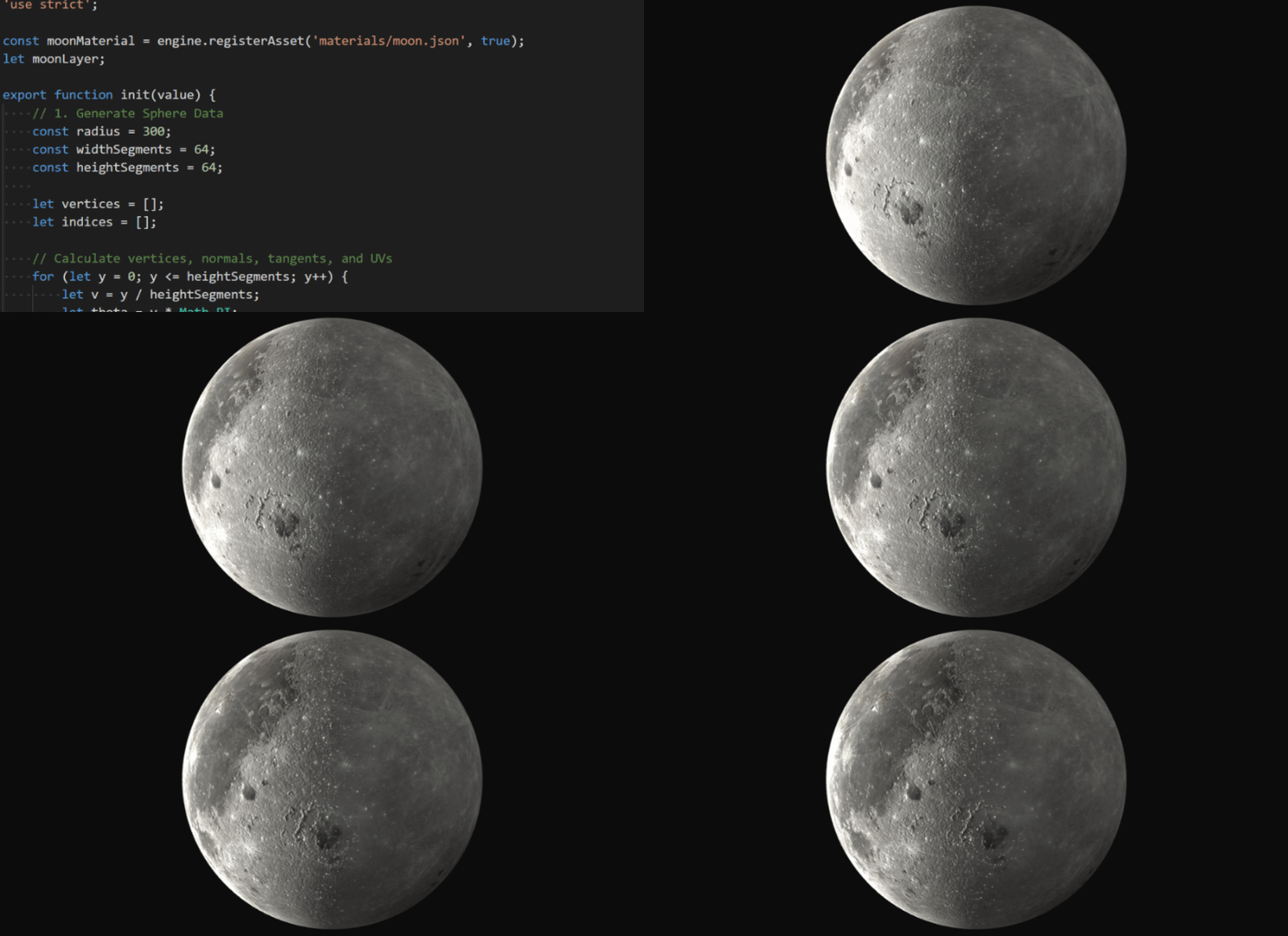
The first new feature we are introducing is dynamic model generation as part of Wallpaper Engine's SceneScript language. This allows wallpaper creators to generate custom 2D and 3D shapes and models entirely from code. Up until now, you had to import pre-made 3D models, but with this update, wallpapers can draw and animate geometry completely on the fly. For everyday users, this means you can look forward to wildly new types of dynamic, interactive and audio-reactive wallpapers hitting the Workshop.
Generate 3D models via SceneScript code, including full support for advanced materials with lighting.
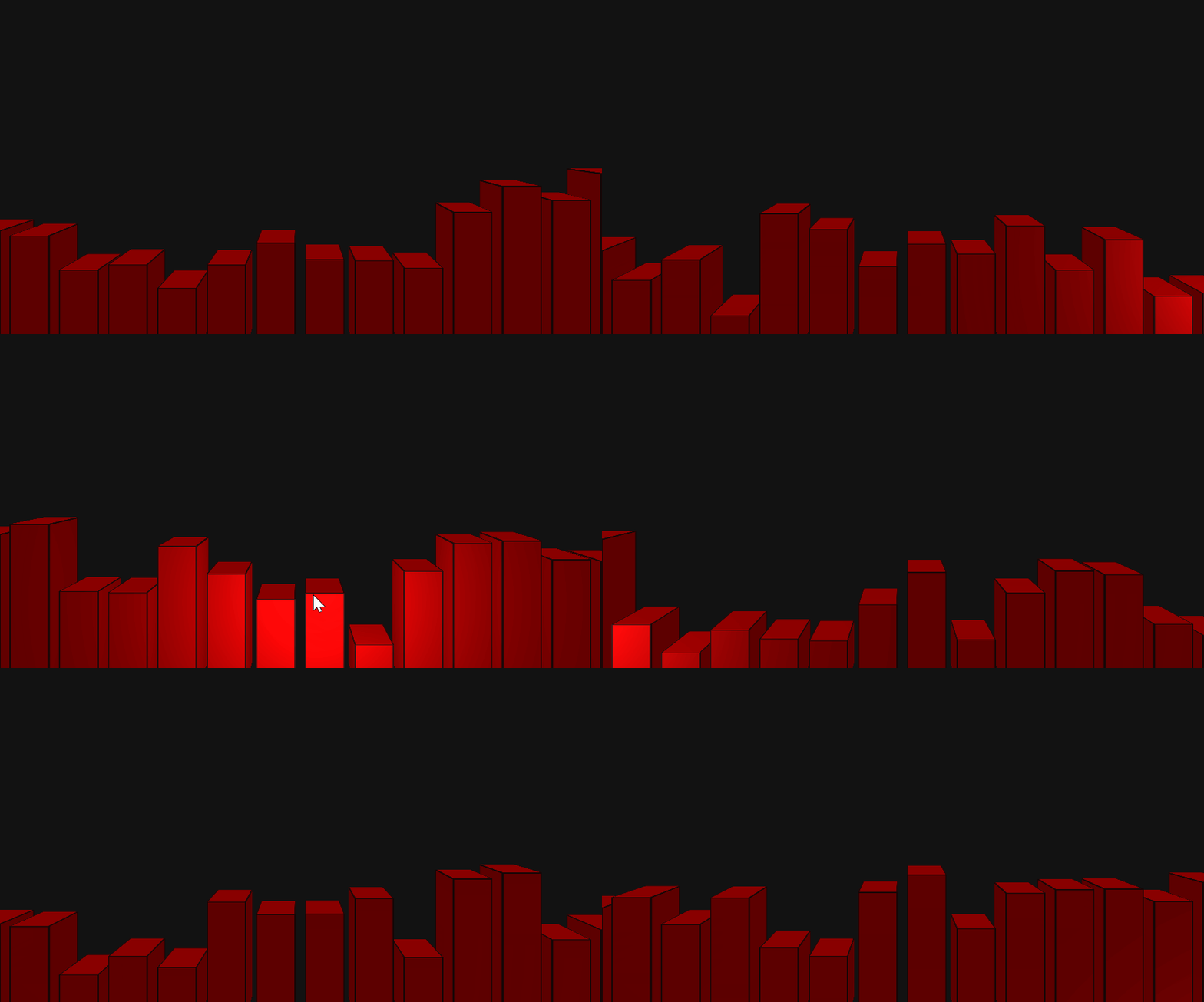
3D models can also be altered dynamically as shown in this 3D audio bars example.
As shown in the examples above, you now have the ability to create not just very basic models but even procedural and interactive geometry. If you are interested in learning more about this functionality, be sure to check out our designer documentation on the new SceneScript-based dynamic model feature:
• Click here to learn more.
Text Rendering Improvements
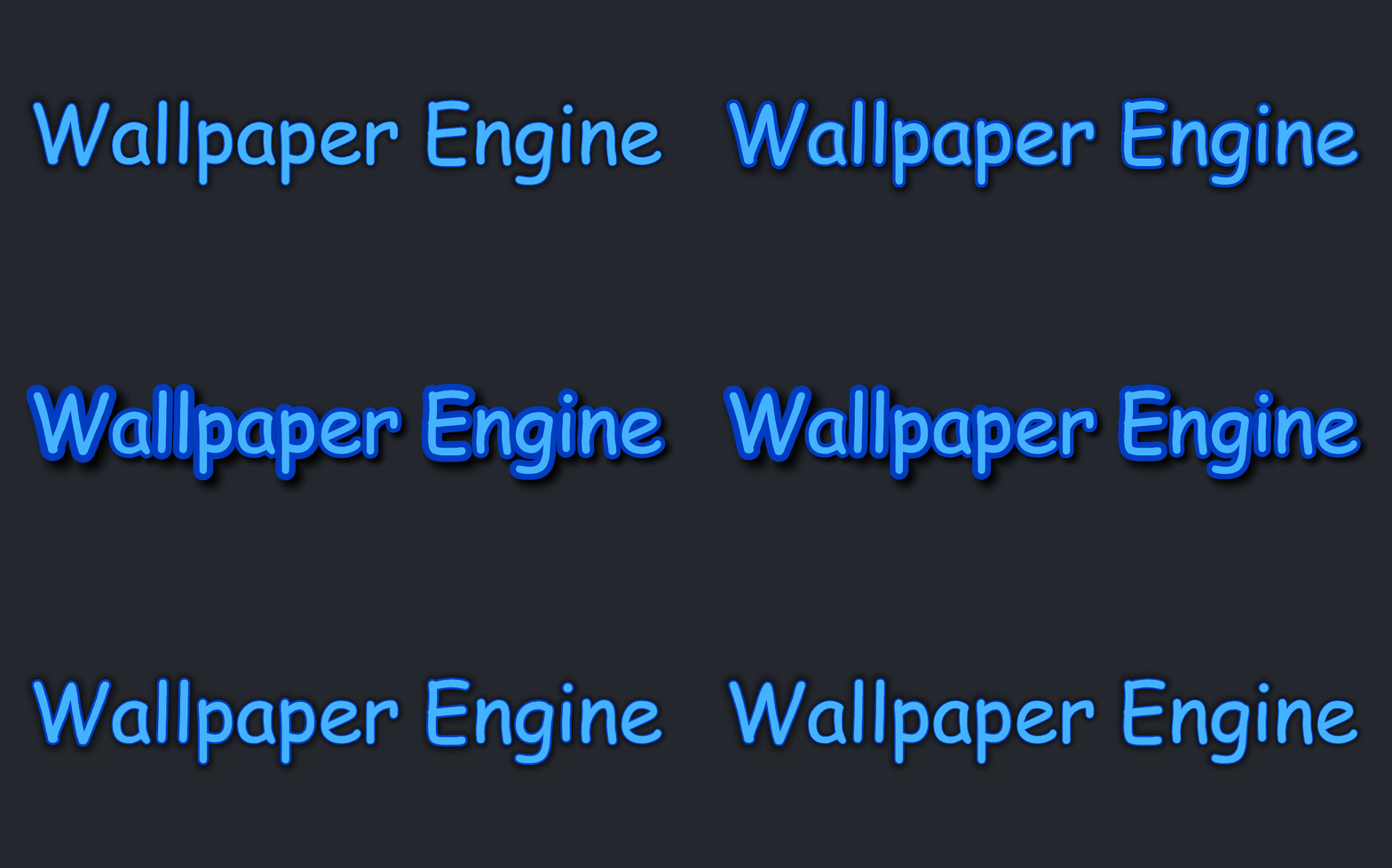
Text layers have received some major new features. You can now enable smooth font scaling to keep your text perfectly crisp at any size. We have also added a bunch of new styling options, including blur, drop shadows, letter spacing, and the highly requested font outline support to really make your text stand out. All of these properties can also be animated on the fly:
Because font files are notoriously complex, the new rendering techniques might have occasional quirks with specific custom fonts, but the new system, msdf, is optional and can either be enabled manually on a text layer or by using any of the new styling features.
Video Improvements: True HDR Video Support & More
We have also introduced a new video framework option. Behind the scenes, this switches video rendering to the custom video renderer we already use for video textures. On top of that, we have also added true HDR support to our renderer. This results in a much improved video rendering system which supports HDR videos along with the ability to flip videos and apply image filters directly to them.
While we are very confident in the new system, we did not want to risk introducing any stability issues for existing setups, which is why the new framework remains disabled by default for existing users for the time being. However, it will be enabled by default for new installations. If you want to try it out now, head over to the "General" tab in the Wallpaper Engine settings and change the "Video framework" option to "Scene DX11 (HDR Support)".
Additions / Changes
General Changes & Updates
• The user interface is now a 64-bit application and the executable has been renamed to wallpaperui.exe.
• Added a new video framework option with a DirectX 11 video backend based on the Scene video texture system. This supports true HDR videos, flip functionality, and image filters. It is disabled for existing users for now, but you can opt in by selecting the new "Scene DX11" video framework option in the General tab of the settings.
• The Android app now requires Android 10 (up from Android 8.1) because of new hard requirements enforced by third-party libraries updates.
Editor & SceneScript
• Added a new SceneScript-based dynamic model system: Added createModelData and destroyModelData SceneScript functions to create layers with custom geometry, and added the IModelData interface.
• Added new text layer features: Text outlines, drop shadows, blur, letter spacing, effect padding.
• Added directories to the asset window and the ability to create custom materials (needed for dynamic models).
• Added a "Select/Deselect All" option to the Clean Project modal.
• Added more options for puppet warp animation smoothing.
• Added support for numbers in min and max for all SceneScript vector classes.
• Added various generic linear algebra-related functions to JavaScript vector (Vec) and matrix (Mat) classes in alignment with internal engine math.
• Inherited the interpolation flag for user textures.
Engine Optimizations & Technical Changes
• Improved the overall performance of skeletal animations.
• Made all model data and GPU buffers shared to improve efficiency.
• Optimized V8 engine integration to improve script performance.
• Overhauled the shader precompiler to run faster and handle certain complex directive setups more accurately.
• Optimized the HLSL translator.
• Added a precache option for the registerAsset function.
• Replaced the DevTools port with built-in DevTools, as the old custom remote debugging has stopped working due to forced changes in CEF.
• Updated various third-party libraries to address bugs, improve parsing performance, and boost overall app stability.
Bug Fixes
• Fixed YouTube previews not working.
• Fixed a media engine deadlock during device loss (such as graphics driver crashes or updates).
• Fixed custom textures on solid placeholders not importing correctly from Steam Workshop assets.
• Fixed the reflection map not working in Chroma, Vegetation, and Fur shaders.
• Fixed the Fur shader occlusion factor.
• Fixed the asynchronous texture loader not being able to handle 3D textures properly.
• Fixed the behavior of REMAP_VALUE_OPTION_SCALAR_POSITION_BETWEEN_TWO_CONTROL_POINTS in the particle system.
Wallpaper Engine - Android Update
The Android update is being processed by all app stores. Please note that mobile app stores tend to release updates with a significant delay, so it might take a few days for the update to be accepted and finally reach you.
If you have installed the APK file directly, you can grab the latest APK on our website right now:
Download the latest version of Wallpaper Engine on Android
Retiring Support for Android 8.1 and 9.0
The Wallpaper Engine Android companion app now requires Android 10 or higher. There was unfortunately no way around this, since this requirement comes from third-party libraries which we require for the app to function on a basic level.
Since Android 10 was released in 2019 and runs on many devices which were first released in 2017, this really only impacts devices that are roughly 10 years or older. However, the outdated Wallpaper Engine 2.7 APK remains available for older devices and can be downloaded directly from the following link:
Download the OUTDATED version 2.7 of Wallpaper Engine for Android
Switch to 64-bit
We have been performing a lot of background maintenance recently to improve performance, fix issues and overall future-proof the app. While some Wallpaper Engine processes were already available in 64-bit, we are now largely moving to 64-bit executables. Because of this, we have renamed the user interface process from ui32.exe to wallpaperui.exe. If you run into any issues with updating the app, be sure to exclude the wallpaper_engine directory and specifically wallpaperui.exe from any antivirus app or firewall.
New Features
Dynamic Models
The first new feature we are introducing is dynamic model generation as part of Wallpaper Engine's SceneScript language. This allows wallpaper creators to generate custom 2D and 3D shapes and models entirely from code. Up until now, you had to import pre-made 3D models, but with this update, wallpapers can draw and animate geometry completely on the fly. For everyday users, this means you can look forward to wildly new types of dynamic, interactive and audio-reactive wallpapers hitting the Workshop.
Generate 3D models via SceneScript code, including full support for advanced materials with lighting.
3D models can also be altered dynamically as shown in this 3D audio bars example.
As shown in the examples above, you now have the ability to create not just very basic models but even procedural and interactive geometry. If you are interested in learning more about this functionality, be sure to check out our designer documentation on the new SceneScript-based dynamic model feature:
• Click here to learn more.
Text Rendering Improvements
Text layers have received some major new features. You can now enable smooth font scaling to keep your text perfectly crisp at any size. We have also added a bunch of new styling options, including blur, drop shadows, letter spacing, and the highly requested font outline support to really make your text stand out. All of these properties can also be animated on the fly:
Because font files are notoriously complex, the new rendering techniques might have occasional quirks with specific custom fonts, but the new system, msdf, is optional and can either be enabled manually on a text layer or by using any of the new styling features.
Video Improvements: True HDR Video Support & More
We have also introduced a new video framework option. Behind the scenes, this switches video rendering to the custom video renderer we already use for video textures. On top of that, we have also added true HDR support to our renderer. This results in a much improved video rendering system which supports HDR videos along with the ability to flip videos and apply image filters directly to them.
While we are very confident in the new system, we did not want to risk introducing any stability issues for existing setups, which is why the new framework remains disabled by default for existing users for the time being. However, it will be enabled by default for new installations. If you want to try it out now, head over to the "General" tab in the Wallpaper Engine settings and change the "Video framework" option to "Scene DX11 (HDR Support)".
Additions / Changes
General Changes & Updates
• The user interface is now a 64-bit application and the executable has been renamed to wallpaperui.exe.
• Added a new video framework option with a DirectX 11 video backend based on the Scene video texture system. This supports true HDR videos, flip functionality, and image filters. It is disabled for existing users for now, but you can opt in by selecting the new "Scene DX11" video framework option in the General tab of the settings.
• The Android app now requires Android 10 (up from Android 8.1) because of new hard requirements enforced by third-party libraries updates.
Editor & SceneScript
• Added a new SceneScript-based dynamic model system: Added createModelData and destroyModelData SceneScript functions to create layers with custom geometry, and added the IModelData interface.
• Added new text layer features: Text outlines, drop shadows, blur, letter spacing, effect padding.
• Added directories to the asset window and the ability to create custom materials (needed for dynamic models).
• Added a "Select/Deselect All" option to the Clean Project modal.
• Added more options for puppet warp animation smoothing.
• Added support for numbers in min and max for all SceneScript vector classes.
• Added various generic linear algebra-related functions to JavaScript vector (Vec) and matrix (Mat) classes in alignment with internal engine math.
• Inherited the interpolation flag for user textures.
Engine Optimizations & Technical Changes
• Improved the overall performance of skeletal animations.
• Made all model data and GPU buffers shared to improve efficiency.
• Optimized V8 engine integration to improve script performance.
• Overhauled the shader precompiler to run faster and handle certain complex directive setups more accurately.
• Optimized the HLSL translator.
• Added a precache option for the registerAsset function.
• Replaced the DevTools port with built-in DevTools, as the old custom remote debugging has stopped working due to forced changes in CEF.
• Updated various third-party libraries to address bugs, improve parsing performance, and boost overall app stability.
Bug Fixes
• Fixed YouTube previews not working.
• Fixed a media engine deadlock during device loss (such as graphics driver crashes or updates).
• Fixed custom textures on solid placeholders not importing correctly from Steam Workshop assets.
• Fixed the reflection map not working in Chroma, Vegetation, and Fur shaders.
• Fixed the Fur shader occlusion factor.
• Fixed the asynchronous texture loader not being able to handle 3D textures properly.
• Fixed the behavior of REMAP_VALUE_OPTION_SCALAR_POSITION_BETWEEN_TWO_CONTROL_POINTS in the particle system.
Wallpaper Engine - Android Update
The Android update is being processed by all app stores. Please note that mobile app stores tend to release updates with a significant delay, so it might take a few days for the update to be accepted and finally reach you.
If you have installed the APK file directly, you can grab the latest APK on our website right now:
Download the latest version of Wallpaper Engine on Android
Retiring Support for Android 8.1 and 9.0
The Wallpaper Engine Android companion app now requires Android 10 or higher. There was unfortunately no way around this, since this requirement comes from third-party libraries which we require for the app to function on a basic level.
Since Android 10 was released in 2019 and runs on many devices which were first released in 2017, this really only impacts devices that are roughly 10 years or older. However, the outdated Wallpaper Engine 2.7 APK remains available for older devices and can be downloaded directly from the following link:
Download the OUTDATED version 2.7 of Wallpaper Engine for Android
Wallpaper Engine 2.7 - Particle Editor Updates, User Shortcuts & Image Filters
With the release of Wallpaper Engine 2.7, we are introducing a large number of improvements and new features for particle systems and to the particle editor itself. Additionally, the update also introduces a new concept of user shortcuts, which allow wallpaper creators to create clickable elements which open a local user-defined shortcut on the system and we have added a set of image filters, allowing you to quickly alter the look and feel of many wallpapers by modifying their color palette in a single click.
Particle System Updates
New Particle System Features
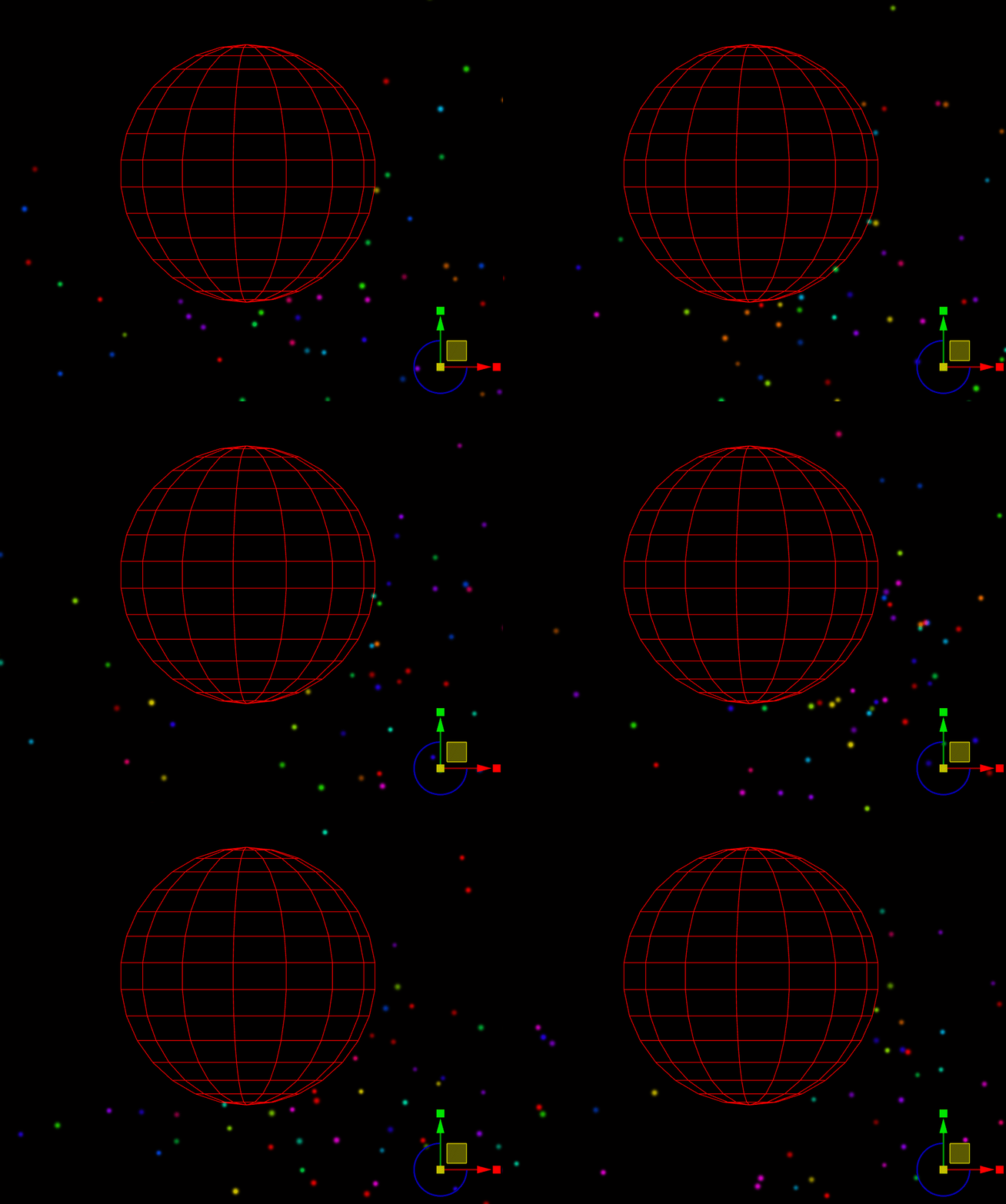
This update introduces over a dozen new particle system components and features. The following examples are just a small preview, for the full list of changes and additions, take a closer look at the changelog further down below.
Collision Operators: Add collision physics to your particles.
Boids Operator: Add flocking behavior to your particles (organic grouping of particles).
Inheritance: Copy values from particles to child particles (see color inheritance here).
Particle Lighting: Particles now also support real-time lighting.
New Stock Particle Assets
We have also taken the opportunity to update some of the standard assets and added a handful of new ones. Be sure to take a look at the asset list in the editor to see all the new assets that are included in the app. Here is a small preview:
Ember Beams: A new asset which features organically moving embers of fire.
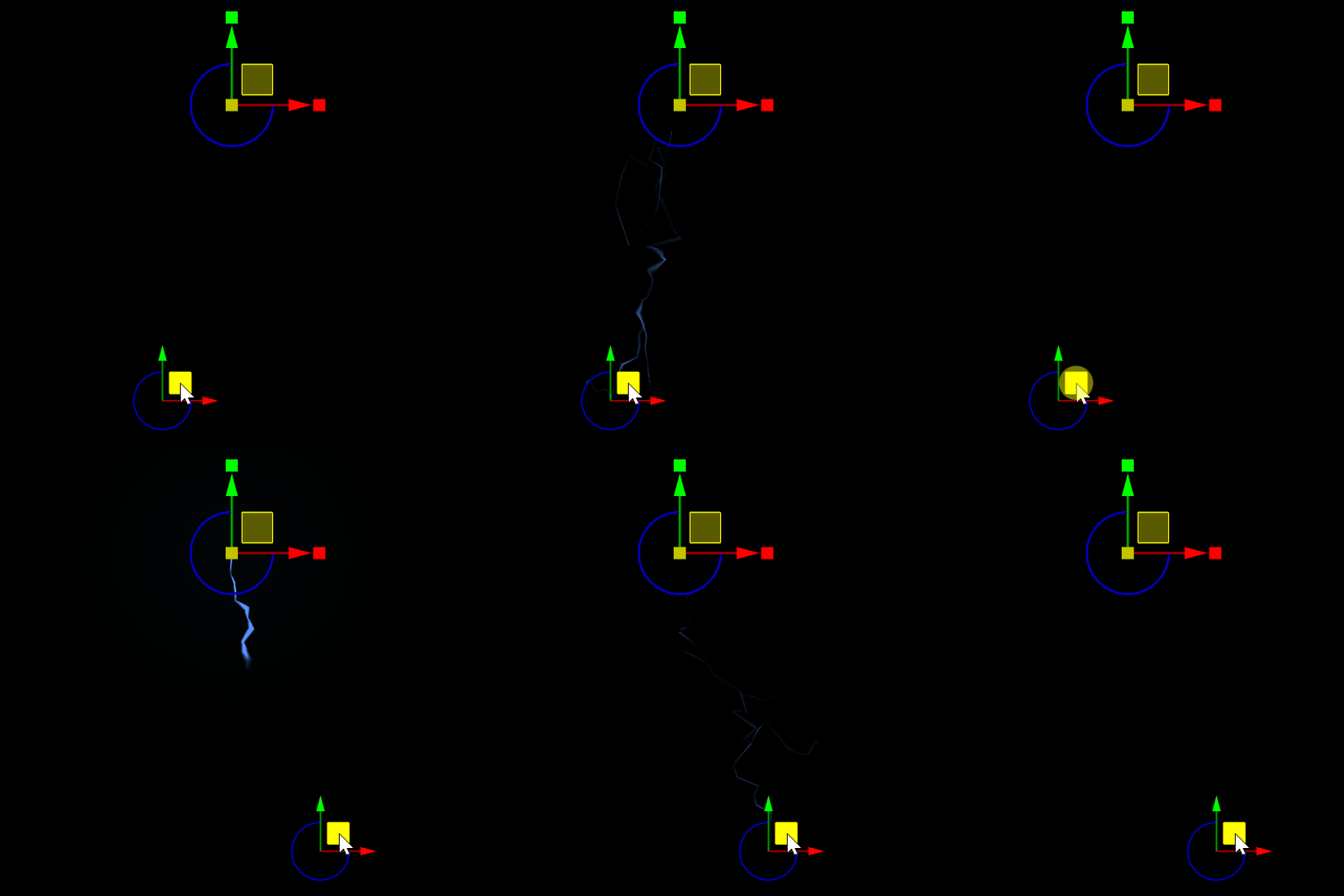
Thunderbolt: A new, thunderbolt asset which can be positioned precisely on both ends.
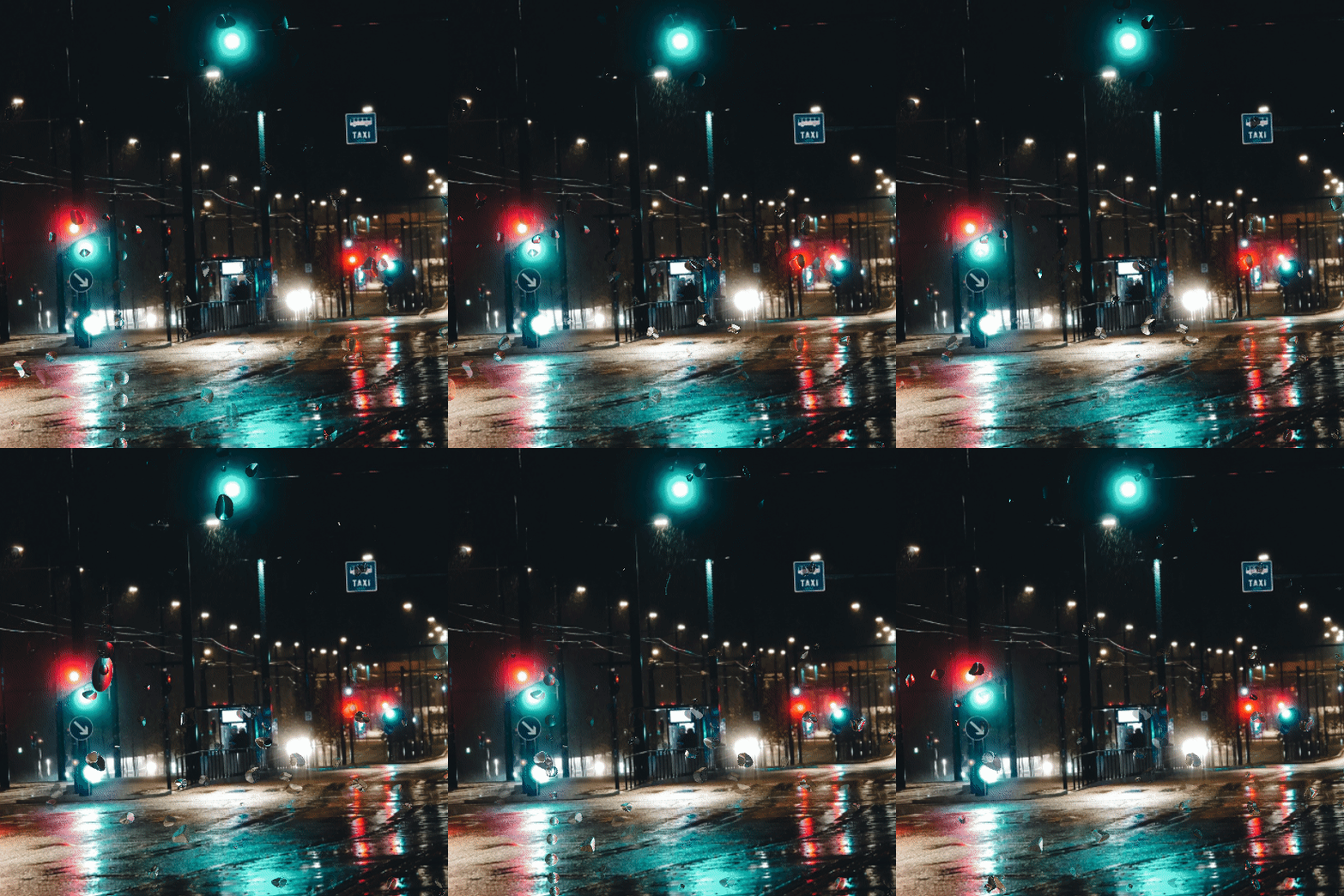
Screen Rain Drops: A new set of rain drop particles which appear to run down the screen.
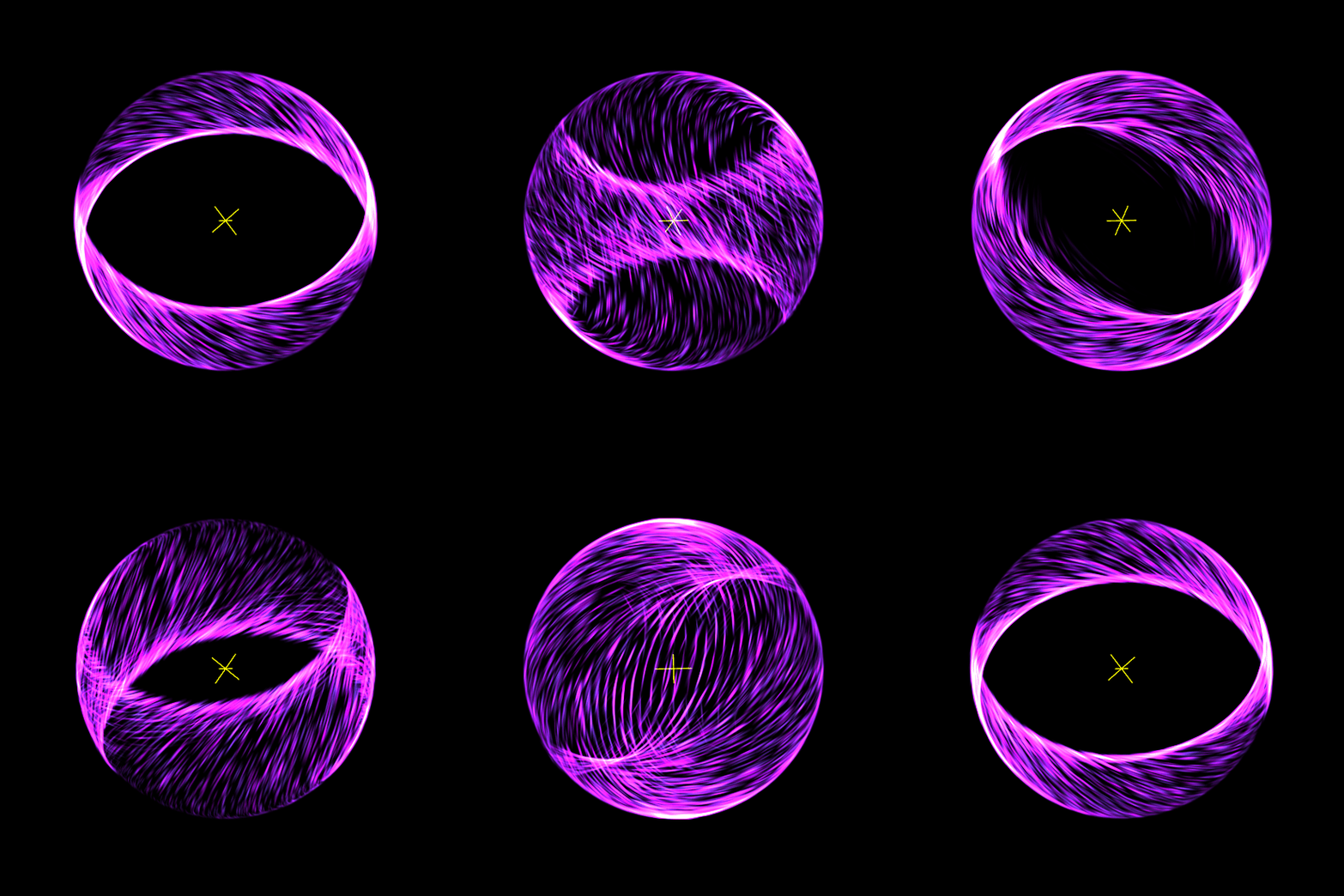
Vortex: A new sample asset to showcases more complex scenarios with Timeline Animations.
Particle Editor Previews & Descriptions
Previously, the particle editor was a bit difficult to get started with since none of its features were really shown off or explained in great detail. We went back and created previews, descriptions and lengthier explanations for each particle editor feature, which should help users to get started with the particle editor.
We have also created an extensive documentation of every single particle editor feature and all their options. If you have not tried working with the particle system editor before, now is a good chance to give it a try. Be sure to try out our new "Getting Started" tutorial, it will teach you all the basics to start tinkering with your own particle systems:
• Getting Started with Particle Systems
User Shortcut Property
User shortcuts are the next major addition to Wallpaper Engine. They allow wallpaper creators to define clickable elements that serve as system shortcuts. With these shortcuts, users can choose local apps, folders, websites or console commands that are opened on their system when clicking on the wallpaper. This choice is limited to users only.
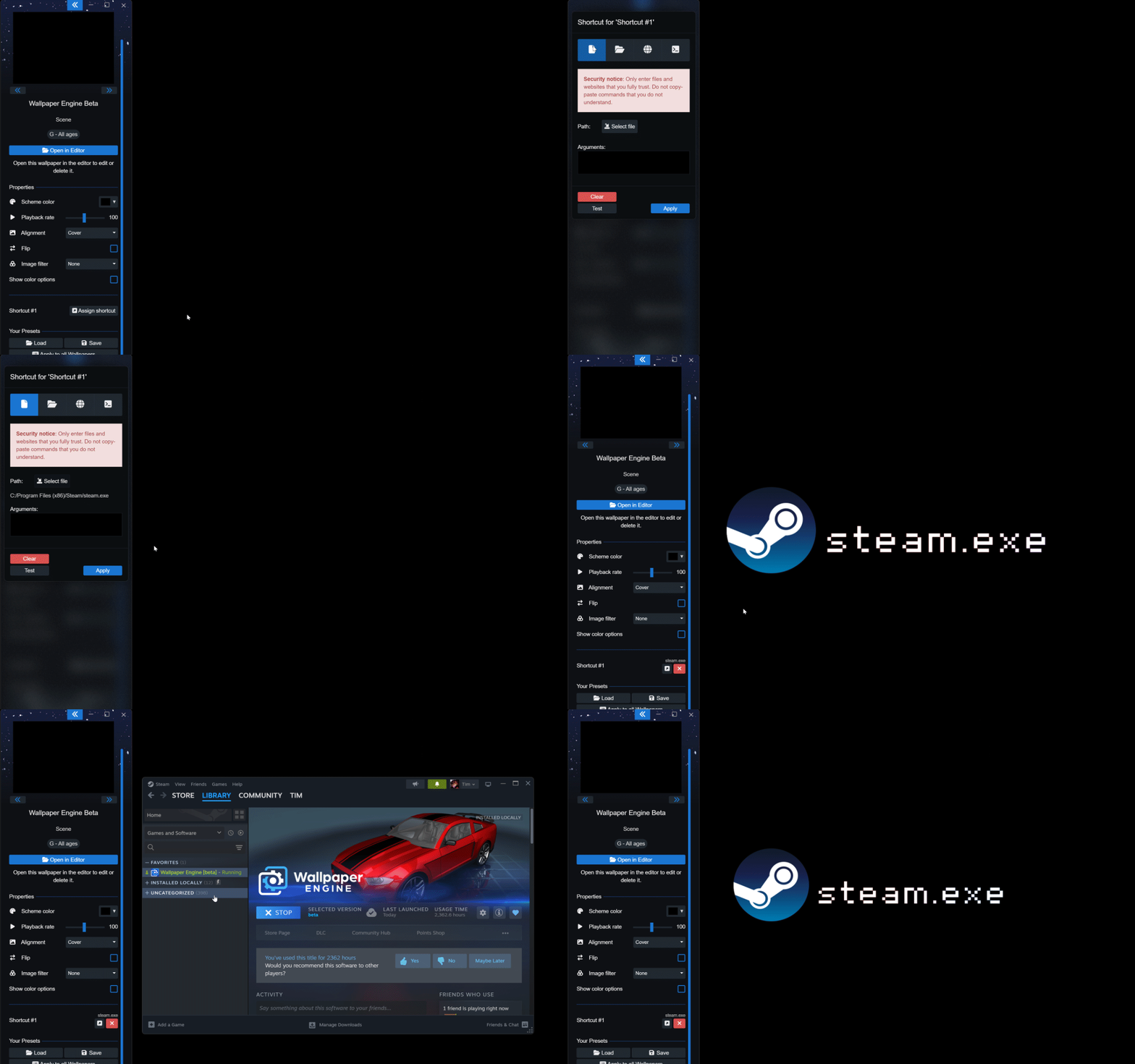
Wallpaper Engine will also attempt to provide an icon for the app, folder or website so that it can be made part of the overall wallpaper design. Take a look at the following short snippet, where we add Steam as a shortcut to our wallpaper:
After adding the shortcut, the Steam icon and the executable name appear in our wallpaper and it becomes clickable like a desktop symbol in this example. The look and feel of this is fully customizable and up to wallpaper creators.
User shortcuts were designed with security in mind: They are never shared with other users, they will also not execute when moving the config file to a new computer and wallpaper creators have no way to control what is launched - creators can only choose which user shortcut property is opened during a cursor click event.
If you want to learn how to implement this feature into your own wallpapers, take a look at our designer documentation:
• User Shortcut Property Documentation
Image Filters
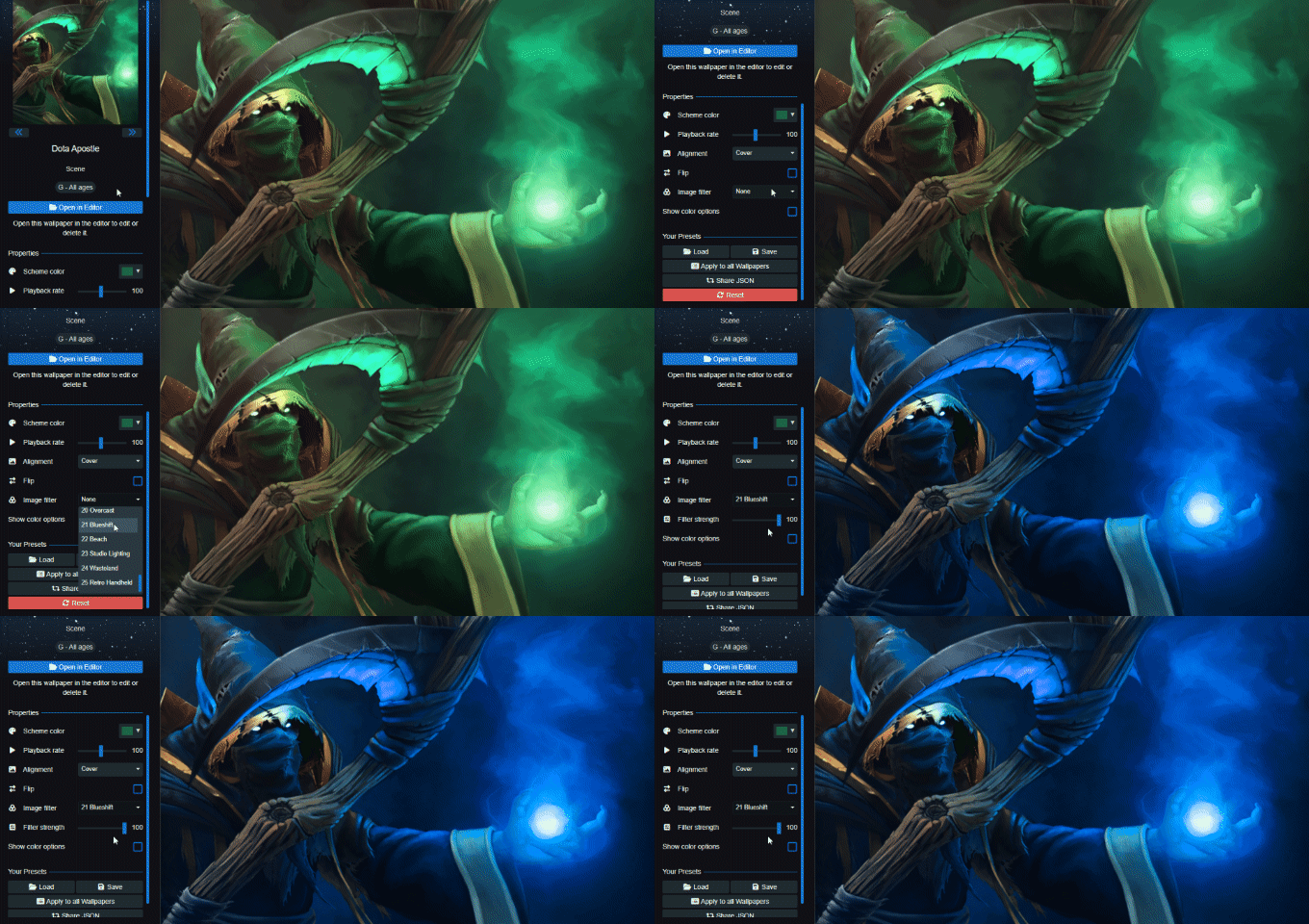
Another addition is the introduction of 25 image filters. On Scene-type wallpapers, you will now find the Image Filter option which allows you to quickly give your wallpaper a different look by adjusting the color palette, brightness and contrast levels with a single click.
For a complete list of all changes, be sure to check out our changelog:
Additions / Changes
Particle Systems
• Added video preview to particle components, (also for all effects and assets).
• Added real-time lighting support for particles.
• Added various new particle system emitters, initializers and operators:
• Emitter - Image Layer: Allows you to tie an image layer to your particle system and use it to spawn particles based on the image that is being used.
• Initializer - HSV color: Allows you to apply colors to your particles based on HSV, essentially allowing you to select the hue, saturation and brightness (value) for your particles, allowing for a different range of colors compared to the standard color initializer.
• Initializer - Color list: Allows you to define up to ten colors which are randomly applied to particles at the time of their creation.
• Initializer - Inherit control point velocity: Allows you to apply the movement speed and direction of a control point to newly spawned particles.
• Initializer - Remap initial value: Allows you to take an input value - including global values like the current time of day or the current runtime of the wallpaper - and gives you the ability to utilize them by mapping these onto certain particle properties.
• Initializer - Position offset random: Offsets the position in organic, fractal patterns can alternate between smooth to rough and chaotic.
• Operator - Boids: Simulate the flocking behavior of birds and other group movements. Particles will start to form groups for their movements.
• Operator - Cap velocity: Lets you set an upper limit for the speed of particles.
• Operator - Reduce movement near control point: Reduces the speed of particles when they get near a control point (negative values to speed up particles).
• Operator - Inherit event value: This operator allows you to copy a value from a parent particle system onto the child.
• Operator - Remap value: Allows you to take an input value - including global values like the current time of day or the current runtime of the wallpaper - and gives you the ability to utilize them by mapping these onto certain particle properties.
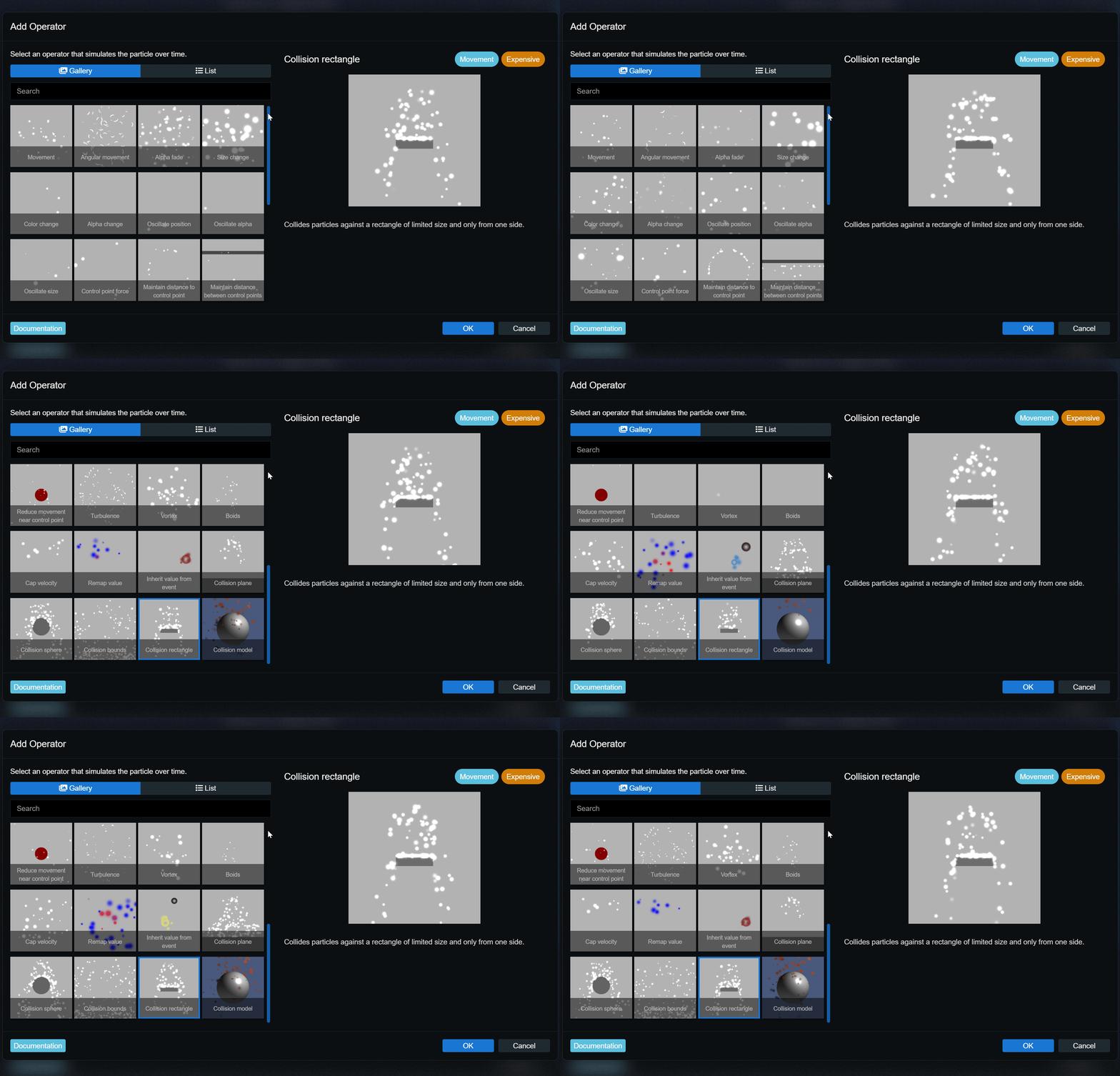
• Operator - Particle Collisions: Allows you to add collision with certain pre-defined elements or models to your particles.
• Updated several existing particle components with new features and refined some labels to make existing features easier to understand.
• Default asset additions & improvements: Vortex orb, color sparkle, thunderbolt, electrical discharge, ember and various water and rain effects.
• Added UV smoothing to rope renderer and enabled it by default.
• Improved particle child system creation/destruction performance.
• Added option to render particle control points to main editor window.
• Added undo step when changing the particle system file on a particle layer.
• Moved particle system file selection to top of particle editor.
• Added particle operator blending to several more components.
• Added 3D particle editor mode for 3D wallpapers.
• Changed 3D wallpaper particle default values for most components.
• Added options to disable particle instance modifier for each particle/child system.
• Added UV scrolling to particle rope renderers.
• Added real time preview to particle child selection.
• Added rotation support to particle control points.
Even More Additions & Changes
• Added 25 image filters to Scene wallpapers in wallpaper browser.
• Added new user shortcut property with SceneScript and icon texture support.
• Added applyGeneralSettings SceneScript event to retrieve user language via SceneScript. Allows you to localize assets to provide translations for things like weekdays, months and more.
• 64-Bit app version is now the default version on Steam.
• Added sound layer spatialization.
• Improved renderer to use reverse-z buffer to reduce flickering in large 3D scenes.
• Added model data sharing for layers using the same model data.
• Changed light limit to allow placing more lights and automatically only render close ones.
• Updated pymidas to support depth map generation on recent GPUs.
• Added Belarusian language.
• Added complex condition support to shader passes, FBOs and bindings in manually editable effect config. Added gt, lt and le conditions.
• Added automatic hardware compression padding to texture sheets.
• Improved mini mode, minimize and restore window behavior.
• Removed dome template because it uses deprecated lighting and camera features (achievements can still be unlocked with 3D scene and flag template).
• Sorted Workshop assets alphabetically.
• Added option to sort wallpaper projects by last modified date.
• Improved user property test window in editor for very long user property names.
• Added option to disable click propagation through layers.
• Changed blend effect write alpha to ignore blend mode and instead compute alpha better from both layers with default RGB blending.
• Enabled async texture loading during user texture material updates.
• Improved Steam subscription list query to make browser more responsive during querying and cache serialization.
• Added g_LayerModalMatrix to get unmodified layers transforms in effect shaders during any stage.
• Added puppet animation compiler smoothing to animation options.
• Added "Clamp UVs" option to texture import window.
Bug Fixes
• Fixed playlist transition not starting when loading playlist from command line.
• Fixed getWallpaper command not processing location/monitor argument.
• Fixed particle emission duration only decreasing during emission frames.
• Fixed rope particle triangle winding.
• Fixed model animation match loop behavior in certain situations.
• Fixed crash when using video texture script controls on incorrect materials.
• Fixed various issues related to editor hierarchy.
• Fixed Workshop fullscreen/project layers to not be placed in wallpaper center.
• Fixed blend effect transform not scaling correctly with texture reduction active.
• Fixed custom effects being deleted from clean project modal.
• Fixed particle click selection in editor when particles are child layers.
Wallpaper Engine - Android Update
The Android update is being processed by all app stores. Please note that mobile app stores tend to release updates with a significant delay, so it might take a few days for the update to be accepted and finally reach you.
If you have installed the APK file directly, you can grab the latest APK on our website right now:
Download the latest version of Wallpaper Engine on Android
Particle System Updates
New Particle System Features
This update introduces over a dozen new particle system components and features. The following examples are just a small preview, for the full list of changes and additions, take a closer look at the changelog further down below.
Collision Operators: Add collision physics to your particles.
Boids Operator: Add flocking behavior to your particles (organic grouping of particles).
Inheritance: Copy values from particles to child particles (see color inheritance here).
Particle Lighting: Particles now also support real-time lighting.
New Stock Particle Assets
We have also taken the opportunity to update some of the standard assets and added a handful of new ones. Be sure to take a look at the asset list in the editor to see all the new assets that are included in the app. Here is a small preview:
Ember Beams: A new asset which features organically moving embers of fire.
Thunderbolt: A new, thunderbolt asset which can be positioned precisely on both ends.
Screen Rain Drops: A new set of rain drop particles which appear to run down the screen.
Vortex: A new sample asset to showcases more complex scenarios with Timeline Animations.
Particle Editor Previews & Descriptions
Previously, the particle editor was a bit difficult to get started with since none of its features were really shown off or explained in great detail. We went back and created previews, descriptions and lengthier explanations for each particle editor feature, which should help users to get started with the particle editor.
We have also created an extensive documentation of every single particle editor feature and all their options. If you have not tried working with the particle system editor before, now is a good chance to give it a try. Be sure to try out our new "Getting Started" tutorial, it will teach you all the basics to start tinkering with your own particle systems:
• Getting Started with Particle Systems
User Shortcut Property
User shortcuts are the next major addition to Wallpaper Engine. They allow wallpaper creators to define clickable elements that serve as system shortcuts. With these shortcuts, users can choose local apps, folders, websites or console commands that are opened on their system when clicking on the wallpaper. This choice is limited to users only.
Wallpaper Engine will also attempt to provide an icon for the app, folder or website so that it can be made part of the overall wallpaper design. Take a look at the following short snippet, where we add Steam as a shortcut to our wallpaper:
After adding the shortcut, the Steam icon and the executable name appear in our wallpaper and it becomes clickable like a desktop symbol in this example. The look and feel of this is fully customizable and up to wallpaper creators.
User shortcuts were designed with security in mind: They are never shared with other users, they will also not execute when moving the config file to a new computer and wallpaper creators have no way to control what is launched - creators can only choose which user shortcut property is opened during a cursor click event.
If you want to learn how to implement this feature into your own wallpapers, take a look at our designer documentation:
• User Shortcut Property Documentation
Image Filters
Another addition is the introduction of 25 image filters. On Scene-type wallpapers, you will now find the Image Filter option which allows you to quickly give your wallpaper a different look by adjusting the color palette, brightness and contrast levels with a single click.
For a complete list of all changes, be sure to check out our changelog:
Additions / Changes
Particle Systems
• Added video preview to particle components, (also for all effects and assets).
• Added real-time lighting support for particles.
• Added various new particle system emitters, initializers and operators:
• Emitter - Image Layer: Allows you to tie an image layer to your particle system and use it to spawn particles based on the image that is being used.
• Initializer - HSV color: Allows you to apply colors to your particles based on HSV, essentially allowing you to select the hue, saturation and brightness (value) for your particles, allowing for a different range of colors compared to the standard color initializer.
• Initializer - Color list: Allows you to define up to ten colors which are randomly applied to particles at the time of their creation.
• Initializer - Inherit control point velocity: Allows you to apply the movement speed and direction of a control point to newly spawned particles.
• Initializer - Remap initial value: Allows you to take an input value - including global values like the current time of day or the current runtime of the wallpaper - and gives you the ability to utilize them by mapping these onto certain particle properties.
• Initializer - Position offset random: Offsets the position in organic, fractal patterns can alternate between smooth to rough and chaotic.
• Operator - Boids: Simulate the flocking behavior of birds and other group movements. Particles will start to form groups for their movements.
• Operator - Cap velocity: Lets you set an upper limit for the speed of particles.
• Operator - Reduce movement near control point: Reduces the speed of particles when they get near a control point (negative values to speed up particles).
• Operator - Inherit event value: This operator allows you to copy a value from a parent particle system onto the child.
• Operator - Remap value: Allows you to take an input value - including global values like the current time of day or the current runtime of the wallpaper - and gives you the ability to utilize them by mapping these onto certain particle properties.
• Operator - Particle Collisions: Allows you to add collision with certain pre-defined elements or models to your particles.
• Updated several existing particle components with new features and refined some labels to make existing features easier to understand.
• Default asset additions & improvements: Vortex orb, color sparkle, thunderbolt, electrical discharge, ember and various water and rain effects.
• Added UV smoothing to rope renderer and enabled it by default.
• Improved particle child system creation/destruction performance.
• Added option to render particle control points to main editor window.
• Added undo step when changing the particle system file on a particle layer.
• Moved particle system file selection to top of particle editor.
• Added particle operator blending to several more components.
• Added 3D particle editor mode for 3D wallpapers.
• Changed 3D wallpaper particle default values for most components.
• Added options to disable particle instance modifier for each particle/child system.
• Added UV scrolling to particle rope renderers.
• Added real time preview to particle child selection.
• Added rotation support to particle control points.
Even More Additions & Changes
• Added 25 image filters to Scene wallpapers in wallpaper browser.
• Added new user shortcut property with SceneScript and icon texture support.
• Added applyGeneralSettings SceneScript event to retrieve user language via SceneScript. Allows you to localize assets to provide translations for things like weekdays, months and more.
• 64-Bit app version is now the default version on Steam.
• Added sound layer spatialization.
• Improved renderer to use reverse-z buffer to reduce flickering in large 3D scenes.
• Added model data sharing for layers using the same model data.
• Changed light limit to allow placing more lights and automatically only render close ones.
• Updated pymidas to support depth map generation on recent GPUs.
• Added Belarusian language.
• Added complex condition support to shader passes, FBOs and bindings in manually editable effect config. Added gt, lt and le conditions.
• Added automatic hardware compression padding to texture sheets.
• Improved mini mode, minimize and restore window behavior.
• Removed dome template because it uses deprecated lighting and camera features (achievements can still be unlocked with 3D scene and flag template).
• Sorted Workshop assets alphabetically.
• Added option to sort wallpaper projects by last modified date.
• Improved user property test window in editor for very long user property names.
• Added option to disable click propagation through layers.
• Changed blend effect write alpha to ignore blend mode and instead compute alpha better from both layers with default RGB blending.
• Enabled async texture loading during user texture material updates.
• Improved Steam subscription list query to make browser more responsive during querying and cache serialization.
• Added g_LayerModalMatrix to get unmodified layers transforms in effect shaders during any stage.
• Added puppet animation compiler smoothing to animation options.
• Added "Clamp UVs" option to texture import window.
Bug Fixes
• Fixed playlist transition not starting when loading playlist from command line.
• Fixed getWallpaper command not processing location/monitor argument.
• Fixed particle emission duration only decreasing during emission frames.
• Fixed rope particle triangle winding.
• Fixed model animation match loop behavior in certain situations.
• Fixed crash when using video texture script controls on incorrect materials.
• Fixed various issues related to editor hierarchy.
• Fixed Workshop fullscreen/project layers to not be placed in wallpaper center.
• Fixed blend effect transform not scaling correctly with texture reduction active.
• Fixed custom effects being deleted from clean project modal.
• Fixed particle click selection in editor when particles are child layers.
Wallpaper Engine - Android Update
The Android update is being processed by all app stores. Please note that mobile app stores tend to release updates with a significant delay, so it might take a few days for the update to be accepted and finally reach you.
If you have installed the APK file directly, you can grab the latest APK on our website right now:
Download the latest version of Wallpaper Engine on Android
Wallpaper Engine 2.6 - New Effects, Clipping Masks, Rope Physics & Bug Fixes
Hey everyone,
Wallpaper Engine 2.6 comes with several new features for the wallpaper editor, the update also fixes some bugs and improves compatibility with Windows 11 24H2.
Clipping Masks for Puppet Warp Animations
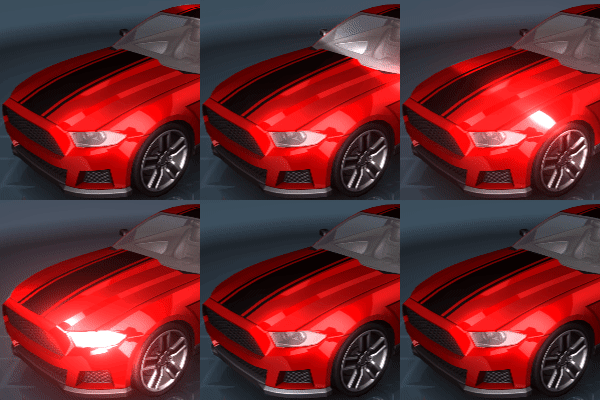
Clipping masks are a useful tool to implement certain animations which were not easily possible previously. With clipping masks, you can define certain areas of a puppet model which only become visible when they are hovering over the area that you have defined. This can be used to implement some unique effects and is especially useful for creating the appearance of animated shadows or shading on an object.
Self-shadowing example achieved with a clipping mask
To learn more about how to utilize clipping masks, take a look at our designer documentation.
New Editor Effects
We have also added four new effects which you can apply to image layers in the editor. As always, effects can be used in more than just one way and we are looking forward to some creative uses of these effects.
Shimmer
A recurring line of light moving across your image.
Water Caustics
Mimics light rays reflecting off of water.
Glitter
Bright spots of light which appear briefly.
Cloud Motion
A new option to simulate cloud movements.
Rope Physics Simulation
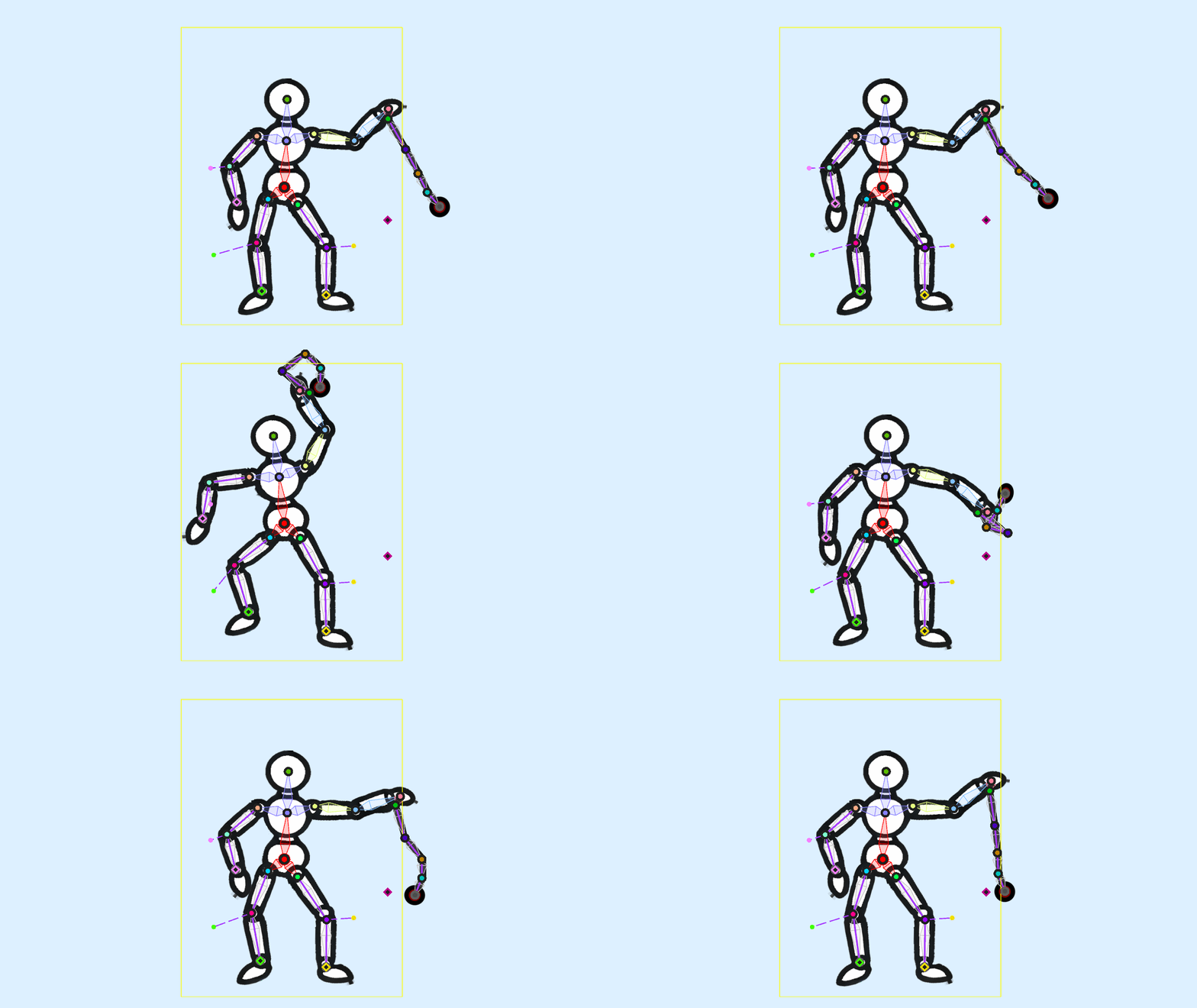
Another feature we have added is a new rope physics simulation for puppet warp animations. The new rope physics can also be used with a new global wind setting, allowing you to create objects that appear to be dangling in the wind. To learn more about this feature, see the Rope Physics with a kinematic chain section on the following page of our designer docs:
• Click here to learn more.
Please note that this feature is not to be confused with the old Simple Rope Physics guide which is also outlined on the same page.
Texture Variants
A relatively common feature which users like to implement is to offer multiple designs for individual wallpaper elements. However, this is often done by duplicating layers which is a pretty inefficient way to approach this problem. With the new texture variants feature, you can define multiple textures for the same image layer, as long as the textures all have the same dimensions. Users can then choose their favorite texture through user properties. This allows for efficient loading and unloading of textures and keeps the editor project in a clean state.
The feature is the right choice for you if you want to replace the look and feel of certain wallpaper elements (such as characters, objects or even entire background layers) but retain all effects, scripts and customizations on the layer. In our very simple example below, we are changing the apple from a red texture to a green texture. In a more realistic scenario, you could also think of this as a character changing their entire set of clothes or the background scenery changing.
You can also easily add new elements to a texture by using the alpha-blending feature which we showcase by adding a price tag to the apple.
• Click here to learn more about texture variants.
Take a look at our full changelog to get an overview of all additions, changes and bug fixes:
Changelog
Additions & Changes
• Added clipping mask system to puppets.
• Added new effects: glitter, shimmer, water caustics, cloud motion.
• Added texture variant system.
• Added generic vertex editing gizmos to make rotating/scaling multiple vertices at once possible.
• Added blend shape bone modulation.
• Added puppet warp rope simulation with global gravity and wind properties.
• Added an option to control the cycle interpolation in water flow effect to reduce blurriness/image copies.
• Added low FPS preview option to editor. Especially relevant for physics simulations.
• Added wallpaper transition option for wallpaper previews. The option can be found in the "General" tab of the app settings.
• Added ability to disable color overrides on child particles.
• Added missing interpolation filter initialization for layers without reference texture.
• Faster puppet animation editor undo.
• Enabled editor degree conversion rounding for generic properties and physics constraints.
• Disabled color override on fireworks refract particle to fix background tinting.
• Changed mip map streamer to load third detail level first for slightly faster render start.
• Added automated puppet mesh depth generation. You can find the option in the Geometry settings after locking the geometry. Click on Edit Deformation, select a limb or an entire model by double-clicking it and then use the "Auto Depth" button at the bottom.
• Added masked default shader snippet to shader editor.
• Added sampler generator to shader editor.
• Added new perlin and uniform default textures.
• Added diffuse light blend mode to shader blend modes.
• Removed light layer limit and changed light system to render the closest lights only if light limit is reached.
• Added 64 bit compiler to resolve crashes on very large textures.
• Added texture size on disk to texture info page.
• Added VRAM and genre hints to publish dialog.
• Added position offset to puppet warp reference overlay.
Bug Fixes
• Fixed lockscreen override and clone functionality on certain multi-screen environments.
• Fixed Windows 11 24H2 update breaking screensaver detection.
• Fixed Windows 11 24H2 update causing freezes on web wallpaper transitions.
• Fixed editor degree conversion to work without rounding too.
• Fixed visibility property in asset packs losing meta data when uploading.
• Hide parallax settings on child layers since the parent element controls parallax in this case.
• Fixed precomposed children not rendering last effect pass with alpha writing enabled, thus being invisible.
• Fixed VHS effect mask.
• Fixed particle drag behavior on high settings when FPS are very low.
• Fixed paint message dead lock when importing multiple videos in editor.
• Fixed puppet compiler crash when model is missing initial weight data.
• Fixed sprite trail length fps compensation.
• Fixed user property main panel reload on inline binding change.
• Fixed scene script storage not properly separating data store between Workshop wallpapers.
• Fixed layer move to bottom/position with parent layers.
• Fixed crash with light cookies when using media integration album art.
Wallpaper Engine - Android Update
The Android update is being processed by all app stores. Please note that mobile app stores tend to release updates with a significant delay, so it might take a few days for the update to be accepted and finally reach you.
If you have installed the APK file directly, you can grab the latest APK on our website right now:
Download the latest version of Wallpaper Engine on Android
Wallpaper Engine 2.6 comes with several new features for the wallpaper editor, the update also fixes some bugs and improves compatibility with Windows 11 24H2.
Clipping Masks for Puppet Warp Animations
Clipping masks are a useful tool to implement certain animations which were not easily possible previously. With clipping masks, you can define certain areas of a puppet model which only become visible when they are hovering over the area that you have defined. This can be used to implement some unique effects and is especially useful for creating the appearance of animated shadows or shading on an object.
Self-shadowing example achieved with a clipping mask
To learn more about how to utilize clipping masks, take a look at our designer documentation.
New Editor Effects
We have also added four new effects which you can apply to image layers in the editor. As always, effects can be used in more than just one way and we are looking forward to some creative uses of these effects.
Shimmer
A recurring line of light moving across your image.
Water Caustics
Mimics light rays reflecting off of water.
Glitter
Bright spots of light which appear briefly.
Cloud Motion
A new option to simulate cloud movements.
Rope Physics Simulation
Another feature we have added is a new rope physics simulation for puppet warp animations. The new rope physics can also be used with a new global wind setting, allowing you to create objects that appear to be dangling in the wind. To learn more about this feature, see the Rope Physics with a kinematic chain section on the following page of our designer docs:
• Click here to learn more.
Please note that this feature is not to be confused with the old Simple Rope Physics guide which is also outlined on the same page.
Texture Variants
A relatively common feature which users like to implement is to offer multiple designs for individual wallpaper elements. However, this is often done by duplicating layers which is a pretty inefficient way to approach this problem. With the new texture variants feature, you can define multiple textures for the same image layer, as long as the textures all have the same dimensions. Users can then choose their favorite texture through user properties. This allows for efficient loading and unloading of textures and keeps the editor project in a clean state.
The feature is the right choice for you if you want to replace the look and feel of certain wallpaper elements (such as characters, objects or even entire background layers) but retain all effects, scripts and customizations on the layer. In our very simple example below, we are changing the apple from a red texture to a green texture. In a more realistic scenario, you could also think of this as a character changing their entire set of clothes or the background scenery changing.
You can also easily add new elements to a texture by using the alpha-blending feature which we showcase by adding a price tag to the apple.
• Click here to learn more about texture variants.
Take a look at our full changelog to get an overview of all additions, changes and bug fixes:
Changelog
Additions & Changes
• Added clipping mask system to puppets.
• Added new effects: glitter, shimmer, water caustics, cloud motion.
• Added texture variant system.
• Added generic vertex editing gizmos to make rotating/scaling multiple vertices at once possible.
• Added blend shape bone modulation.
• Added puppet warp rope simulation with global gravity and wind properties.
• Added an option to control the cycle interpolation in water flow effect to reduce blurriness/image copies.
• Added low FPS preview option to editor. Especially relevant for physics simulations.
• Added wallpaper transition option for wallpaper previews. The option can be found in the "General" tab of the app settings.
• Added ability to disable color overrides on child particles.
• Added missing interpolation filter initialization for layers without reference texture.
• Faster puppet animation editor undo.
• Enabled editor degree conversion rounding for generic properties and physics constraints.
• Disabled color override on fireworks refract particle to fix background tinting.
• Changed mip map streamer to load third detail level first for slightly faster render start.
• Added automated puppet mesh depth generation. You can find the option in the Geometry settings after locking the geometry. Click on Edit Deformation, select a limb or an entire model by double-clicking it and then use the "Auto Depth" button at the bottom.
• Added masked default shader snippet to shader editor.
• Added sampler generator to shader editor.
• Added new perlin and uniform default textures.
• Added diffuse light blend mode to shader blend modes.
• Removed light layer limit and changed light system to render the closest lights only if light limit is reached.
• Added 64 bit compiler to resolve crashes on very large textures.
• Added texture size on disk to texture info page.
• Added VRAM and genre hints to publish dialog.
• Added position offset to puppet warp reference overlay.
Bug Fixes
• Fixed lockscreen override and clone functionality on certain multi-screen environments.
• Fixed Windows 11 24H2 update breaking screensaver detection.
• Fixed Windows 11 24H2 update causing freezes on web wallpaper transitions.
• Fixed editor degree conversion to work without rounding too.
• Fixed visibility property in asset packs losing meta data when uploading.
• Hide parallax settings on child layers since the parent element controls parallax in this case.
• Fixed precomposed children not rendering last effect pass with alpha writing enabled, thus being invisible.
• Fixed VHS effect mask.
• Fixed particle drag behavior on high settings when FPS are very low.
• Fixed paint message dead lock when importing multiple videos in editor.
• Fixed puppet compiler crash when model is missing initial weight data.
• Fixed sprite trail length fps compensation.
• Fixed user property main panel reload on inline binding change.
• Fixed scene script storage not properly separating data store between Workshop wallpapers.
• Fixed layer move to bottom/position with parent layers.
• Fixed crash with light cookies when using media integration album art.
Wallpaper Engine - Android Update
The Android update is being processed by all app stores. Please note that mobile app stores tend to release updates with a significant delay, so it might take a few days for the update to be accepted and finally reach you.
If you have installed the APK file directly, you can grab the latest APK on our website right now:
Download the latest version of Wallpaper Engine on Android




Wallpaper Engine 2.5 - Playlist Transitions & Editor Update / Retiring Windows 7
Wallpaper Engine 2.5 adds new features for end-users and content creators alike. The update also includes a lot of bug fixes and overall maintenance work. In anticipation of upcoming changes to the desktop experience on Windows 11, we have upgraded many parts of the app for better compatibility.
Retiring Support for Windows 7 and Windows 8
Since Steam has officially dropped support for Windows 7 and Windows 8 in January 2024, we are now following suit for the same reason: third-party libraries that we require are not being updated for these older versions of Windows anymore. Maintaining ongoing support would prevent us from providing complete updates for Windows 10 and 11.
If you are one of the 0.5% Steam users running Windows 7 or Windows 8, we have prepared a way for you to roll back to Wallpaper Engine 2.4. This allows you to continue to use the previous version of the app. To learn more, see this article on our FAQ website:
• Windows 7 / 8 Users: Reverting to Wallpaper Engine 2.4
New Features
New Playlist Transitions
As part of our clean-up process, we have completely overhauled the way transitions work for playlists and implemented almost 30 different transition animations that you can use to customize your playlist even further.
Here is a selection of some of our favorites. While these are a little bit eccentric, the app also features much simpler fade animations. Be sure to check all transitions out by clicking on the Configure button in the playlist area of the Installed tab. You can also set the playlist animation to Random to create a selection of your favorite transitions.
"Bullets"
"Black Hole"
"CRT Screen"
"Ice"
Improved Display Clone Functionality
We have also overhauled the display clone functionality to future-proof it for upcoming versions of Windows 11. The clone functionality now also allows you to horizontally mirror a cloned display which enables you to easily achieve a symmetrical look and feel on a dual screen setup, for example.
To mirror a cloned display, navigate to the Displays tab in the app, then select the Clone single wallpaper option from the list. Then right-click on a display and select Flip clone display:
New Editor Features
New Light Shafts Asset / Effect
One of the most frequently-used assets are the so-called Light shafts. We weren't particularly happy with the quality and the customizability of this asset which is why we have created an entirely new version of it that allows you to fine-tune and arrange it much more precisely than the old version:
To learn more about the new asset / effect, take a look at our designer documentation:
• Light Shafts - Wallpaper Engine Designer Docs
Puppet Warp Improvements
For puppet warp animations, we have improved various details which you can find in the changelog below. One critical aspect to note is that we have overhauled the underlying system in which puppet warp models are stored. If you now open an old project in the latest version of the app, you are asked to start a conversion process. While the conversion should work well in most cases, we still highly recommend to create a backup of your project before attempting this to ensure that you will not corrupt your project files. The editor will show an appropriate warning to give you a heads-up.
Character Sheet Improvements
One improvement we want to highlight is the ability to better connect individual limbs in character sheets as shown in the following video snippet:
You can now define weights across individual limbs which will allow Wallpaper Engine to better merge them during animation scenarios as shown in the example above. We have summed up these changes in our designer documentation. To learn about how to utilize this new feature, check out the "Blending across weight islands" section on the following docs page:
• Character Sheets - Wallpaper Engine Designer Docs
For a full list of all changes, improvements and bug fixes, see the full changelog ahead:
Changelog
Additions / Changes
• Added new light shafts effect and preset.
• Added new clone system with improved Windows 11 compatibility and ability to flip each clone horizontally.
• Added new playlist transition system with improved Windows 11 compatibility with 27 shader-based transition animations.
• Added puppet warp deformation/blend shape smudge brush.
• Added animatable puppet bone depth ordering.
• Added puppet reference overlay for i.e. reference pose editor.
• Made it possible to add additional content to an existing puppet warp character sheet. Click here to learn more.
• Added FOV slider to 2D scenes which also contain 3D assets.
• Improved puppet warp reference pose blend system for smoother limb transitions.
• Added bone multi select to animation editor.
• Added property group view to curve editor.
• Added puppet warp depth order to reference pose editor.
• Made bone names editable in animation editor.
• Added bone selection list to animation editor.
• Added preview toggle to blend shape editor.
• Added new puppet shading overlay to edit blend shapes/deformation more easily.
• Improved animation editor scaling.
• Changed playSingleAnimation script function to apply in/out blending of animation and made it configurable.
• Changed playSingleAnimation to sort animation dynamically before permanent additive layers.
• Added clean local storage button to editor.
• Added point filter option to adjustable composition layer.
• Made zooming in preview mode be multiplied with current camera zoom value for easier previewing.
• Added effect script support to clear intermediate buffers by script (i.e. fluid simulation).
• Added script functions to manipulate puppet blend shapes and local bone transforms per frame.
• Changed renderable center function on child layers to center to parent layer.
• Updated CEF.
• Implemented new scene rendering in-editor for compatibility with new CEF version and best possible performance.
• Improved mouse capturing for camera input.
• Updated Freetype/Harfbuzz.
• Updated V8.
• Added Media Foundation failsafe for video textures if Windows is lacking Media Foundation libraries.
• Improved device loss stability.
Bug Fixes
• Fixed morph blend weight for models and puppets being blended incorrectly over multiple layers.
• Fixed numerical property inputs being marked as incorrect by HTML.
• Fixed match loop animation interpolation for 3D models.
• Fixed base translation of prerendered layer causing frame buffer reads to be offset.
• Fixed light renderable importing from Workshop assets.
• Fixed "Media Foundation stutter fix" not being visible in the app settings under certain conditions.
• Fixed startup service executable being rewritable.
• Fixed property group height not being unset after group animation finished.
• Fixed android external storage permission dialog not showing up again after being cancelled.
Changelog - 2.5.28 Hotfix
Additions / Changes
• Added numerical input to brush direction.
Bug Fixes
• Fixed web-based wallpaper screensavers requiring a mouse click to leave screensaver
• Various fixes for display cloning on multi-monitor systems
• Fixed various issues regarding desktop and lockscreen wallpaper override functionality
• Improved wallpaper playlist transitions
• Fixed transform layer duplication not working
• Fixed memory leak on glass shatter transition
• Fixed next wallpaper hotkey sometimes not working on first execution.
Wallpaper Engine - Android Update
The Android update is being processed by all app stores. Please note that mobile app stores tend to release updates with a significant delay, so it might take a few days for the update to be accepted and finally reach you.
If you have installed the APK file directly, you can grab the latest APK on our website right now:
Download the latest version of Wallpaper Engine on Android
Retiring Support for Windows 7 and Windows 8
Since Steam has officially dropped support for Windows 7 and Windows 8 in January 2024, we are now following suit for the same reason: third-party libraries that we require are not being updated for these older versions of Windows anymore. Maintaining ongoing support would prevent us from providing complete updates for Windows 10 and 11.
If you are one of the 0.5% Steam users running Windows 7 or Windows 8, we have prepared a way for you to roll back to Wallpaper Engine 2.4. This allows you to continue to use the previous version of the app. To learn more, see this article on our FAQ website:
• Windows 7 / 8 Users: Reverting to Wallpaper Engine 2.4
New Features
New Playlist Transitions
As part of our clean-up process, we have completely overhauled the way transitions work for playlists and implemented almost 30 different transition animations that you can use to customize your playlist even further.
Here is a selection of some of our favorites. While these are a little bit eccentric, the app also features much simpler fade animations. Be sure to check all transitions out by clicking on the Configure button in the playlist area of the Installed tab. You can also set the playlist animation to Random to create a selection of your favorite transitions.
"Bullets"
"Black Hole"
"CRT Screen"
"Ice"
Improved Display Clone Functionality
We have also overhauled the display clone functionality to future-proof it for upcoming versions of Windows 11. The clone functionality now also allows you to horizontally mirror a cloned display which enables you to easily achieve a symmetrical look and feel on a dual screen setup, for example.
To mirror a cloned display, navigate to the Displays tab in the app, then select the Clone single wallpaper option from the list. Then right-click on a display and select Flip clone display:
New Editor Features
New Light Shafts Asset / Effect
One of the most frequently-used assets are the so-called Light shafts. We weren't particularly happy with the quality and the customizability of this asset which is why we have created an entirely new version of it that allows you to fine-tune and arrange it much more precisely than the old version:
To learn more about the new asset / effect, take a look at our designer documentation:
• Light Shafts - Wallpaper Engine Designer Docs
Puppet Warp Improvements
For puppet warp animations, we have improved various details which you can find in the changelog below. One critical aspect to note is that we have overhauled the underlying system in which puppet warp models are stored. If you now open an old project in the latest version of the app, you are asked to start a conversion process. While the conversion should work well in most cases, we still highly recommend to create a backup of your project before attempting this to ensure that you will not corrupt your project files. The editor will show an appropriate warning to give you a heads-up.
Character Sheet Improvements
One improvement we want to highlight is the ability to better connect individual limbs in character sheets as shown in the following video snippet:
You can now define weights across individual limbs which will allow Wallpaper Engine to better merge them during animation scenarios as shown in the example above. We have summed up these changes in our designer documentation. To learn about how to utilize this new feature, check out the "Blending across weight islands" section on the following docs page:
• Character Sheets - Wallpaper Engine Designer Docs
For a full list of all changes, improvements and bug fixes, see the full changelog ahead:
Changelog
Additions / Changes
• Added new light shafts effect and preset.
• Added new clone system with improved Windows 11 compatibility and ability to flip each clone horizontally.
• Added new playlist transition system with improved Windows 11 compatibility with 27 shader-based transition animations.
• Added puppet warp deformation/blend shape smudge brush.
• Added animatable puppet bone depth ordering.
• Added puppet reference overlay for i.e. reference pose editor.
• Made it possible to add additional content to an existing puppet warp character sheet. Click here to learn more.
• Added FOV slider to 2D scenes which also contain 3D assets.
• Improved puppet warp reference pose blend system for smoother limb transitions.
• Added bone multi select to animation editor.
• Added property group view to curve editor.
• Added puppet warp depth order to reference pose editor.
• Made bone names editable in animation editor.
• Added bone selection list to animation editor.
• Added preview toggle to blend shape editor.
• Added new puppet shading overlay to edit blend shapes/deformation more easily.
• Improved animation editor scaling.
• Changed playSingleAnimation script function to apply in/out blending of animation and made it configurable.
• Changed playSingleAnimation to sort animation dynamically before permanent additive layers.
• Added clean local storage button to editor.
• Added point filter option to adjustable composition layer.
• Made zooming in preview mode be multiplied with current camera zoom value for easier previewing.
• Added effect script support to clear intermediate buffers by script (i.e. fluid simulation).
• Added script functions to manipulate puppet blend shapes and local bone transforms per frame.
• Changed renderable center function on child layers to center to parent layer.
• Updated CEF.
• Implemented new scene rendering in-editor for compatibility with new CEF version and best possible performance.
• Improved mouse capturing for camera input.
• Updated Freetype/Harfbuzz.
• Updated V8.
• Added Media Foundation failsafe for video textures if Windows is lacking Media Foundation libraries.
• Improved device loss stability.
Bug Fixes
• Fixed morph blend weight for models and puppets being blended incorrectly over multiple layers.
• Fixed numerical property inputs being marked as incorrect by HTML.
• Fixed match loop animation interpolation for 3D models.
• Fixed base translation of prerendered layer causing frame buffer reads to be offset.
• Fixed light renderable importing from Workshop assets.
• Fixed "Media Foundation stutter fix" not being visible in the app settings under certain conditions.
• Fixed startup service executable being rewritable.
• Fixed property group height not being unset after group animation finished.
• Fixed android external storage permission dialog not showing up again after being cancelled.
Changelog - 2.5.28 Hotfix
Additions / Changes
• Added numerical input to brush direction.
Bug Fixes
• Fixed web-based wallpaper screensavers requiring a mouse click to leave screensaver
• Various fixes for display cloning on multi-monitor systems
• Fixed various issues regarding desktop and lockscreen wallpaper override functionality
• Improved wallpaper playlist transitions
• Fixed transform layer duplication not working
• Fixed memory leak on glass shatter transition
• Fixed next wallpaper hotkey sometimes not working on first execution.
Wallpaper Engine - Android Update
The Android update is being processed by all app stores. Please note that mobile app stores tend to release updates with a significant delay, so it might take a few days for the update to be accepted and finally reach you.
If you have installed the APK file directly, you can grab the latest APK on our website right now:
Download the latest version of Wallpaper Engine on Android


Wallpaper Engine 2.4 - Lighting & Shader Improvements, Local Storage & More
Hey everyone,
Wallpaper Engine 2.4 largely builds on top of the new 3D features we have added with the previous update but also improves on the existing 2D wallpaper feature set.
New 3D Features
Real-time Shadows
As an extension to the new lighting features we have added in the last updates, we are introducing real-time shadows for 3D models. You can enable shadows for your lights and models with just a few simple steps.
Volumetric Lighting
Another addition to the lighting features of Wallpaper Engine is a new volumetric lighting system. This works especially well in combination with Bloom and Display HDR, as it allows you to create very scenic scenarios with lights.
As always, we have prepared a tutorial on our designer documentation website which you can use as a step-by-step guide:
• 3D Advanced Lighting - Wallpaper Engine Designer Documentation
Model Shaders
We also took some time to experiment with shaders for model textures. We have added three shaders which you can make use of:
Vegetation shader
This shader allows you to mimic gusts of wind in trees and adds the ability to create double-sided lighting for leaves and other similar materials.
Fur shader
This shader enables you to add volumetric hair to a model and can be tweaked for a wide variety of use-cases. Also works well with real-time shadows.
Chroma Shader
The Chroma shader adds a two-colored metallic shine to an object that changes depending on the viewing angle and distance.
Take a look at our designer documentation to learn more about these shaders and how to utilize them:
• 3D Model Shaders - Wallpaper Engine Designer Documentation
Distance Fog
Another small yet useful addition are the new fog features. The new distance and height fog settings allow you to improve the visuals your environment. Take a look at the following guide to learn more:
• 3D Distance Fog - Wallpaper Engine Designer Documentation
Additional New Features
Texture Projections
One more addition to lights, which is available in 2D and 3D wallpapers, is the new texture projection feature. It allows you to project an image, a video or even an entire layer including all effects using a spot light which enables some interesting new approaches to lighting.
Learn more about this in our designer docs:
• Texture Projection - Wallpaper Engine Designer Documentation
SceneScript: Local Storage
Previously, it was not possible to store data in Scenescript across system restarts. We are now adding the ability to store data in a local storage so that it can be accessed again from the same wallpaper even after a system or program restart. This allows you to store some data and re-use it again at a later time. As a showcase, we have updated the existing Dino Run default wallpaper with a new high-score element in the upper right corner.
To learn more about this feature, see our Wallpaper Engine Designer Documentation:
• Local Storage in SceneScript - Wallpaper Engine Designer Documentation
2D - Puppet Warp: Vertex Editing & Blend Shapes
Another new feature that we have created is the ability to animate the shape of puppet warp textures. This allows for very precise facial animations along the geometry of a puppet warp texture.
As part of the update, we have also overhauled the geometry setup for puppet warp models and added the ability to precisely reposition each element of the geometry.
To learn more about these changes, take a look at the relevant designer documentation.
Miscellaneous Improvements
Debugging User Properties in Editor
This update adds the ability to test user properties while previewing the wallpaper in the editor. Up until now, this was only possible when actually applying the wallpaper and we hope this change will speed up the testing process for you. You can find the new User Properties tab at the bottom of the editor for scene wallpapers, if it is missing for you, you can get it back by resetting the editor layout or opening it from the view menu.
New User Property Group Functionality
This update also introduces a new grouping feature for user properties, allowing for a less cluttered wallpaper configuration, as multiple related properties can be hidden away in a group:
Learn more about this feature in our designer documentation.
Windows Insider Support
This update adds support for Microsoft's latest changes to Windows Insider Editions and future stable releases of Windows.
Be sure to check out the full changelog here:
Wallpaper Engine 2.4 Changelog
Additions / Changes
• Added shadow mapping for spot/point/directional lights.
• Added light volumetrics for spot and point lights.
• Added projected texture for spot lights.
• Upgraded lighting system to use more intuitive radius/intensity controls and added new falloff control for custom falloff settings per light.
• Added distance and height fog.
• Added puppet warp vertex editing and vertex animation.
• Added alpha to coverage blending for shadow mapping of i.e. foliage.
• Added post-processing controller layer to adjust volumetrics rendering order.
• Added lookAt script function for renderables.
• Added getChildren script function to iterate hierachies.
• Added localStorage to Scenescript (added highscore to stock Dino Run wallpaper).
• Added vector min/max/mix functions to Scenescript.
• Added renderable world matrix access to get directional vectors easily.
• Added user property edit and preview window.
• Added user property "group" type to add foldable groups to the browser.
• Added shader program count statistic to judge wallpaper load times.
• Added new 3D shaders: foliage, fur, chroma.
• Added support for new desktop window hierarchy on Windows Insider.
• Added camera up/down keys (q/e) for 3D scenes.
• Added texture import support for tif/tiff.
• Added frustum culling for 3D layers to main viewport and multi viewport shadow rendering.
• Added render bounds additionally to base bounding box which takes animation volumes into account.
• Added new auto bezier key frame method to create smooth animations more easily.
• Updated assimp model import library.
• Upgraded Android app to target Android 14 and updated libraries.
Bug Fixes
• Fixed missing noise option for pulse effect.
• Fixed transparency cropping issues on puppets.
• Fixed position picker.
• Fixed model clip animations with single frame.
• Fixed old submissions using a bug to render text behind 3D models and added a proper option to control this for new submissions.
• Fixed parallax property being hidden on transform layer since it's still required when building a hierarchy of layers.
• Fixed timeline animation resetting relative animation components (i.e. origin) when linking multiple properties.
• Fixed text layer padding being ignored when text layers are rendering without effects, but opaque background.
Wallpaper Engine 2.4.82 Hotfix Changelog
• Added best of 2024 collection to discover tab.
• Made mini mode resizable in height.
• Various fixes and improvements regarding the "High Performance" texture setting.
• Fixed "Cast shadow" option not being stored properly on 3D models.
• Fixed web wallpaper publishing issues.
• Improved stability during and after driver updates and other critical moments in which the graphics card drivers might reset.
• Adjusted auto bezier values.
• Added bloom tint parameter.
• Disabled bezier feature buttons based on current bezier mode.
• Added light source size option to point lights so they can be placed inside geometry more easily.
• Made invisible video textures pause decoding to improve video texture performance in scenes with many optional video textures.
• Improved default light values for 2D scenes.
Wallpaper Engine - Android Update
The Android app update will start to roll out across all app stores now. Please note that mobile app stores tend to release updates with a delay, so it might take a few days for the update to reach you.
If you have installed the APK file directly, you can grab the latest APK on our website right now:
Download the latest version of Wallpaper Engine on Android
Wallpaper Engine 2.4 largely builds on top of the new 3D features we have added with the previous update but also improves on the existing 2D wallpaper feature set.
New 3D Features
Real-time Shadows
As an extension to the new lighting features we have added in the last updates, we are introducing real-time shadows for 3D models. You can enable shadows for your lights and models with just a few simple steps.
Volumetric Lighting
Another addition to the lighting features of Wallpaper Engine is a new volumetric lighting system. This works especially well in combination with Bloom and Display HDR, as it allows you to create very scenic scenarios with lights.
As always, we have prepared a tutorial on our designer documentation website which you can use as a step-by-step guide:
• 3D Advanced Lighting - Wallpaper Engine Designer Documentation
Model Shaders
We also took some time to experiment with shaders for model textures. We have added three shaders which you can make use of:
Vegetation shader
This shader allows you to mimic gusts of wind in trees and adds the ability to create double-sided lighting for leaves and other similar materials.
Fur shader
This shader enables you to add volumetric hair to a model and can be tweaked for a wide variety of use-cases. Also works well with real-time shadows.
Chroma Shader
The Chroma shader adds a two-colored metallic shine to an object that changes depending on the viewing angle and distance.
Take a look at our designer documentation to learn more about these shaders and how to utilize them:
• 3D Model Shaders - Wallpaper Engine Designer Documentation
Distance Fog
Another small yet useful addition are the new fog features. The new distance and height fog settings allow you to improve the visuals your environment. Take a look at the following guide to learn more:
• 3D Distance Fog - Wallpaper Engine Designer Documentation
Additional New Features
Texture Projections
One more addition to lights, which is available in 2D and 3D wallpapers, is the new texture projection feature. It allows you to project an image, a video or even an entire layer including all effects using a spot light which enables some interesting new approaches to lighting.
Learn more about this in our designer docs:
• Texture Projection - Wallpaper Engine Designer Documentation
SceneScript: Local Storage
Previously, it was not possible to store data in Scenescript across system restarts. We are now adding the ability to store data in a local storage so that it can be accessed again from the same wallpaper even after a system or program restart. This allows you to store some data and re-use it again at a later time. As a showcase, we have updated the existing Dino Run default wallpaper with a new high-score element in the upper right corner.
To learn more about this feature, see our Wallpaper Engine Designer Documentation:
• Local Storage in SceneScript - Wallpaper Engine Designer Documentation
2D - Puppet Warp: Vertex Editing & Blend Shapes
Another new feature that we have created is the ability to animate the shape of puppet warp textures. This allows for very precise facial animations along the geometry of a puppet warp texture.
As part of the update, we have also overhauled the geometry setup for puppet warp models and added the ability to precisely reposition each element of the geometry.
To learn more about these changes, take a look at the relevant designer documentation.
Miscellaneous Improvements
Debugging User Properties in Editor
This update adds the ability to test user properties while previewing the wallpaper in the editor. Up until now, this was only possible when actually applying the wallpaper and we hope this change will speed up the testing process for you. You can find the new User Properties tab at the bottom of the editor for scene wallpapers, if it is missing for you, you can get it back by resetting the editor layout or opening it from the view menu.
New User Property Group Functionality
This update also introduces a new grouping feature for user properties, allowing for a less cluttered wallpaper configuration, as multiple related properties can be hidden away in a group:
Learn more about this feature in our designer documentation.
Windows Insider Support
This update adds support for Microsoft's latest changes to Windows Insider Editions and future stable releases of Windows.
Be sure to check out the full changelog here:
Wallpaper Engine 2.4 Changelog
Additions / Changes
• Added shadow mapping for spot/point/directional lights.
• Added light volumetrics for spot and point lights.
• Added projected texture for spot lights.
• Upgraded lighting system to use more intuitive radius/intensity controls and added new falloff control for custom falloff settings per light.
• Added distance and height fog.
• Added puppet warp vertex editing and vertex animation.
• Added alpha to coverage blending for shadow mapping of i.e. foliage.
• Added post-processing controller layer to adjust volumetrics rendering order.
• Added lookAt script function for renderables.
• Added getChildren script function to iterate hierachies.
• Added localStorage to Scenescript (added highscore to stock Dino Run wallpaper).
• Added vector min/max/mix functions to Scenescript.
• Added renderable world matrix access to get directional vectors easily.
• Added user property edit and preview window.
• Added user property "group" type to add foldable groups to the browser.
• Added shader program count statistic to judge wallpaper load times.
• Added new 3D shaders: foliage, fur, chroma.
• Added support for new desktop window hierarchy on Windows Insider.
• Added camera up/down keys (q/e) for 3D scenes.
• Added texture import support for tif/tiff.
• Added frustum culling for 3D layers to main viewport and multi viewport shadow rendering.
• Added render bounds additionally to base bounding box which takes animation volumes into account.
• Added new auto bezier key frame method to create smooth animations more easily.
• Updated assimp model import library.
• Upgraded Android app to target Android 14 and updated libraries.
Bug Fixes
• Fixed missing noise option for pulse effect.
• Fixed transparency cropping issues on puppets.
• Fixed position picker.
• Fixed model clip animations with single frame.
• Fixed old submissions using a bug to render text behind 3D models and added a proper option to control this for new submissions.
• Fixed parallax property being hidden on transform layer since it's still required when building a hierarchy of layers.
• Fixed timeline animation resetting relative animation components (i.e. origin) when linking multiple properties.
• Fixed text layer padding being ignored when text layers are rendering without effects, but opaque background.
Wallpaper Engine 2.4.82 Hotfix Changelog
• Added best of 2024 collection to discover tab.
• Made mini mode resizable in height.
• Various fixes and improvements regarding the "High Performance" texture setting.
• Fixed "Cast shadow" option not being stored properly on 3D models.
• Fixed web wallpaper publishing issues.
• Improved stability during and after driver updates and other critical moments in which the graphics card drivers might reset.
• Adjusted auto bezier values.
• Added bloom tint parameter.
• Disabled bezier feature buttons based on current bezier mode.
• Added light source size option to point lights so they can be placed inside geometry more easily.
• Made invisible video textures pause decoding to improve video texture performance in scenes with many optional video textures.
• Improved default light values for 2D scenes.
Wallpaper Engine - Android Update
The Android app update will start to roll out across all app stores now. Please note that mobile app stores tend to release updates with a delay, so it might take a few days for the update to reach you.
If you have installed the APK file directly, you can grab the latest APK on our website right now:
Download the latest version of Wallpaper Engine on Android
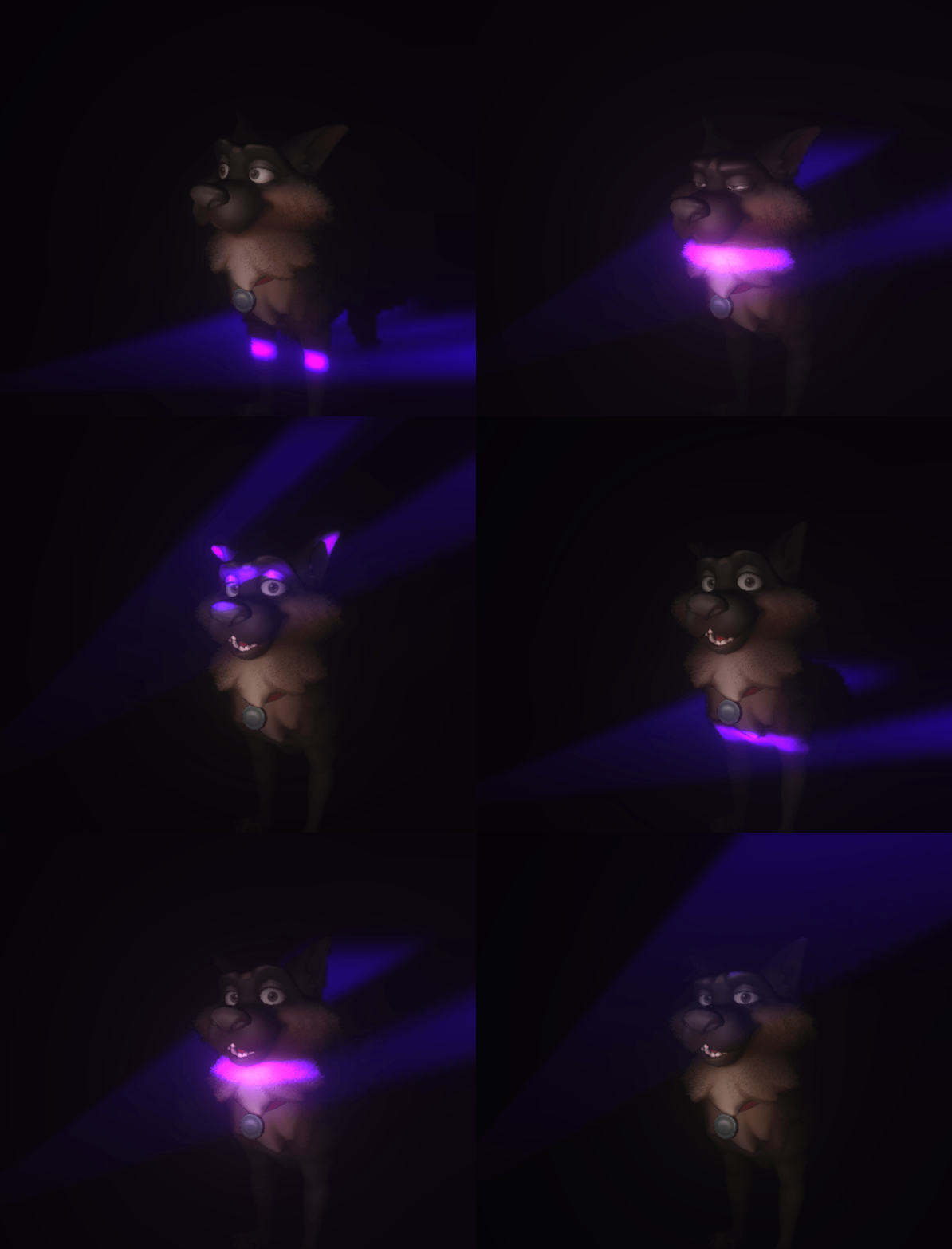
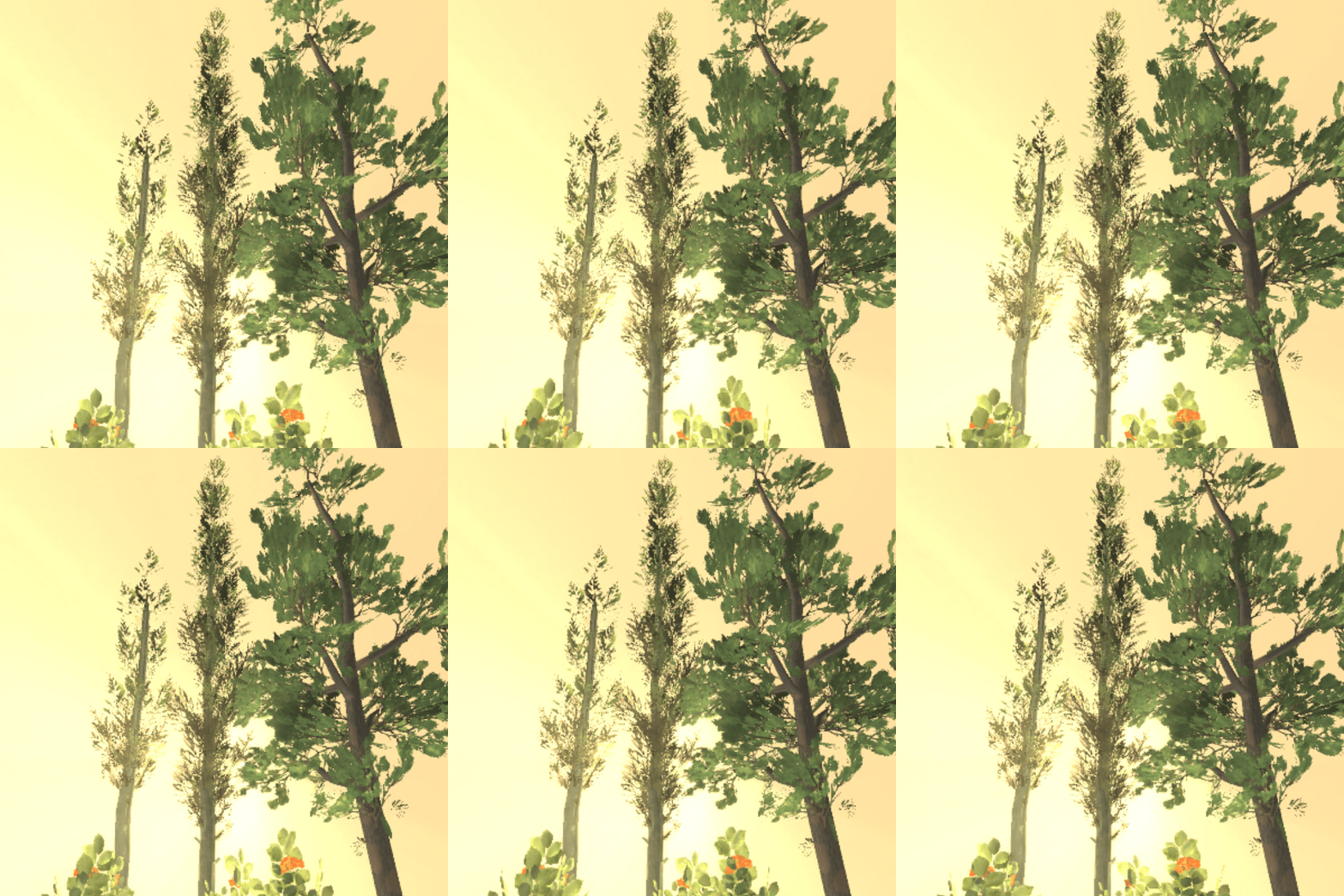
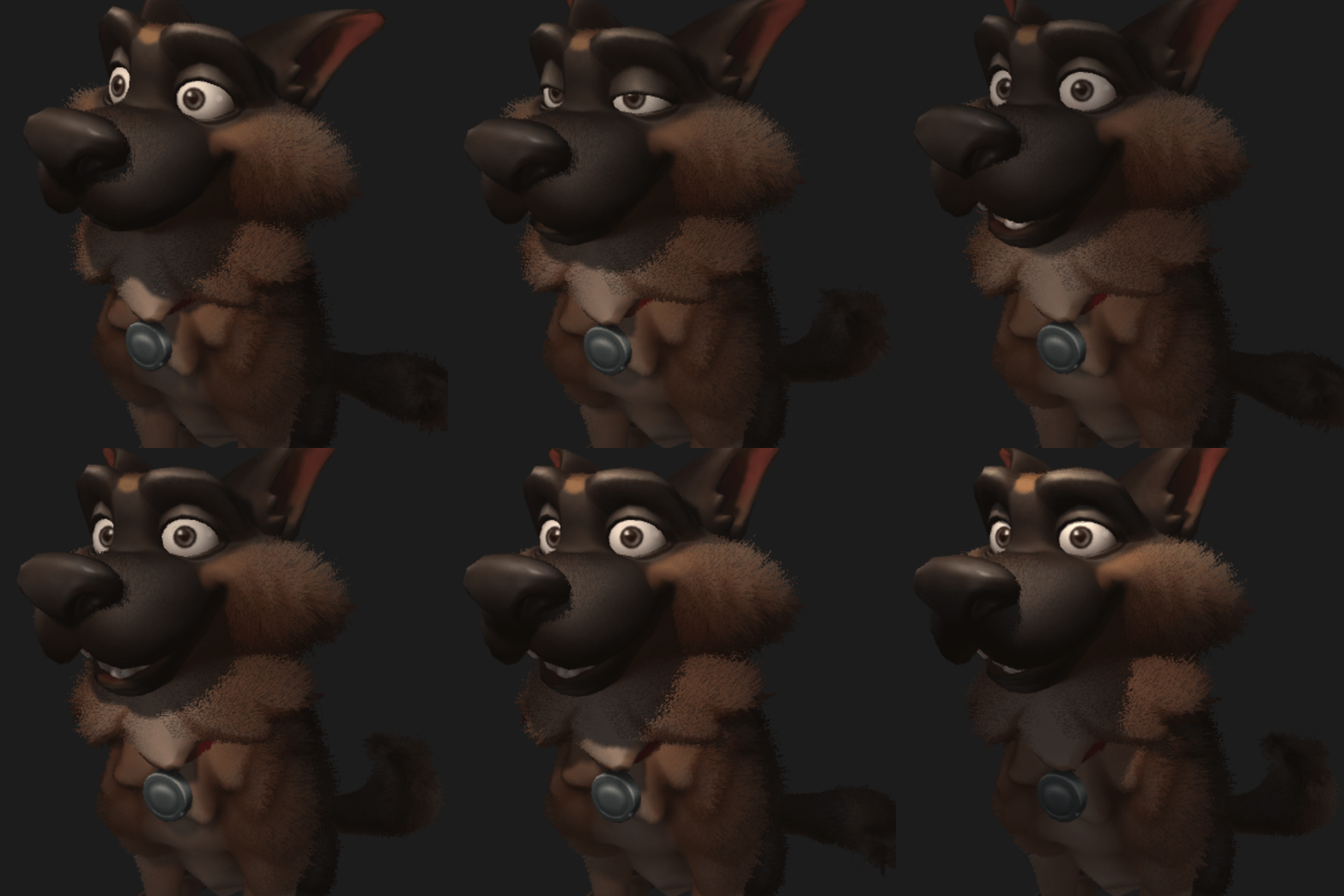
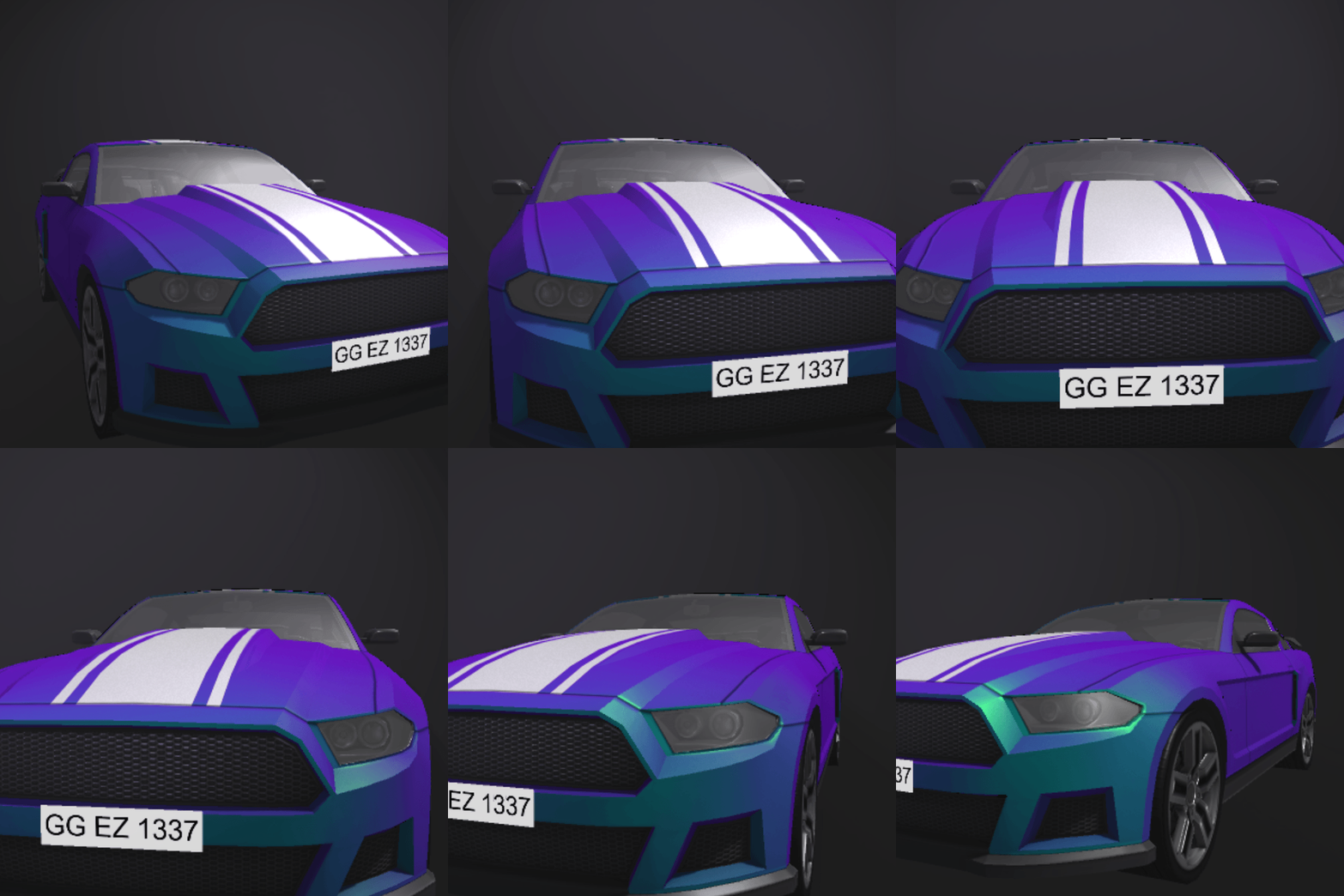
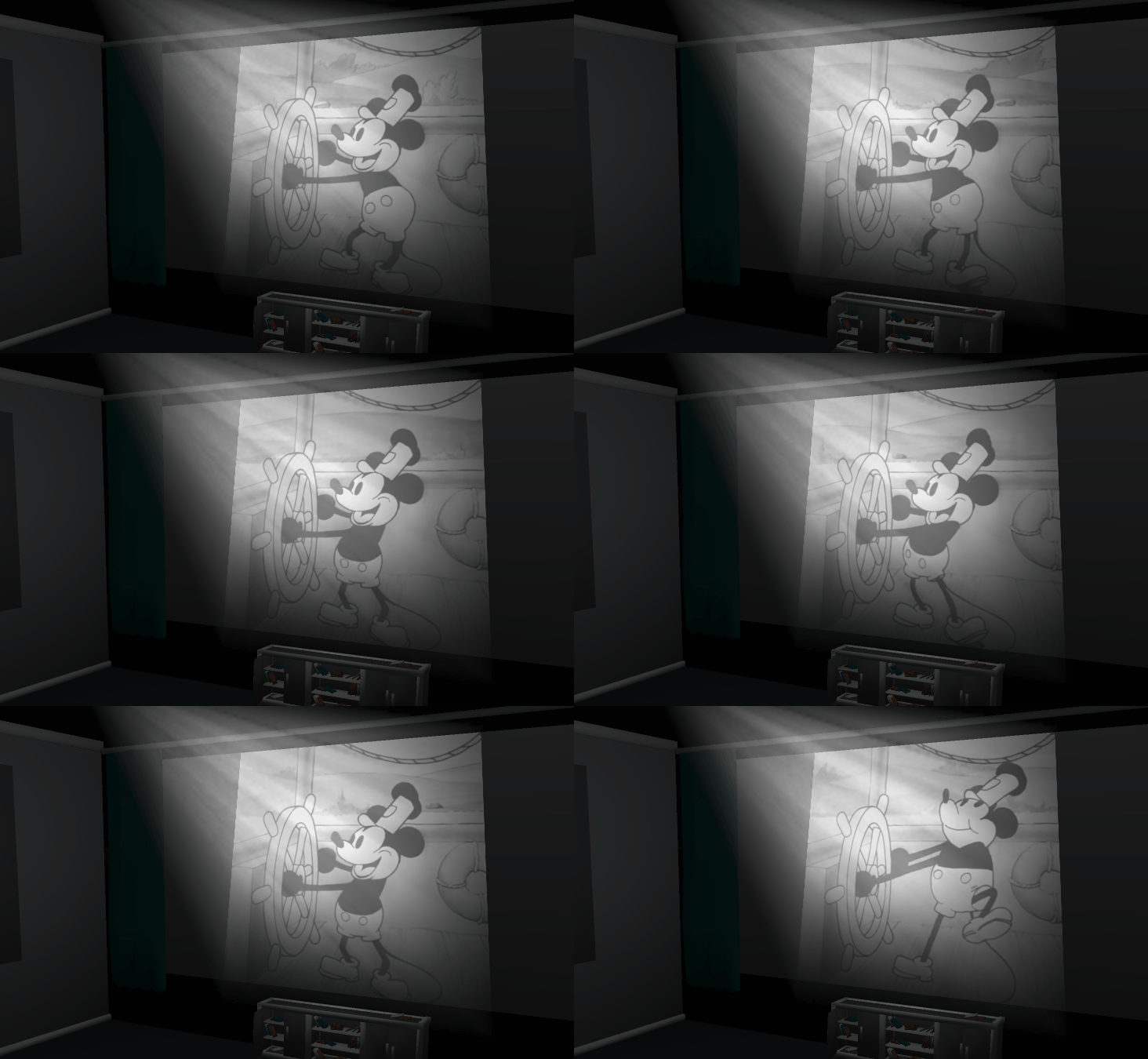
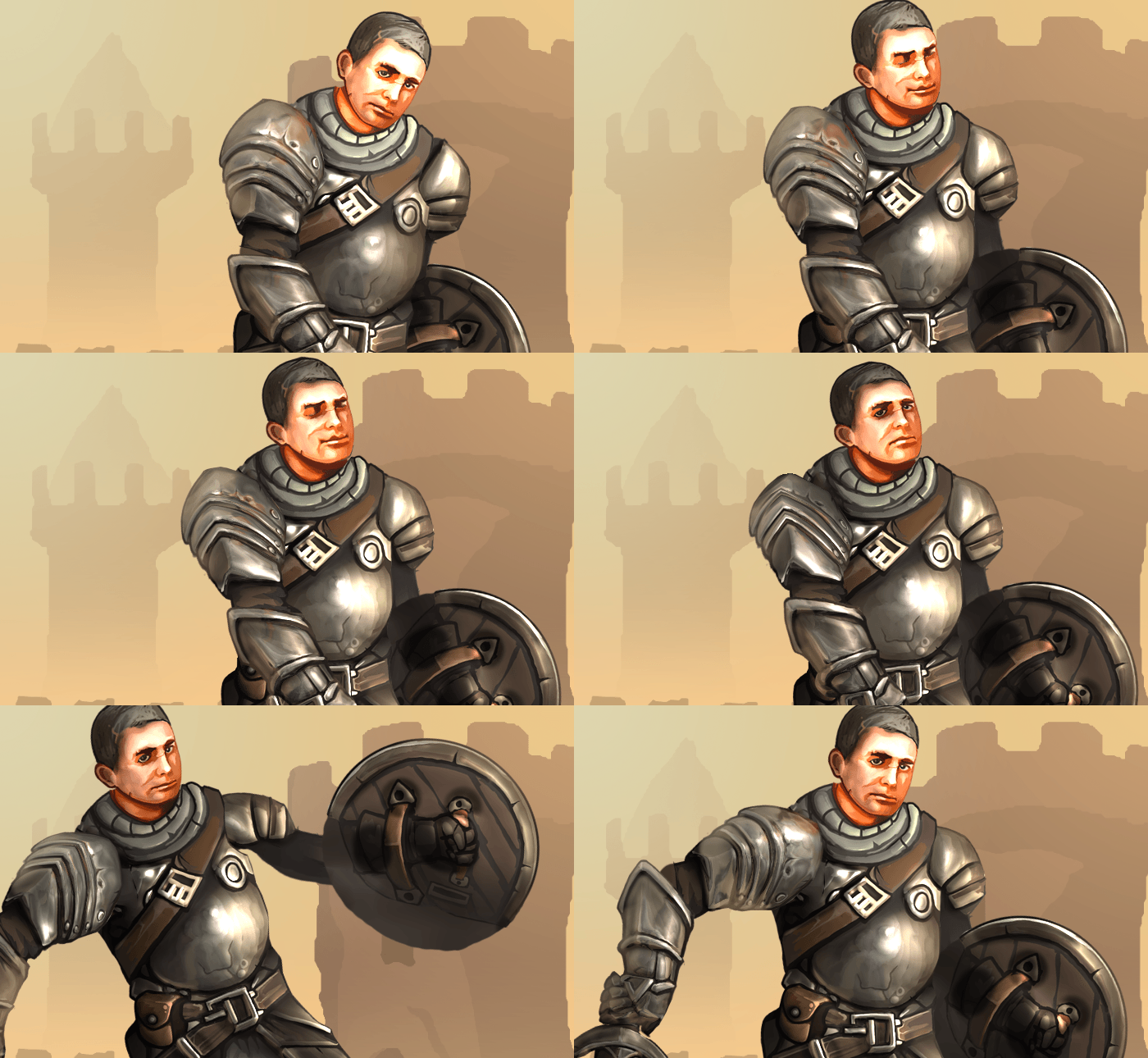
Wallpaper Engine 2.3 - New 3D Model Support, Improved Lighting, Asset Hierarchy
Hey everyone,
Wallpaper Engine 2.3 completely overhauls support for 3D wallpapers, improves real-time lighting with additional light types and adds a new hierarchy and attachment system.
New 3D Model Features
Model Editor
We are introducing a brand new model editor that allows you to import FBX model files with skeletal and vertex animations. Models can now also have a much more complex material setup similar to what can already be done in 2D wallpapers for puppets, including physical-based rendering "PBR" through various texture maps. In simple terms, you can now configure model materials to properly represent different substances like a shiny piece of metal or a piece of clothing.
The model editor allows you to organize animations inside the model data and turn them into clips that you can use in your wallpaper. On top of that, you can configure individual model bones as physics (jiggle) bones and add custom logic via SceneScript events.
We have created a series of 3D-related tutorials, be sure to check them out on our designer documentation website.
New Camera System
Wallpaper Engine also introduces a new camera system that brings it in line with all of the improvements we have made to the editor in the latest updates and allows for much more complex and smoother camera movements through timeline animations.
Improved Lighting
We are also expanding on the real-time lighting features for puppet warp layers. Real-time lighting works well in both 2D and 3D scenarios, so these changes are useful for all types of wallpapers.
Wallpaper Engine was previously limited to 4 real-time lights per wallpaper, we have increased this limit to 12 which enables more complex scenarios. We are also introducing three new types of lighting. Previously, all lights were simple point lights that are comparable to light bulbs emitting their light evenly from one spot. Take a look at all the light types that are now available in the editor:
Point Light
Spot Light
Tube Light
Directional Light
• Click here to learn more about the new light types.
Asset hierarchy and attachments
This update also introduces a new hierarchy system in the asset list. This allows you to attach an asset to another parent asset. If the parent asset is moved, rotated or scaled, so will all its children.
This is yet another feature that is useful in both 2D and 3D scenarios, as it greatly simplifies the way that you can link multiple objects with each other, even across complex animations. Take a look at the following example, where we have attached a light to a moving model with just a few button clicks:
To learn more about the new hierarchy and attachment system, take a look at the following tutorials:
• Basic Asset Hierarchy Guide
• 2D Puppet Warp Attachments Guide
• 3D Model Attachments Guide
Be sure to check out the full changelog here:
Wallpaper Engine 2.3 Changelog
3D model improvements
• Added skeletal animation and blend shape animation support to models imported from FBX files.
• Added bone constraints / physics simulation support for models with a skeleton.
• Made 3D models automatically scale on import if their scaling doesn't match Wallpaper Engine.
• Added new model shader with physically based rendering ("PBR") settings.
• Added pre-rendering system to compose layer, so that image effects can be applied to 3D models and particles on 2D wallpapers.
• Added new camera system that allows toggling between multiple cameras and paths. Allows controlling the camera like an object. Click here to view a tutorial.
• Added hitboxes and click events to models.
• Added automatic transparent object sorting to 3D scenes. Useful if you have a lot of transparent objects and a moving camera, that shows them from different angles.
• Added new 3D scene editor grid.
• Added button to switch between local space and world space rotation and translation.
General Editor Improvements
• Added scene layer hierarchy system. Click here to read a tutorial.
• Puppet models now feature attachment points that can be used to bind other assets to them. Click here to read a tutorial.
• Added new lighting system that supports more lights and new light types, including spots, tube and directional lights. Click here to see an overview of all new light types.
• Added search box to effect and asset list.
• Implemented support for Steam's new content rating system during the upload process. Adjust your Steam age rating preferences for your Steam account here.
• Added transform layer type.
• Added model/puppet attachment to image layer projection so certain image effects can be attached to objects behind them.
• Changed puppet animations to use more generic angular interpolation and match 3D skeletal animations.
• Added new shader rebuild overlay to clearly show when the editor is busy rebuilding the shader cache.
• Added normal map import x and y flip option so normal maps can be matched more easily.
• Added ability to select any layer by clicking in the scene. Select underlying layers by holding the left mouse button continuously.
• Made physics bones behave more stable when they are chained.
• Improved physics bones torque simulation.
• Added dual wave option to water waves effect so more interesting effects can be achieved with a single wave layer.
App improvements
• Various Discover tab improvements, now highlights popular wallpapers.
• Optimized performance on 2D scenes by disabling anti-aliasing automatically if a scene doesn't contain 3D elements.
• Added warning when a Windows slideshow or Windows spotlight is set as a Windows wallpaper, since it causes the live wallpaper to disappear momentarily.
• Anti-aliasing compatibility improvements for latest versions of Windows 11.
• Improved virtual desktop compatibility for latest versions of Windows 11.
• Fixed various crashes related to Windows Copilot, though it remains somewhat unstable as it significantly alters the desktop. We recommend turning Windows Copilot off for the time being.
Bug Fixes
• Fixed finished sounds playing after unpause in scenes.
• Fixed puppet texture channel animations when textures are auto cropped.
• Fixed shader preprocessor not recognizing certain commands correctly when spaces were missing, added support for #elif.
• Fixed clean project deleting files with capitalized file extension when it shouldn't.
• Fixed inversed culling mode on flipped wallpapers not being reverted during pre-render steps, causing layers to disappear.
• Fixed engine forward vector being flipped in shaders.
• Fixed "lighting 3" particle having artifacts on its border.
• Fixed particle oscillate alpha blending not being applied.
Wallpaper Engine - Android Update
The Android app update will start to roll out across all app stores now. Please note that mobile app stores tend to release updates with a delay, so it might take a few days for the update to reach you.
If you have installed the APK file directly, you can grab the latest APK on our website right now:
Download the latest version of Wallpaper Engine on Android
Wallpaper Engine 2.3 completely overhauls support for 3D wallpapers, improves real-time lighting with additional light types and adds a new hierarchy and attachment system.
New 3D Model Features
Model Editor
We are introducing a brand new model editor that allows you to import FBX model files with skeletal and vertex animations. Models can now also have a much more complex material setup similar to what can already be done in 2D wallpapers for puppets, including physical-based rendering "PBR" through various texture maps. In simple terms, you can now configure model materials to properly represent different substances like a shiny piece of metal or a piece of clothing.
The model editor allows you to organize animations inside the model data and turn them into clips that you can use in your wallpaper. On top of that, you can configure individual model bones as physics (jiggle) bones and add custom logic via SceneScript events.
We have created a series of 3D-related tutorials, be sure to check them out on our designer documentation website.
New Camera System
Wallpaper Engine also introduces a new camera system that brings it in line with all of the improvements we have made to the editor in the latest updates and allows for much more complex and smoother camera movements through timeline animations.
Improved Lighting
We are also expanding on the real-time lighting features for puppet warp layers. Real-time lighting works well in both 2D and 3D scenarios, so these changes are useful for all types of wallpapers.
Wallpaper Engine was previously limited to 4 real-time lights per wallpaper, we have increased this limit to 12 which enables more complex scenarios. We are also introducing three new types of lighting. Previously, all lights were simple point lights that are comparable to light bulbs emitting their light evenly from one spot. Take a look at all the light types that are now available in the editor:
Point Light
Spot Light
Tube Light
Directional Light
• Click here to learn more about the new light types.
Asset hierarchy and attachments
This update also introduces a new hierarchy system in the asset list. This allows you to attach an asset to another parent asset. If the parent asset is moved, rotated or scaled, so will all its children.
This is yet another feature that is useful in both 2D and 3D scenarios, as it greatly simplifies the way that you can link multiple objects with each other, even across complex animations. Take a look at the following example, where we have attached a light to a moving model with just a few button clicks:
To learn more about the new hierarchy and attachment system, take a look at the following tutorials:
• Basic Asset Hierarchy Guide
• 2D Puppet Warp Attachments Guide
• 3D Model Attachments Guide
Be sure to check out the full changelog here:
Wallpaper Engine 2.3 Changelog
3D model improvements
• Added skeletal animation and blend shape animation support to models imported from FBX files.
• Added bone constraints / physics simulation support for models with a skeleton.
• Made 3D models automatically scale on import if their scaling doesn't match Wallpaper Engine.
• Added new model shader with physically based rendering ("PBR") settings.
• Added pre-rendering system to compose layer, so that image effects can be applied to 3D models and particles on 2D wallpapers.
• Added new camera system that allows toggling between multiple cameras and paths. Allows controlling the camera like an object. Click here to view a tutorial.
• Added hitboxes and click events to models.
• Added automatic transparent object sorting to 3D scenes. Useful if you have a lot of transparent objects and a moving camera, that shows them from different angles.
• Added new 3D scene editor grid.
• Added button to switch between local space and world space rotation and translation.
General Editor Improvements
• Added scene layer hierarchy system. Click here to read a tutorial.
• Puppet models now feature attachment points that can be used to bind other assets to them. Click here to read a tutorial.
• Added new lighting system that supports more lights and new light types, including spots, tube and directional lights. Click here to see an overview of all new light types.
• Added search box to effect and asset list.
• Implemented support for Steam's new content rating system during the upload process. Adjust your Steam age rating preferences for your Steam account here.
• Added transform layer type.
• Added model/puppet attachment to image layer projection so certain image effects can be attached to objects behind them.
• Changed puppet animations to use more generic angular interpolation and match 3D skeletal animations.
• Added new shader rebuild overlay to clearly show when the editor is busy rebuilding the shader cache.
• Added normal map import x and y flip option so normal maps can be matched more easily.
• Added ability to select any layer by clicking in the scene. Select underlying layers by holding the left mouse button continuously.
• Made physics bones behave more stable when they are chained.
• Improved physics bones torque simulation.
• Added dual wave option to water waves effect so more interesting effects can be achieved with a single wave layer.
App improvements
• Various Discover tab improvements, now highlights popular wallpapers.
• Optimized performance on 2D scenes by disabling anti-aliasing automatically if a scene doesn't contain 3D elements.
• Added warning when a Windows slideshow or Windows spotlight is set as a Windows wallpaper, since it causes the live wallpaper to disappear momentarily.
• Anti-aliasing compatibility improvements for latest versions of Windows 11.
• Improved virtual desktop compatibility for latest versions of Windows 11.
• Fixed various crashes related to Windows Copilot, though it remains somewhat unstable as it significantly alters the desktop. We recommend turning Windows Copilot off for the time being.
Bug Fixes
• Fixed finished sounds playing after unpause in scenes.
• Fixed puppet texture channel animations when textures are auto cropped.
• Fixed shader preprocessor not recognizing certain commands correctly when spaces were missing, added support for #elif.
• Fixed clean project deleting files with capitalized file extension when it shouldn't.
• Fixed inversed culling mode on flipped wallpapers not being reverted during pre-render steps, causing layers to disappear.
• Fixed engine forward vector being flipped in shaders.
• Fixed "lighting 3" particle having artifacts on its border.
• Fixed particle oscillate alpha blending not being applied.
Wallpaper Engine - Android Update
The Android app update will start to roll out across all app stores now. Please note that mobile app stores tend to release updates with a delay, so it might take a few days for the update to reach you.
If you have installed the APK file directly, you can grab the latest APK on our website right now:
Download the latest version of Wallpaper Engine on Android
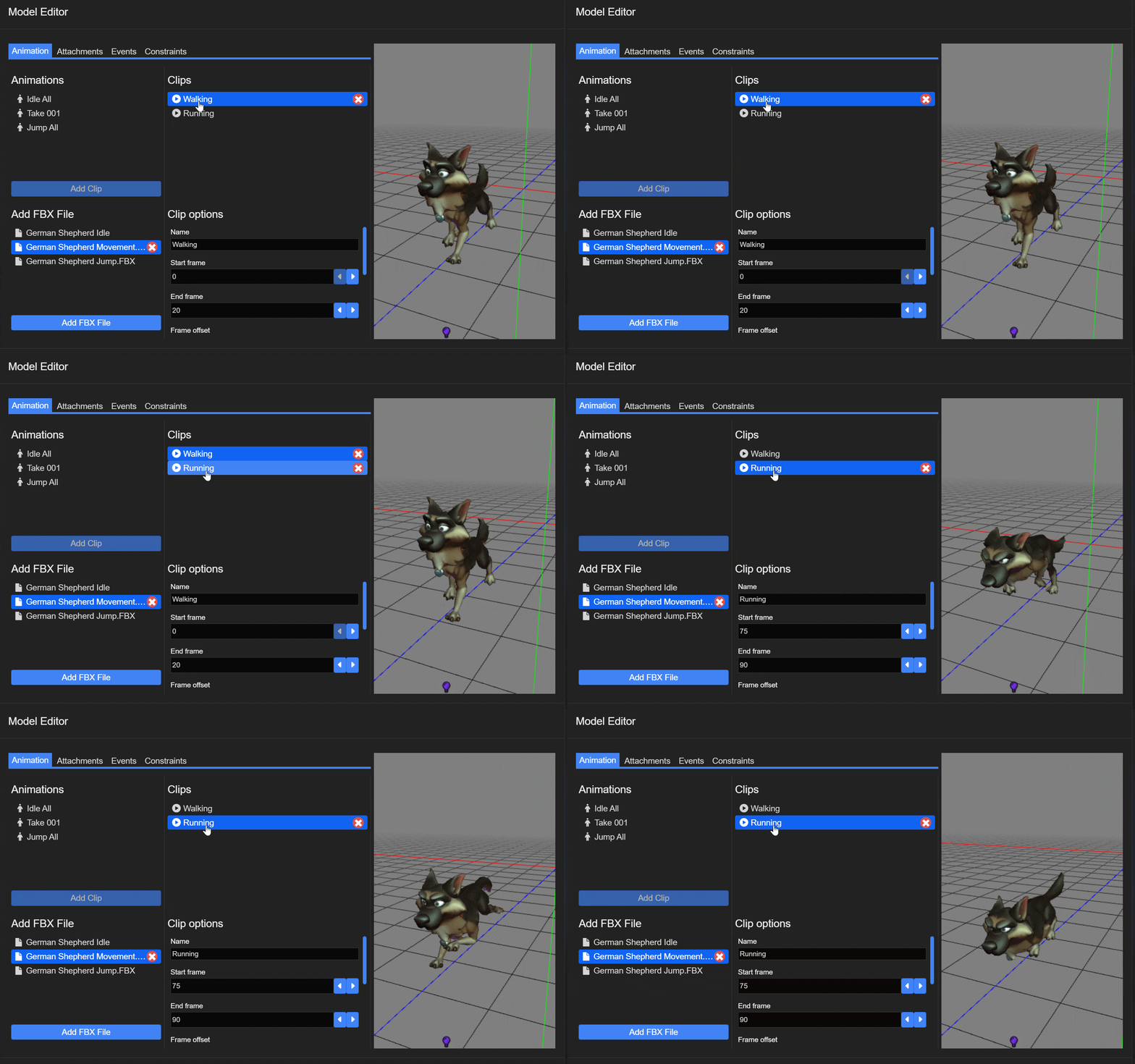
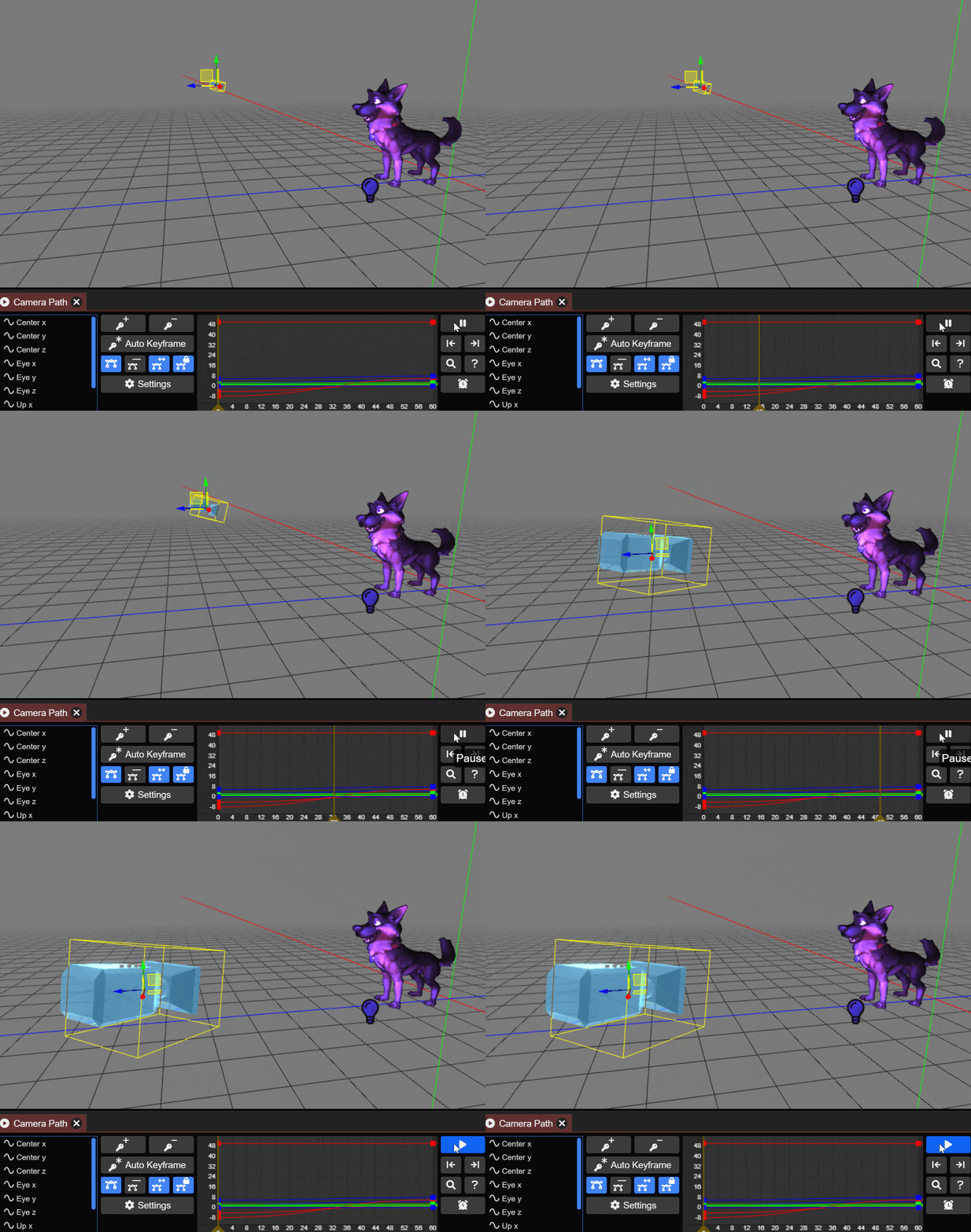
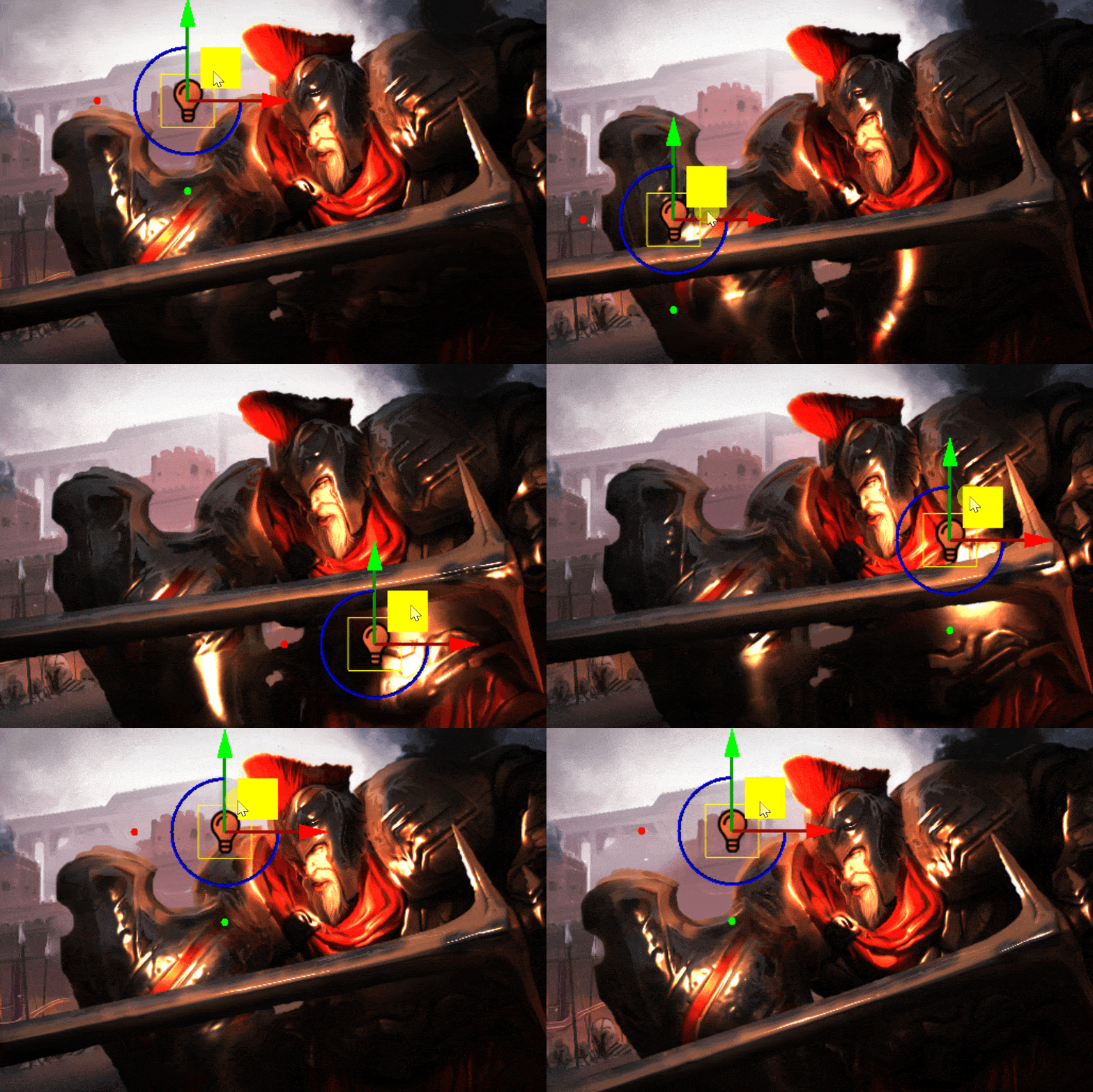
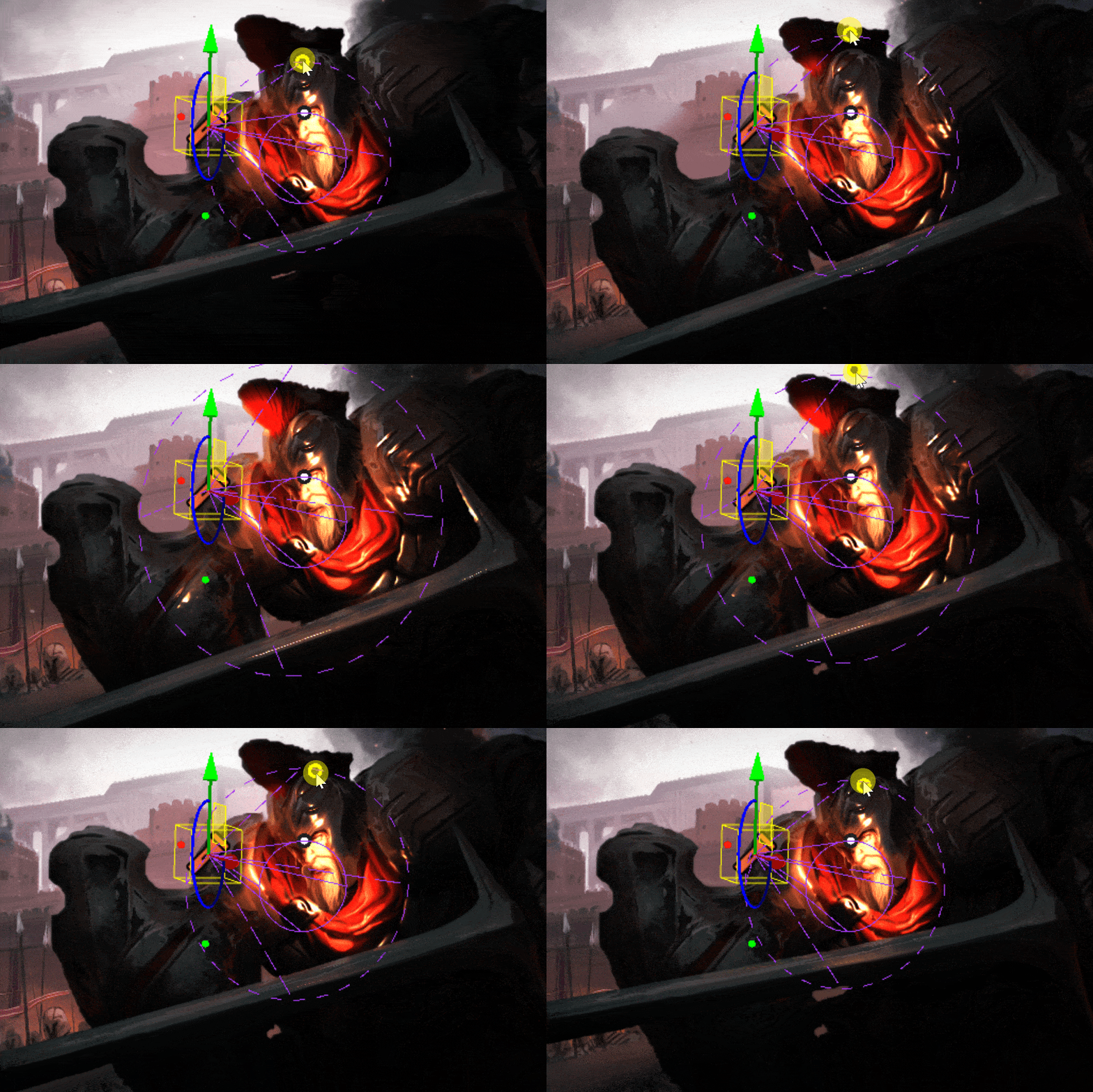
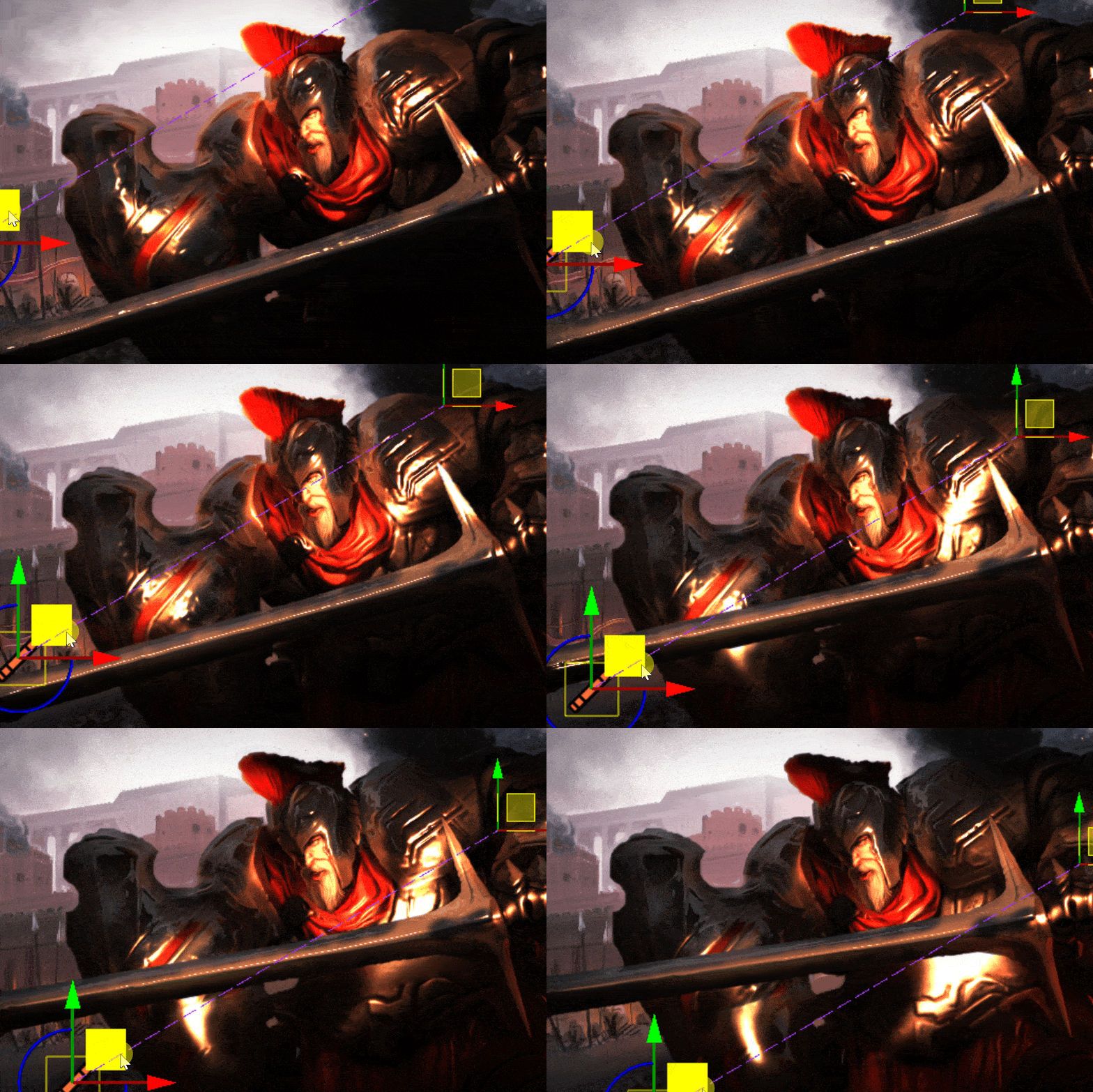
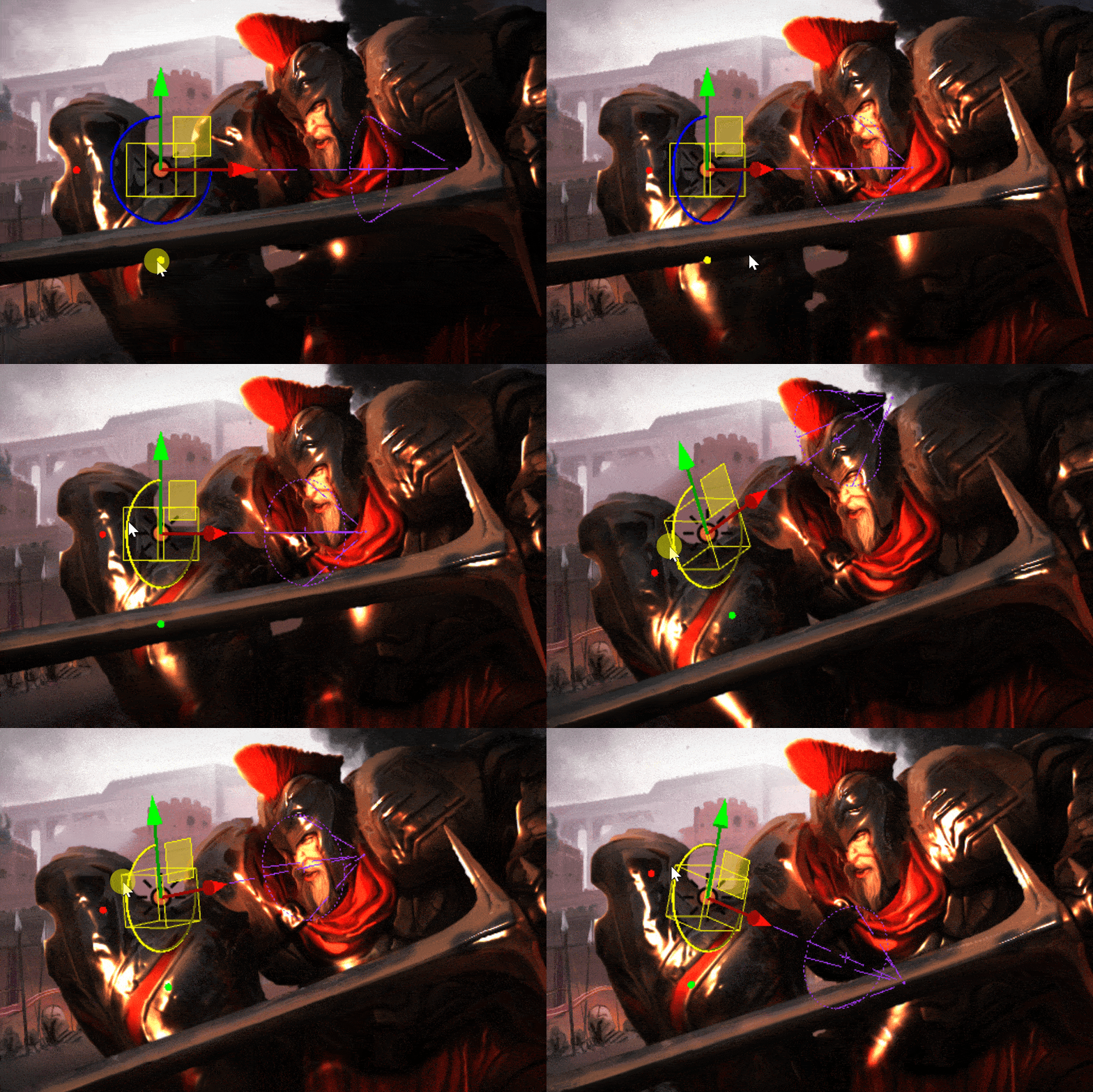
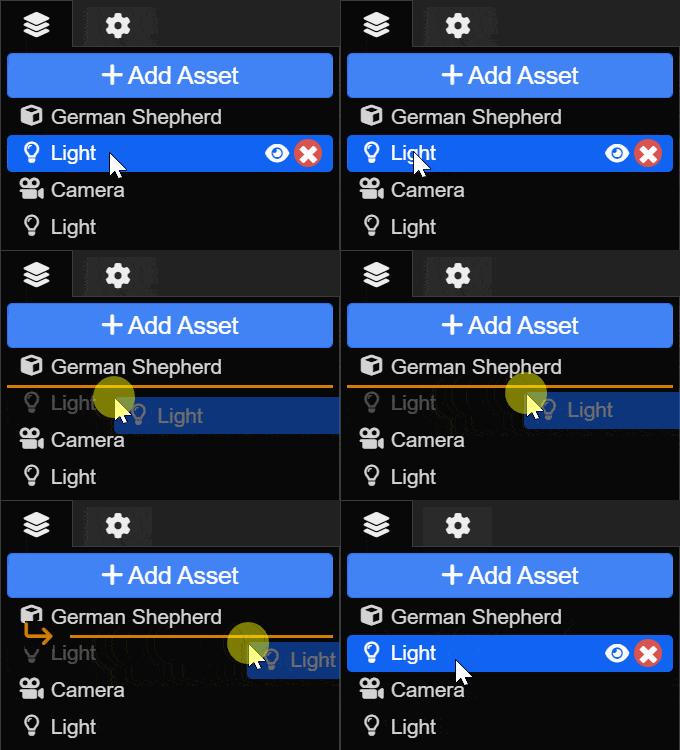

Wallpaper Engine 2.2 - Album Cover Integration, Fluid Simulation & More
Hey everyone,
today we are releasing Wallpaper Engine 2.2 which comes with new editor effects, support for dynamic album covers and song data in wallpapers and a large set of improvements throughout the app and the wallpaper editor.
Media & Album Cover Integration
A long standing feature request was to implement the ability to have song data and album covers to be part of wallpapers. With Wallpaper Engine 2.2, we have now made this possible, as long as your media player provides this data to the Windows media overlay that appears in the upper left corner.
Take a look at the following sample wallpaper we created. The vinyl record will change the album cover to the currently playing album from Spotify:
Interested in using this record player as a wallpaper or screensaver? Click here to download it.
This functionality will work with any music player as long as it sends its album cover data to the Windows media overlay (visible in the upper left of the showcase above). You may need to enable this in the settings of your media player.
If you want to utilize this feature in your own wallpapers, be sure to check out our designer documentation which covers this topic in great detail:
• Album Cover Integration
If you are using a wallpaper with this feature but the album covers do not appear for you or if you have another question or issue, be sure to first check out our help website, as it helps you to resolve the most common problems regarding this feature:
• Help with Wallpaper Engine: Album Cover & Media Data Feature
Dynamic Fluid Simulation
A new effect in the editor allows you to easily add dynamic fluid simulation to your wallpapers. The fluid simulation makes it possible to create interactive fluid, fire or smoke-like effects. Support for interactivity with the mouse cursor is included and you can create a collision mask, which allows the simulated fluid to bounce off of objects in the wallpaper.
As usual, we have created an extensive documentation for this effect on our designer documentation website, be sure to check it out and give it a try:
• Advanced Fluid Simulation Effect
Even More New Effects
On top of the other changes we have already showcased, we have added a bunch of additional effects to the editor that you can utilize in your wallpapers.
Cursor Ripple
The new cursor ripple effect allows you to make certain parts of your wallpaper react to the mouse cursor by giving off water ripples in its movement path.
Make sure to check out the effect documentation to learn more on how to implement it into your wallpapers:
• Cursor Ripple Effect
Chromatic Aberration
This effect was mainly added because previously, users often used the VHS effect for its Chromatic Aberration. We wanted to add a simpler and more performant alternative to it. If you just want to add chromatic aberration to your wallpaper, you can use this effect from now on instead of using the VHS effect instead. You can learn more about it in our designer documentation:
• Chromatic Aberration Effect
Gradient Blend Effect
The Gradient Blend effect allows you to create more complex transitions between two images. To learn more about it, check out its documentation page:
• Blend Gradient Effect
Radial Blur Effect
The Radial Blur effect creates a rotational blur on an image layer. We have used it in the vinyl example in the album cover section above to create a slight blur effect on the rotating vinyl record.
Texture Channels in Puppet Warp Animations
For the more advanced puppet warping system, we have added a new texture channel option. This allows you to add multiple textures into one puppet warp model and to transition between them as part of your animation. In its simplest form, it can be used for simple animations like eye blinking, but you can also change the look of entire characters or objects this way.
To learn more about this feature, check out the documentation page:
• Puppet Warp: Texture Channel Animations
Miscellaneous Noteworthy Features
We have made a ton of additional small improvements throughout the app, here are some more noteworthy features that you might want to check out:
Quick Mobile Preview Feature
Want to quickly get an idea of what a wallpaper might look like on your Android smartphone? Right-click on an installed wallpaper, then navigate over "Play in Window" and then select "Phone Preview" to get a vertical preview of the wallpaper.
GIF Recording Feature for Preview Images
Many wallpapers already make use of animated GIFs for preview images. However, these preview images have to be created with third-party tools which can be a little bit complex for some users. For this reason, we have added a simple GIF recording functionality into the "Capture Preview" option at the end of the publishing process. Press the "G" key during the preview creation to switch to GIF recording mode, then follow the instructions in the upper left corner. We hope this will make animated preview GIFs more accessible to more users.
Wallpaper Engine - Android Update
The Android app update will start to roll out across all app stores now. Please note that mobile app stores tend to release updates with a delay, so it might take a few days for the update to reach you.
If you have installed the APK file directly, you can grab the latest APK on our website right now:
Download the latest version of Wallpaper Engine on Android
Full Changelog
To get an overview of all changes and bug fixes, be sure to read the entire changelog:
Wallpaper Engine on Windows
Additions / Changes
• Added fluid simulation effect.
• Added Media Integration for album covers and music data in Scene and Web wallpapers using Windows Global Media Sessions.
• Added cursor ripple effect.
• Added gradient blend effect.
• Added radial blur effect.
• Added chromatic aberration effect.
• Added opacity mask to precise blur effect.
• Added alpha blur option to blur effects.
• Added time offset texture to water waves effect.
• Added puppet warp alpha bone animations.
• Added puppet warp texture channel animations.
• Improved puppet bone visualization with new gizmos.
• Added polygon selection tool to separation/character sheet editor.
• Added options to control maximum width and number of rows for text layers.
• Added ability to record GIFs for Workshop snapshot in editor.
• Added asynchronous texture streaming loader to improve wallpaper loading speed.
• Added "flicker value" stock script snippet.
• Added puppet depth map painting and replaced basic extrusion.
• Added mp4 as supported image layer import format to file dialog in editor.
• Added stutter detection experiment to video playback through media foundation.
• Changed gallery context menu to use more groups and be more compact.
• Added ability to open wallpaper preview in portrait size or maximized.
• Improved property changing consistency in animation editor.
• Changed animation wrap loop option to be enabled by default.
• Added ability to copy and paste entire animation channels easily from property context menu.
• Added dark theme support to tray menu using undocumented APIs.
• Added resolution options to high-performance export for tablets.
• Added new monitor identification system (Managed) which will be used in new configs by default and will be more resilient against Windows inconsistencies.
• Changed display HDR to manage albedo brightness so extreme brightning is avoided when albedo brightness is too high.
• Improved automatic web audio muting.
• Improved lockscreen image cropping when monitors are offset vertically.
• Changed scenescript module to only unload on program shutdown so stability bugs in V8 are avoided when DLL gets reloaded too often.
• Added performance warnings to expensive (multi pass) effects.
• Added shader property grouping for complex effects.
• Added layer sorting menu to context menu in editor.
• Reduced memory required for sprite sheet base textures.
• Added 45 snapping to editor knob control when holding SHIFT down.
• Changed editor texture memory to include missing, currently invisible textures.
• Improved Workshop assets not updating after subscribing externally.
• Changed audio detection to use selected audio input device.
• Added support for HDR effects high performance encoding for mobile.
• Added ability to add application rules for files with invalid program extensions.
• Added ability to copy playlists and wallpaper properties between monitors from display selection.
• Improved key frame selection behavior in curve editor.
• Added placeholder solid layer that allows using a basic layer with dynamic user/system textures.
• Added floating rounding to nested property sliders in editor.
• Added Workshop URL copy button to editor menu and publish dialog.
• Added roboto mono as new stock mono spaced font.
• Added "getWallpaper" command to CLI to print out current wallpaper path.
• Added video texture count to editor stats.
• Added effect performance counts to editor stats.
• Updated Wuffs PNG decoder.
• Updated Windows SDK.
• Updated ASIO.
• Changed main projects to C++20.
Bug Fixes
• Fixed blend mode layers to not be pre-rendered when invisible.
• Fixed timeline editors being unlinked when toggling preview.
• Fixed customizable tag being added when invalid user property links are present.
• Fixed image reflection not working when lighting is disabled.
• Fixed font characters being unmapped too early and text rendering incorrectly.
• Fixed particle editor viewport settings.
• Fixed clean project dialog suggesting deletion of newly used files due to scene file not being updated beforehand.
• Fixed playlist app shutdown/restart delta time not being used to advance playlist on load.
• Fixed cloning shell hook not being reloaded after Explorer crashing.
• Removed unlisted option from publish dialog since it's unavailable on Steam now.
• Fixed portrait/phone wallpapers being difficult to record a snapshot for in the editor.
• Fixed brush detection on perspective/rotated layers.
• Fixed being able to upload badly encoded videos.
• Fixed video colorization sometimes not taking effect.
• Fixed wrap loop frames option causing second to last frame to not save correctly.
• Fixed UV position picker for post-processing layers.
• Changed app wallpaper to close parent window before attempting to shutdown child process to potentially improve app closing behavior.
• Fixed playlist not looping properly when the following is true: two wallpaper, intro enabled, sorted timer, change on video end enabled.
Wallpaper Engine on Android
Additions / Changes
• Added option to disable wallpapers colors API or override it for phones that choose badly readable UI colors on their own.
• Added button to clear shader cache.
• Updated Android target SDK and NDK to Android 13.
Bug Fixes
• Fixed shader cache not being used.
Hotfix 2.2.18
Additions / Changes
• Added new borderless option to "play in window" CLI command.
Bug Fixes
• Fixed issues with certain iCUE / Chroma wallpapers not working correctly by forcing LED layers to always render even when they are set to invisible in the editor.
• Fixed various audio playback issues.
• Fixed wallpapers with solid placeholder layer failing to upload.
today we are releasing Wallpaper Engine 2.2 which comes with new editor effects, support for dynamic album covers and song data in wallpapers and a large set of improvements throughout the app and the wallpaper editor.
Media & Album Cover Integration
A long standing feature request was to implement the ability to have song data and album covers to be part of wallpapers. With Wallpaper Engine 2.2, we have now made this possible, as long as your media player provides this data to the Windows media overlay that appears in the upper left corner.
Take a look at the following sample wallpaper we created. The vinyl record will change the album cover to the currently playing album from Spotify:
Interested in using this record player as a wallpaper or screensaver? Click here to download it.
This functionality will work with any music player as long as it sends its album cover data to the Windows media overlay (visible in the upper left of the showcase above). You may need to enable this in the settings of your media player.
If you want to utilize this feature in your own wallpapers, be sure to check out our designer documentation which covers this topic in great detail:
• Album Cover Integration
If you are using a wallpaper with this feature but the album covers do not appear for you or if you have another question or issue, be sure to first check out our help website, as it helps you to resolve the most common problems regarding this feature:
• Help with Wallpaper Engine: Album Cover & Media Data Feature
Dynamic Fluid Simulation
A new effect in the editor allows you to easily add dynamic fluid simulation to your wallpapers. The fluid simulation makes it possible to create interactive fluid, fire or smoke-like effects. Support for interactivity with the mouse cursor is included and you can create a collision mask, which allows the simulated fluid to bounce off of objects in the wallpaper.
As usual, we have created an extensive documentation for this effect on our designer documentation website, be sure to check it out and give it a try:
• Advanced Fluid Simulation Effect
Even More New Effects
On top of the other changes we have already showcased, we have added a bunch of additional effects to the editor that you can utilize in your wallpapers.
Cursor Ripple
The new cursor ripple effect allows you to make certain parts of your wallpaper react to the mouse cursor by giving off water ripples in its movement path.
Make sure to check out the effect documentation to learn more on how to implement it into your wallpapers:
• Cursor Ripple Effect
Chromatic Aberration
This effect was mainly added because previously, users often used the VHS effect for its Chromatic Aberration. We wanted to add a simpler and more performant alternative to it. If you just want to add chromatic aberration to your wallpaper, you can use this effect from now on instead of using the VHS effect instead. You can learn more about it in our designer documentation:
• Chromatic Aberration Effect
Gradient Blend Effect
The Gradient Blend effect allows you to create more complex transitions between two images. To learn more about it, check out its documentation page:
• Blend Gradient Effect
Radial Blur Effect
The Radial Blur effect creates a rotational blur on an image layer. We have used it in the vinyl example in the album cover section above to create a slight blur effect on the rotating vinyl record.
Texture Channels in Puppet Warp Animations
For the more advanced puppet warping system, we have added a new texture channel option. This allows you to add multiple textures into one puppet warp model and to transition between them as part of your animation. In its simplest form, it can be used for simple animations like eye blinking, but you can also change the look of entire characters or objects this way.
To learn more about this feature, check out the documentation page:
• Puppet Warp: Texture Channel Animations
Miscellaneous Noteworthy Features
We have made a ton of additional small improvements throughout the app, here are some more noteworthy features that you might want to check out:
Quick Mobile Preview Feature
Want to quickly get an idea of what a wallpaper might look like on your Android smartphone? Right-click on an installed wallpaper, then navigate over "Play in Window" and then select "Phone Preview" to get a vertical preview of the wallpaper.
GIF Recording Feature for Preview Images
Many wallpapers already make use of animated GIFs for preview images. However, these preview images have to be created with third-party tools which can be a little bit complex for some users. For this reason, we have added a simple GIF recording functionality into the "Capture Preview" option at the end of the publishing process. Press the "G" key during the preview creation to switch to GIF recording mode, then follow the instructions in the upper left corner. We hope this will make animated preview GIFs more accessible to more users.
Wallpaper Engine - Android Update
The Android app update will start to roll out across all app stores now. Please note that mobile app stores tend to release updates with a delay, so it might take a few days for the update to reach you.
If you have installed the APK file directly, you can grab the latest APK on our website right now:
Download the latest version of Wallpaper Engine on Android
Full Changelog
To get an overview of all changes and bug fixes, be sure to read the entire changelog:
Wallpaper Engine on Windows
Additions / Changes
• Added fluid simulation effect.
• Added Media Integration for album covers and music data in Scene and Web wallpapers using Windows Global Media Sessions.
• Added cursor ripple effect.
• Added gradient blend effect.
• Added radial blur effect.
• Added chromatic aberration effect.
• Added opacity mask to precise blur effect.
• Added alpha blur option to blur effects.
• Added time offset texture to water waves effect.
• Added puppet warp alpha bone animations.
• Added puppet warp texture channel animations.
• Improved puppet bone visualization with new gizmos.
• Added polygon selection tool to separation/character sheet editor.
• Added options to control maximum width and number of rows for text layers.
• Added ability to record GIFs for Workshop snapshot in editor.
• Added asynchronous texture streaming loader to improve wallpaper loading speed.
• Added "flicker value" stock script snippet.
• Added puppet depth map painting and replaced basic extrusion.
• Added mp4 as supported image layer import format to file dialog in editor.
• Added stutter detection experiment to video playback through media foundation.
• Changed gallery context menu to use more groups and be more compact.
• Added ability to open wallpaper preview in portrait size or maximized.
• Improved property changing consistency in animation editor.
• Changed animation wrap loop option to be enabled by default.
• Added ability to copy and paste entire animation channels easily from property context menu.
• Added dark theme support to tray menu using undocumented APIs.
• Added resolution options to high-performance export for tablets.
• Added new monitor identification system (Managed) which will be used in new configs by default and will be more resilient against Windows inconsistencies.
• Changed display HDR to manage albedo brightness so extreme brightning is avoided when albedo brightness is too high.
• Improved automatic web audio muting.
• Improved lockscreen image cropping when monitors are offset vertically.
• Changed scenescript module to only unload on program shutdown so stability bugs in V8 are avoided when DLL gets reloaded too often.
• Added performance warnings to expensive (multi pass) effects.
• Added shader property grouping for complex effects.
• Added layer sorting menu to context menu in editor.
• Reduced memory required for sprite sheet base textures.
• Added 45 snapping to editor knob control when holding SHIFT down.
• Changed editor texture memory to include missing, currently invisible textures.
• Improved Workshop assets not updating after subscribing externally.
• Changed audio detection to use selected audio input device.
• Added support for HDR effects high performance encoding for mobile.
• Added ability to add application rules for files with invalid program extensions.
• Added ability to copy playlists and wallpaper properties between monitors from display selection.
• Improved key frame selection behavior in curve editor.
• Added placeholder solid layer that allows using a basic layer with dynamic user/system textures.
• Added floating rounding to nested property sliders in editor.
• Added Workshop URL copy button to editor menu and publish dialog.
• Added roboto mono as new stock mono spaced font.
• Added "getWallpaper" command to CLI to print out current wallpaper path.
• Added video texture count to editor stats.
• Added effect performance counts to editor stats.
• Updated Wuffs PNG decoder.
• Updated Windows SDK.
• Updated ASIO.
• Changed main projects to C++20.
Bug Fixes
• Fixed blend mode layers to not be pre-rendered when invisible.
• Fixed timeline editors being unlinked when toggling preview.
• Fixed customizable tag being added when invalid user property links are present.
• Fixed image reflection not working when lighting is disabled.
• Fixed font characters being unmapped too early and text rendering incorrectly.
• Fixed particle editor viewport settings.
• Fixed clean project dialog suggesting deletion of newly used files due to scene file not being updated beforehand.
• Fixed playlist app shutdown/restart delta time not being used to advance playlist on load.
• Fixed cloning shell hook not being reloaded after Explorer crashing.
• Removed unlisted option from publish dialog since it's unavailable on Steam now.
• Fixed portrait/phone wallpapers being difficult to record a snapshot for in the editor.
• Fixed brush detection on perspective/rotated layers.
• Fixed being able to upload badly encoded videos.
• Fixed video colorization sometimes not taking effect.
• Fixed wrap loop frames option causing second to last frame to not save correctly.
• Fixed UV position picker for post-processing layers.
• Changed app wallpaper to close parent window before attempting to shutdown child process to potentially improve app closing behavior.
• Fixed playlist not looping properly when the following is true: two wallpaper, intro enabled, sorted timer, change on video end enabled.
Wallpaper Engine on Android
Additions / Changes
• Added option to disable wallpapers colors API or override it for phones that choose badly readable UI colors on their own.
• Added button to clear shader cache.
• Updated Android target SDK and NDK to Android 13.
Bug Fixes
• Fixed shader cache not being used.
Hotfix 2.2.18
Additions / Changes
• Added new borderless option to "play in window" CLI command.
Bug Fixes
• Fixed issues with certain iCUE / Chroma wallpapers not working correctly by forcing LED layers to always render even when they are set to invisible in the editor.
• Fixed various audio playback issues.
• Fixed wallpapers with solid placeholder layer failing to upload.
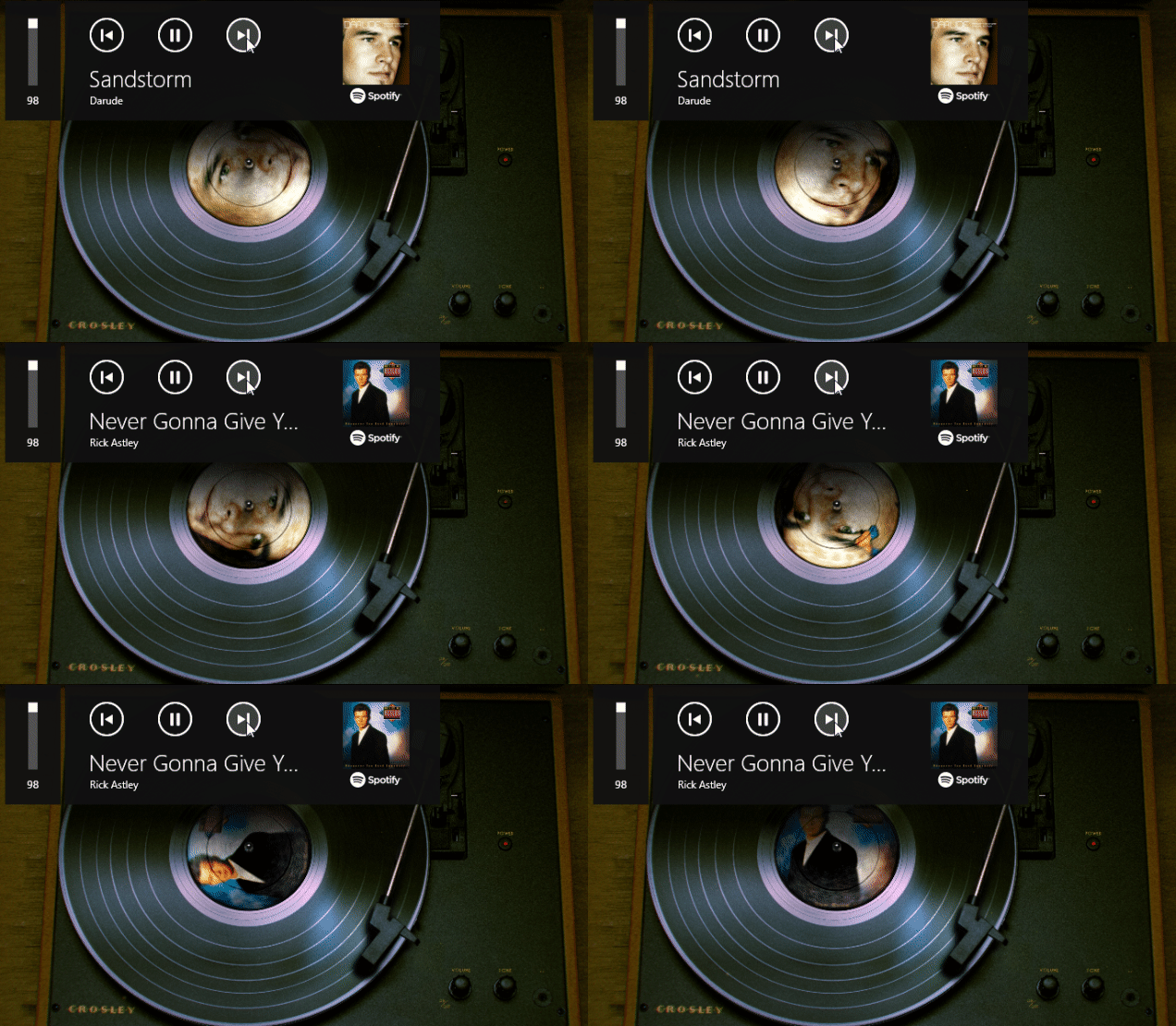
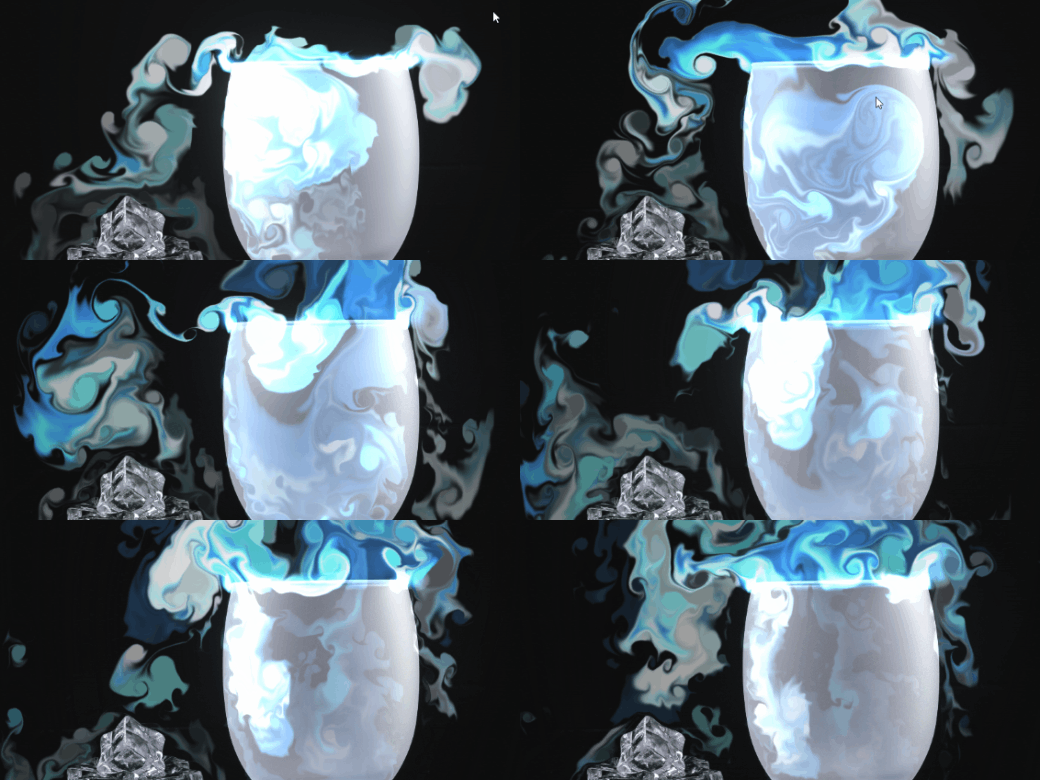
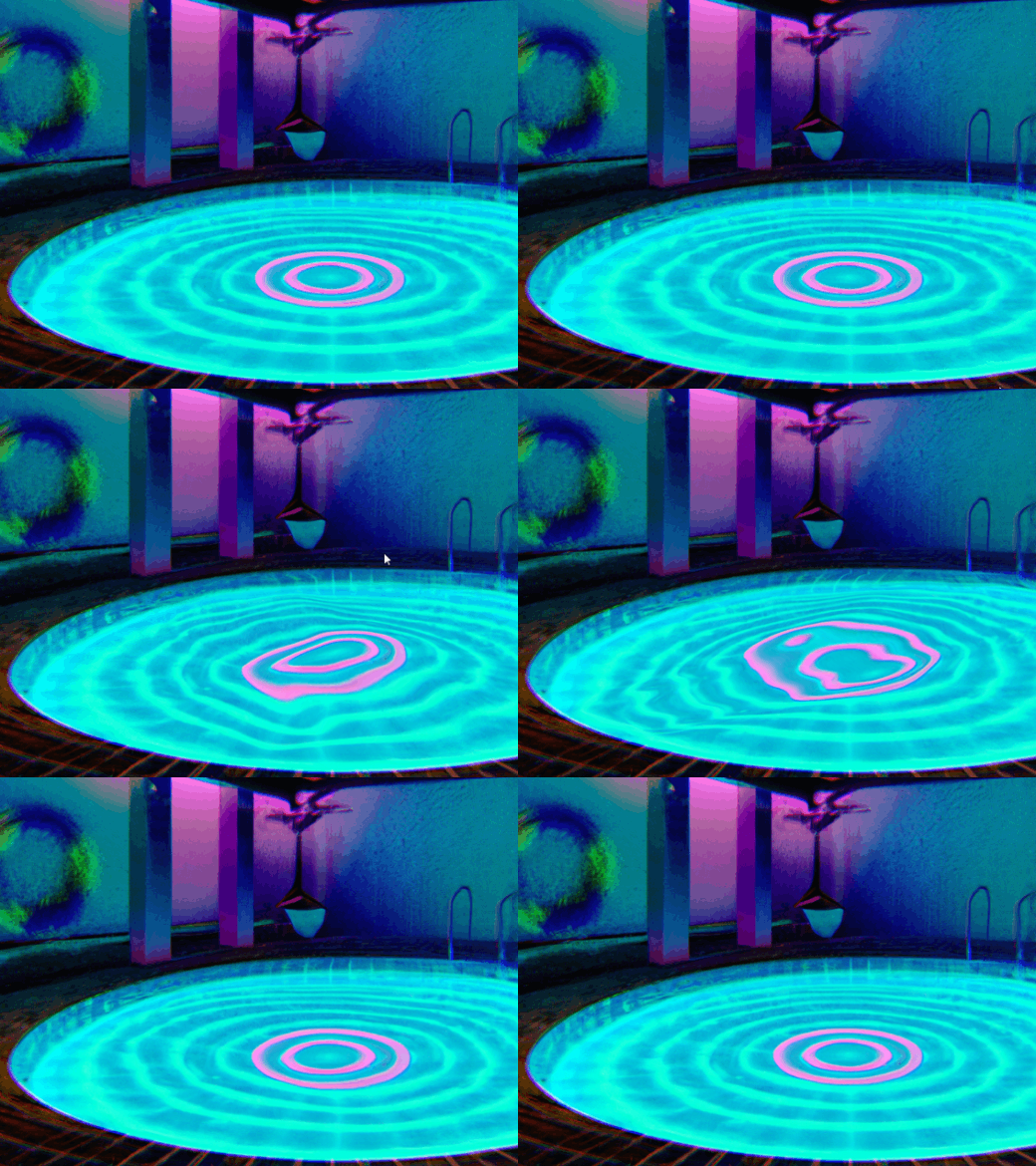
Wallpaper Engine 2.1 - Inverse Kinematics Animations, User Texture Import & More
Hello everyone,
today we're introducing Wallpaper Engine 2.1 for Windows and Android with a wide range of new features, overall improvements and bug fixes. We will walk you through some of the most impactful new features in this update.
User Texture Imports
Another highly requested feature was the ability to allow for users to import their own images and even videos into existing wallpapers created with the Wallpaper Engine editor. These altered versions of a wallpaper can then also be shared on the Steam Workshop as so-called wallpaper presets. We are sure this will lead to a whole new series of popular and highly customizable wallpapers, so be on the look out for new and updated wallpapers with this feature!
Credits for the sample video files go to Aduare and illuskate.
To learn more about how to add customizable textures to your own wallpapers, be sure to check out our designer documentation:
• Texture User Property - Wallpaper Engine Designer Documentation
New Editor Gizmo for Perspective Effects
Previously, when you wanted to utilize certain perspective effects in the editor, the process was rather tedious and required manual number input. We have now released a new set of editor "gizmos" that you can use to change the perspective of certain effects more intuitively.
Resizing the Perspective effect using the new perspective editor gizmo. Shout-out to VISUALDON.
You will find the new gizmo when using the following effects with the Perspective option enabled (if applicable):
• Perspective Effect
• Cloud Effect
• Water Ripple Effect
• Water Waves Effect
• Reflection Effect
New Editor Effects
In addition to the improvements to the perspective effects, we have also added two new effects to the editor with their own highly-customizable gizmo. These two effects can be utilized in a wide area of use-cases and make certain animations much easier to implement:
Swing Effect
Swings an object back and forth.
Twirl Effect
Applies a configurable a spiral effect.
Inverse Kinematics Animations
With Wallpaper Engine 2.1, we are further improving on the puppet warp animation system in the wallpaper editor. One of the main new features are inverse kinematics animations. Inverse kinematics are an advanced functionality which allow you to create complex animations for limbs and joints of a character.
Inverse kinematics animation in the Wallpaper Engine editor
Alongside inverse kinematics, we have also added blend rules for bones. This allows you to attach a bone from one limb to another for example. Take the knight animation above, where the sword becomes attached to the hand once the knight pulls it out of the stone - this is one possible application of blend rules.
You can learn more about inverse kinematics and blend rules in the following two tutorials:
• Limb Animations with Inverse Kinematics
• Blend Rules for Bones
Discover Section Improvements
To make it even easier to find new wallpapers and content creators, we have overhauled some aspects of the Discover tab in the app. You will can now find new collection elements in the discover tab that allow you to find popular authors and wallpaper collections more easily.
We also added new "Best of 20XX" collections which allow you to easily find the most popular wallpapers of a given year - all the way back to 2016 when Wallpaper Engine first launched.
Please see the Wallpaper Engine 2.1 changelog below for a full list of improvements and bug fixes.
Wallpaper Engine for Windows
Additions / Changes
• Added inverse kinematics for puppet warp animations.
• Added support for user imported textures/videos in scenes.
• Added puppet warp reference pose system to make using character sheets easier.
• Added Wuffs PNG decoder to improve scene loading speed.
• Added new creator/collection highlight system to Discover tab.
• Added "best of" queries for each year to Discover tab.
• Added animation loop wrap option to make looping puppet warp and property animations easier.
• Locked label width in browser to fix long labels moving other elements around.
• Removed active wallpaper from playlist poolto prevent repetition of first wallpaper.
• Changed "aero peek unpause" option to also affect unpausing of start menu.
• Added different application wallpaper window detection that has a higher compatibility than the previous hook based one.
• Improved text shaping performance for long texts on text layers that change every frame.
• Added experimental support for different wallpapers per virtual desktop (needs to be enabled in general settings).
• Added named hitboxes to click events on puppet warp layers.
• Added SceneScript function playSingleAnimation() to play a puppet warp animation once.
• Added "animation ended" callbacks to puppet warp animations.
• Added project cleaning dialog to delete unused assets from projects to clear up disk space.
• Updated spin and perspective effects and added custom gizmos for them.
• Added swing and twirl effects with custom gizmos.
• Added better perspective distortion to clouds, water ripple, water waves and reflection effects with custom gizmos.
• Added more icons and colors for folders.
• Updated V8 and CEF.
• Updated STB image.
• Updated font awesome.
• Changed 'add' layer blendmode to use native blending and made native/emulated blending more obvious in dropdown.
• Disabled loading wallpaper cache after Steam user has been switched.
Bug Fixes
• Fixed Display HDR white level alignment.
• Fixed some rendering issues with specific sprite sheet/lighting/puppet warp combinations.
• Fixed system menu not being available on user interface.
• Fixed web wallpapers not working properly when used as screensaver and wallpaper at the same time.
• Fixed Display HDR not being recognized if it was only supported by some of the connected monitors.
• Made slider updates in editor more reliable.
• Fixed cloned wallpapers in screensavers not being muted.
• Fixed some undo/redo behaviors in editor.
• Fixed slowdown when importing 1000s of images at once.
• Changed thumbnail image generator to only generate currently visible previews.
Wallpaper Engine for Android
Additions / Changes
• Enabled Wallpaper Colors API on Samsung devices again. Previous versions of Android caused the app to crash on Samsung devices. If you experience crashes on Samsung devices after this update, make sure that your device is up-to-date.
• Added long-press dialog to apply button that also allows reverting the wallpaper back to the system default again.
Bug Fixes
• Fixed video wallpaper rotation not resetting properly when switching between landscape/portrait modes.
• Added workaround to a reference leak in Android surface view.
• Fixed time of day/day of week playlist crashing when too many wallpapers were active.
Additional Notes about the Android Update
The Android app update will start to roll out across all app stores now. Please note that mobile app stores tend to release updates with a delay, so it might take a few days for the update to reach you.
If you have installed the APK file directly, you can grab the latest APK on our website now:
Download the latest version of Wallpaper Engine on Android
Wallpaper Engine 2.1.32 - Minor Fixes and Improvements
Additions / Changes
• Added support for playlists in new experimental virtual desktop support feature.
• Custom textures in presets are now added to Android package during export.
• Current user properties settings are now exported to any Android device.
Bug Fixes
• Fixed crash when creating new presets on systems without any existing presets.
• Fixed issues with puppet warp click events.
• Fixed GIF placement in user textures not being centered.
• Multiple fixes regarding texture imports on Android
• Added workaround for issues related to broken instances of Windows Explorer.
today we're introducing Wallpaper Engine 2.1 for Windows and Android with a wide range of new features, overall improvements and bug fixes. We will walk you through some of the most impactful new features in this update.
User Texture Imports
Another highly requested feature was the ability to allow for users to import their own images and even videos into existing wallpapers created with the Wallpaper Engine editor. These altered versions of a wallpaper can then also be shared on the Steam Workshop as so-called wallpaper presets. We are sure this will lead to a whole new series of popular and highly customizable wallpapers, so be on the look out for new and updated wallpapers with this feature!
Credits for the sample video files go to Aduare and illuskate.
To learn more about how to add customizable textures to your own wallpapers, be sure to check out our designer documentation:
• Texture User Property - Wallpaper Engine Designer Documentation
New Editor Gizmo for Perspective Effects
Previously, when you wanted to utilize certain perspective effects in the editor, the process was rather tedious and required manual number input. We have now released a new set of editor "gizmos" that you can use to change the perspective of certain effects more intuitively.
Resizing the Perspective effect using the new perspective editor gizmo. Shout-out to VISUALDON.
You will find the new gizmo when using the following effects with the Perspective option enabled (if applicable):
• Perspective Effect
• Cloud Effect
• Water Ripple Effect
• Water Waves Effect
• Reflection Effect
New Editor Effects
In addition to the improvements to the perspective effects, we have also added two new effects to the editor with their own highly-customizable gizmo. These two effects can be utilized in a wide area of use-cases and make certain animations much easier to implement:
Swing Effect
Swings an object back and forth.
Twirl Effect
Applies a configurable a spiral effect.
Inverse Kinematics Animations
With Wallpaper Engine 2.1, we are further improving on the puppet warp animation system in the wallpaper editor. One of the main new features are inverse kinematics animations. Inverse kinematics are an advanced functionality which allow you to create complex animations for limbs and joints of a character.
Inverse kinematics animation in the Wallpaper Engine editor
Alongside inverse kinematics, we have also added blend rules for bones. This allows you to attach a bone from one limb to another for example. Take the knight animation above, where the sword becomes attached to the hand once the knight pulls it out of the stone - this is one possible application of blend rules.
You can learn more about inverse kinematics and blend rules in the following two tutorials:
• Limb Animations with Inverse Kinematics
• Blend Rules for Bones
Discover Section Improvements
To make it even easier to find new wallpapers and content creators, we have overhauled some aspects of the Discover tab in the app. You will can now find new collection elements in the discover tab that allow you to find popular authors and wallpaper collections more easily.
We also added new "Best of 20XX" collections which allow you to easily find the most popular wallpapers of a given year - all the way back to 2016 when Wallpaper Engine first launched.
Please see the Wallpaper Engine 2.1 changelog below for a full list of improvements and bug fixes.
Wallpaper Engine for Windows
Additions / Changes
• Added inverse kinematics for puppet warp animations.
• Added support for user imported textures/videos in scenes.
• Added puppet warp reference pose system to make using character sheets easier.
• Added Wuffs PNG decoder to improve scene loading speed.
• Added new creator/collection highlight system to Discover tab.
• Added "best of" queries for each year to Discover tab.
• Added animation loop wrap option to make looping puppet warp and property animations easier.
• Locked label width in browser to fix long labels moving other elements around.
• Removed active wallpaper from playlist poolto prevent repetition of first wallpaper.
• Changed "aero peek unpause" option to also affect unpausing of start menu.
• Added different application wallpaper window detection that has a higher compatibility than the previous hook based one.
• Improved text shaping performance for long texts on text layers that change every frame.
• Added experimental support for different wallpapers per virtual desktop (needs to be enabled in general settings).
• Added named hitboxes to click events on puppet warp layers.
• Added SceneScript function playSingleAnimation() to play a puppet warp animation once.
• Added "animation ended" callbacks to puppet warp animations.
• Added project cleaning dialog to delete unused assets from projects to clear up disk space.
• Updated spin and perspective effects and added custom gizmos for them.
• Added swing and twirl effects with custom gizmos.
• Added better perspective distortion to clouds, water ripple, water waves and reflection effects with custom gizmos.
• Added more icons and colors for folders.
• Updated V8 and CEF.
• Updated STB image.
• Updated font awesome.
• Changed 'add' layer blendmode to use native blending and made native/emulated blending more obvious in dropdown.
• Disabled loading wallpaper cache after Steam user has been switched.
Bug Fixes
• Fixed Display HDR white level alignment.
• Fixed some rendering issues with specific sprite sheet/lighting/puppet warp combinations.
• Fixed system menu not being available on user interface.
• Fixed web wallpapers not working properly when used as screensaver and wallpaper at the same time.
• Fixed Display HDR not being recognized if it was only supported by some of the connected monitors.
• Made slider updates in editor more reliable.
• Fixed cloned wallpapers in screensavers not being muted.
• Fixed some undo/redo behaviors in editor.
• Fixed slowdown when importing 1000s of images at once.
• Changed thumbnail image generator to only generate currently visible previews.
Wallpaper Engine for Android
Additions / Changes
• Enabled Wallpaper Colors API on Samsung devices again. Previous versions of Android caused the app to crash on Samsung devices. If you experience crashes on Samsung devices after this update, make sure that your device is up-to-date.
• Added long-press dialog to apply button that also allows reverting the wallpaper back to the system default again.
Bug Fixes
• Fixed video wallpaper rotation not resetting properly when switching between landscape/portrait modes.
• Added workaround to a reference leak in Android surface view.
• Fixed time of day/day of week playlist crashing when too many wallpapers were active.
Additional Notes about the Android Update
The Android app update will start to roll out across all app stores now. Please note that mobile app stores tend to release updates with a delay, so it might take a few days for the update to reach you.
If you have installed the APK file directly, you can grab the latest APK on our website now:
Download the latest version of Wallpaper Engine on Android
Wallpaper Engine 2.1.32 - Minor Fixes and Improvements
Additions / Changes
• Added support for playlists in new experimental virtual desktop support feature.
• Custom textures in presets are now added to Android package during export.
• Current user properties settings are now exported to any Android device.
Bug Fixes
• Fixed crash when creating new presets on systems without any existing presets.
• Fixed issues with puppet warp click events.
• Fixed GIF placement in user textures not being centered.
• Multiple fixes regarding texture imports on Android
• Added workaround for issues related to broken instances of Windows Explorer.
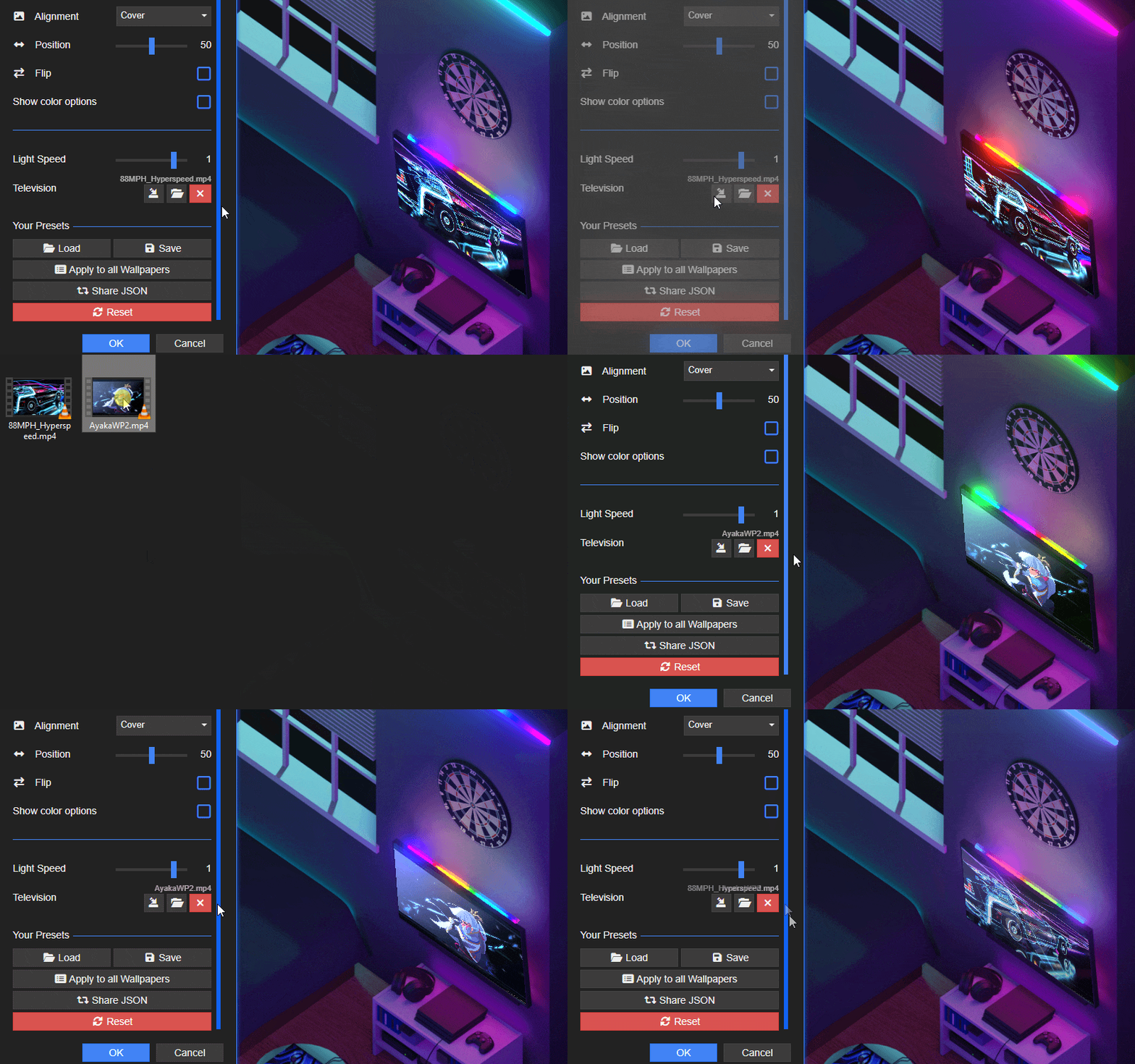
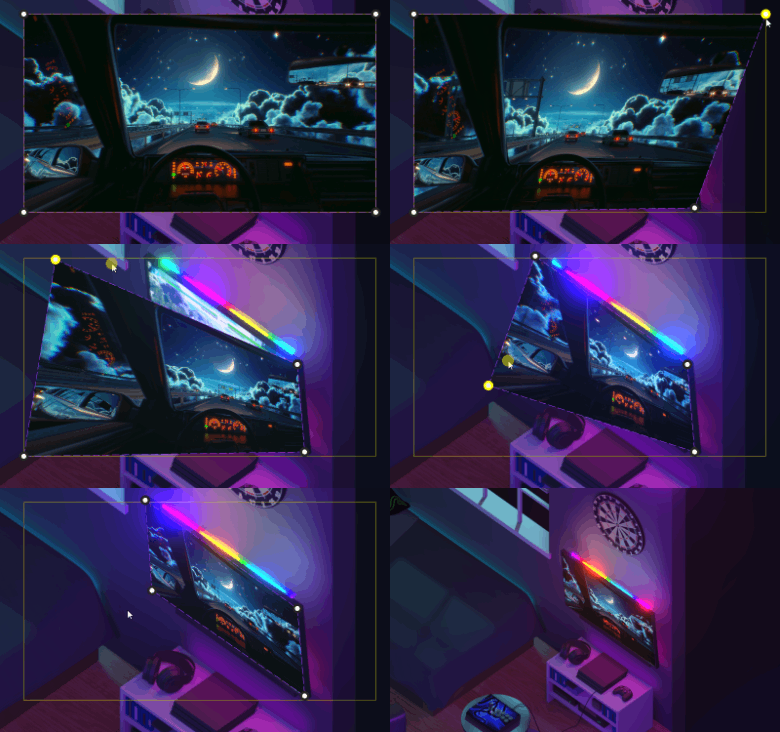
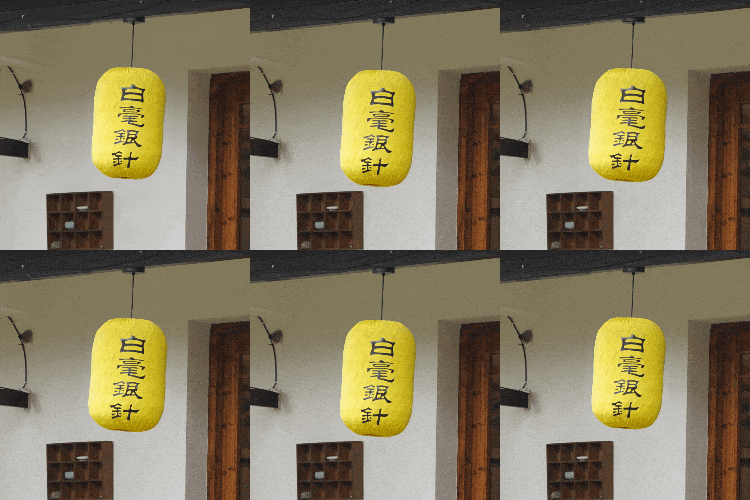
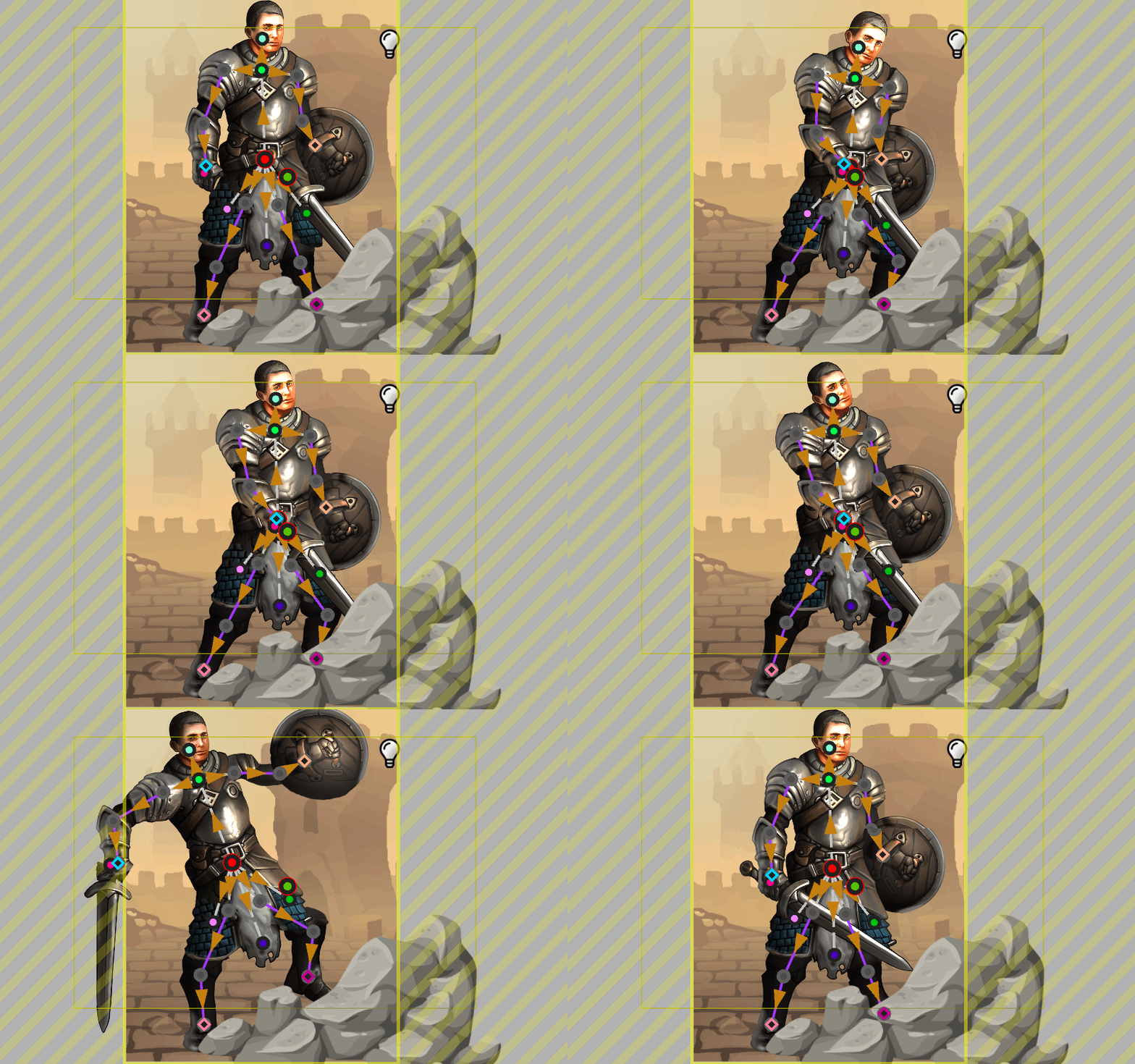
Wallpaper Engine 2.0.97 - Android Improvements & Fixes, Display HDR Support
Hey everyone, today we are releasing a new update for the Windows & Android version of Wallpaper Engine. The updates mainly add some new features that we did not finish for the initial release of the Android app, and fixes issues that were reported to us over the last few weeks.
Android-related Improvements
Free Alignment on Android
Allowing for the free alignment of wallpapers was one of the most common requests we received. We have now added the ability to do this. To free align your wallpaper, change the alignment option from "Cover" to "Free", you can then rotate and zoom the wallpaper with your fingers to freely position it on your mobile device just the way you want it.
This feature is mainly useful for wallpapers that have a widescreen resolution for computer screens. Make sure to use the "High Quality" or "Balanced" quality export option if you want to make proper use of this feature.
High-Performance Export Improvements
In the Windows app, we have improved the high-performance export for Android. It will now take your wallpaper settings into account so that you can first adjust the wallpaper to your liking and then export it with these settings.
The high-performance export allows you to cut the wallpaper size to exactly fit the screen of your device. We have added a new "automatic" option for the export resolution which will use your actual device resolution to fit your display exactly.
The high-performance export will now also show a preview image where you can align the part of the wallpaper that you want to transfer to your Android device more easily:
Keep in mind that for the "High-Quality" and "Balanced" export options, the wallpaper is always transferred in its full resolution.
Additional Notes about the Android Update
The Android app update will start to roll out across all app stores now. Please note that mobile app stores tend to release updates with a delay, so it might take a few days for the update to reach you.
If you have installed the APK file directly, you can grab the latest APK on our website now:
Download the latest version of Wallpaper Engine on Android
Windows App Improvements
Experimental Display HDR Support
This update also introduces new support for true display HDR support. For now this option will stay disabled by default but you can manually enable it by changing the post-processing quality option to "Ultra (Display HDR)". Please note this option will only appear when a screen with HDR enabled is connected to your system.
HDR support can significantly improve image quality in in certain lighting conditions on wallpapers. If you have a screen with HDR support, feel free to enable the option and share your feedback with us.
Other Improvements
Read the full changelog below to get a complete overview on all additions, changes and fixes this update brings to both the Windows and Android version.
Full Changelog
Windows App
Additions / Changes
• Added Display HDR support.
• New puppet warp limb sorting controls.
• Added new block user dialog where all blocks can be checked.
• Improved wallpaper blocking by grouping blocked wallpapers into a single tile.
• Redesigned the top section of the Discover tab, now shows your profile avatar and offers a menu with more options related to your account.
• Replaced "relevance" search with "top rated" to show better quality results when using the search functionality.
• Renamed "fullscreen layer" to "post-processing layer", "composition layer" to "adjustable composition layer" and added new "full composition layer" that scales automatically to project resolution.
• Improved puppet warp weight coloring.
• Added auto generated scheme color for videos in editor.
• Added script emitParticles() function which allows you to programmatically emit a certain number of particles from a particle system.
• Improved puppet warp weight editor performance.
• Replaced phone collection with new query that uses the approved tag in combination with a portrait resolution in the Discover tab.
• Portrait resolution tags will now be applied to a wider range of resolutions instead of categorizing wallpapers as "Other resolution".
• Added high-precision timer option, enabled by default for new users, which allows for more accurate and consistent FPS limiting.
• Updated Steamworks SDK to 1.53a.
• Updated OpenAL soft to 1.21.1
Bug Fixes
• Improved parallax behavior on mobile.
• Fixed combo box bindings in script properties.
• Fixed script compiler exceptions not showing in log.
• Fixed menu bar button area not matching icons.
• Fixed Windows message discrepancy leading to crashes in specific cases.
• Fixed some WEColor script functions.
• Fixed wallpaper load rule not resuming certain types of playlists after being disabled again.
• Fixed screensaver not loading special audio mute rules.
• Fixed approved tag getting lost too easily when wallpaper is being updated while being approved.
• Fixed audio recorder never starting if application was started while no audio devices existed at all.
• Fixed fullscreen layer not rendering with any blend mode enabled.
• Fixed perspective and skew effects when texture reduction is active.
• Improved recent wallpaper config not clearing duplicate entries when expected to.
• Fixed media keys not being forwarded by UI.
• Fixed a crash when project.json properties are not according to the expected syntax.
Android App
Additions / Changes
• Added free alignment option that supports scale and rotation.
• Wallpaper settings are now taken into account for high-performance Android exporter instead of always exporting the default settings for a wallpaper.
• Added new display resolution option for high-performance export that uses actual phone resolution.
• Added ability to import multiple files on Android.
• Added import error dialog when trying to open invalid files.
• Added support for WiFi/USB-Tethering transmission.
• Added new context menu on Android.
• Added wallpaper details page.
• Added error dialog when trying to use app on phone without OpenGL ES3.0.
• Changed scrolling parallax to be able to scroll over entire wallpaper (by default it's half of the wallpaper).
• Added manual IP address connection. Click on the three-dotted button in the upper right corner to enter the IP address of your computer if the discovery of your devices does not work.
Bug Fixes
• Improved parallax behavior on mobile.
• Improved GIF looping.
• Fixed crash after locally imported files got deleted from phone.
• Improved transfer stability while screen is locked.
• Fixed flag shader.
• Fixed crash when trying to load invalid files.
• Fixed high-performance mobile exporter on wide aspect ratios.
• Fixed FPS limit lowering back down to 100 when the app restarts.
Android-related Improvements
Free Alignment on Android
Allowing for the free alignment of wallpapers was one of the most common requests we received. We have now added the ability to do this. To free align your wallpaper, change the alignment option from "Cover" to "Free", you can then rotate and zoom the wallpaper with your fingers to freely position it on your mobile device just the way you want it.
This feature is mainly useful for wallpapers that have a widescreen resolution for computer screens. Make sure to use the "High Quality" or "Balanced" quality export option if you want to make proper use of this feature.
High-Performance Export Improvements
In the Windows app, we have improved the high-performance export for Android. It will now take your wallpaper settings into account so that you can first adjust the wallpaper to your liking and then export it with these settings.
The high-performance export allows you to cut the wallpaper size to exactly fit the screen of your device. We have added a new "automatic" option for the export resolution which will use your actual device resolution to fit your display exactly.
The high-performance export will now also show a preview image where you can align the part of the wallpaper that you want to transfer to your Android device more easily:
Keep in mind that for the "High-Quality" and "Balanced" export options, the wallpaper is always transferred in its full resolution.
Additional Notes about the Android Update
The Android app update will start to roll out across all app stores now. Please note that mobile app stores tend to release updates with a delay, so it might take a few days for the update to reach you.
If you have installed the APK file directly, you can grab the latest APK on our website now:
Download the latest version of Wallpaper Engine on Android
Windows App Improvements
Experimental Display HDR Support
This update also introduces new support for true display HDR support. For now this option will stay disabled by default but you can manually enable it by changing the post-processing quality option to "Ultra (Display HDR)". Please note this option will only appear when a screen with HDR enabled is connected to your system.
HDR support can significantly improve image quality in in certain lighting conditions on wallpapers. If you have a screen with HDR support, feel free to enable the option and share your feedback with us.
Other Improvements
Read the full changelog below to get a complete overview on all additions, changes and fixes this update brings to both the Windows and Android version.
Full Changelog
Windows App
Additions / Changes
• Added Display HDR support.
• New puppet warp limb sorting controls.
• Added new block user dialog where all blocks can be checked.
• Improved wallpaper blocking by grouping blocked wallpapers into a single tile.
• Redesigned the top section of the Discover tab, now shows your profile avatar and offers a menu with more options related to your account.
• Replaced "relevance" search with "top rated" to show better quality results when using the search functionality.
• Renamed "fullscreen layer" to "post-processing layer", "composition layer" to "adjustable composition layer" and added new "full composition layer" that scales automatically to project resolution.
• Improved puppet warp weight coloring.
• Added auto generated scheme color for videos in editor.
• Added script emitParticles() function which allows you to programmatically emit a certain number of particles from a particle system.
• Improved puppet warp weight editor performance.
• Replaced phone collection with new query that uses the approved tag in combination with a portrait resolution in the Discover tab.
• Portrait resolution tags will now be applied to a wider range of resolutions instead of categorizing wallpapers as "Other resolution".
• Added high-precision timer option, enabled by default for new users, which allows for more accurate and consistent FPS limiting.
• Updated Steamworks SDK to 1.53a.
• Updated OpenAL soft to 1.21.1
Bug Fixes
• Improved parallax behavior on mobile.
• Fixed combo box bindings in script properties.
• Fixed script compiler exceptions not showing in log.
• Fixed menu bar button area not matching icons.
• Fixed Windows message discrepancy leading to crashes in specific cases.
• Fixed some WEColor script functions.
• Fixed wallpaper load rule not resuming certain types of playlists after being disabled again.
• Fixed screensaver not loading special audio mute rules.
• Fixed approved tag getting lost too easily when wallpaper is being updated while being approved.
• Fixed audio recorder never starting if application was started while no audio devices existed at all.
• Fixed fullscreen layer not rendering with any blend mode enabled.
• Fixed perspective and skew effects when texture reduction is active.
• Improved recent wallpaper config not clearing duplicate entries when expected to.
• Fixed media keys not being forwarded by UI.
• Fixed a crash when project.json properties are not according to the expected syntax.
Android App
Additions / Changes
• Added free alignment option that supports scale and rotation.
• Wallpaper settings are now taken into account for high-performance Android exporter instead of always exporting the default settings for a wallpaper.
• Added new display resolution option for high-performance export that uses actual phone resolution.
• Added ability to import multiple files on Android.
• Added import error dialog when trying to open invalid files.
• Added support for WiFi/USB-Tethering transmission.
• Added new context menu on Android.
• Added wallpaper details page.
• Added error dialog when trying to use app on phone without OpenGL ES3.0.
• Changed scrolling parallax to be able to scroll over entire wallpaper (by default it's half of the wallpaper).
• Added manual IP address connection. Click on the three-dotted button in the upper right corner to enter the IP address of your computer if the discovery of your devices does not work.
Bug Fixes
• Improved parallax behavior on mobile.
• Improved GIF looping.
• Fixed crash after locally imported files got deleted from phone.
• Improved transfer stability while screen is locked.
• Fixed flag shader.
• Fixed crash when trying to load invalid files.
• Fixed high-performance mobile exporter on wide aspect ratios.
• Fixed FPS limit lowering back down to 100 when the app restarts.
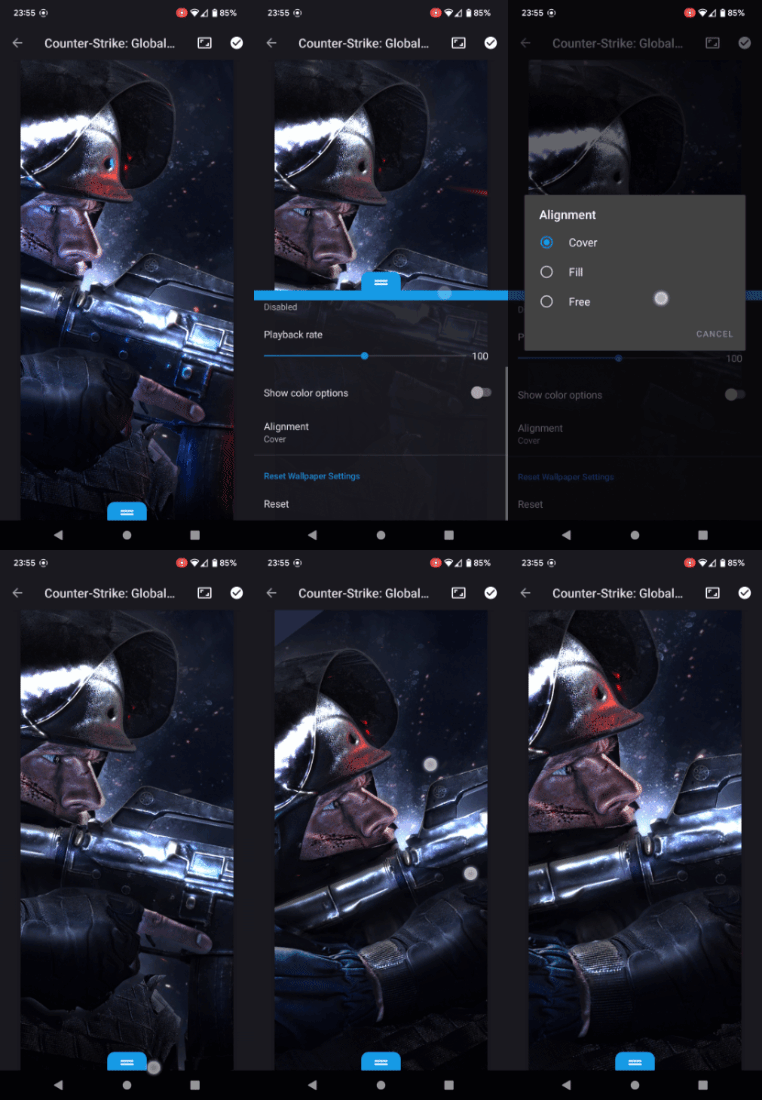
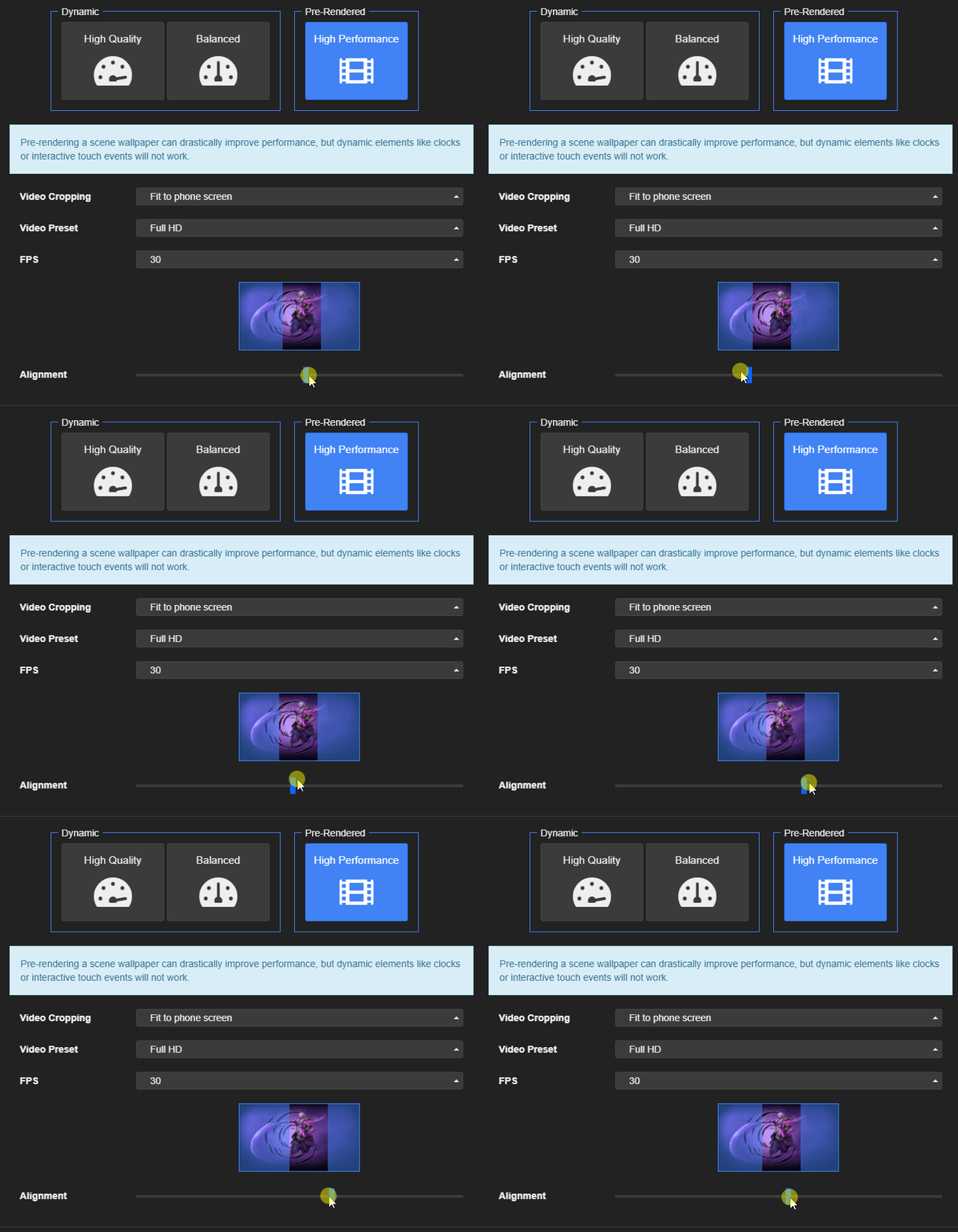
Wallpaper Engine 2.0.44 - Windows Firewall Detection and Android Fixes
Today's update addresses the most common problems related to the Android release and we are updating both the Windows and the Android version of the app.
Connecting the Android & Windows App
The most common issues we received were related to connecting the Android app with the Windows app to download more wallpapers. We have looked into this and in many cases was caused by the Windows firewall. If Windows has previously asked you to give Wallpaper Engine ("ui32.exe") permission to access your network and you simply closed the window or did not grant the permissions for Wallpaper Engine, then Windows will automatically block Wallpaper Engine's process from properly communicating with your local network:
If you clicked "Cancel" here or just closed the window, then Wallpaper Engine is blocked in your Windows firewall.
We have now added a new check that will try and detect issues like that and will offer you a way to automatically fix the Windows firewall. However, if you do not get any notification about the Windows firewall or if you use any other firewall application, then Wallpaper Engine cannot fix your local network automatically.
If you have any additional firewall or antivirus applications installed, you need to ensure that ui32.exe is not being blocked.
Wallpaper Engine on Windows will now also use additional methods to broadcast itself on your network which will also make it more accessible to Android devices under certain network configurations.
If your connection issues persist, please read the following help page:
• Android App Connection Troubleshooting
Keep in mind that you can always use the export functionality as a backup and simply transfer your wallpapers to your mobile device via USB or another method. When placing wallpaper files on your mobile device, always make sure to use the Downloads directory on your phone or tablet. Android is very restrictive for security reasons and Wallpaper Engine cannot access every Android folder, but the Downloads directory is usually the most reliable.
Lock-screen Wallpapers on Android
Since it is a very common request that we received via email and on our forums, we just wanted to re-iterate this here: Wallpaper Engine fully supports live wallpapers on the Android lock-screen. However, a lot of phones and tablets do not support live wallpapers on the lock-screen.
If you are not given the option to set a live wallpaper on your lock-screen, then this is a limitation set by your phone manufacturer. Wallpaper Engine has no control over this and this cannot be fixed by us or any other live wallpaper app. The best thing you can do in such a case is to send feedback to your phone manufacturer and let them know that this is a feature you care about, it's something that could be added in an Android update.
Android App Update
The latest Android app may take a few days until it reaches everyone, as mobile stores tend to roll out updates more slowly. If you have installed the Android APK directly, make sure to download the latest version from our website:
•
Wallpaper Engine for Android
If you have installed the app through an official app store, there is nothing you need to do and the update will be installed on your device automatically within the next few days.
Changelog
Additions / Changes
Windows App
• Added firewall rule check to pairing screen and a button to automatically delete any rules that block Wallpaper Engine.
• New: High-performance exports of wallpapers can now also be uploaded in their original aspect ratio, which is useful for usage on tablets.
• Fixed high-performance mobile conversion getting stuck.
• Fixed video wallpaper upload not working without Windows Explorer thumbnails being available.
• Fixed editor aspect ratio not resetting when clicking on wallpaper while a preview mode is active.
Android App
• Added clear information about how the possibility of setting a live wallpaper as a lock-screen wallpaper is entirely decided by the mobile device.
• Fixed crashes on Samsung S21 devices due to broken Samsung Android 12 update.
• Fixed very large wallpapers, app now supports wallpapers with up to 4 GB in size.
• Wallpaper transfer is now more reliable when screen gets locked during transfer.
• Fixed "add to playlist" button not working on preview screen beyond 7 wallpapers.
• Added more file import rules for Android 9 and lower to reduce vendor specific issues during import.
• Fixed some time of day wallpapers not working properly on Android.
• Made the "wallpaper paused due to power saving mode" warnings absolutely impossible to miss.
• Made broken wallpaper files show up in the browser so they can be deleted easily and don't waste any storage.
• Localization fixes, notably "Yes" and "No" are not longer switched in the German version which led to a lot of confusion 🤡🇩🇪.
Connecting the Android & Windows App
The most common issues we received were related to connecting the Android app with the Windows app to download more wallpapers. We have looked into this and in many cases was caused by the Windows firewall. If Windows has previously asked you to give Wallpaper Engine ("ui32.exe") permission to access your network and you simply closed the window or did not grant the permissions for Wallpaper Engine, then Windows will automatically block Wallpaper Engine's process from properly communicating with your local network:
If you clicked "Cancel" here or just closed the window, then Wallpaper Engine is blocked in your Windows firewall.
We have now added a new check that will try and detect issues like that and will offer you a way to automatically fix the Windows firewall. However, if you do not get any notification about the Windows firewall or if you use any other firewall application, then Wallpaper Engine cannot fix your local network automatically.
If you have any additional firewall or antivirus applications installed, you need to ensure that ui32.exe is not being blocked.
Wallpaper Engine on Windows will now also use additional methods to broadcast itself on your network which will also make it more accessible to Android devices under certain network configurations.
If your connection issues persist, please read the following help page:
• Android App Connection Troubleshooting
Keep in mind that you can always use the export functionality as a backup and simply transfer your wallpapers to your mobile device via USB or another method. When placing wallpaper files on your mobile device, always make sure to use the Downloads directory on your phone or tablet. Android is very restrictive for security reasons and Wallpaper Engine cannot access every Android folder, but the Downloads directory is usually the most reliable.
Lock-screen Wallpapers on Android
Since it is a very common request that we received via email and on our forums, we just wanted to re-iterate this here: Wallpaper Engine fully supports live wallpapers on the Android lock-screen. However, a lot of phones and tablets do not support live wallpapers on the lock-screen.
If you are not given the option to set a live wallpaper on your lock-screen, then this is a limitation set by your phone manufacturer. Wallpaper Engine has no control over this and this cannot be fixed by us or any other live wallpaper app. The best thing you can do in such a case is to send feedback to your phone manufacturer and let them know that this is a feature you care about, it's something that could be added in an Android update.
Android App Update
The latest Android app may take a few days until it reaches everyone, as mobile stores tend to roll out updates more slowly. If you have installed the Android APK directly, make sure to download the latest version from our website:
•
Wallpaper Engine for Android
If you have installed the app through an official app store, there is nothing you need to do and the update will be installed on your device automatically within the next few days.
Changelog
Additions / Changes
Windows App
• Added firewall rule check to pairing screen and a button to automatically delete any rules that block Wallpaper Engine.
• New: High-performance exports of wallpapers can now also be uploaded in their original aspect ratio, which is useful for usage on tablets.
• Fixed high-performance mobile conversion getting stuck.
• Fixed video wallpaper upload not working without Windows Explorer thumbnails being available.
• Fixed editor aspect ratio not resetting when clicking on wallpaper while a preview mode is active.
Android App
• Added clear information about how the possibility of setting a live wallpaper as a lock-screen wallpaper is entirely decided by the mobile device.
• Fixed crashes on Samsung S21 devices due to broken Samsung Android 12 update.
• Fixed very large wallpapers, app now supports wallpapers with up to 4 GB in size.
• Wallpaper transfer is now more reliable when screen gets locked during transfer.
• Fixed "add to playlist" button not working on preview screen beyond 7 wallpapers.
• Added more file import rules for Android 9 and lower to reduce vendor specific issues during import.
• Fixed some time of day wallpapers not working properly on Android.
• Made the "wallpaper paused due to power saving mode" warnings absolutely impossible to miss.
• Made broken wallpaper files show up in the browser so they can be deleted easily and don't waste any storage.
• Localization fixes, notably "Yes" and "No" are not longer switched in the German version which led to a lot of confusion 🤡🇩🇪.

Wallpaper Engine 2.0 - Free Android App, New Logo, New Features and More!
Hello everyone, today we are releasing Wallpaper Engine 2.0! The update brings support for Android, a new logo, a new 3D depth effect and a handful of other additions and improvements to Wallpaper Engine.
Wallpaper Engine Android Companion App
We are happy to finally release the free Wallpaper Engine Android companion app. Some key features of the app are as follows:
• No hidden costs, no advertisements, no user tracking or data collection.
• Transfer Scene and Video type wallpapers from Wallpaper Engine on your computer to Android wirelessly.
• Import any compatible files from your device as a wallpaper: Videos, GIFs, images & Wallpaper Engine wallpapers
• Create a playlist of your wallpapers and use different playlist modes
• Automatically pauses when power saving mode is enabled, offers FPS and quality settings.
• Full support for dynamic audio visualizers, clocks & other dynamic wallpaper elements
• Let wallpapers move along with the motion of your device (devices with gyroscope)
• Support for automatic theme colors based on the current wallpaper, including Android 12's Material You
Real-time interactive wallpapers on Android
Customize your wallpapers to your liking
Visualize your music with audio responsive wallpapers. Credit: Cube Visualizer
Let wallpapers react to the motion of your device (devices with gyroscope)
Customize the app by configuring playlists, performance settings and more
Wirelessly transfer your Workshop wallpapers from your computer
Download Wallpaper Engine for Android
We recommend installing the app through an official app store, however, we also offer a direct APK download for more advanced users. View our website for all installation options here:
•
Download the Wallpaper Engine Android Companion App
Adding new Wallpapers to Android
Directly connecting to the Workshop from a mobile device is not possible from a technical and legal point of view. However, we built a convenient system that allows owners of Wallpaper Engine on Windows to transfer their wallpapers to Android devices with ease:
Step 1: Click on the new Mobile button in Wallpaper Engine on Windows, then select Connect new device. Wallpaper Engine will show you a 4 digit PIN that you can use to connect to your mobile device now.
Step 2: Open Wallpaper Engine on your Android device and click on the Add button in the lower right corner. Select Pair with Computer, your computer should now be visible in the device list. Select it and enter the 4 digit PIN from step 1.
Step 3: Your devices should now be connected. Right-click on any compatible wallpaper and click on Send to mobile device, then select your mobile device from the list. Your wallpaper will now be transferred.
If you are unable to connect to Android: Right-click on any wallpaper and select Send to mobile device, then select Export .mpkg. You can then transfer the exported mobile package file to your mobile device via cable or by transferring it to your mobile device in another way.
• Click here to read our Android connection guide.
Tip: You can also transfer folders or multiple wallpapers at the same time by multi-selecting them by holding the CTRL key. Clicking CTRL + A in the Installed tab selects all installed wallpapers and lets you transfer them all at the same time.
New Wallpaper Engine Logo
Along with the release of the Android version of Wallpaper Engine, we felt it was time to update our logo. The old logo mainly consisted of a computer screen - which does not make much sense on a mobile device. A major release 2.0 release felt like the best time to try something new and we are very happy with the outcome.
We have experimented a lot with different designs and settled on a new logo which keeps the spirit of the old design, but with a more modern spin. With Wallpaper Engine 2.0, you will find the new logo throughout the application, in Windows and on our websites:
New Depth Parallax Effect
A major new addition to the Wallpaper Engine editor is our new Depth Parallax effect. This effect will allow you to create a perceived 3D depth to your images. On computers, the effect is influenced by the mouse while on Android, the movement of the phone will simulate the mouse movement.
To make full-use of the effect in the wallpaper editor, we recommend installing our new free Editor Extensions DLC. We decided to separate this particular editor feature into an optional DLC because the features requires a download which is several gigabytes in size. When first using the effect in the editor, Wallpaper Engine will ask you to install the DLC for you. For more infos, see our full guide on how to install and use the depth parallax effect in the editor:
• Depth Parallax
It's important to note: You do not need to install the free DLC unless you want to use the effect in the editor yourself - the effect will still work on computers and mobile devices even if the free DLC is not installed.
Weekday Playlists
A popular request that we have received over time was the way to configure one wallpaper per weekday. With this update, we are introducing a new weekday playlist. Simply add up to seven wallpapers to the playlist in the Installed tab of Wallpaper Engine, then click on Configure in the playlist section and select the Day of Week option from there. You will also find the already existing playlist options there, such as the Time of Day playlist type.
Windows 11
Wallpaper Engine fully supports Windows 11, with this update, we are also adding support for the new rounded corners user interface design. If you are upgrading to Windows 11 and experience any issues with Wallpaper Engine, make sure to do a full re-installation of the latest graphics card drivers. Most Windows 11 users who reached out to us with issues were using outdated graphics card drivers.
If you are using a Windows 11 theme with transparency, you will notice that Wallpaper Engine will be ignored by Windows 11. To fix this issue, simply enable the new Override wallpaper option in the Wallpaper Engine settings. This will keep your Windows wallpaper in sync with your Wallpaper Engine wallpaper and fix any issues with transparency on Windows 11.
Changelog
Additions / Changes
Main App
• Added Android support and released the new Wallpaper Engine Companion app for Android.
• Added mobile collection to Discover tab.
• Updated Wallpaper Engine logo, color theme, including app icons.
• Added rounded corner support for Windows 11.
• Added "day of week" playlist mode, limited to 7 wallpapers.
• Re-arranged search filters, added new "mobile compatible" filter option.
• Added "favorite" button when right-clicking on a wallpaper.
• "Stop mode" now turns off automatically while wallpaper is being changed manually.
• Improved user interface for configuring physics bones.
• Increased automatic audio unmute delay from 3 to 5 seconds.
• Added scheme color to "apply to all wallpapers" dialog.
• Removed 12h / 24h clock option from playlist, now detected automatically depending on system settings.
• Added CLI applyProperties support to windowed wallpapers.
• Improved app performance with new JSON parser.
• Updated core application binaries to latest Visual Studio 2022 compiler and latest Win SDK.
• Reduced occurrence of rare cursor flickering issue in CEF.
Wallpaper Editor
• Added new depth parallax effect.
• Added FREE editor extensions DLC for depth parallax effect. You only need this if you want to use it in the editor, users of your wallpapers do not need this DLC.
• Added color picker tool to editor painting tools.
• Improved support for rendering Chinese, Japanese, Korean and more characters in scene wallpapers text layers with new fonts.
• Improved "Rope Renderer" for particle systems.
• SceneScript: init() and update() function will now automatically convert numbers into vectors (Vec2, Vec3, Vec4) when they are returned. This helps to simplify some scripts.
• SceneScript: Reviewed and improved all sample code snippets slightly.
• SceneScript: Update reference URLs to new SceneScript documentation.
• Made transparency cropping work with DXT compression in the editor.
Bug Fixes
• Fixed "High Performance" option for the texture resolution settings breaking a low number of wallpapers.
• Fixed editor crashing when importing textures with resolutions below the minimum required size.
• Fixed certain filter settings causing wallpapers to show up twice in the "installed" tab.
• Fixed crash related to video textures.
• Fixed JPEG EXIF meta data sometimes not being applied on image layers. If you rotate images with Windows, they should now also appear rotated in the app properly.
• Fixed issue with particle system colors not working properly.
Frequent Questions About The Android App
How much does the Android app cost?
The Android app is free of charge, there are no hidden costs, no in-app purchases and no advertisements. It can also be used as a standalone app without owning Wallpaper Engine on your computer and import compatible wallpaper files from your mobile device.
Can the Workshop be accessed directly from the Mobile App?
No, the Workshop cannot be accessed from mobile devices due to technical and legal restrictions. We built a convenient way to transfer your existing collection of wallpapers from your computer to Android. We tried to make this process as easy and simple as possible, in most cases you just need to make sure your mobile device and your computer are connected to the same network. Click here to learn more.
Additionally, you can also just directly import any compatible wallpaper files from the files stored on your mobile device. Wallpaper Engine for Android also works well if you are simply looking for a way to turn any video files on your Android phone or tablet into your mobile wallpaper or if you want to use several static wallpapers in a playlist.
Does Wallpaper Engine drain the battery of my devices?
No, we have optimized the app extensively and most modern devices will not notice a negative effect on battery life in day-to-day usage.
We have been using the app for months on our private devices now and on an average day and we have not seen any meaningful battery usage through Wallpaper Engine. The app automatically pauses when another app is full-screened on your device and when your device is turned off. Battery saving mode will automatically pause your live wallpaper to reduce its impact on battery life even further. On top of that, you can also tweak the performance impact in the app settings by adjusting the FPS limit.
Do wallpapers also play sounds like on Windows?
No, all wallpapers are muted on Android. However, audio visualizers work as long as you grant the app the permission to record your device's audio.
Can I set a wallpaper on my Android lock screen?
This depends on your device. Some Android manufacturers do not allow live wallpapers on the lock screen while some others do. If you are not offered the option to set a lock screen wallpaper, then your device manufacturer does not allow it.
What about Wallpaper Engine on iOS for iPhones and iPads?
Unfortunately, Apple's iOS does not support true live wallpapers like Android. It is not possible to create anything similar to Wallpaper Engine on iOS. If Apple ever changes their mind on this, we will likely also follow-up with an iOS version. Click here to read our lengthy explanation about Linux, Mac OS and iOS.
Feedback, Questions and Technical Support for Android
If you have any questions, suggestions or general feedback about the new Android app or if you run into any technical issues, be sure to post a message on the Android section of our Steam board:
• Wallpaper Engine - Android App Discussions
Wallpaper Engine Android Companion App
We are happy to finally release the free Wallpaper Engine Android companion app. Some key features of the app are as follows:
• No hidden costs, no advertisements, no user tracking or data collection.
• Transfer Scene and Video type wallpapers from Wallpaper Engine on your computer to Android wirelessly.
• Import any compatible files from your device as a wallpaper: Videos, GIFs, images & Wallpaper Engine wallpapers
• Create a playlist of your wallpapers and use different playlist modes
• Automatically pauses when power saving mode is enabled, offers FPS and quality settings.
• Full support for dynamic audio visualizers, clocks & other dynamic wallpaper elements
• Let wallpapers move along with the motion of your device (devices with gyroscope)
• Support for automatic theme colors based on the current wallpaper, including Android 12's Material You
Real-time interactive wallpapers on Android
Customize your wallpapers to your liking
Visualize your music with audio responsive wallpapers. Credit: Cube Visualizer
Let wallpapers react to the motion of your device (devices with gyroscope)
Customize the app by configuring playlists, performance settings and more
Wirelessly transfer your Workshop wallpapers from your computer
Download Wallpaper Engine for Android
We recommend installing the app through an official app store, however, we also offer a direct APK download for more advanced users. View our website for all installation options here:
•
Download the Wallpaper Engine Android Companion App
Adding new Wallpapers to Android
Directly connecting to the Workshop from a mobile device is not possible from a technical and legal point of view. However, we built a convenient system that allows owners of Wallpaper Engine on Windows to transfer their wallpapers to Android devices with ease:
Step 1: Click on the new Mobile button in Wallpaper Engine on Windows, then select Connect new device. Wallpaper Engine will show you a 4 digit PIN that you can use to connect to your mobile device now.
Step 2: Open Wallpaper Engine on your Android device and click on the Add button in the lower right corner. Select Pair with Computer, your computer should now be visible in the device list. Select it and enter the 4 digit PIN from step 1.
Step 3: Your devices should now be connected. Right-click on any compatible wallpaper and click on Send to mobile device, then select your mobile device from the list. Your wallpaper will now be transferred.
If you are unable to connect to Android: Right-click on any wallpaper and select Send to mobile device, then select Export .mpkg. You can then transfer the exported mobile package file to your mobile device via cable or by transferring it to your mobile device in another way.
• Click here to read our Android connection guide.
Tip: You can also transfer folders or multiple wallpapers at the same time by multi-selecting them by holding the CTRL key. Clicking CTRL + A in the Installed tab selects all installed wallpapers and lets you transfer them all at the same time.
New Wallpaper Engine Logo
Along with the release of the Android version of Wallpaper Engine, we felt it was time to update our logo. The old logo mainly consisted of a computer screen - which does not make much sense on a mobile device. A major release 2.0 release felt like the best time to try something new and we are very happy with the outcome.
We have experimented a lot with different designs and settled on a new logo which keeps the spirit of the old design, but with a more modern spin. With Wallpaper Engine 2.0, you will find the new logo throughout the application, in Windows and on our websites:
New Depth Parallax Effect
A major new addition to the Wallpaper Engine editor is our new Depth Parallax effect. This effect will allow you to create a perceived 3D depth to your images. On computers, the effect is influenced by the mouse while on Android, the movement of the phone will simulate the mouse movement.
To make full-use of the effect in the wallpaper editor, we recommend installing our new free Editor Extensions DLC. We decided to separate this particular editor feature into an optional DLC because the features requires a download which is several gigabytes in size. When first using the effect in the editor, Wallpaper Engine will ask you to install the DLC for you. For more infos, see our full guide on how to install and use the depth parallax effect in the editor:
• Depth Parallax
It's important to note: You do not need to install the free DLC unless you want to use the effect in the editor yourself - the effect will still work on computers and mobile devices even if the free DLC is not installed.
Weekday Playlists
A popular request that we have received over time was the way to configure one wallpaper per weekday. With this update, we are introducing a new weekday playlist. Simply add up to seven wallpapers to the playlist in the Installed tab of Wallpaper Engine, then click on Configure in the playlist section and select the Day of Week option from there. You will also find the already existing playlist options there, such as the Time of Day playlist type.
Windows 11
Wallpaper Engine fully supports Windows 11, with this update, we are also adding support for the new rounded corners user interface design. If you are upgrading to Windows 11 and experience any issues with Wallpaper Engine, make sure to do a full re-installation of the latest graphics card drivers. Most Windows 11 users who reached out to us with issues were using outdated graphics card drivers.
If you are using a Windows 11 theme with transparency, you will notice that Wallpaper Engine will be ignored by Windows 11. To fix this issue, simply enable the new Override wallpaper option in the Wallpaper Engine settings. This will keep your Windows wallpaper in sync with your Wallpaper Engine wallpaper and fix any issues with transparency on Windows 11.
Changelog
Additions / Changes
Main App
• Added Android support and released the new Wallpaper Engine Companion app for Android.
• Added mobile collection to Discover tab.
• Updated Wallpaper Engine logo, color theme, including app icons.
• Added rounded corner support for Windows 11.
• Added "day of week" playlist mode, limited to 7 wallpapers.
• Re-arranged search filters, added new "mobile compatible" filter option.
• Added "favorite" button when right-clicking on a wallpaper.
• "Stop mode" now turns off automatically while wallpaper is being changed manually.
• Improved user interface for configuring physics bones.
• Increased automatic audio unmute delay from 3 to 5 seconds.
• Added scheme color to "apply to all wallpapers" dialog.
• Removed 12h / 24h clock option from playlist, now detected automatically depending on system settings.
• Added CLI applyProperties support to windowed wallpapers.
• Improved app performance with new JSON parser.
• Updated core application binaries to latest Visual Studio 2022 compiler and latest Win SDK.
• Reduced occurrence of rare cursor flickering issue in CEF.
Wallpaper Editor
• Added new depth parallax effect.
• Added FREE editor extensions DLC for depth parallax effect. You only need this if you want to use it in the editor, users of your wallpapers do not need this DLC.
• Added color picker tool to editor painting tools.
• Improved support for rendering Chinese, Japanese, Korean and more characters in scene wallpapers text layers with new fonts.
• Improved "Rope Renderer" for particle systems.
• SceneScript: init() and update() function will now automatically convert numbers into vectors (Vec2, Vec3, Vec4) when they are returned. This helps to simplify some scripts.
• SceneScript: Reviewed and improved all sample code snippets slightly.
• SceneScript: Update reference URLs to new SceneScript documentation.
• Made transparency cropping work with DXT compression in the editor.
Bug Fixes
• Fixed "High Performance" option for the texture resolution settings breaking a low number of wallpapers.
• Fixed editor crashing when importing textures with resolutions below the minimum required size.
• Fixed certain filter settings causing wallpapers to show up twice in the "installed" tab.
• Fixed crash related to video textures.
• Fixed JPEG EXIF meta data sometimes not being applied on image layers. If you rotate images with Windows, they should now also appear rotated in the app properly.
• Fixed issue with particle system colors not working properly.
Frequent Questions About The Android App
How much does the Android app cost?
The Android app is free of charge, there are no hidden costs, no in-app purchases and no advertisements. It can also be used as a standalone app without owning Wallpaper Engine on your computer and import compatible wallpaper files from your mobile device.
Can the Workshop be accessed directly from the Mobile App?
No, the Workshop cannot be accessed from mobile devices due to technical and legal restrictions. We built a convenient way to transfer your existing collection of wallpapers from your computer to Android. We tried to make this process as easy and simple as possible, in most cases you just need to make sure your mobile device and your computer are connected to the same network. Click here to learn more.
Additionally, you can also just directly import any compatible wallpaper files from the files stored on your mobile device. Wallpaper Engine for Android also works well if you are simply looking for a way to turn any video files on your Android phone or tablet into your mobile wallpaper or if you want to use several static wallpapers in a playlist.
Does Wallpaper Engine drain the battery of my devices?
No, we have optimized the app extensively and most modern devices will not notice a negative effect on battery life in day-to-day usage.
We have been using the app for months on our private devices now and on an average day and we have not seen any meaningful battery usage through Wallpaper Engine. The app automatically pauses when another app is full-screened on your device and when your device is turned off. Battery saving mode will automatically pause your live wallpaper to reduce its impact on battery life even further. On top of that, you can also tweak the performance impact in the app settings by adjusting the FPS limit.
Do wallpapers also play sounds like on Windows?
No, all wallpapers are muted on Android. However, audio visualizers work as long as you grant the app the permission to record your device's audio.
Can I set a wallpaper on my Android lock screen?
This depends on your device. Some Android manufacturers do not allow live wallpapers on the lock screen while some others do. If you are not offered the option to set a lock screen wallpaper, then your device manufacturer does not allow it.
What about Wallpaper Engine on iOS for iPhones and iPads?
Unfortunately, Apple's iOS does not support true live wallpapers like Android. It is not possible to create anything similar to Wallpaper Engine on iOS. If Apple ever changes their mind on this, we will likely also follow-up with an iOS version. Click here to read our lengthy explanation about Linux, Mac OS and iOS.
Feedback, Questions and Technical Support for Android
If you have any questions, suggestions or general feedback about the new Android app or if you run into any technical issues, be sure to post a message on the Android section of our Steam board:
• Wallpaper Engine - Android App Discussions
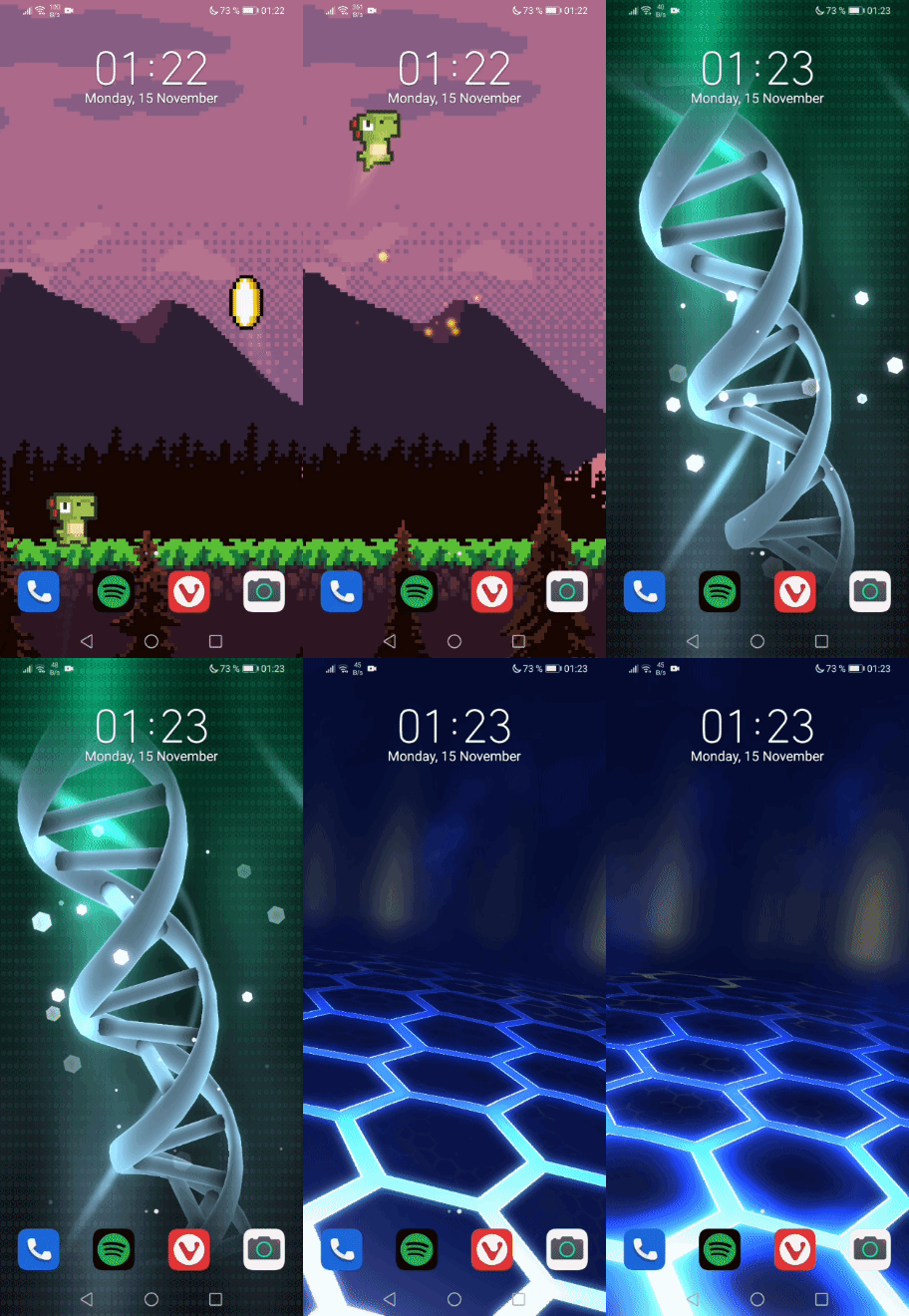
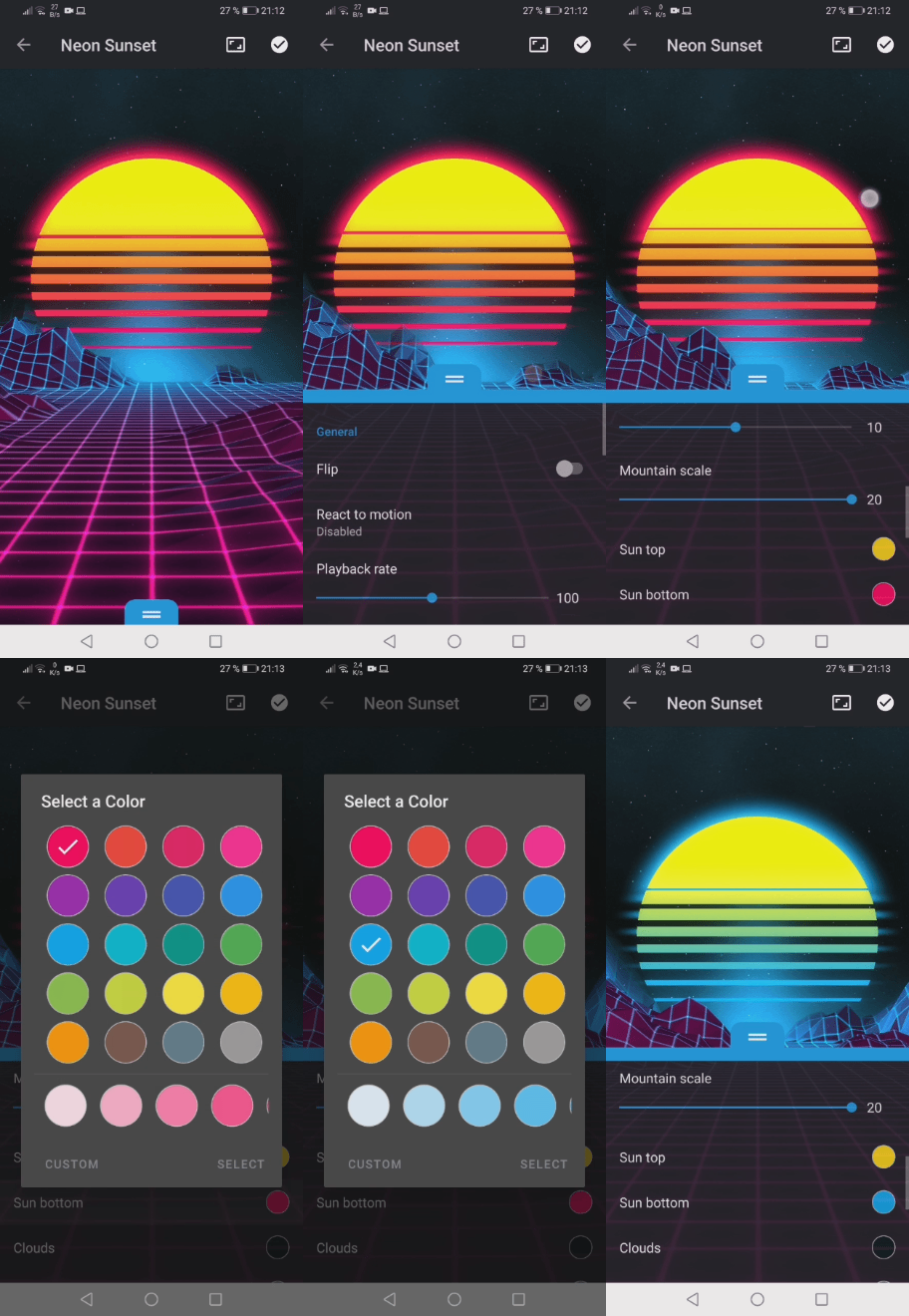
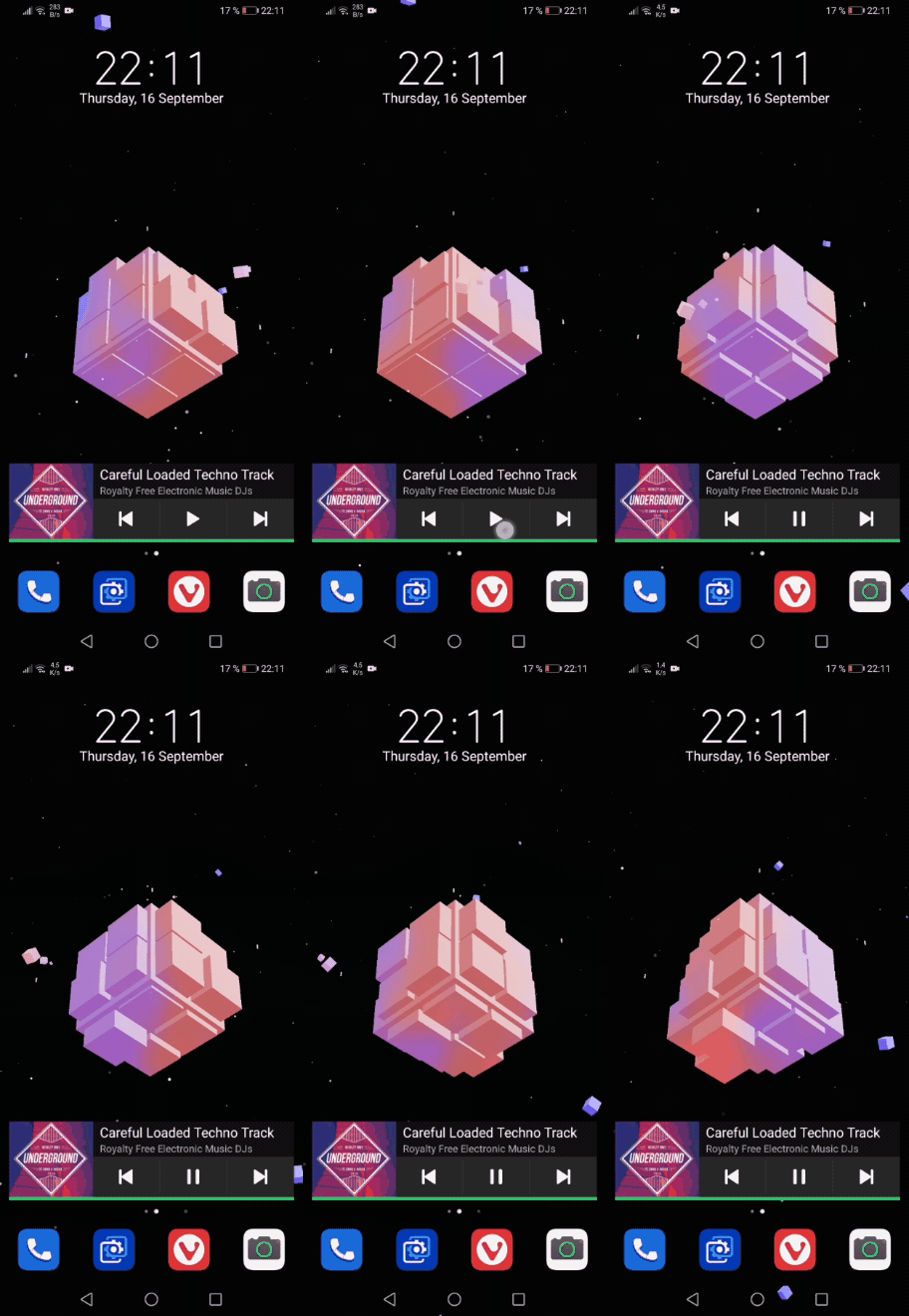
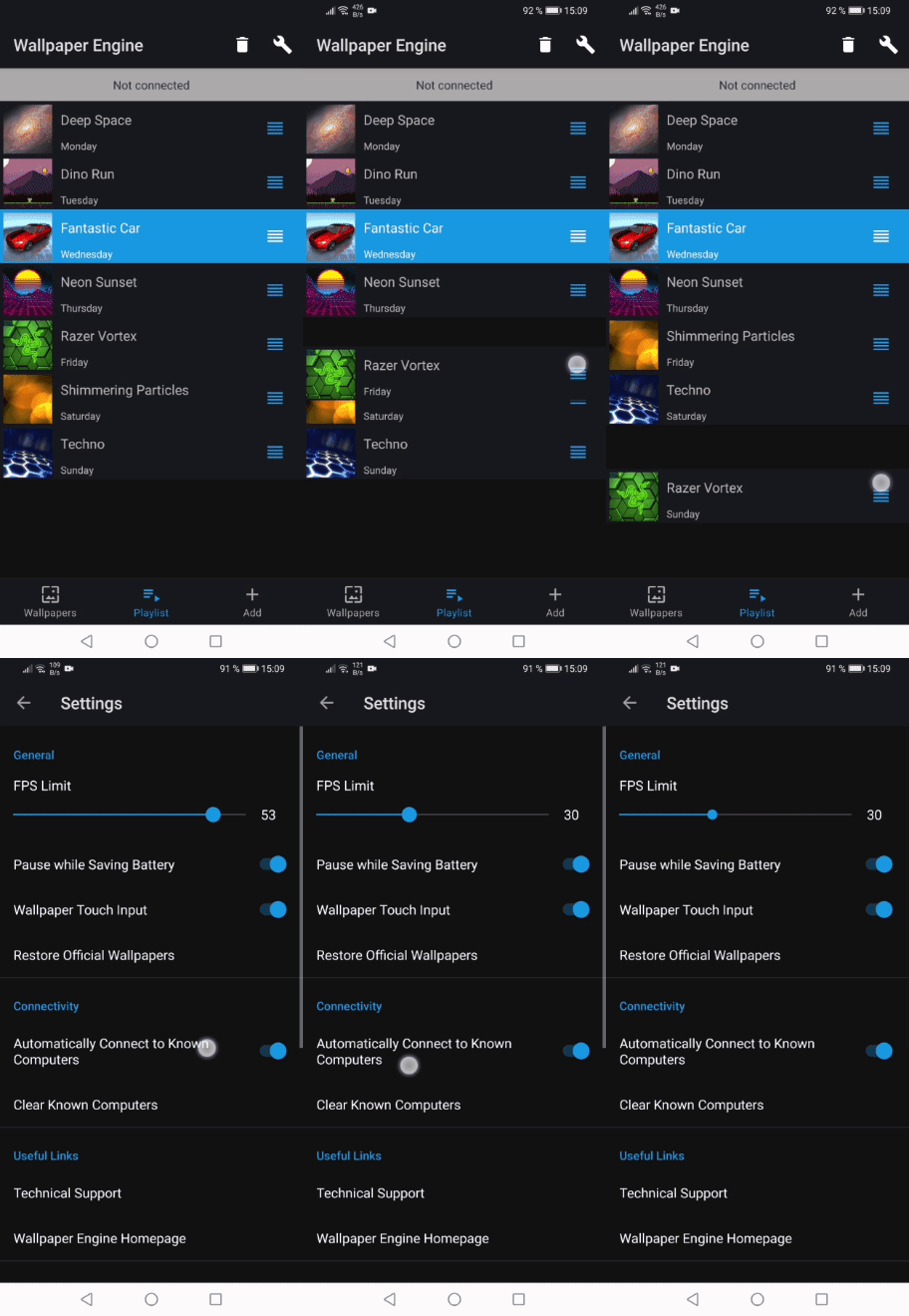
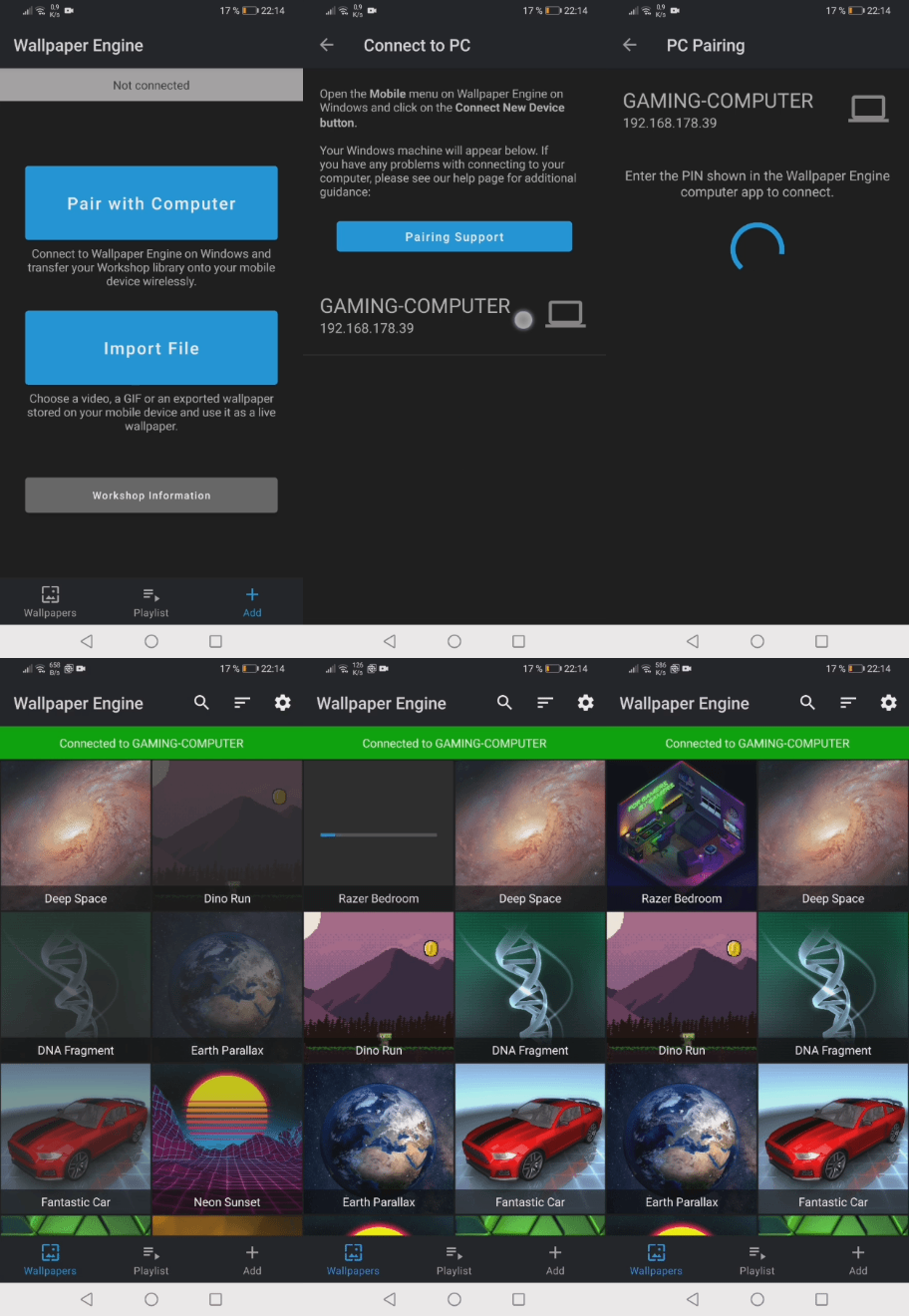
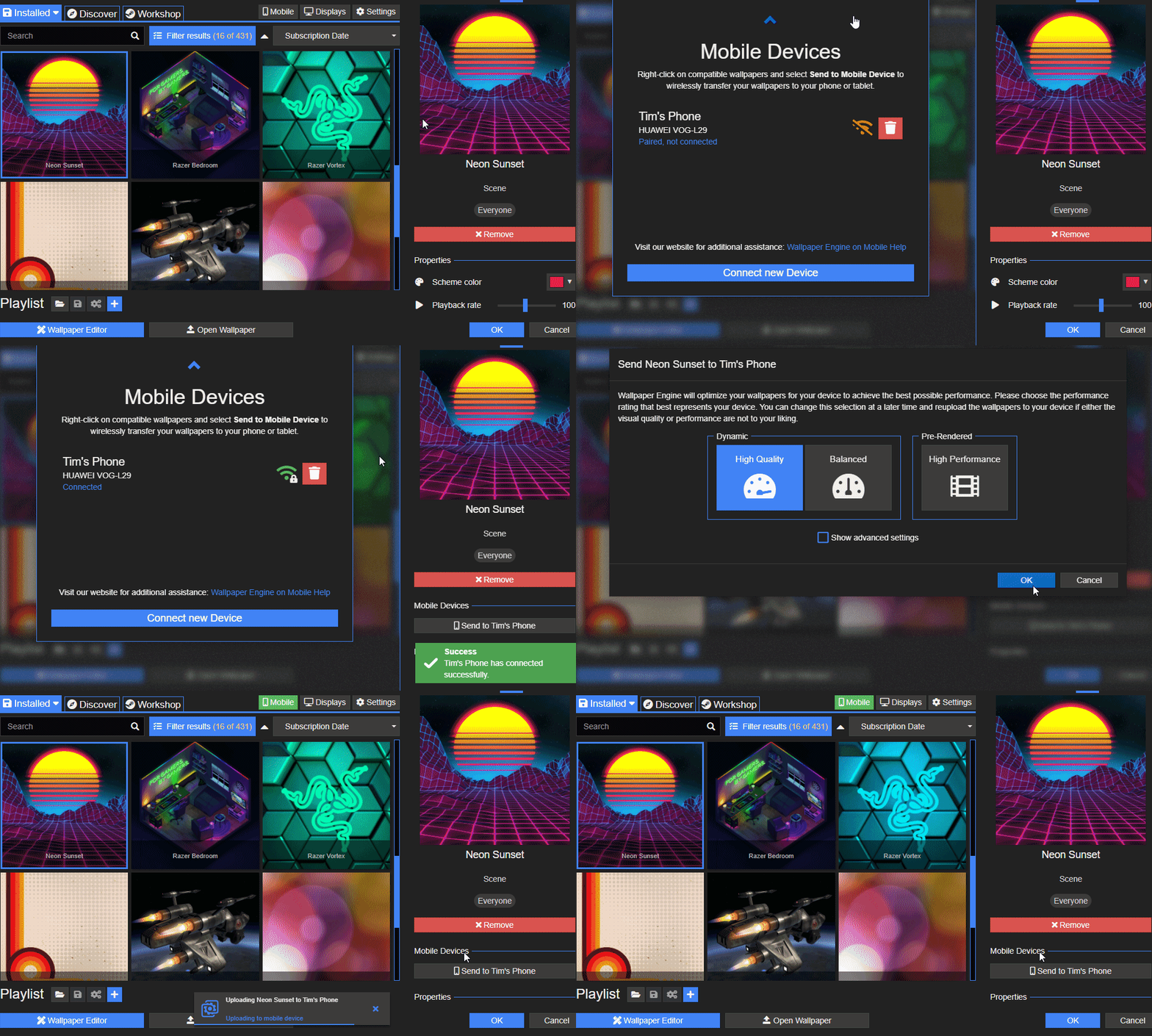
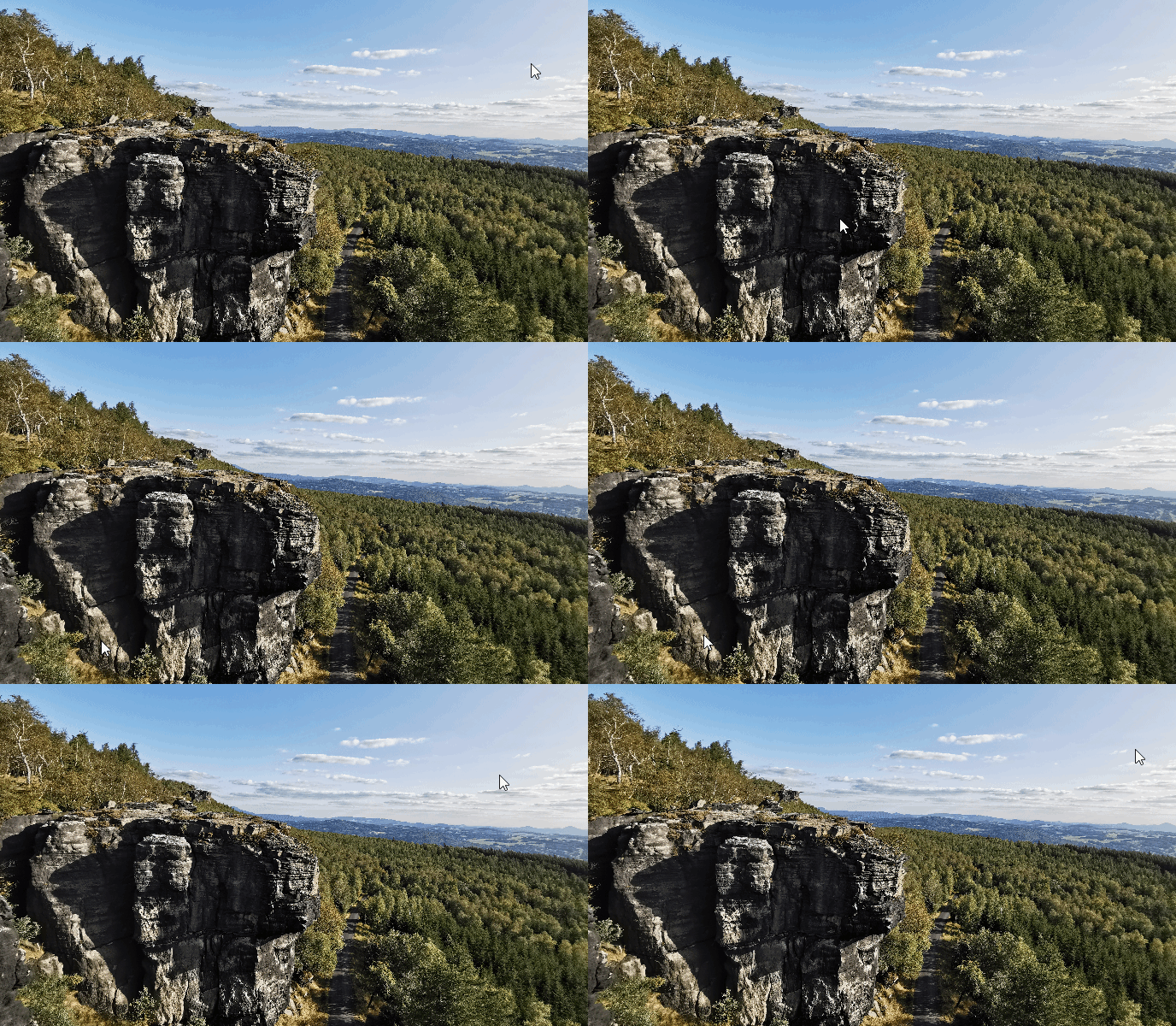

Wallpaper Engine 1.7 - FREE Android App Coming Soon - New Features & Bug Fixes
Hello everyone, today we are happy to announce that we will soon be releasing a free Android version of Wallpaper Engine. On top of that, we are also releasing Wallpaper Engine 1.7 today which brings a new set of features including video-based textures and support for web wallpapers with video livestreams.
Wallpaper Engine Android Companion App
In the past few months, we have developed an Android app of Wallpaper Engine that offers support for dynamic scene and video wallpapers. The Wallpaper Engine companion app will be available for free to everyone, users of Wallpaper Engine on Windows will be able to share their wallpaper collection wirelessly with their Android phones and tablets. We developed an easy way to securely transfer your Workshop wallpapers to your mobile devices. Since accessing the Workshop is not possible on Android, the Windows version of Wallpaper Engine will serve as a hub to take your wallpapers on the go.
Just like the Windows app, the Android app will also not contain any sort of hidden costs or advertisements and it will also not collect any personal data - we consider the app a free add-on for existing Wallpaper Engine users.
Developing the new Android app was quite an intensive undertaking. However, when it came to porting Wallpaper Engine to any new additional platforms, it was the most rational platform to add next due the huge user base of Android around the globe. The work we have done to support Android will also benefit any future potential ports to other platforms, though Android was still comparatively simple compared to other operating systems. If you are hoping to see Wallpaper Engine on other platforms in the future, please be patient, it is simply not possible for us to port Wallpaper Engine to every single platform at once since it is a tremendous amount of work to do so.
Sneak Peek of Wallpaper Engine for Android
We have prepared a small preview of what Wallpaper Engine looks like on Android. The feature set is very extensive and just like Wallpaper Engine for Windows, the wallpapers are fully dynamic and allow for a great level of user customization. You can also configure a wallpaper playlist, set an FPS limit and configure other battery-saving features and import local videos and GIFs straight into the app.
Wallpapers created in the Wallpaper Engine editor will first be converted into a mobile-compatible format before being sent to your phone. The process is pretty straight-forward for end-users but a more extensive description of this will follow at the time of the release.
Check out the following previews of the Android app:
Real-time dynamic wallpapers on Android
Customize your wallpapers to your liking
Visualize your music with audio responsive wallpapers. Credit: Cube Visualizer
Wirelessly transfer your Workshop wallpapers from your computer
Steam Workshop Agreement
Accessing the Steam Workshop from mobile devices is not possible since this is not supported by Steam. However, we developed a convenient way to allow you to transfer compatible wallpapers from your desktop computer to your mobile device with ease, as long as both devices are using the same local network connection.
Since this has never been done before on Steam, we require all content creators to agree to our addendum to the Steam Workshop agreement before their content can be transferred to mobile devices, otherwise Wallpaper Engine will not allow users to transfer their wallpapers.
If you have uploaded any wallpapers to Wallpaper Engine, please review and accept the addendum to the Steam Workshop Agreement for Wallpaper Engine here so that your users can use your wallpapers on Android once the app has been released:
• View in web browser: Workshop Agreement
• View in Steam: Workshop Agreement
Android App Release
The Android version of Wallpaper Engine will likely be available on various app stores in late November, though an accurate estimate is difficult to make - make sure to keep an eye on our Steam update news for more information in the future. The Android app is already in a stable state, but we still have to do some final testing and prepare the release on various app stores. The app will support devices running Android 8.1 or newer.
It is also important to us that a large number of content creators review and accept our addendum to the Steam Workshop Agreement before the app is available so that users can choose from a large selection of Android-compatible wallpapers. If you are a content creator, be sure to review the Workshop Agreement, see the section above for more information. If you are a user and want to make sure your favorite content creator is aware of the upcoming Android release, share the link to this news with them or send them a link to our help website which also explains this in more detail:
• help.wallpaperengine.io/mobile/workshop
Wallpaper Engine 1.7 Changes
Aside from Android, we have also been working on another update for Wallpaper Engine on Windows. With Wallpaper Engine 1.7, we are adding video texture support for Scene wallpapers and a new Livestream Mode, among other new features and bug fixes.
Video Textures
Up until now, the Wallpaper Engine editor only supported static image as a basis for all imported materials. We have now created a way that users can import .mp4 video files as image layers in the editor and they can used just like any other image layer, meaning effects can be applied to them and other assets may be placed over them, allowing for video-based wallpapers to become just as interactive and dynamic as static wallpapers previously. We recommend using H.264 compression for the best compatibility across systems.
You can also use video files as base textures of your wallpaper, to do this, click on "Use a Template" in the editor welcome window, select "2D Scene" and configure the resolution of your video file. Then simply drag and drop your video file into the new project and it will be added as a new image layer in your project.
Web Livestream Support
A relatively specific feature request in the past was to support setting web livestreams as wallpapers. Due to license issues, this is not easily possible and required us to implement a whole new web framework solely to enable livestream video formats for websites. To access the new Livestream Mode, click on "Open Wallpaper" in the lower left corner of Wallpaper Engine, then select "Open from URL".
You can now enable the new "Use Livestream Mode" option for URLs with livestreams in them. The first time you access this feature, Wallpaper Engine will install the new Microsoft's Edge WebView browser which is automatically maintained by Microsoft and includes support for the required video formats. It's also somewhat limited in its Wallpaper Engine functions, so we only recommend using it if you specifically want to set a livestream as a wallpaper. Specifically, there is no keyboard input and using the mouse for input requires hiding the icons first with the built-in hotkey.
The full changelog for Wallpaper Engine 1.7 can be found here:
Additions / Changes
• Added Workshop EULA to prepare the Wallpaper Engine Android release.
• Added video texture support for scenes.
• Added LiveStream Mode to "Open URL" dialog which uses Edge WebView to support video streams.
• Added option to sync static lock-screen image & static Windows wallpaper with live wallpaper.
• Added audio recording icon to application rule program list.
• Added new option to only show editor performance stats when needed.
• Added support for custom titles to local wallpapers.
• Added JPEG rotation EXIF support so JPEG files get rotated pre-import.
• Editor update project.json of web wallpapers every time apply is used to ensure audio responsiveness works more reliably while developing.
• Added safety measure to avoid crashes with video files when the playback rate cannot be properly read from video files.
Bug Fixes
• Fixed wallpapers not muting when screensaver is active.
• Fixed screensaver playlists not being editable properly.
• Fixed screensavers also changing Windows theme colors.
• Fixed local preview images not being cropped.
• Fixed lighting settings not being editable after previewing.
• Fixed unsubscribed items not disappearing.
• Fixed user interface crash if Steam was extremely out-of-date.
• Fixed undo functionality in editor in combination with the light height slider.
• Fixed undo/redo getting stuck when going too fast.
• Fixed UI without hardware acceleration not disabling effects.
• Fixed asset updating.
• Fixed preset update system to account for new Steam behavior.
• Fixed effect copy/paste using selected item instead of right clicked item.
• Fixed scene audio playback not playing again if wallpaper is paused at the same time a song finishes.
• Fixed wrong user properties being applied to cloned wallpapers in screensaver mode without DWM live image copy.
Wallpaper Engine 1.7.12 Hotfix
• Fixed black screen after screensaver if Wallpaper Engine is only used for screensavers and not wallpapers.
• Screensavers now do not override the lock-screen image and Windows wallpaper even if the options for this are enabled.
• Fixed some log entries being generated regarding "missing files".
Wallpaper Engine Android Companion App
In the past few months, we have developed an Android app of Wallpaper Engine that offers support for dynamic scene and video wallpapers. The Wallpaper Engine companion app will be available for free to everyone, users of Wallpaper Engine on Windows will be able to share their wallpaper collection wirelessly with their Android phones and tablets. We developed an easy way to securely transfer your Workshop wallpapers to your mobile devices. Since accessing the Workshop is not possible on Android, the Windows version of Wallpaper Engine will serve as a hub to take your wallpapers on the go.
Just like the Windows app, the Android app will also not contain any sort of hidden costs or advertisements and it will also not collect any personal data - we consider the app a free add-on for existing Wallpaper Engine users.
Developing the new Android app was quite an intensive undertaking. However, when it came to porting Wallpaper Engine to any new additional platforms, it was the most rational platform to add next due the huge user base of Android around the globe. The work we have done to support Android will also benefit any future potential ports to other platforms, though Android was still comparatively simple compared to other operating systems. If you are hoping to see Wallpaper Engine on other platforms in the future, please be patient, it is simply not possible for us to port Wallpaper Engine to every single platform at once since it is a tremendous amount of work to do so.
Sneak Peek of Wallpaper Engine for Android
We have prepared a small preview of what Wallpaper Engine looks like on Android. The feature set is very extensive and just like Wallpaper Engine for Windows, the wallpapers are fully dynamic and allow for a great level of user customization. You can also configure a wallpaper playlist, set an FPS limit and configure other battery-saving features and import local videos and GIFs straight into the app.
Wallpapers created in the Wallpaper Engine editor will first be converted into a mobile-compatible format before being sent to your phone. The process is pretty straight-forward for end-users but a more extensive description of this will follow at the time of the release.
Check out the following previews of the Android app:
Real-time dynamic wallpapers on Android
Customize your wallpapers to your liking
Visualize your music with audio responsive wallpapers. Credit: Cube Visualizer
Wirelessly transfer your Workshop wallpapers from your computer
Steam Workshop Agreement
Accessing the Steam Workshop from mobile devices is not possible since this is not supported by Steam. However, we developed a convenient way to allow you to transfer compatible wallpapers from your desktop computer to your mobile device with ease, as long as both devices are using the same local network connection.
Since this has never been done before on Steam, we require all content creators to agree to our addendum to the Steam Workshop agreement before their content can be transferred to mobile devices, otherwise Wallpaper Engine will not allow users to transfer their wallpapers.
If you have uploaded any wallpapers to Wallpaper Engine, please review and accept the addendum to the Steam Workshop Agreement for Wallpaper Engine here so that your users can use your wallpapers on Android once the app has been released:
• View in web browser: Workshop Agreement
• View in Steam: Workshop Agreement
Android App Release
The Android version of Wallpaper Engine will likely be available on various app stores in late November, though an accurate estimate is difficult to make - make sure to keep an eye on our Steam update news for more information in the future. The Android app is already in a stable state, but we still have to do some final testing and prepare the release on various app stores. The app will support devices running Android 8.1 or newer.
It is also important to us that a large number of content creators review and accept our addendum to the Steam Workshop Agreement before the app is available so that users can choose from a large selection of Android-compatible wallpapers. If you are a content creator, be sure to review the Workshop Agreement, see the section above for more information. If you are a user and want to make sure your favorite content creator is aware of the upcoming Android release, share the link to this news with them or send them a link to our help website which also explains this in more detail:
• help.wallpaperengine.io/mobile/workshop
Wallpaper Engine 1.7 Changes
Aside from Android, we have also been working on another update for Wallpaper Engine on Windows. With Wallpaper Engine 1.7, we are adding video texture support for Scene wallpapers and a new Livestream Mode, among other new features and bug fixes.
Video Textures
Up until now, the Wallpaper Engine editor only supported static image as a basis for all imported materials. We have now created a way that users can import .mp4 video files as image layers in the editor and they can used just like any other image layer, meaning effects can be applied to them and other assets may be placed over them, allowing for video-based wallpapers to become just as interactive and dynamic as static wallpapers previously. We recommend using H.264 compression for the best compatibility across systems.
You can also use video files as base textures of your wallpaper, to do this, click on "Use a Template" in the editor welcome window, select "2D Scene" and configure the resolution of your video file. Then simply drag and drop your video file into the new project and it will be added as a new image layer in your project.
Web Livestream Support
A relatively specific feature request in the past was to support setting web livestreams as wallpapers. Due to license issues, this is not easily possible and required us to implement a whole new web framework solely to enable livestream video formats for websites. To access the new Livestream Mode, click on "Open Wallpaper" in the lower left corner of Wallpaper Engine, then select "Open from URL".
You can now enable the new "Use Livestream Mode" option for URLs with livestreams in them. The first time you access this feature, Wallpaper Engine will install the new Microsoft's Edge WebView browser which is automatically maintained by Microsoft and includes support for the required video formats. It's also somewhat limited in its Wallpaper Engine functions, so we only recommend using it if you specifically want to set a livestream as a wallpaper. Specifically, there is no keyboard input and using the mouse for input requires hiding the icons first with the built-in hotkey.
The full changelog for Wallpaper Engine 1.7 can be found here:
Additions / Changes
• Added Workshop EULA to prepare the Wallpaper Engine Android release.
• Added video texture support for scenes.
• Added LiveStream Mode to "Open URL" dialog which uses Edge WebView to support video streams.
• Added option to sync static lock-screen image & static Windows wallpaper with live wallpaper.
• Added audio recording icon to application rule program list.
• Added new option to only show editor performance stats when needed.
• Added support for custom titles to local wallpapers.
• Added JPEG rotation EXIF support so JPEG files get rotated pre-import.
• Editor update project.json of web wallpapers every time apply is used to ensure audio responsiveness works more reliably while developing.
• Added safety measure to avoid crashes with video files when the playback rate cannot be properly read from video files.
Bug Fixes
• Fixed wallpapers not muting when screensaver is active.
• Fixed screensaver playlists not being editable properly.
• Fixed screensavers also changing Windows theme colors.
• Fixed local preview images not being cropped.
• Fixed lighting settings not being editable after previewing.
• Fixed unsubscribed items not disappearing.
• Fixed user interface crash if Steam was extremely out-of-date.
• Fixed undo functionality in editor in combination with the light height slider.
• Fixed undo/redo getting stuck when going too fast.
• Fixed UI without hardware acceleration not disabling effects.
• Fixed asset updating.
• Fixed preset update system to account for new Steam behavior.
• Fixed effect copy/paste using selected item instead of right clicked item.
• Fixed scene audio playback not playing again if wallpaper is paused at the same time a song finishes.
• Fixed wrong user properties being applied to cloned wallpapers in screensaver mode without DWM live image copy.
Wallpaper Engine 1.7.12 Hotfix
• Fixed black screen after screensaver if Wallpaper Engine is only used for screensavers and not wallpapers.
• Screensavers now do not override the lock-screen image and Windows wallpaper even if the options for this are enabled.
• Fixed some log entries being generated regarding "missing files".
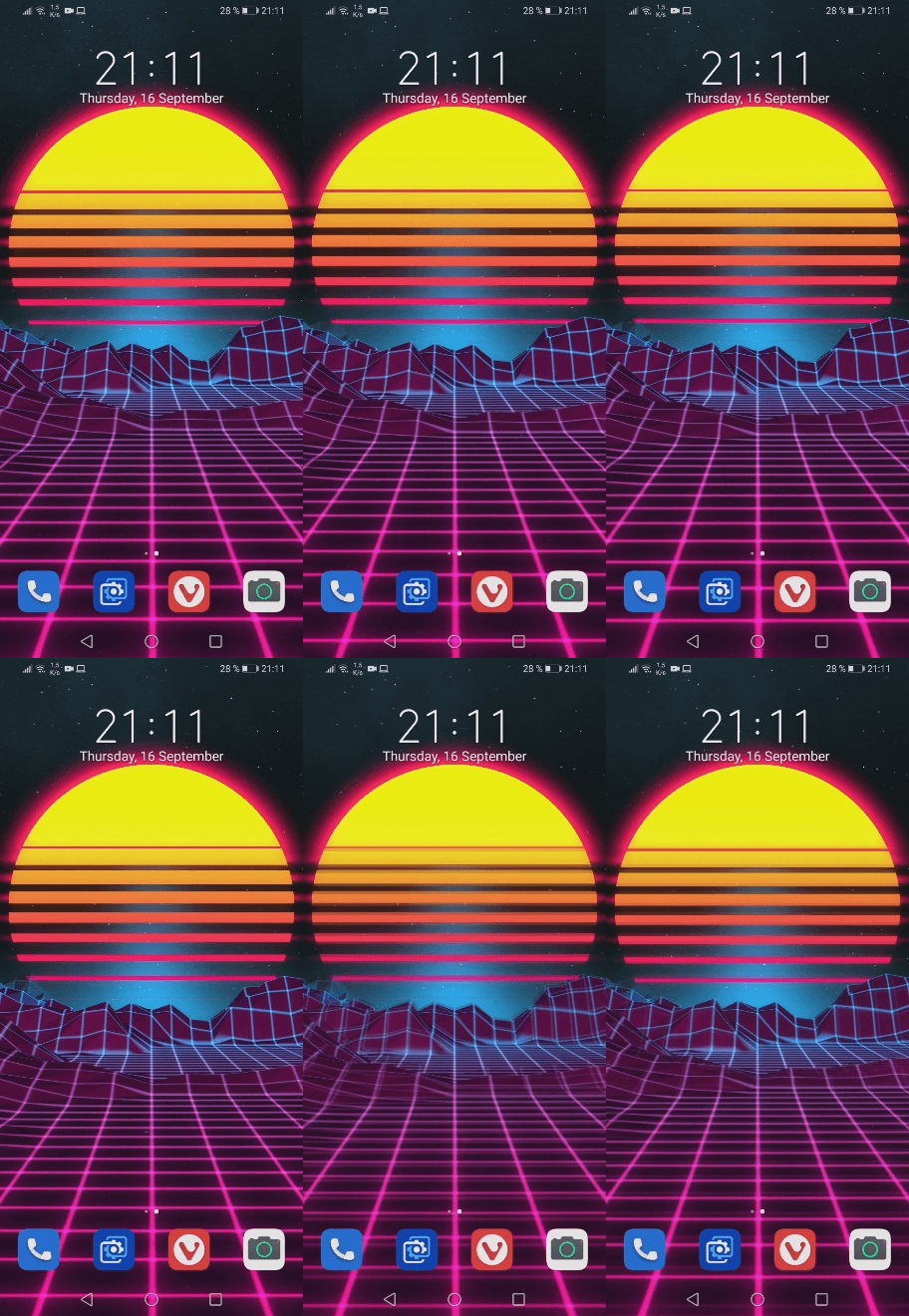
Wallpaper Engine 1.6.22 - Minor Improvements & Bug Fixes
Hello everyone, this is mainly a maintenance update which introduces a few minor improvements and mainly fixes a few issues that were reported to us after the previous Wallpaper Engine 1.6 release.
You can find the full changelog here:
Full changelog
Additions / Changes
• Added Dota / Counter-Strike Collection highlight
• Improved normal map generator.
Bug Fixes
• Added workaround for flickering wallpaper when native mouse input is disabled.
• Fixed playlist not skipping missing wallpapers.
• Fixed intro wallpaper playback not being reliable when the timer is too short.
• Improved playlist state persistence.
• Improved puppet warp sheet generation speed.
Support Notes
If you have any questions or issues with the update, please have a look at our help site as it covers the most common issues with Wallpaper Engine:
help.wallpaperengine.io
You can find the full changelog here:
Full changelog
Additions / Changes
• Added Dota / Counter-Strike Collection highlight
• Improved normal map generator.
Bug Fixes
• Added workaround for flickering wallpaper when native mouse input is disabled.
• Fixed playlist not skipping missing wallpapers.
• Fixed intro wallpaper playback not being reliable when the timer is too short.
• Improved playlist state persistence.
• Improved puppet warp sheet generation speed.
Support Notes
If you have any questions or issues with the update, please have a look at our help site as it covers the most common issues with Wallpaper Engine:
help.wallpaperengine.io
I'm removing Shrek as my desktop wallpaper after 81 days
Back on March 30th, I wrote about the entirety of Shrek being available to download via Steam for Wallpaper Engine. It was removed within twelve hours and I feel no remorse. But while moderators can remove files from the Steam Workshop, they can't remove them from your PC, and I've kept Shrek as my desktop wallpaper for nearly three months.
Today, I'm removing it. Here is what I've learned.
Read more
Today, I'm removing it. Here is what I've learned.
Read more
讨论板块
游戏服务器
暂无服务器